

WhatsApp Chat Button screenshots
Real screenshots from our CS-Cart and Multi-Vendor test stores with the add-on installed and the English interface.
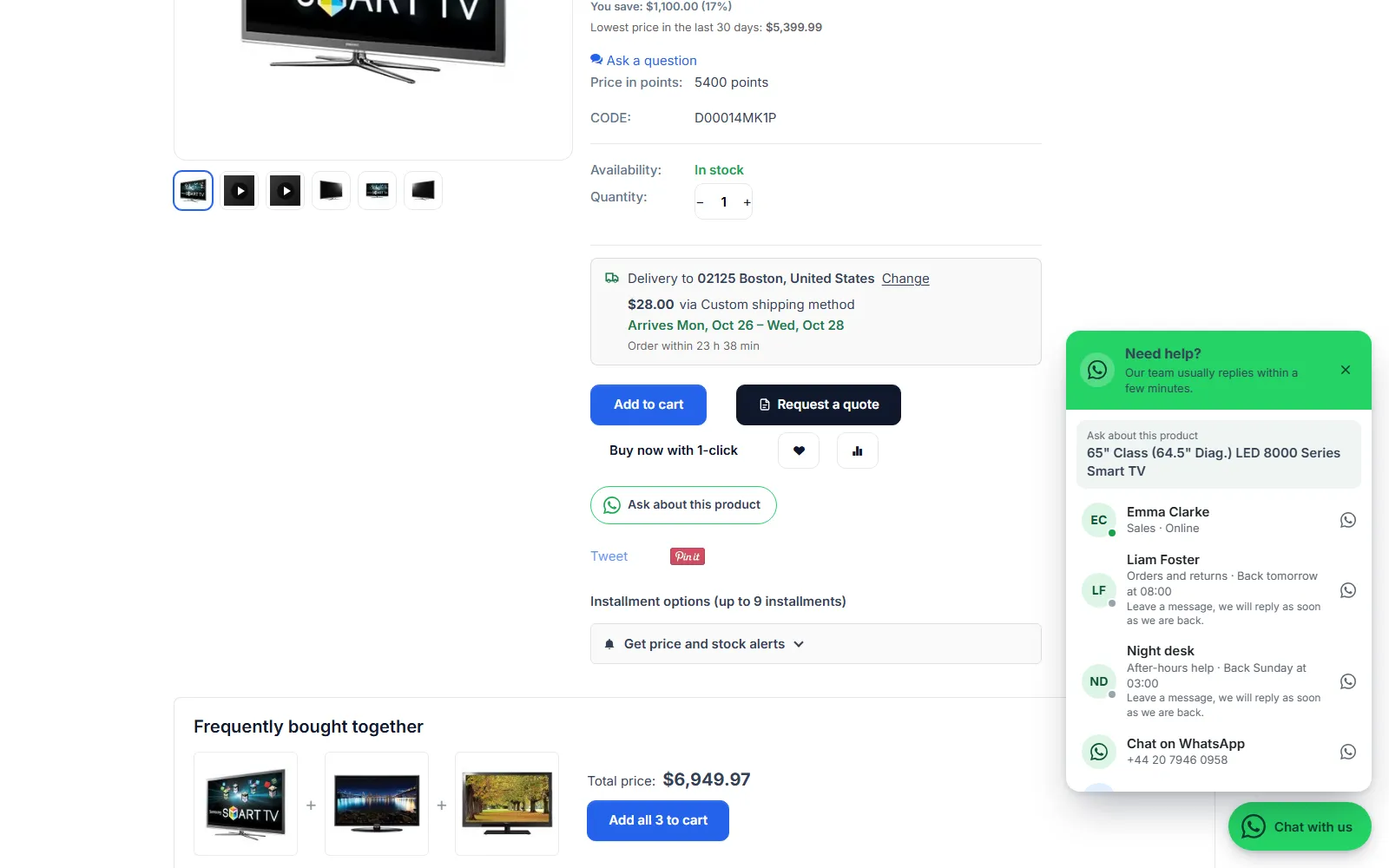
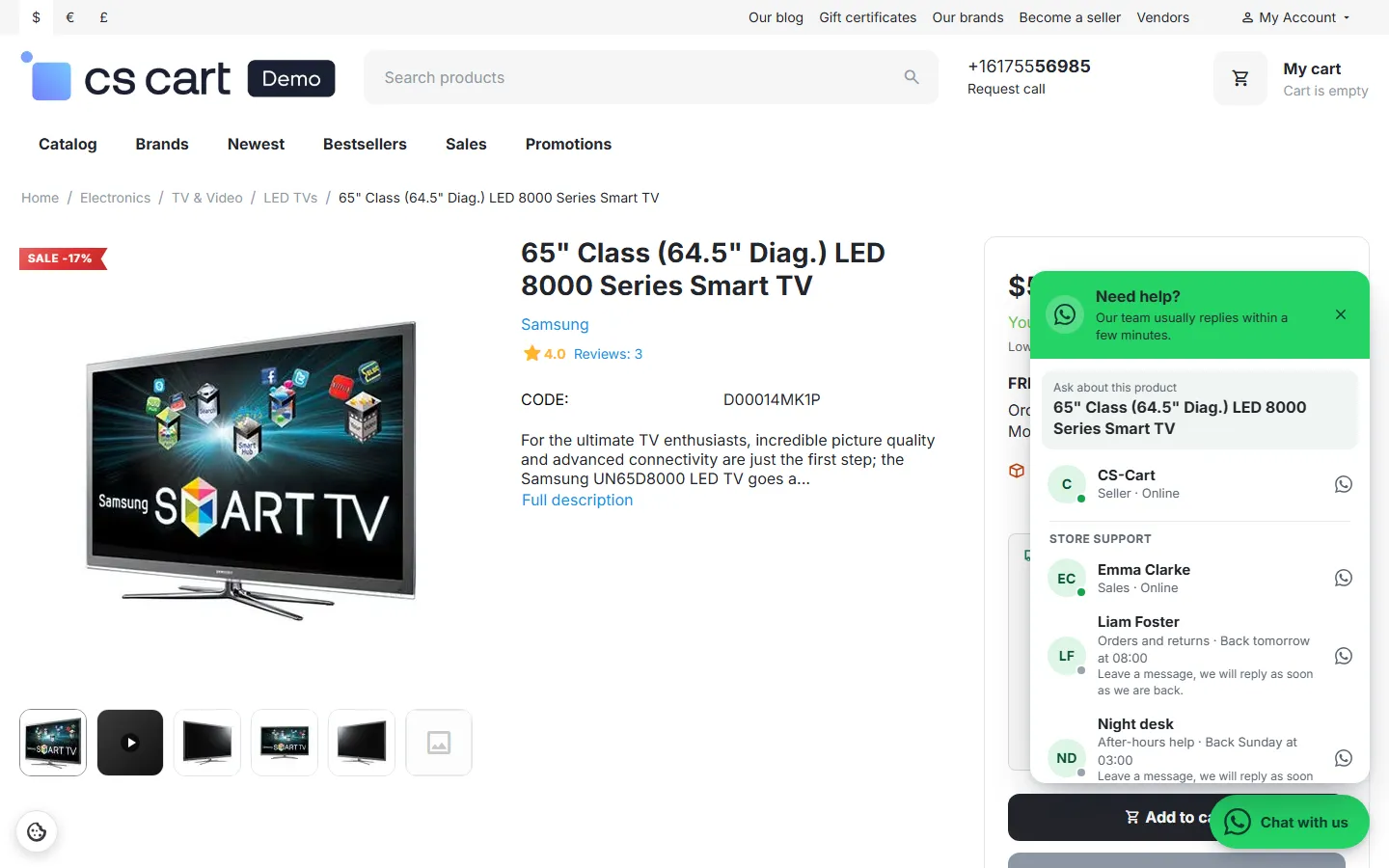
Product page with “Ask about this product” and the chat panel: product name on top, agents with online state and working hours.
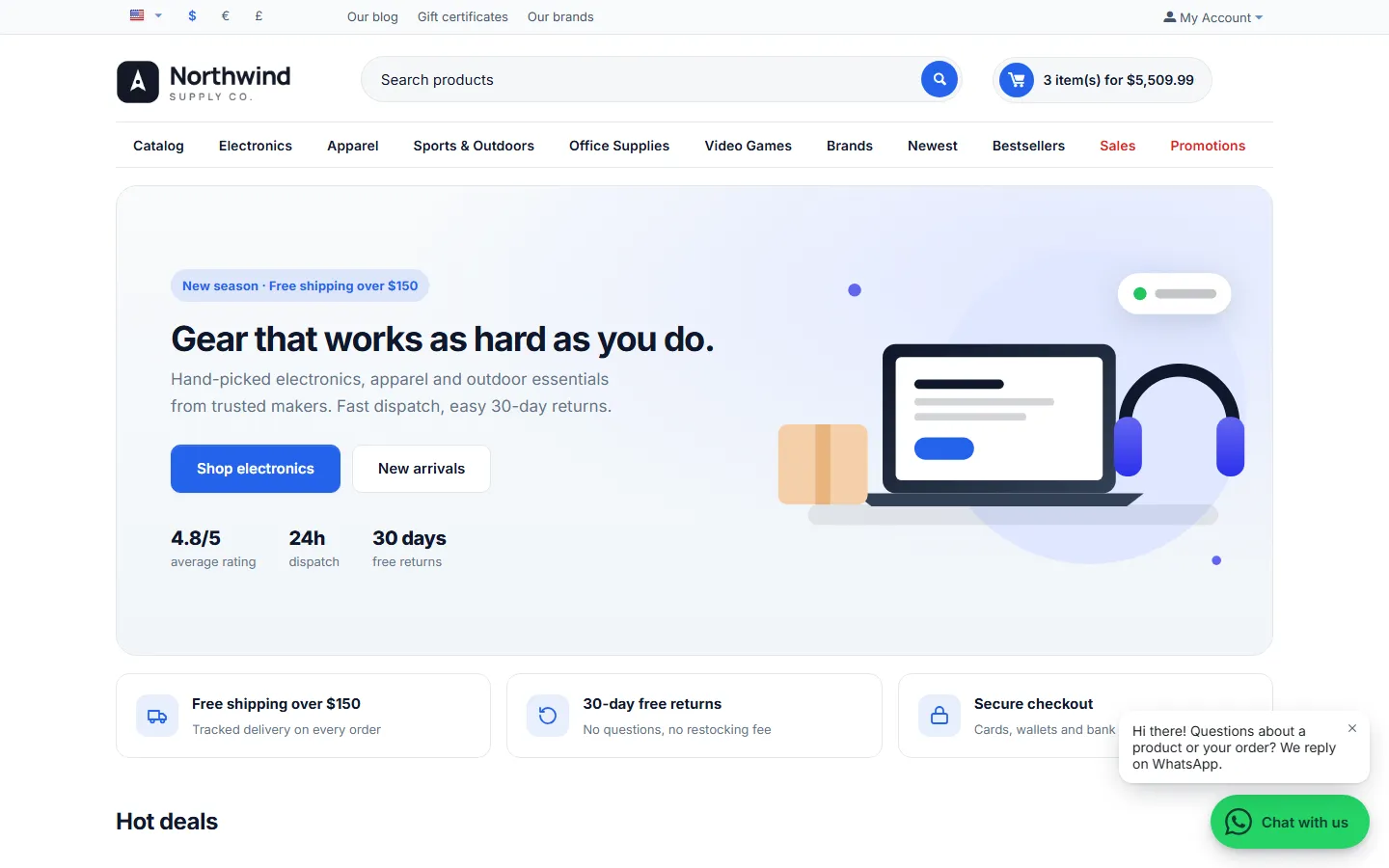
The floating “Chat with us” button with the greeting bubble.
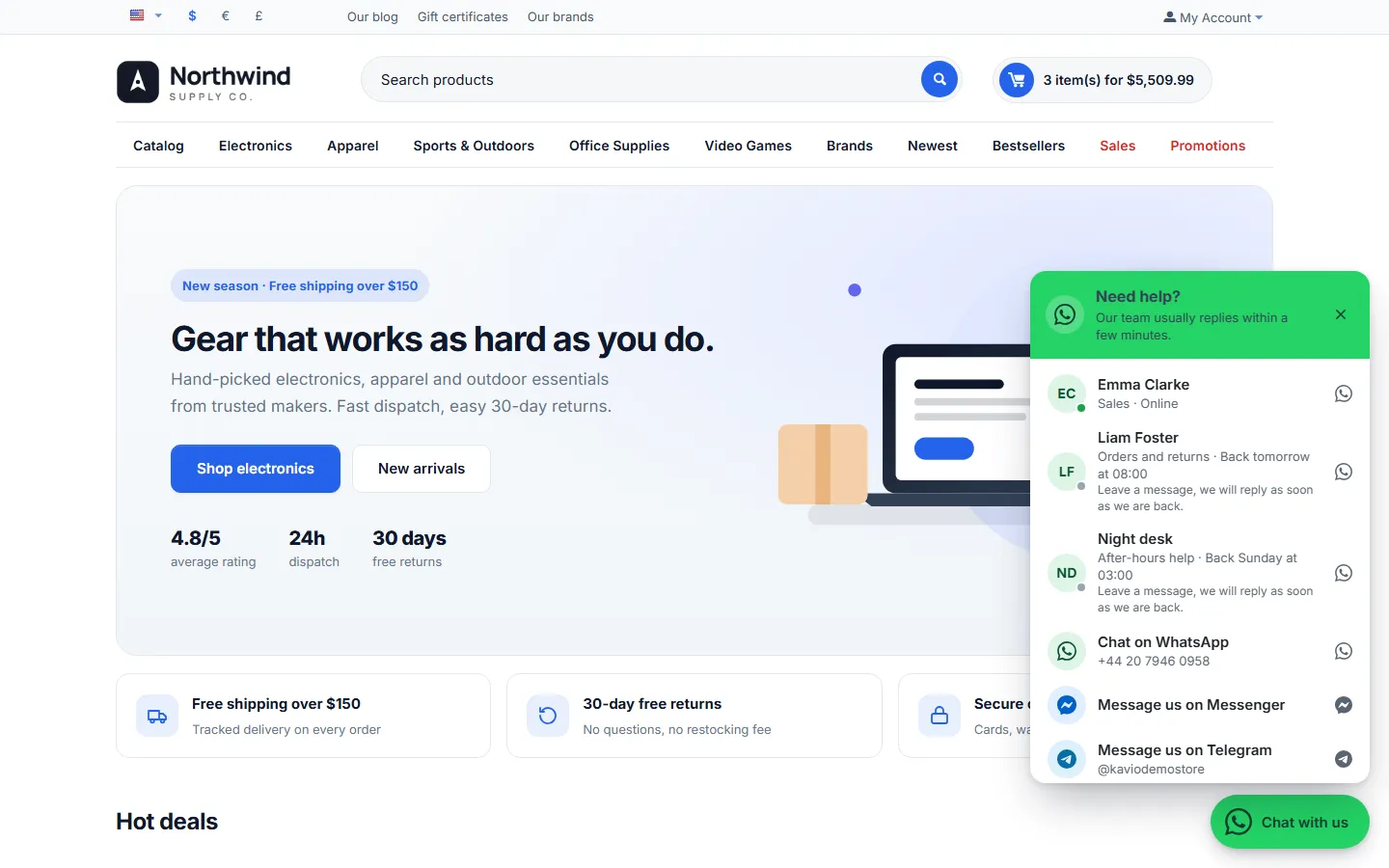
Chat panel: agents with initials, role, Online / Back tomorrow at 08:00, then WhatsApp, Messenger and Telegram.
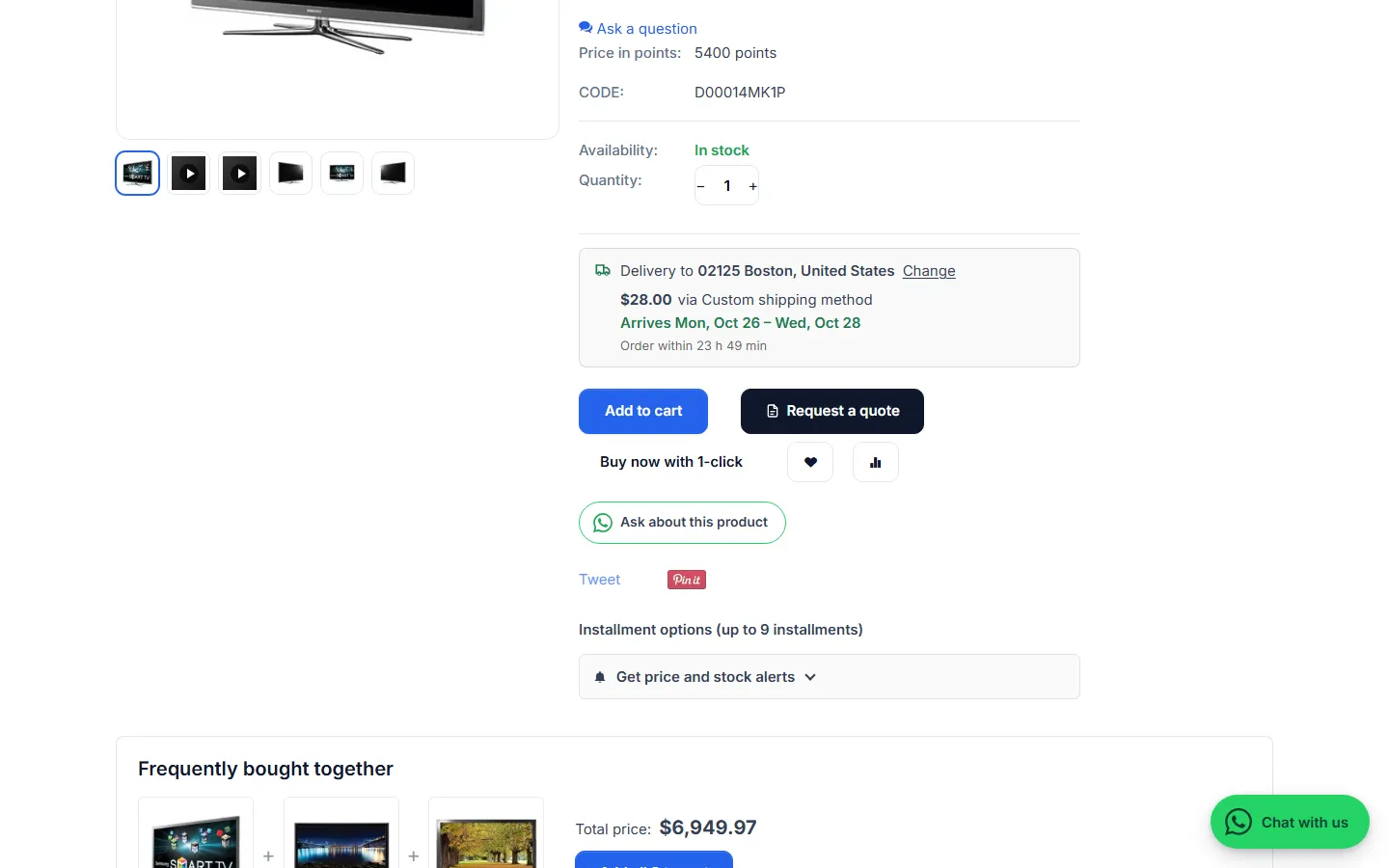
“Ask about this product” below the add-to-cart buttons.
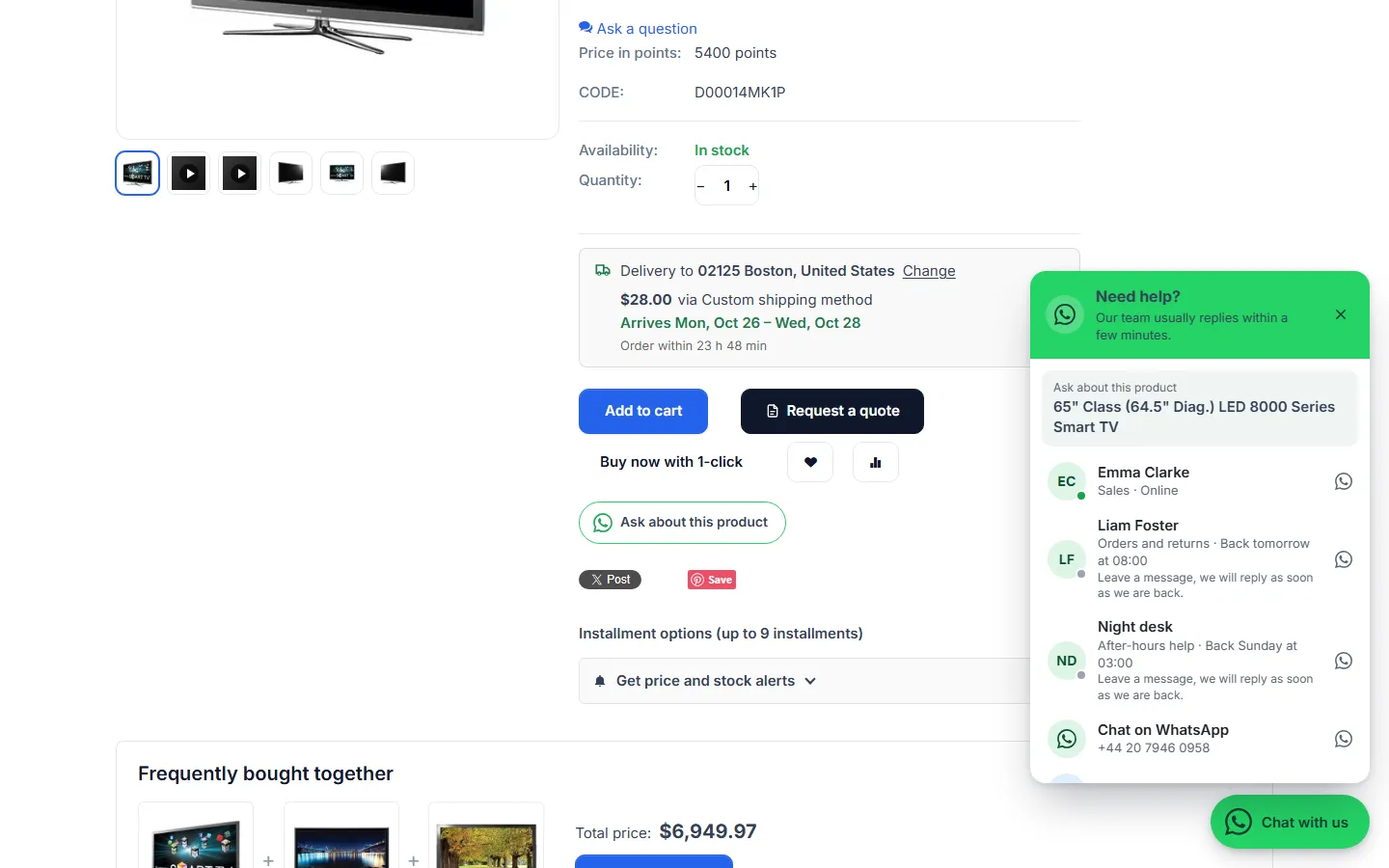
The panel opened from the product page, with the product name.
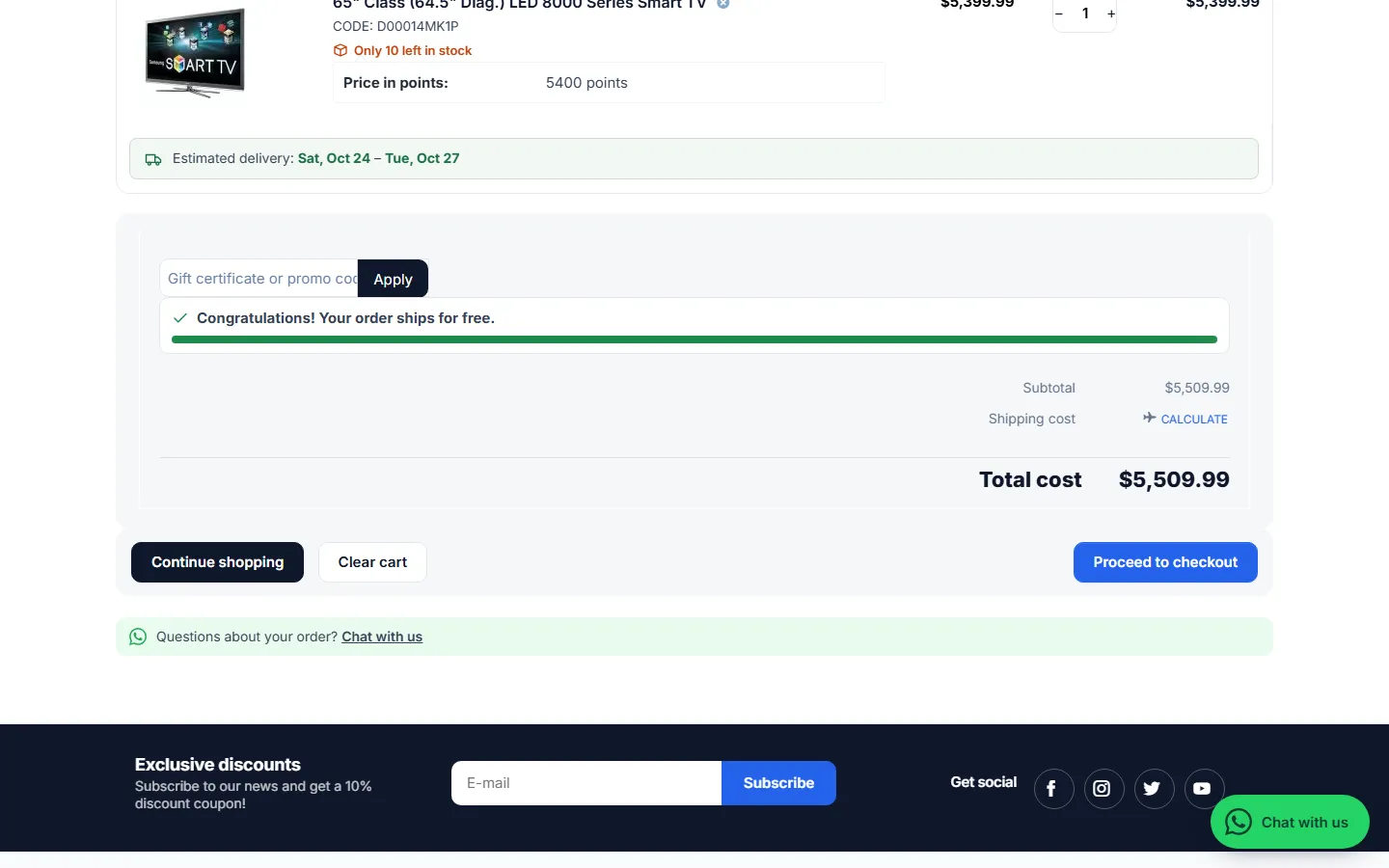
Cart page: “Questions about your order? Chat with us”.
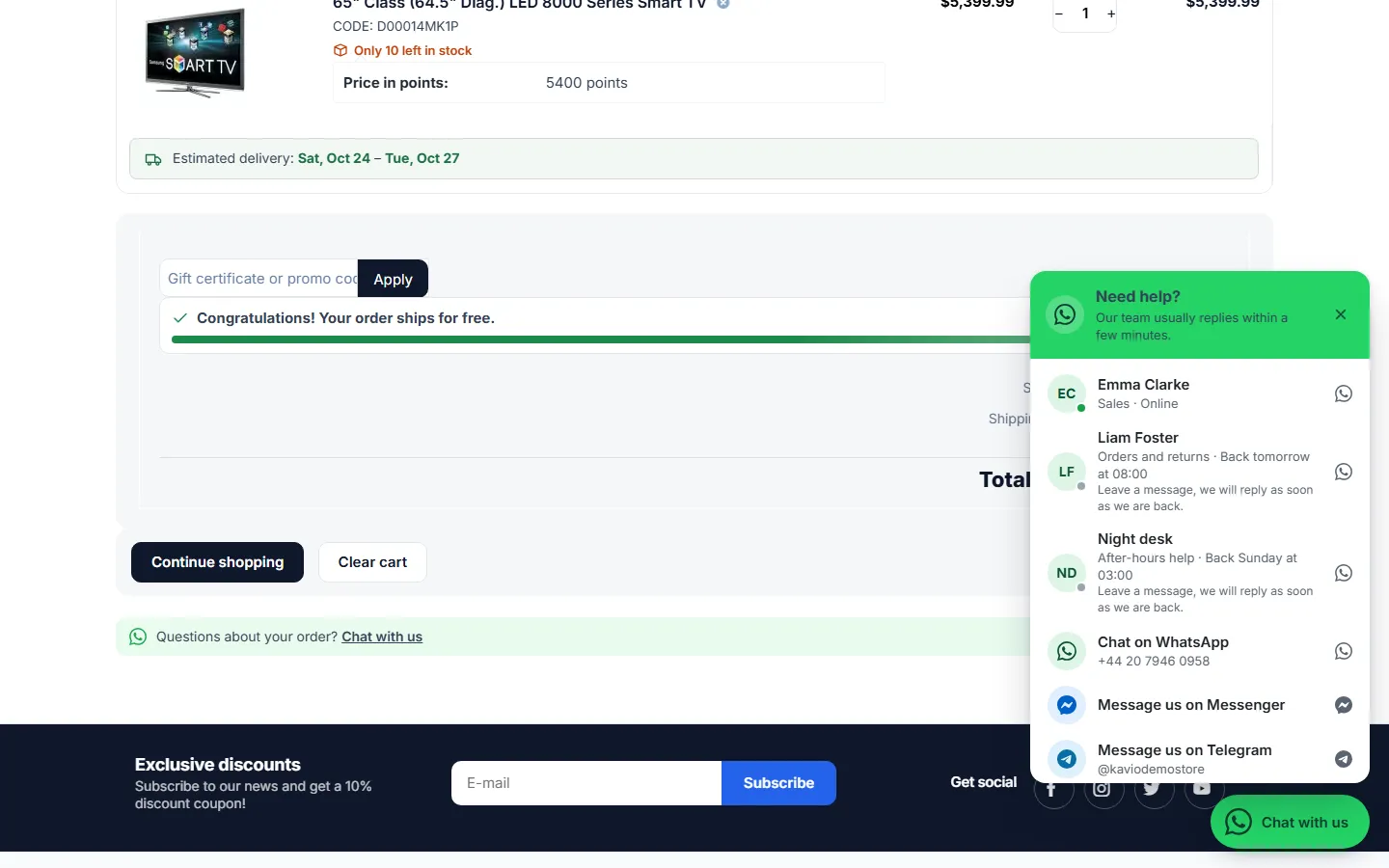
The panel opened from the cart (message with the cart lines and total).
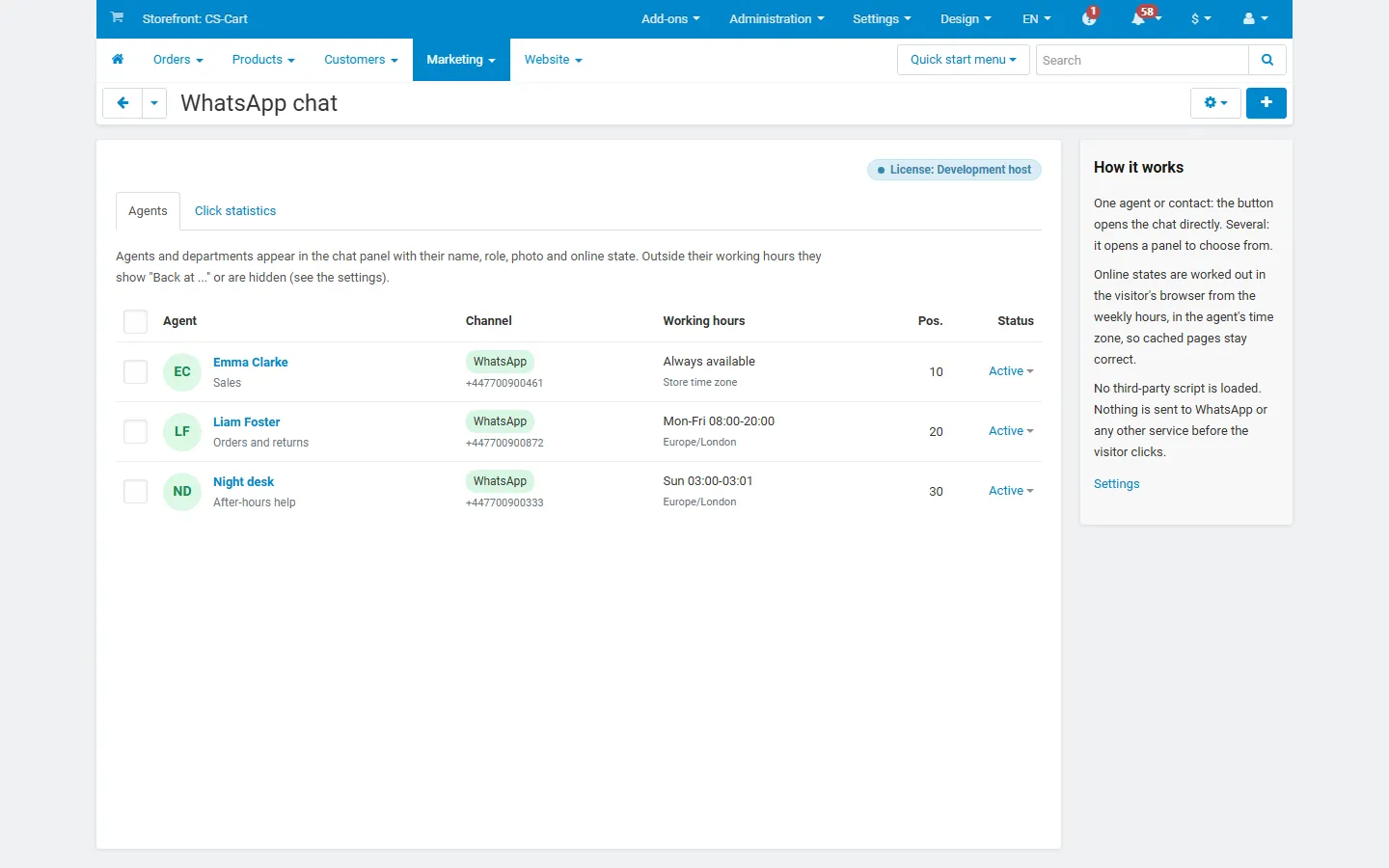
Marketing > WhatsApp chat: agents with channel, working hours, time zone, position and status.
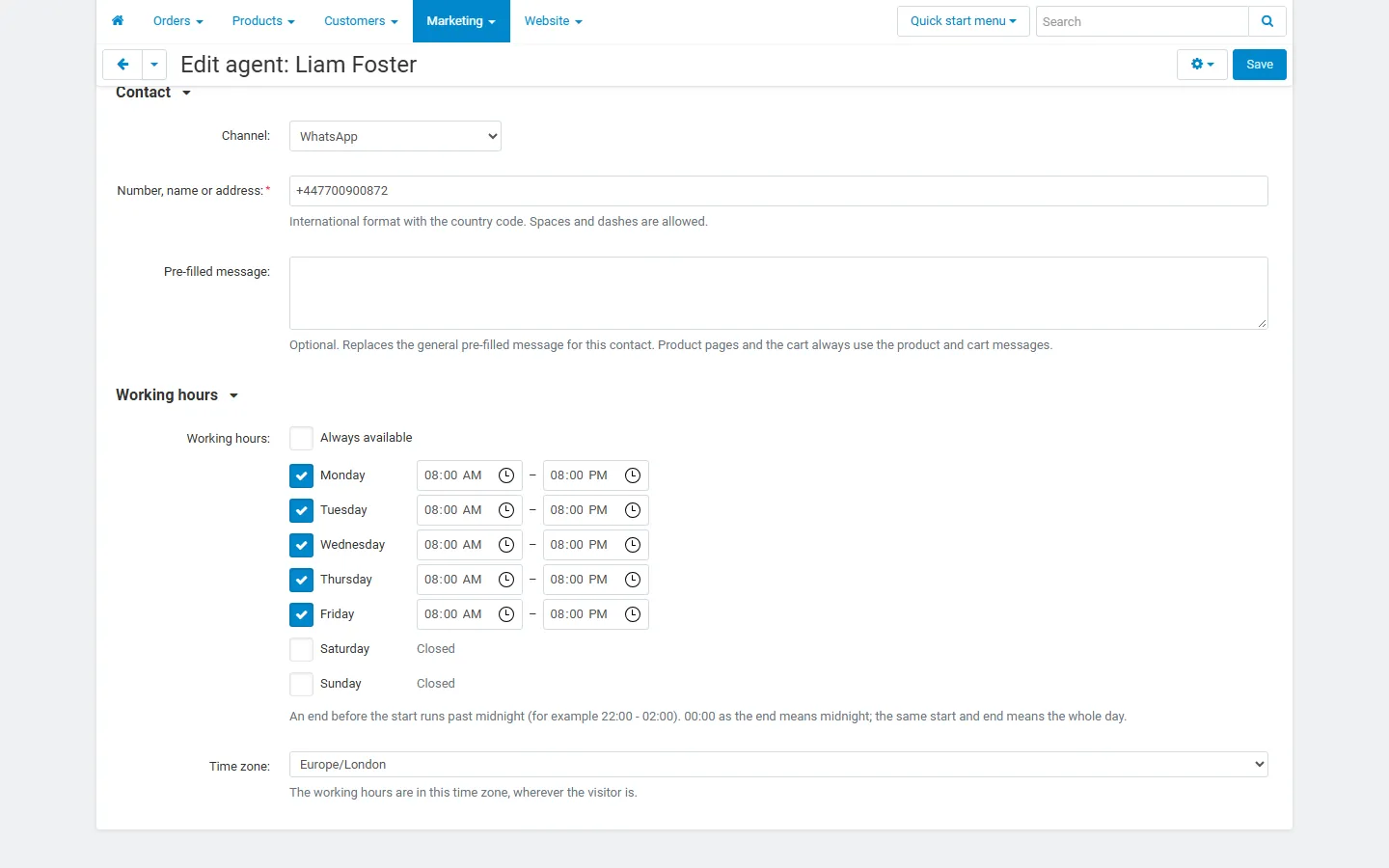
Editing an agent: channel, contact, pre-filled message, weekly working hours and time zone.
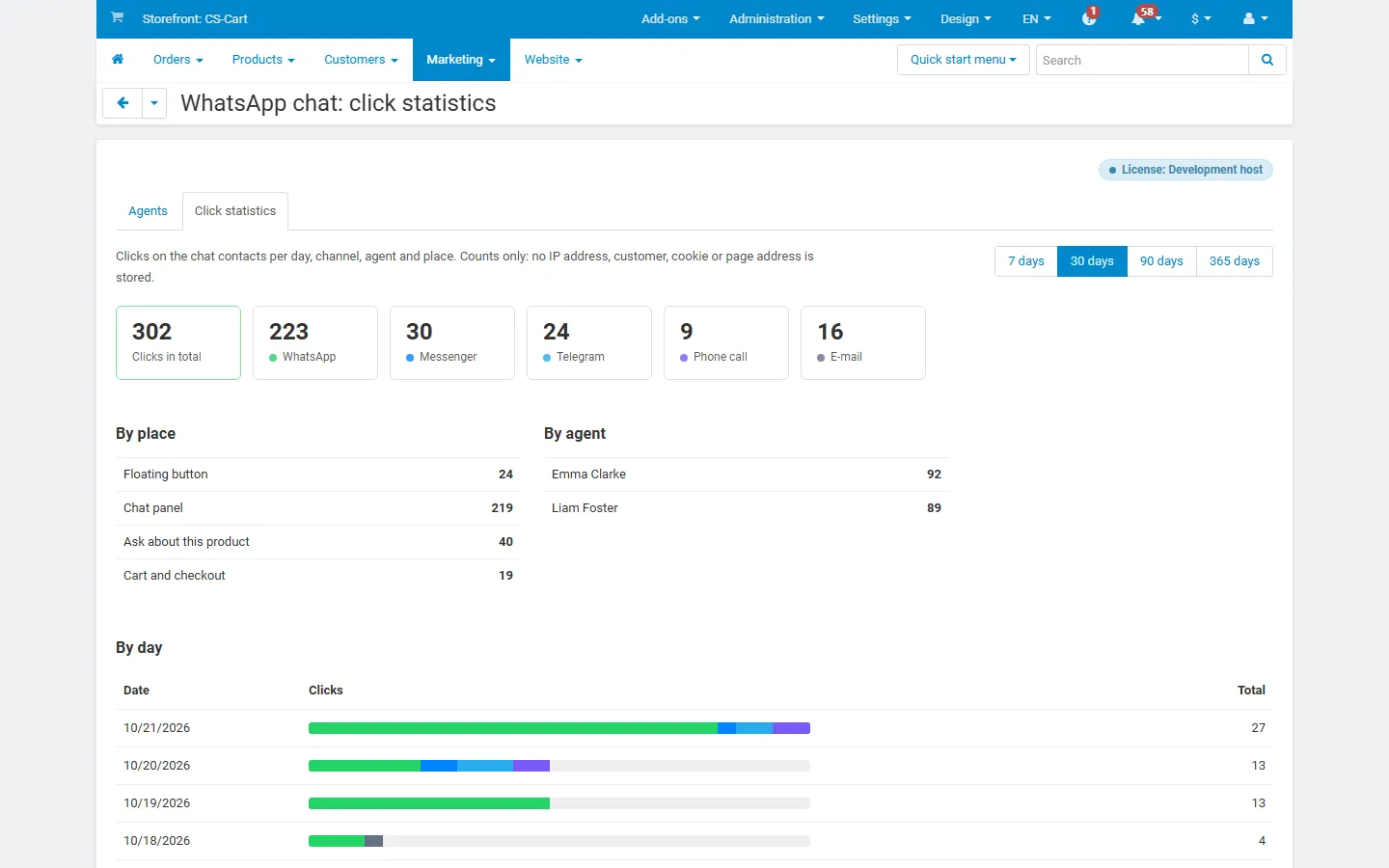
Click statistics: totals per channel, per place and per agent, bars per day.
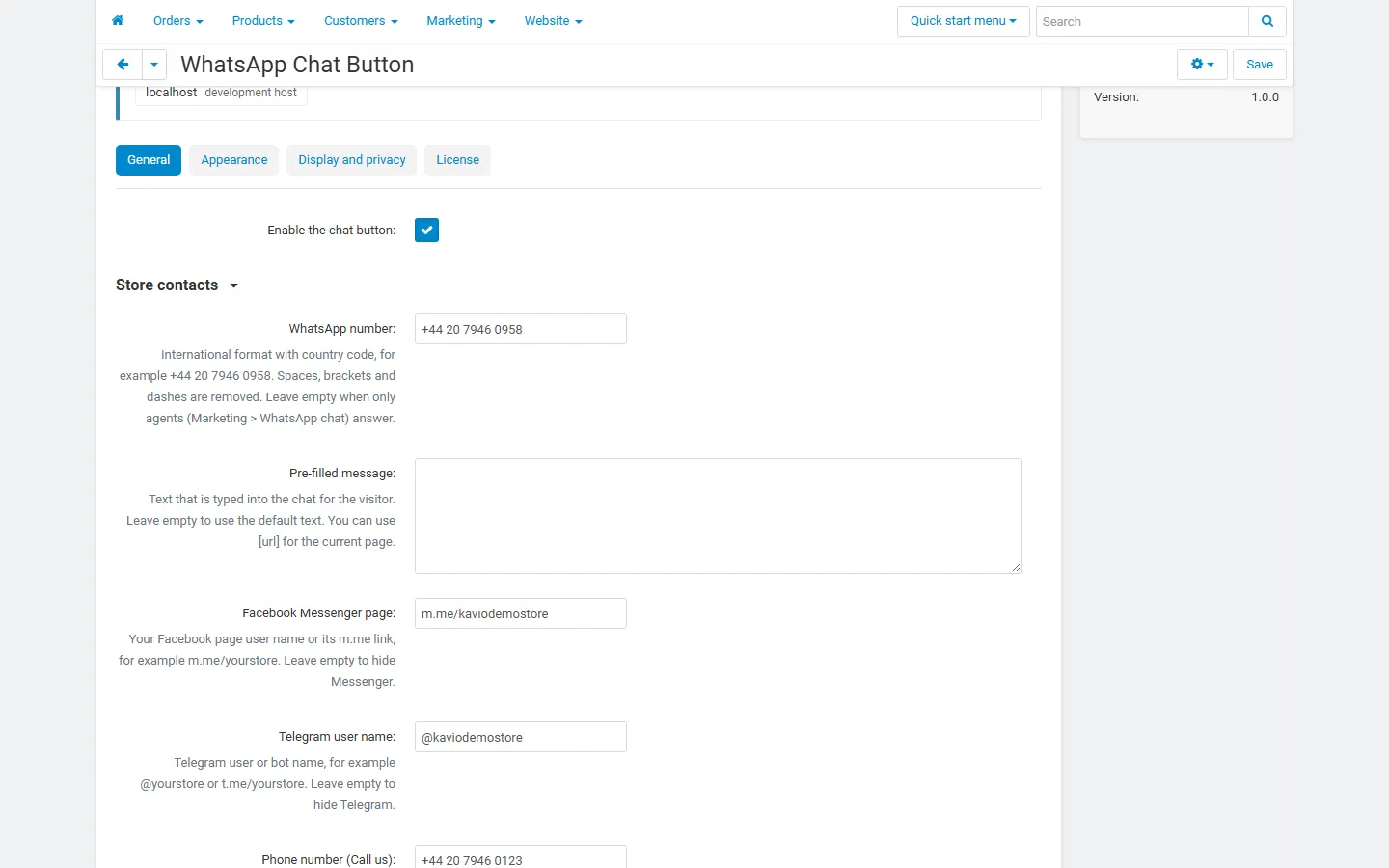
Settings, General: store contacts (WhatsApp, Messenger, Telegram, phone).
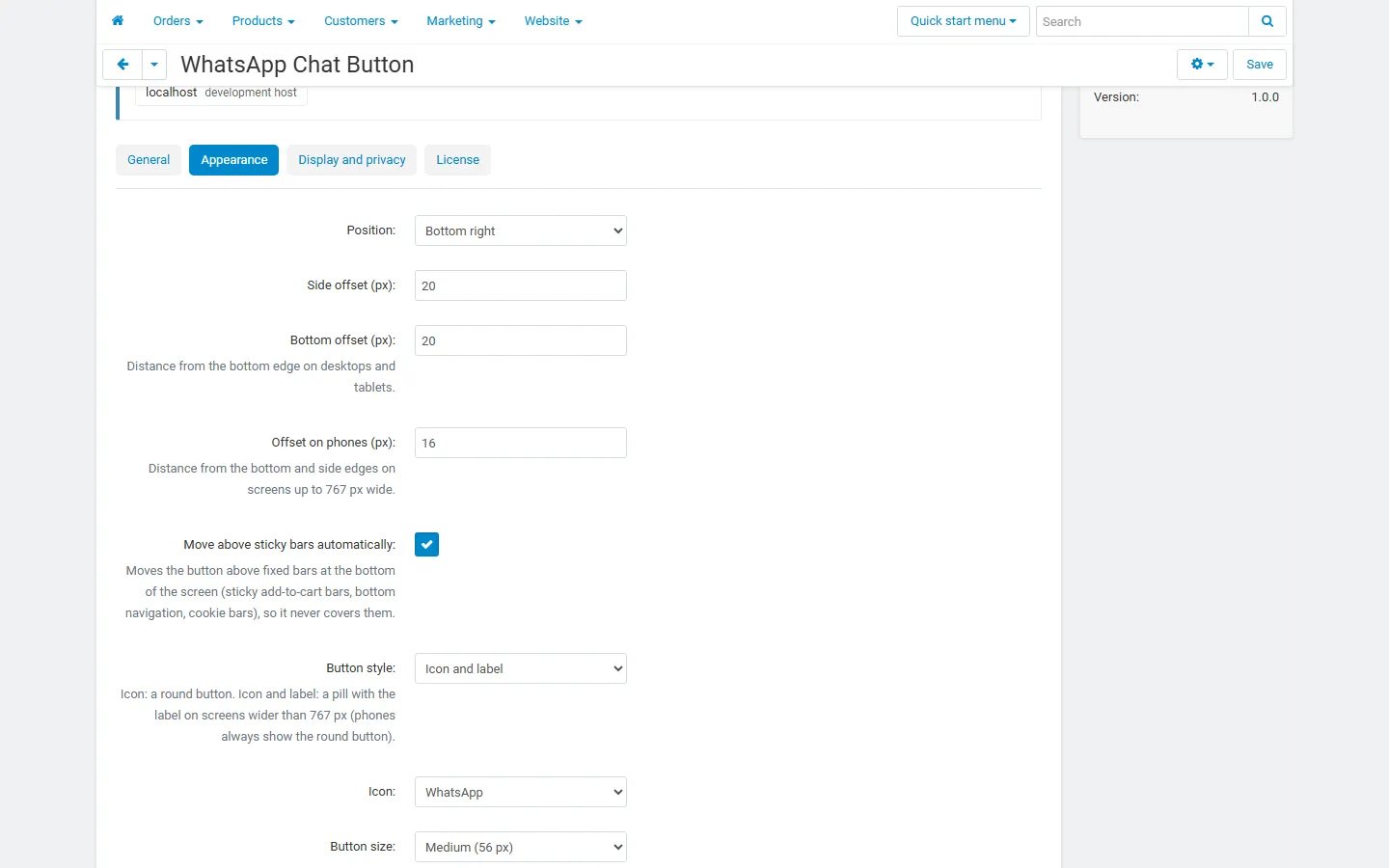
Settings, Appearance: position, offsets, automatic move above sticky bars.
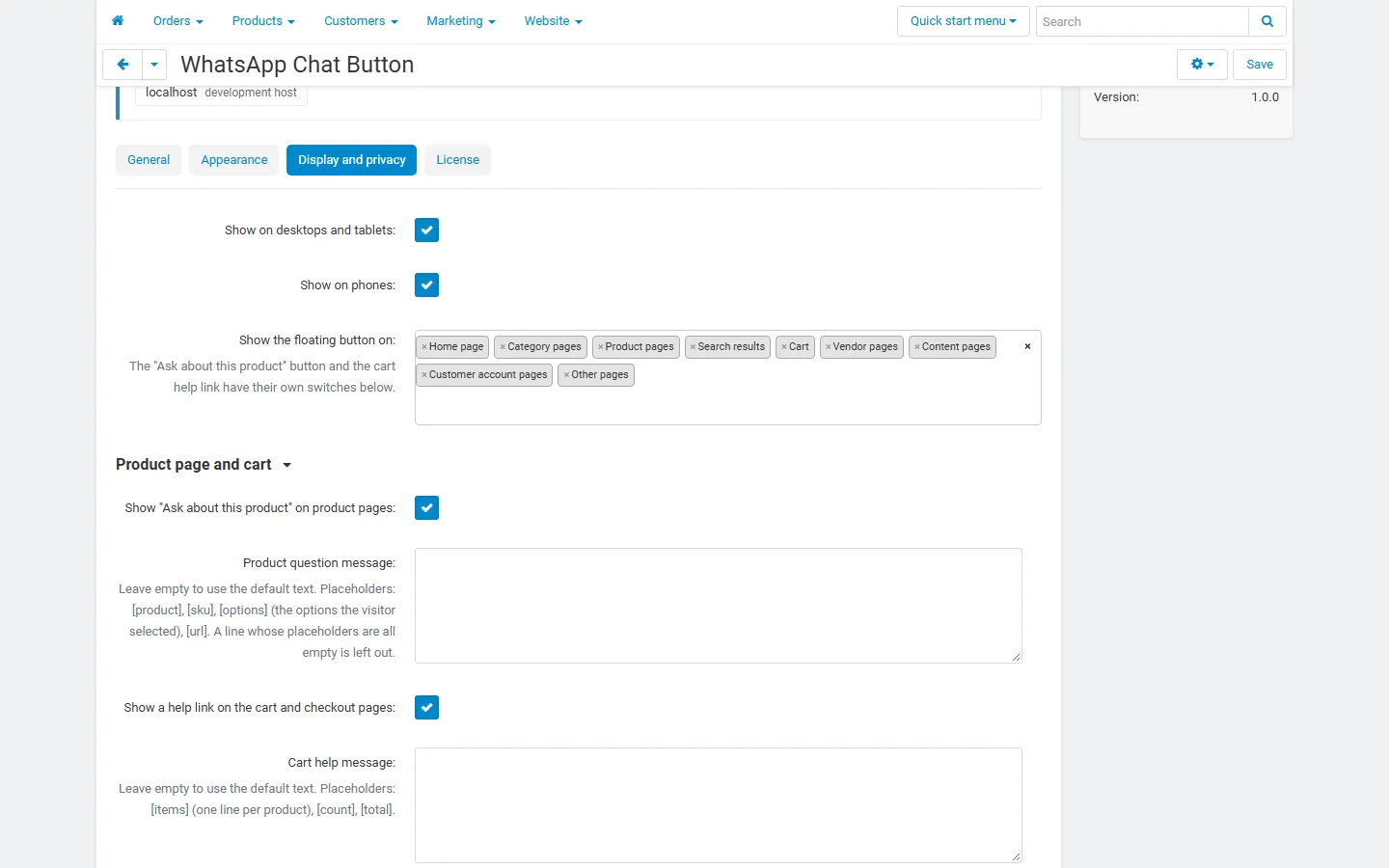
Settings, Display and privacy: devices, pages, Ask about this product and cart help link.
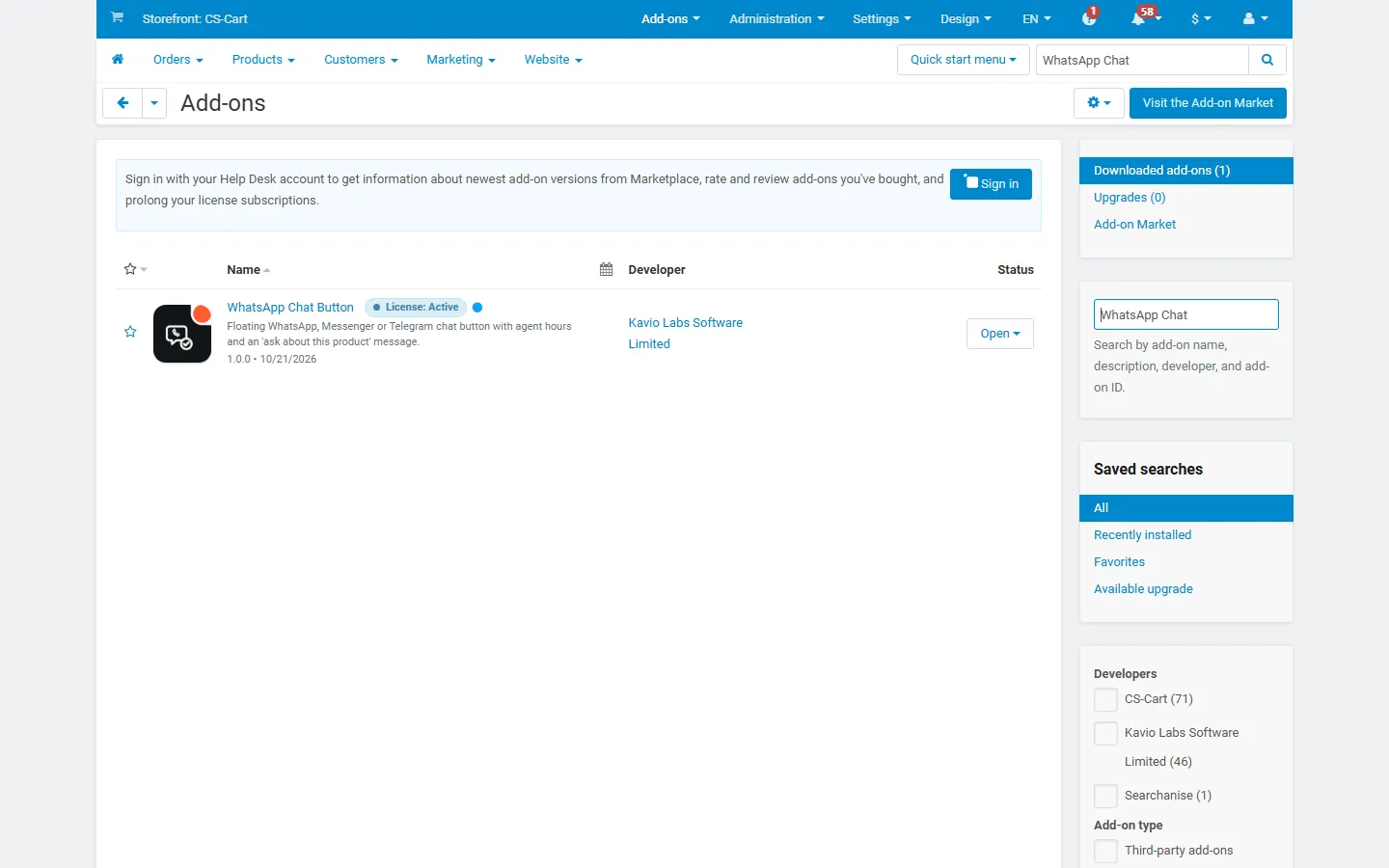
Add-ons list with the licence badge.
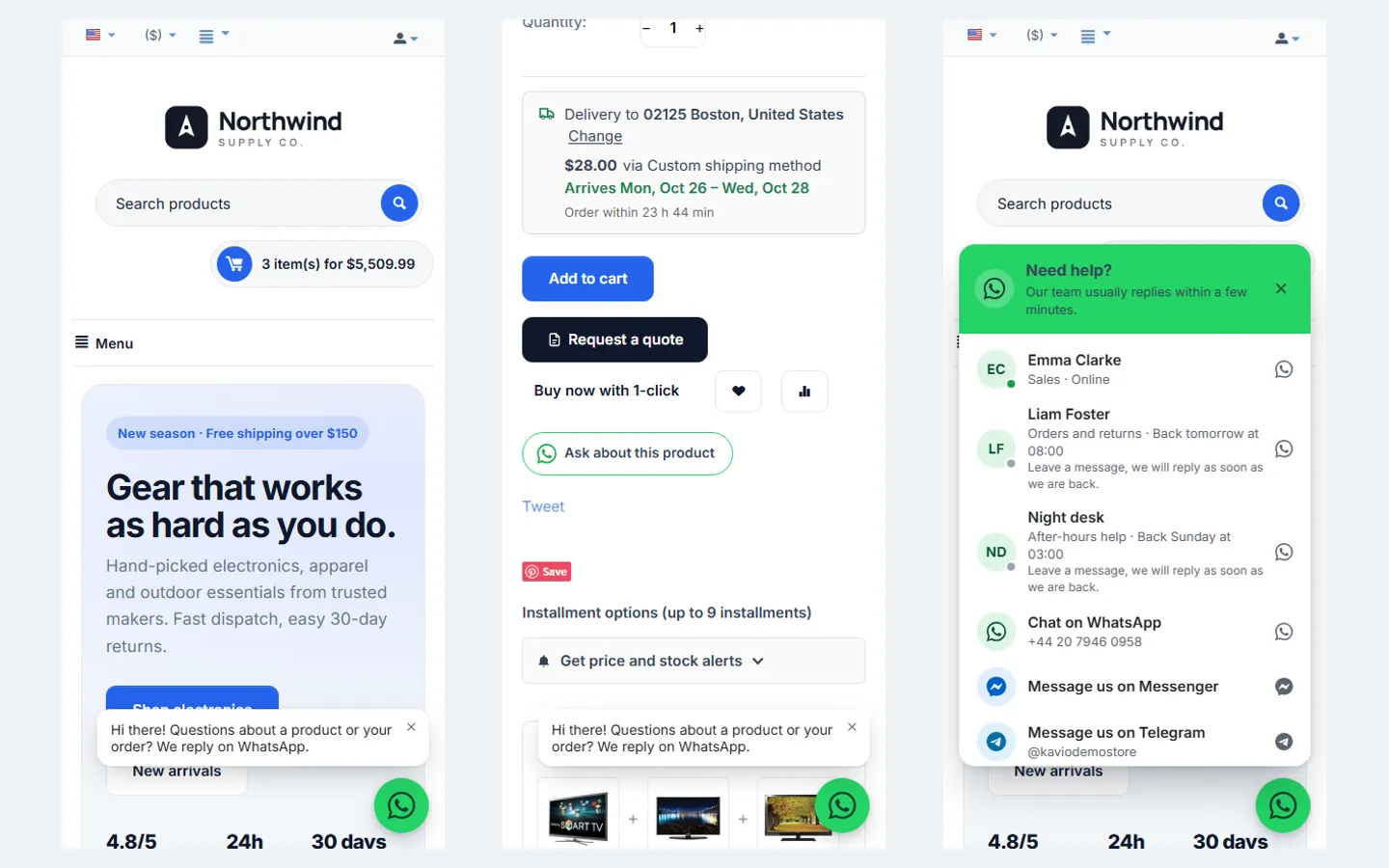
Phone (390 px): greeting, Ask about this product, chat panel.
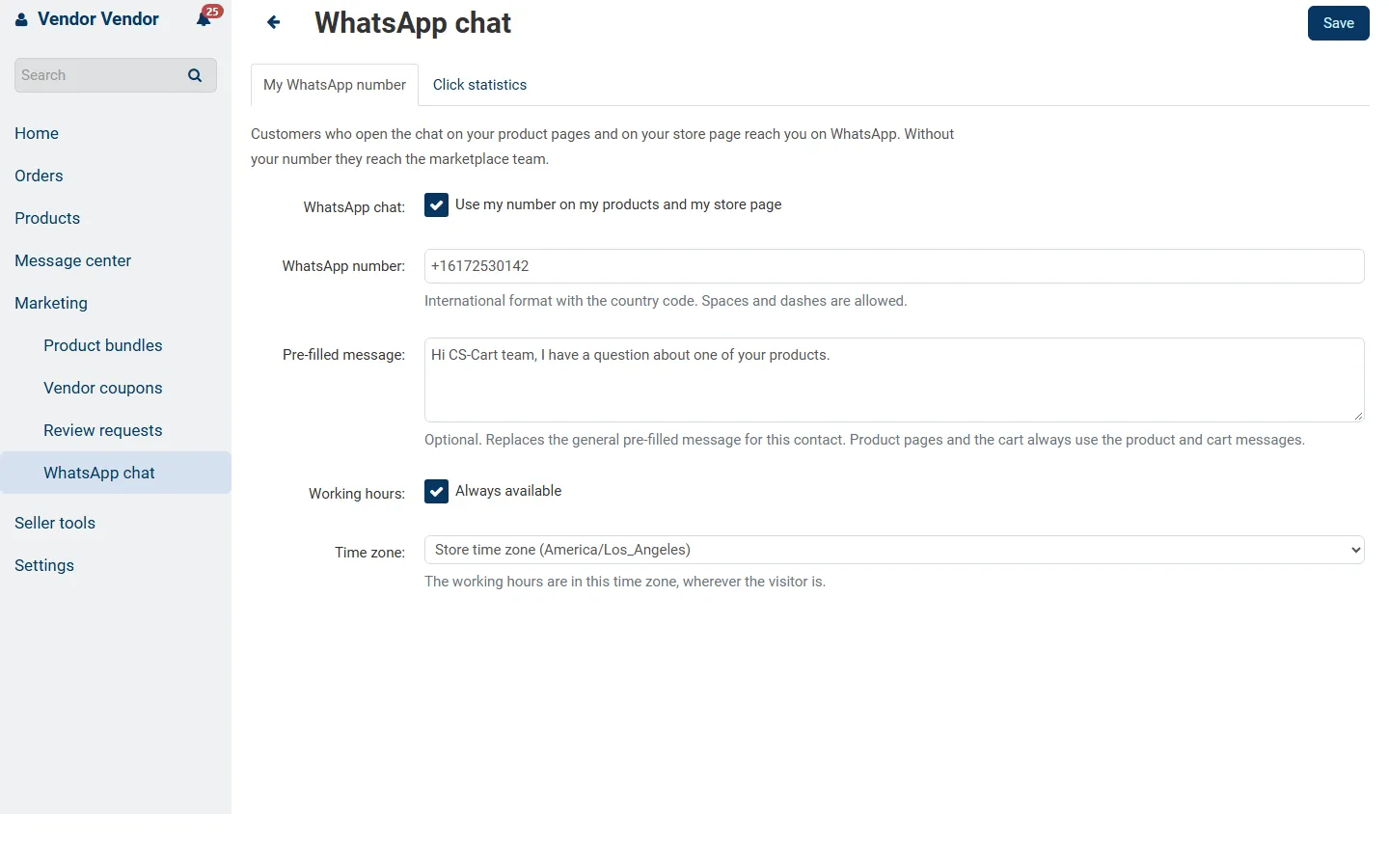
Multi-Vendor vendor panel: the vendor’s own WhatsApp number, message and hours.
Multi-Vendor 4.21 (Nova): on a vendor’s product the vendor is first, store support below.