

Vendor KYC & Verification screenshots
Real screenshots from our CS-Cart and Multi-Vendor test stores with the add-on installed and the English interface.
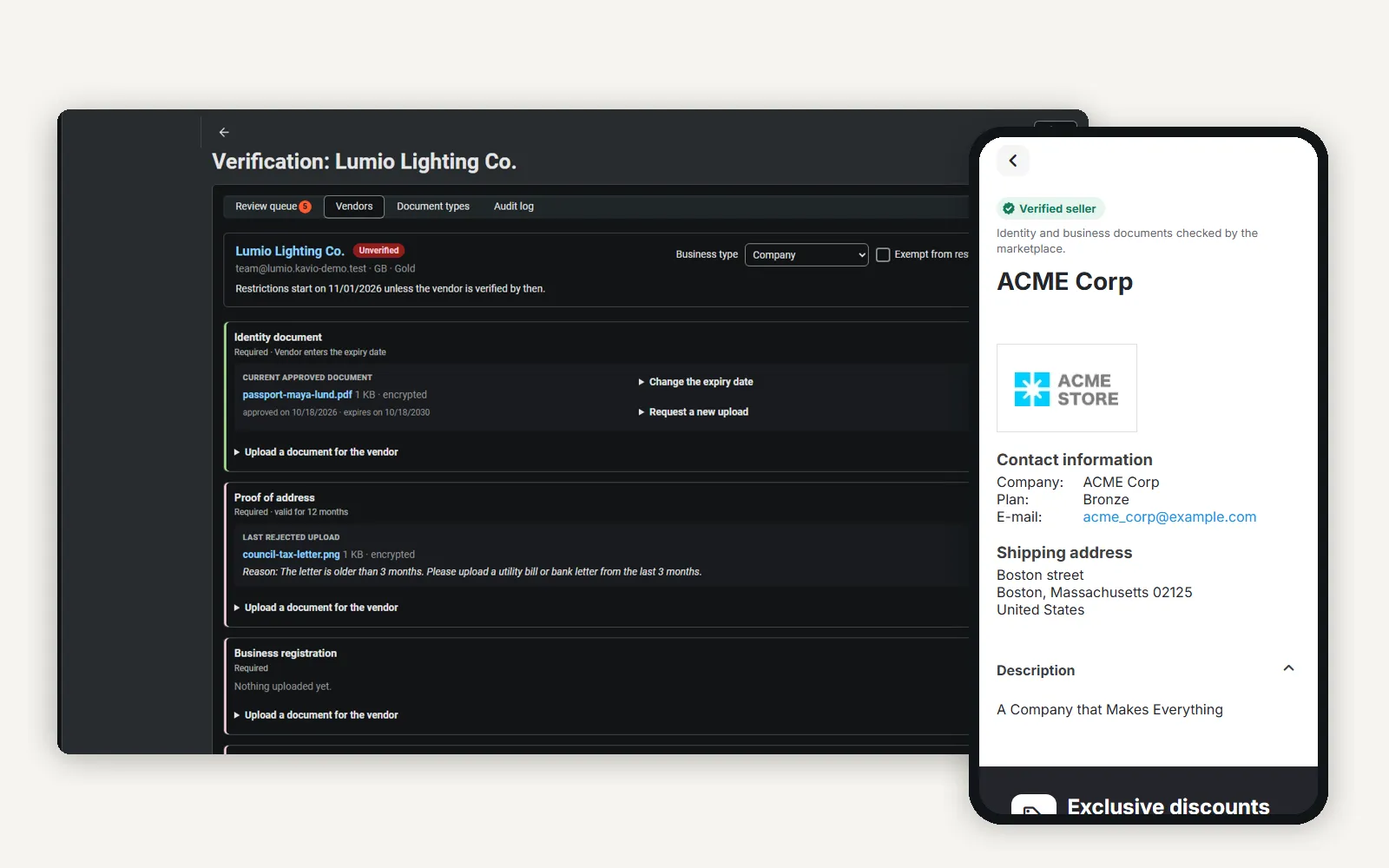
Admin review page of a vendor next to the storefront vendor page with the Verified seller badge on a phone.
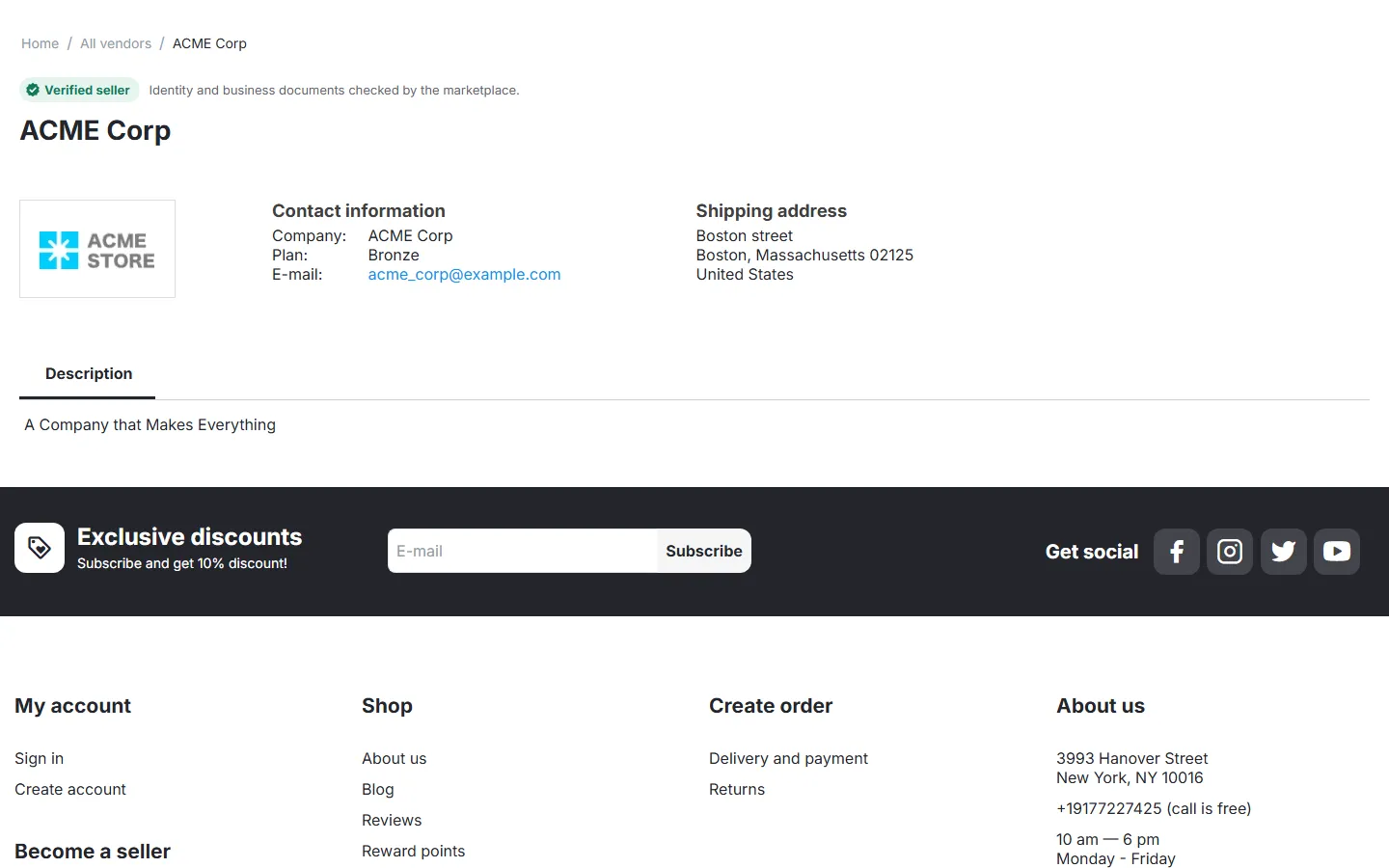
Storefront vendor page with the Verified seller strip.

Product page: Verified seller badge next to the vendor name.
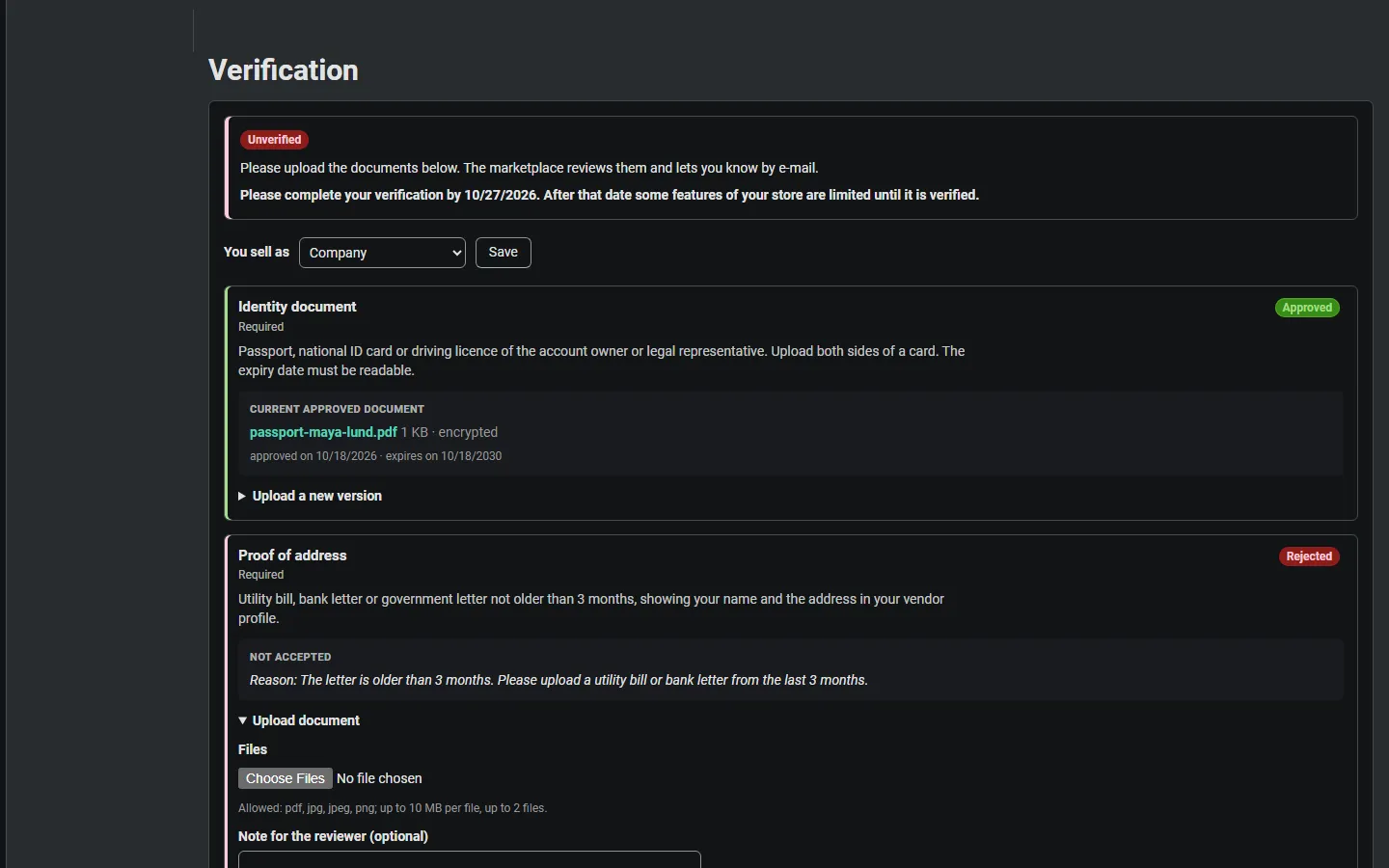
Vendor panel > Verification: level, grace date, business type, status per document, rejection reason, upload forms.
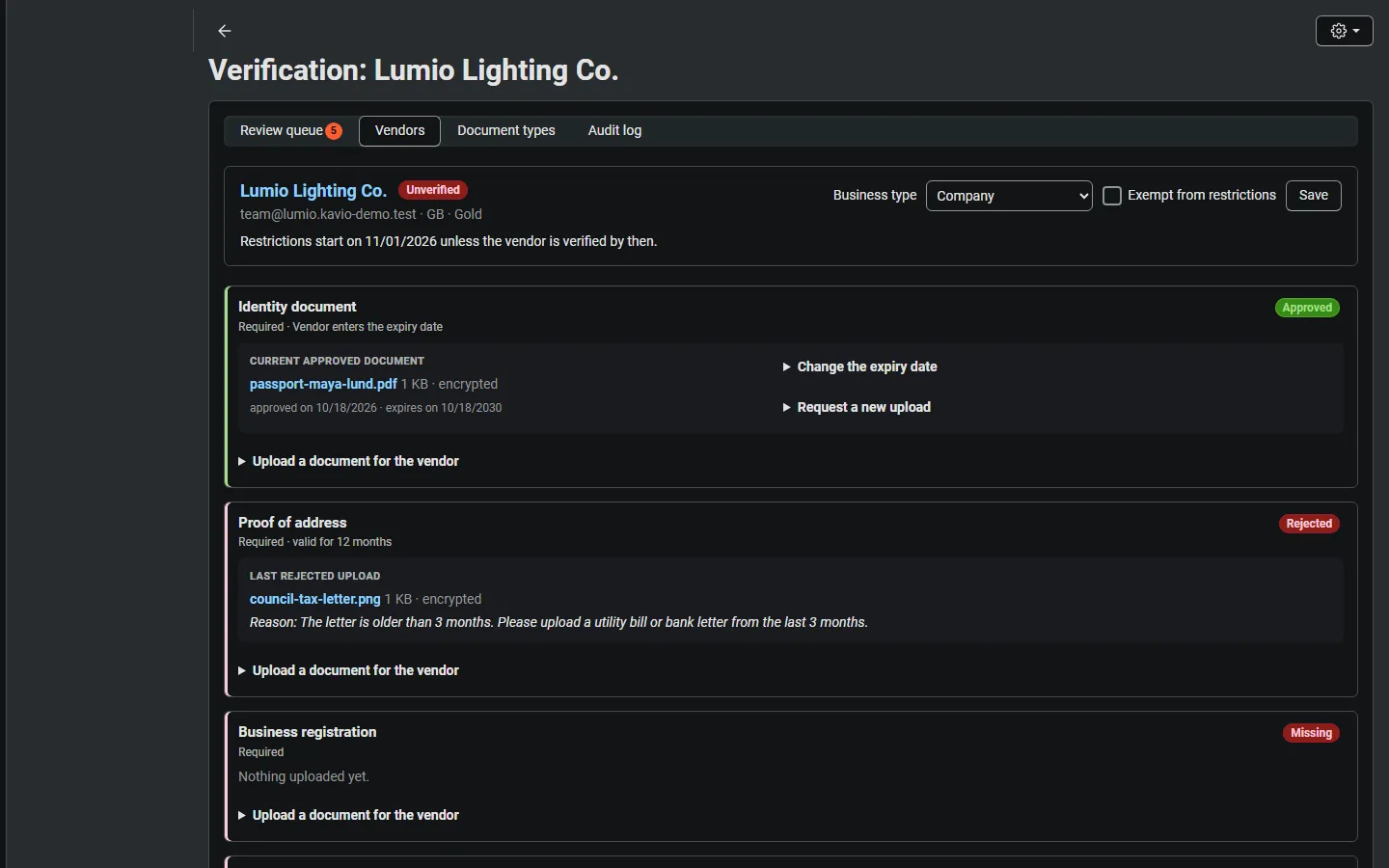
Vendors > Vendor verification > vendor review page: approved, rejected, missing and in-review documents with approve/reject.
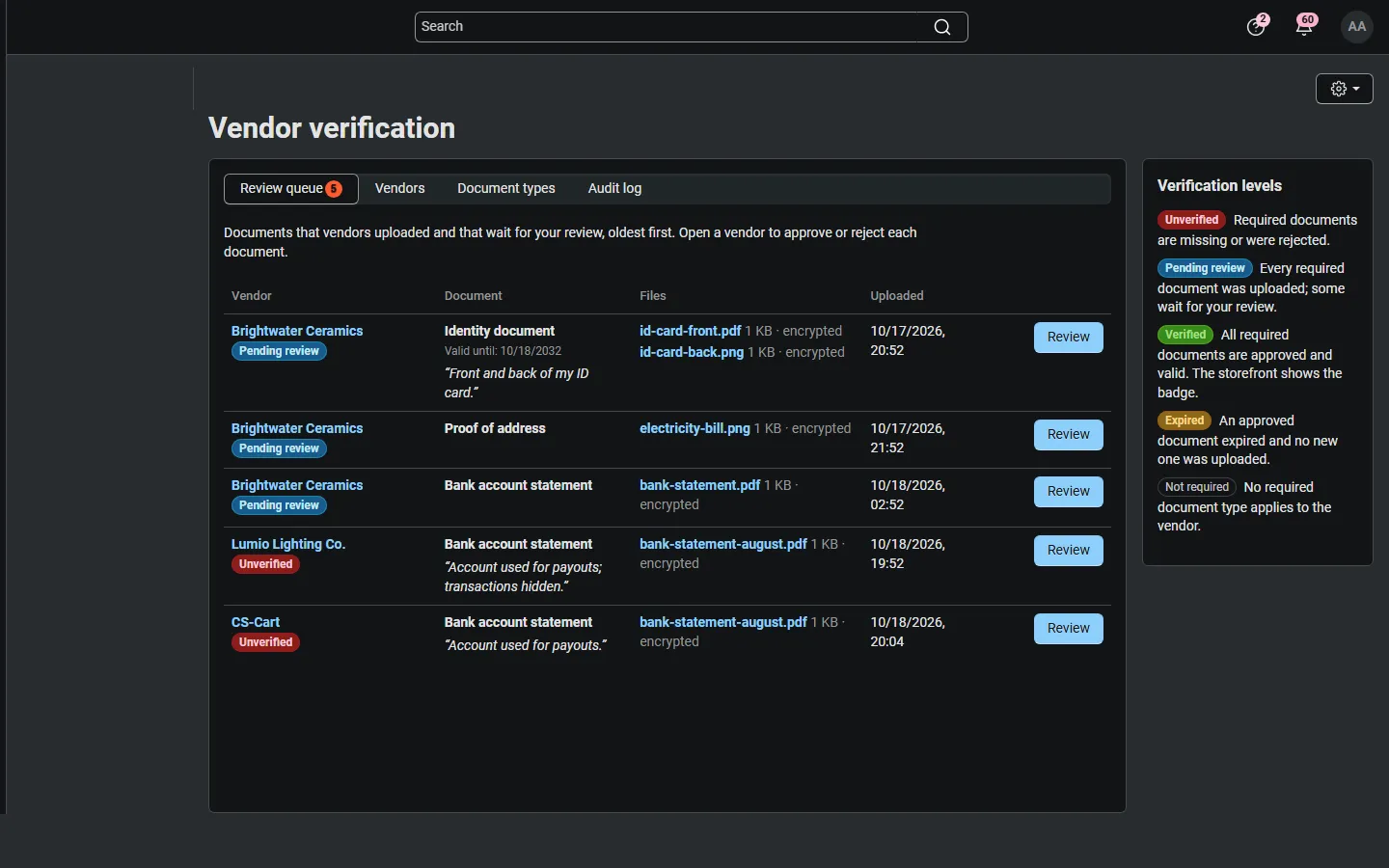
Review queue: uploads waiting for review, oldest first, with the level legend.
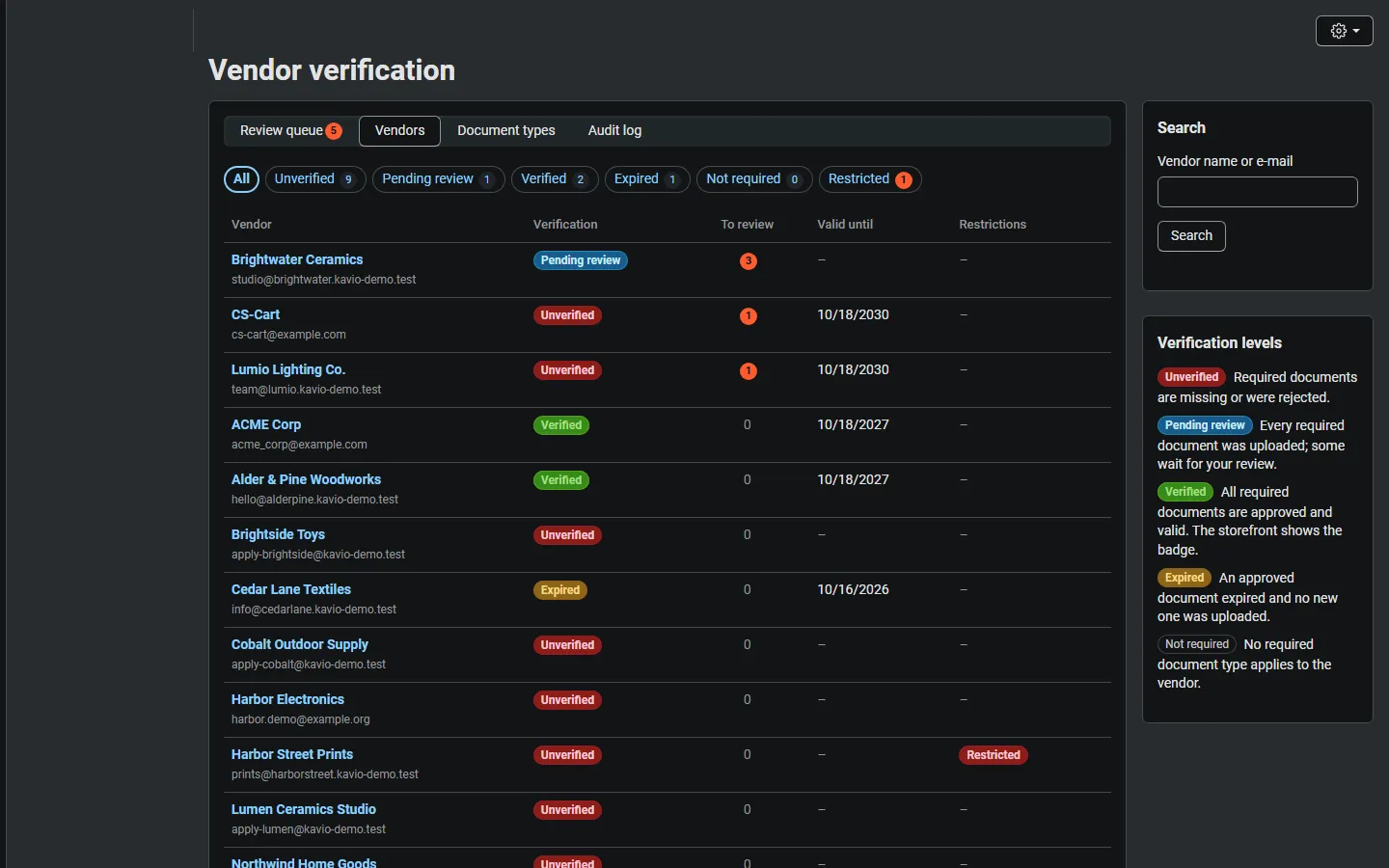
Vendor list with level filters, uploads to review, earliest expiry and restrictions.
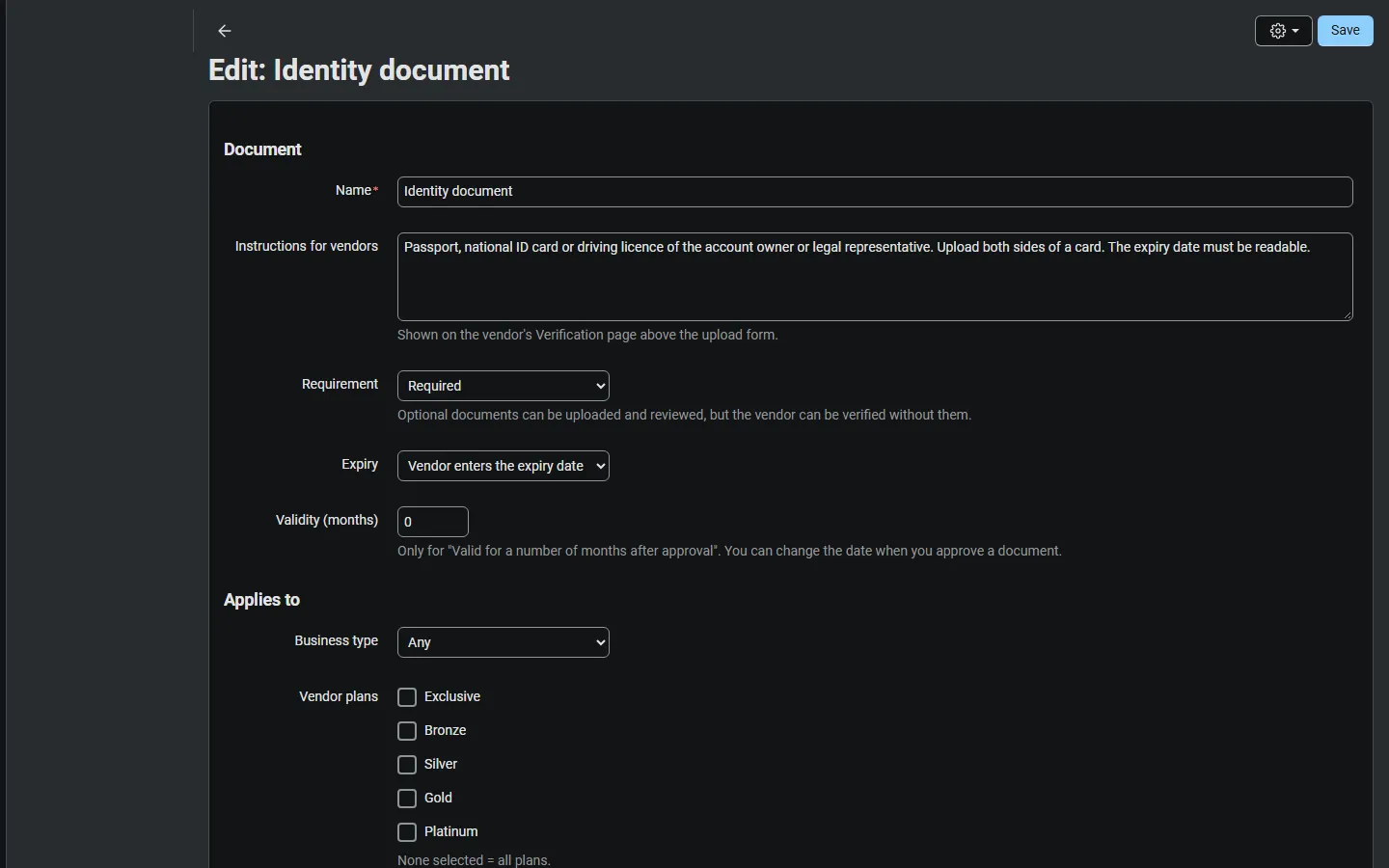
Document type editor: instructions, required, expiry, business type, plans, countries, file rules.
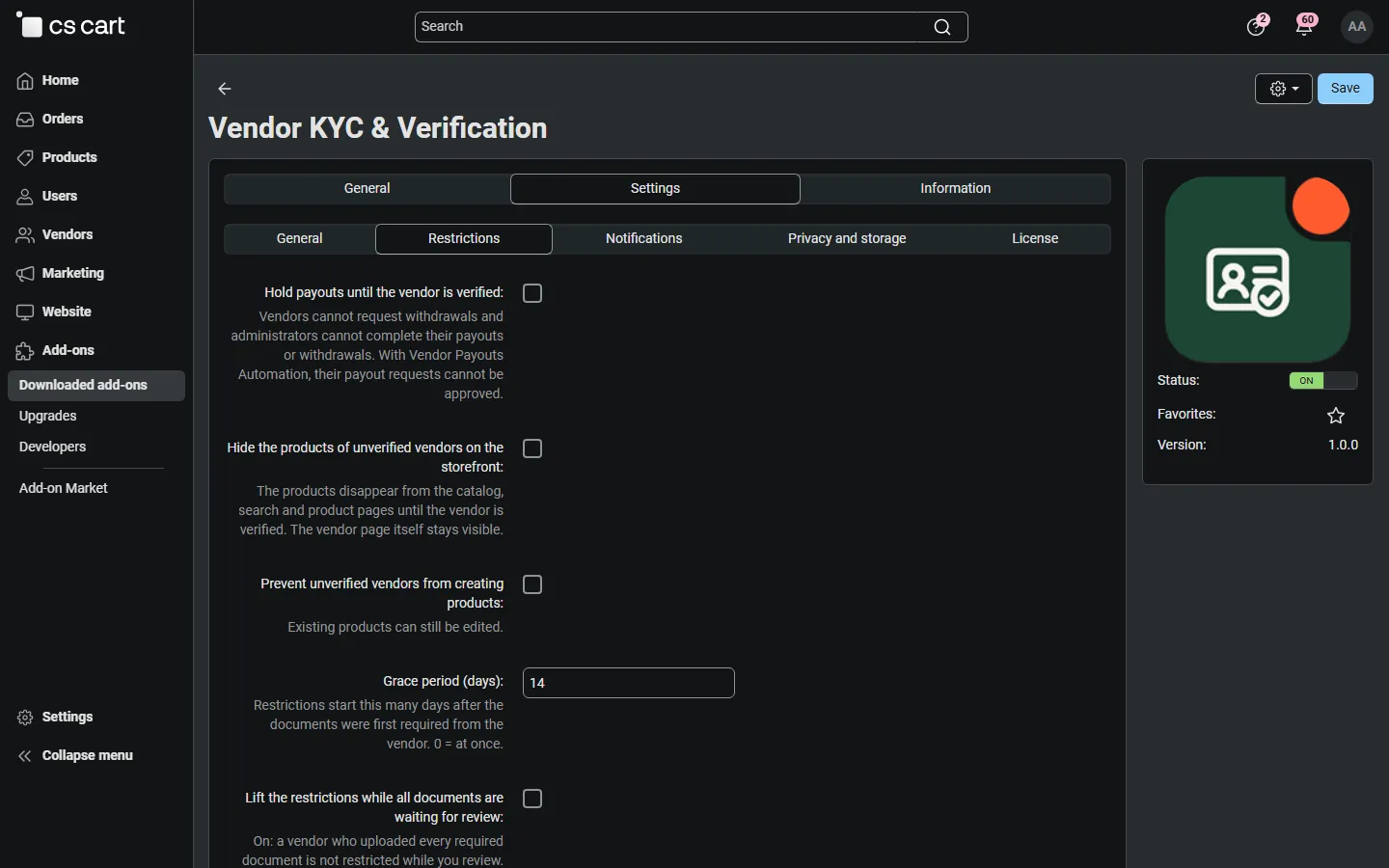
Settings > Restrictions: payout hold, hidden products, product creation block, grace period.
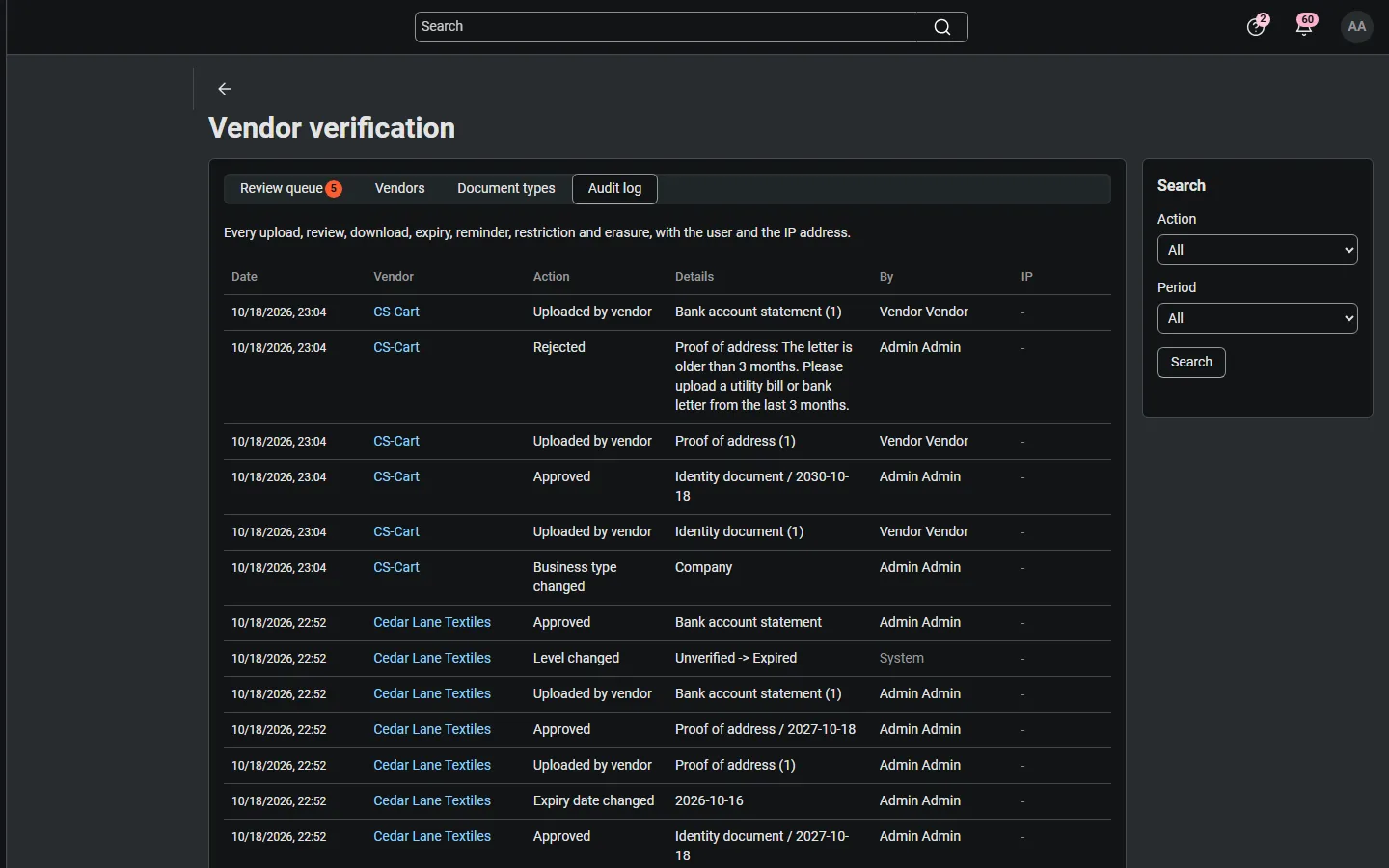
Audit log of uploads, reviews, level changes and expiry dates.

Add-ons > Manage add-ons with the add-on installed (icon added in the integration step).

All vendors page with the badge for verified vendors.

Review page of a vendor whose documents all wait for review.

Vendor dashboard notice with the link to the Verification page.
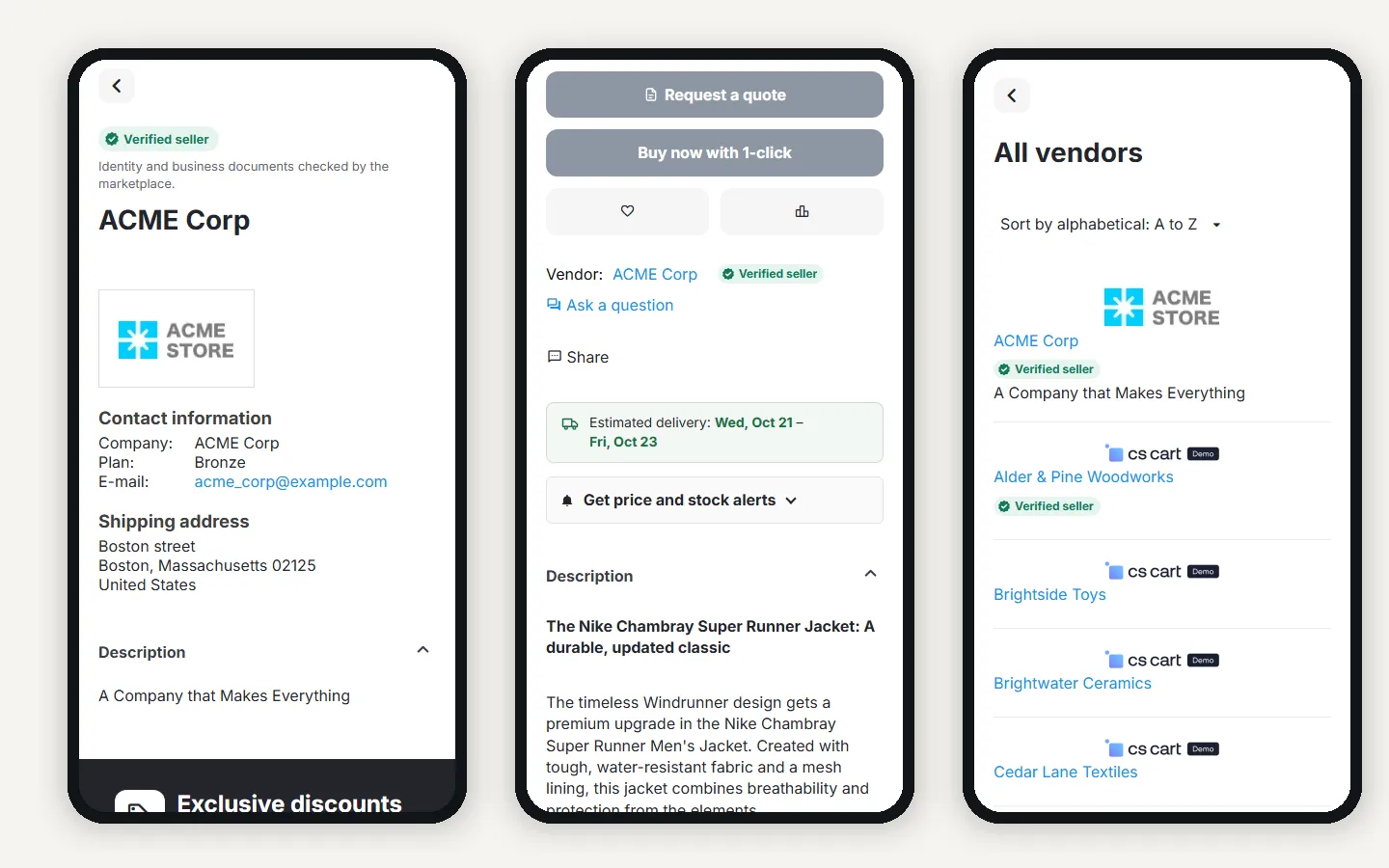
Vendor page, product page and vendor list with the badge on phones.