

Email Log & Background Sending screenshots
Real screenshots from our CS-Cart and Multi-Vendor test stores with the add-on installed and the English interface.
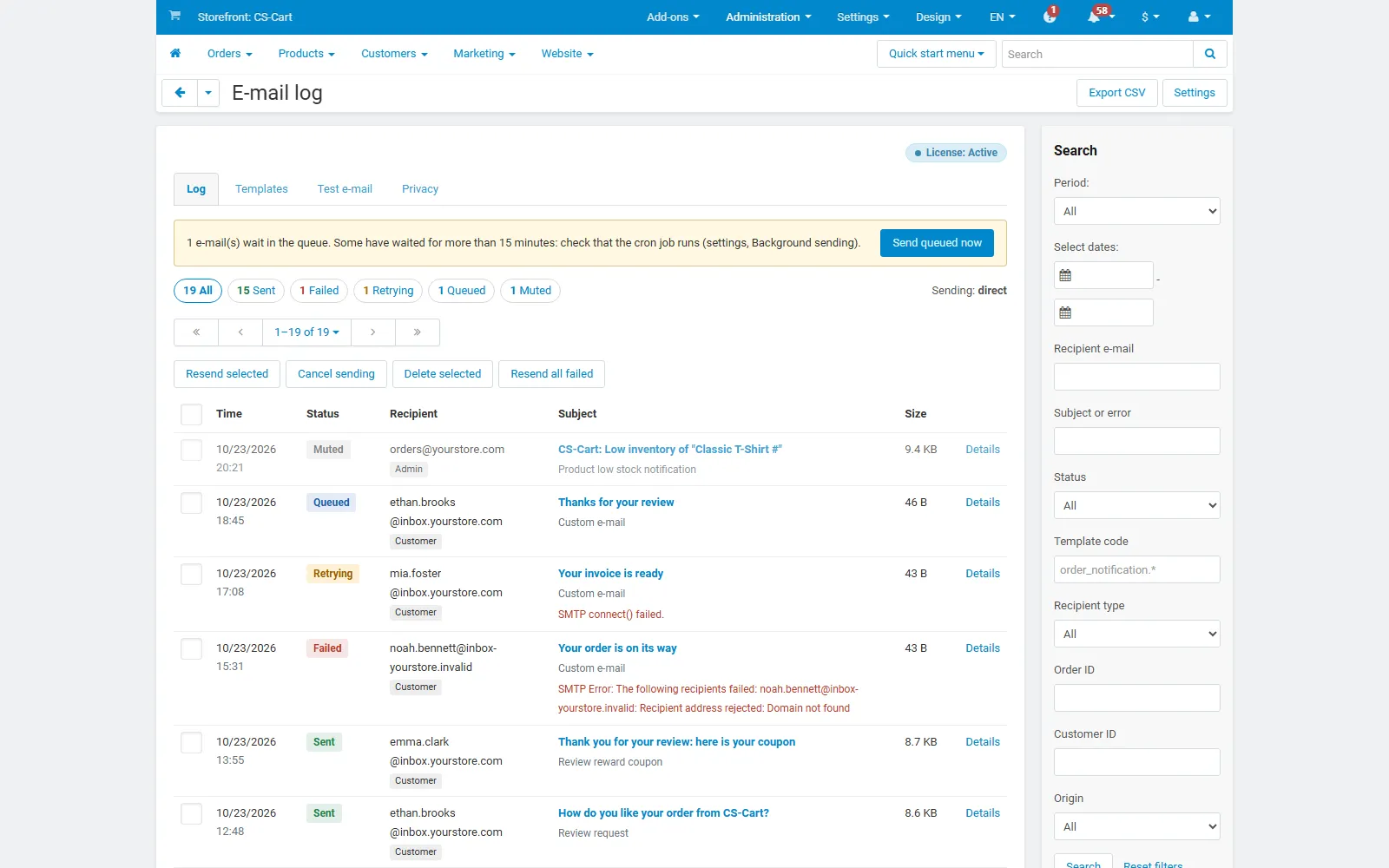
E-mail log: status counts, queue notice, bulk actions and the newest e-mails.
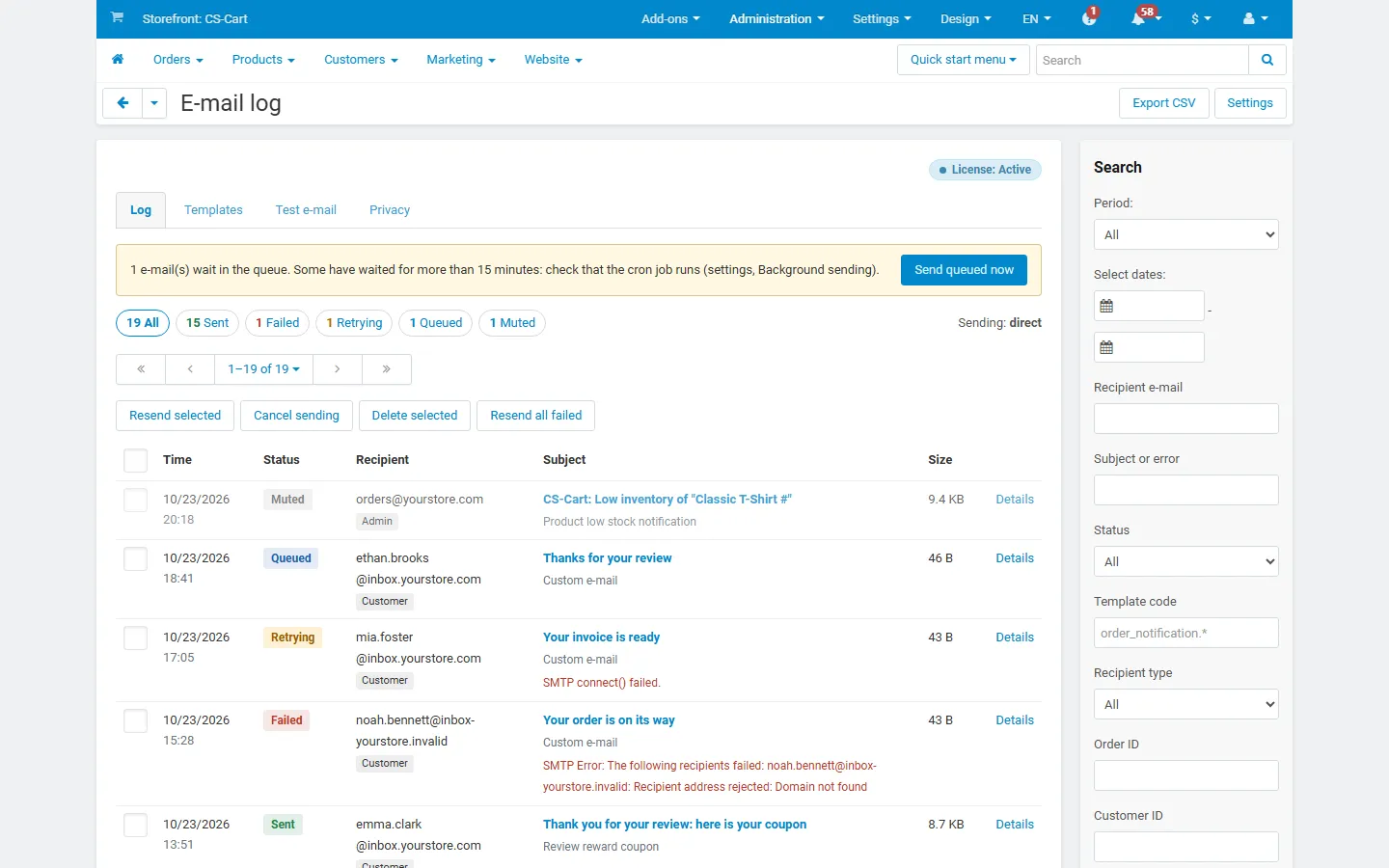
Administration > E-mail log: every outgoing e-mail with status, recipient, template and errors; search sidebar.
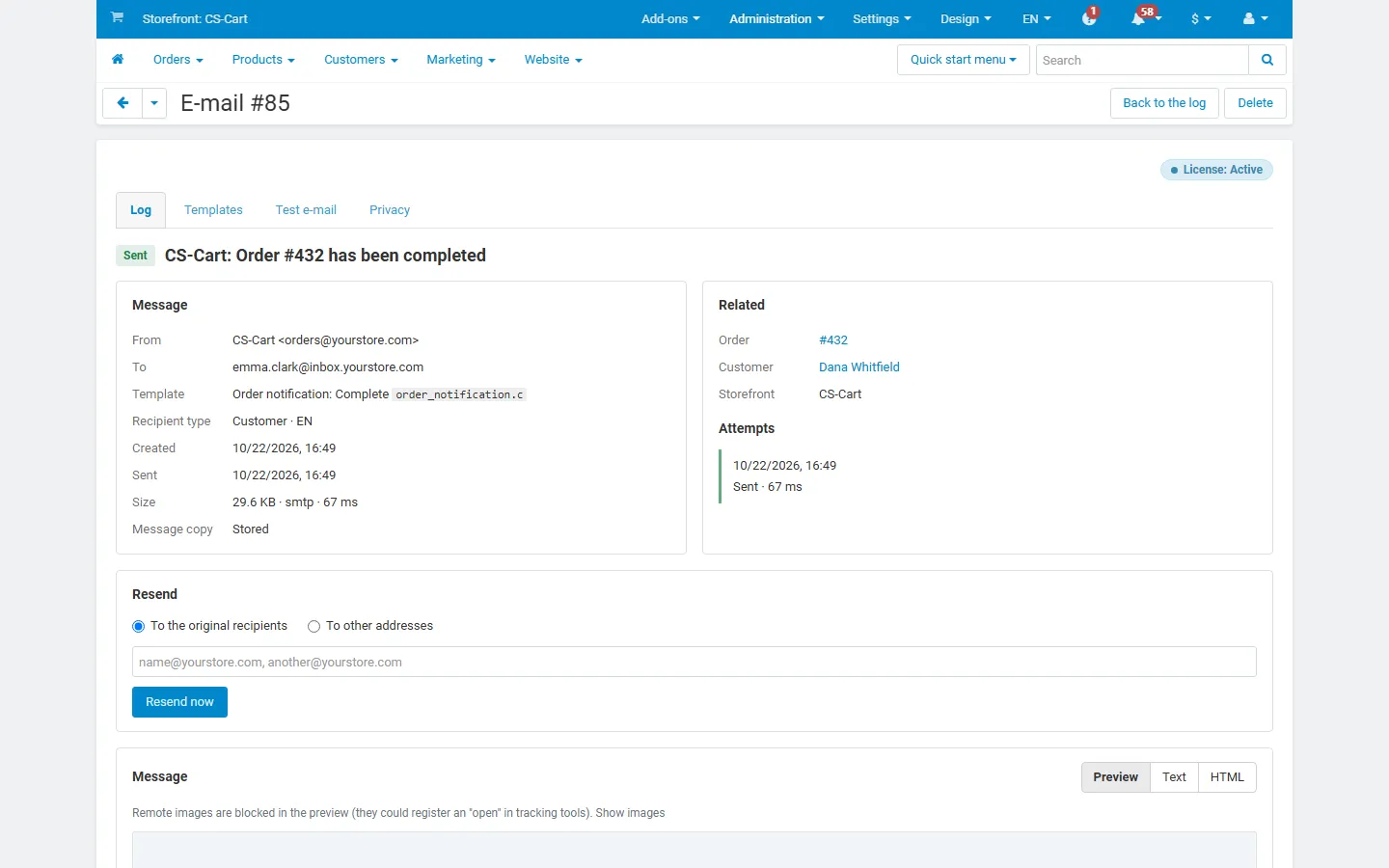
E-mail details: headers, template, related order and customer, attempts, resend form.
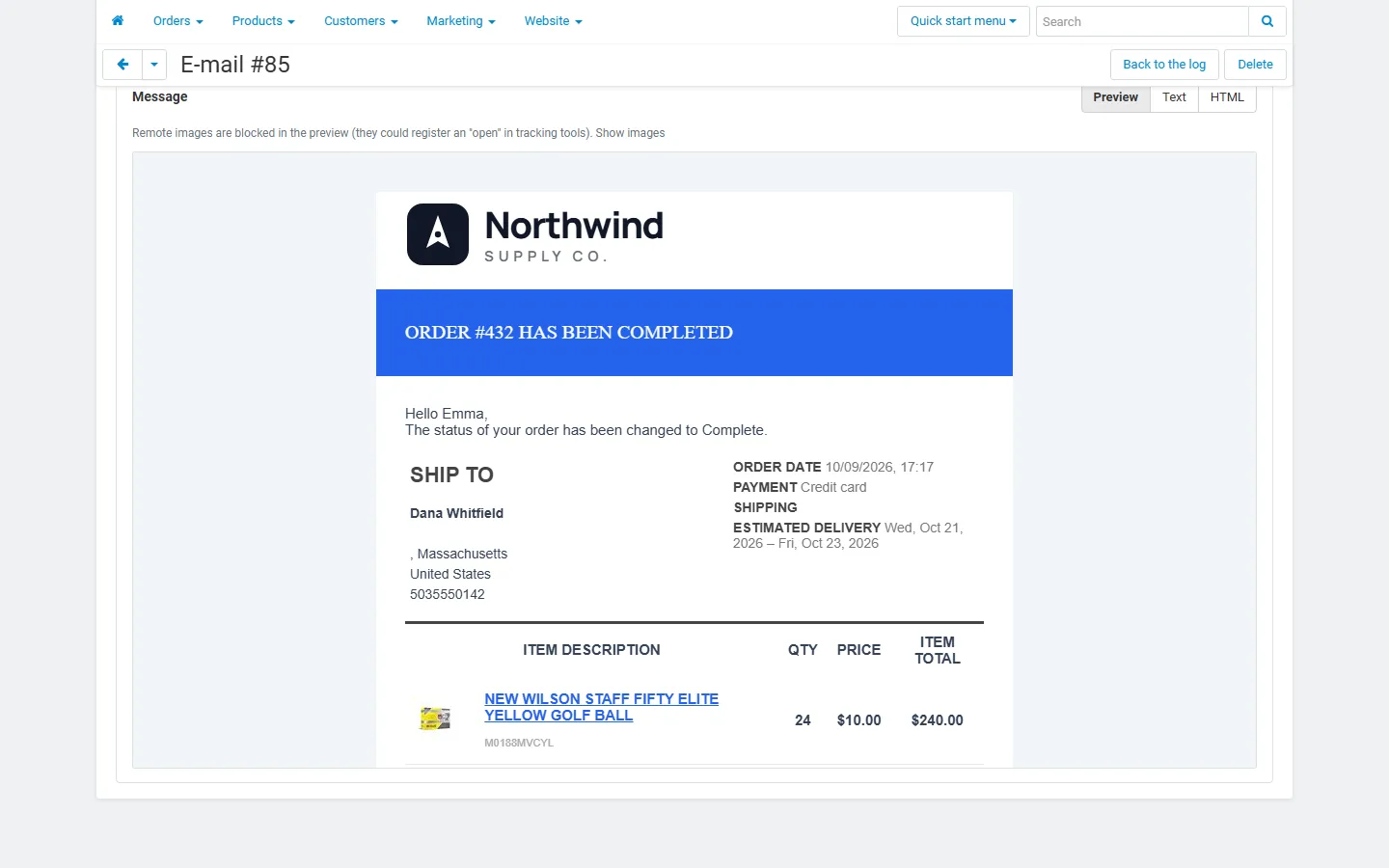
Sandboxed preview of the stored order notification (embedded images inlined, remote images blocked).
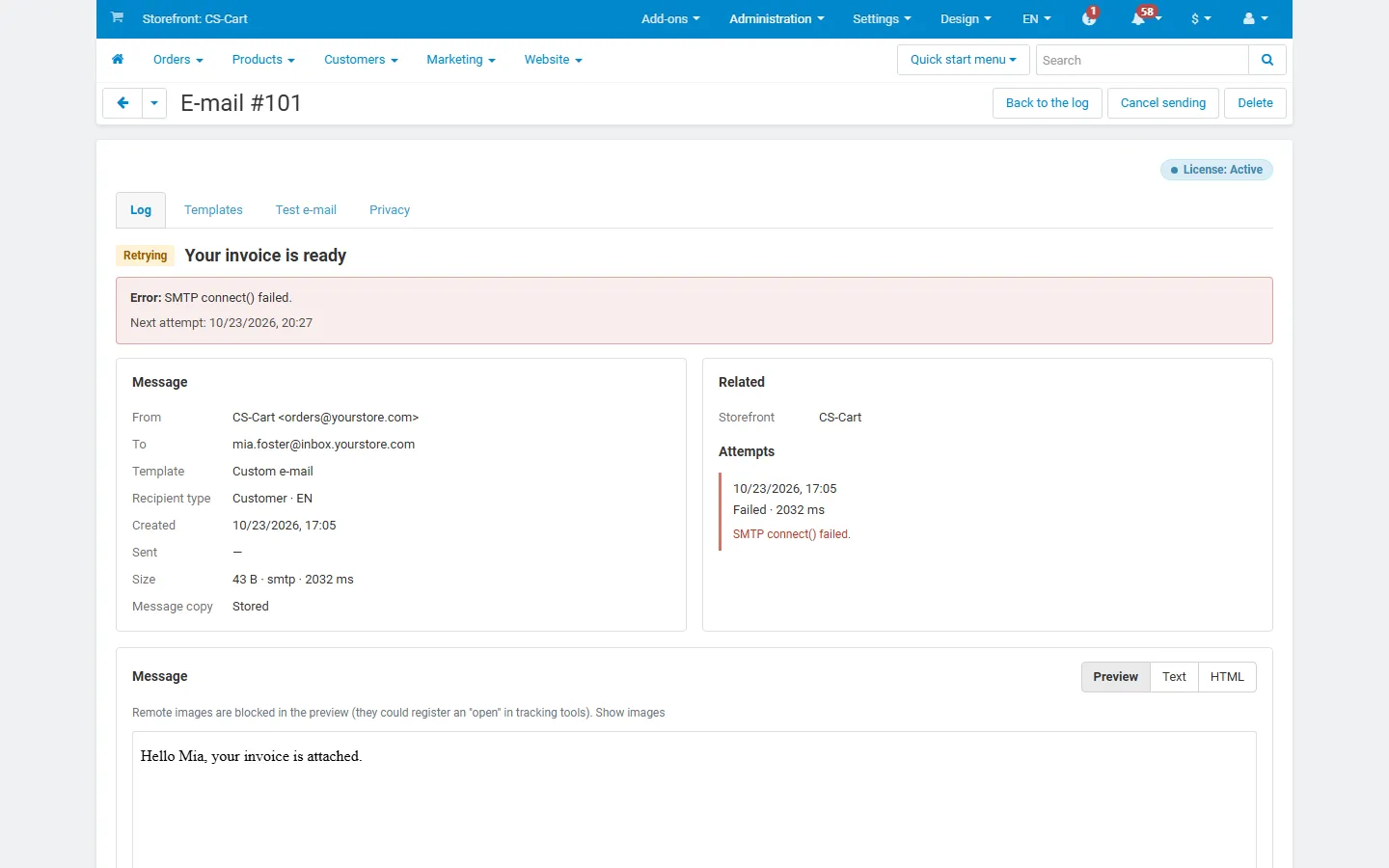
A retrying e-mail: SMTP error, next attempt, attempt history.
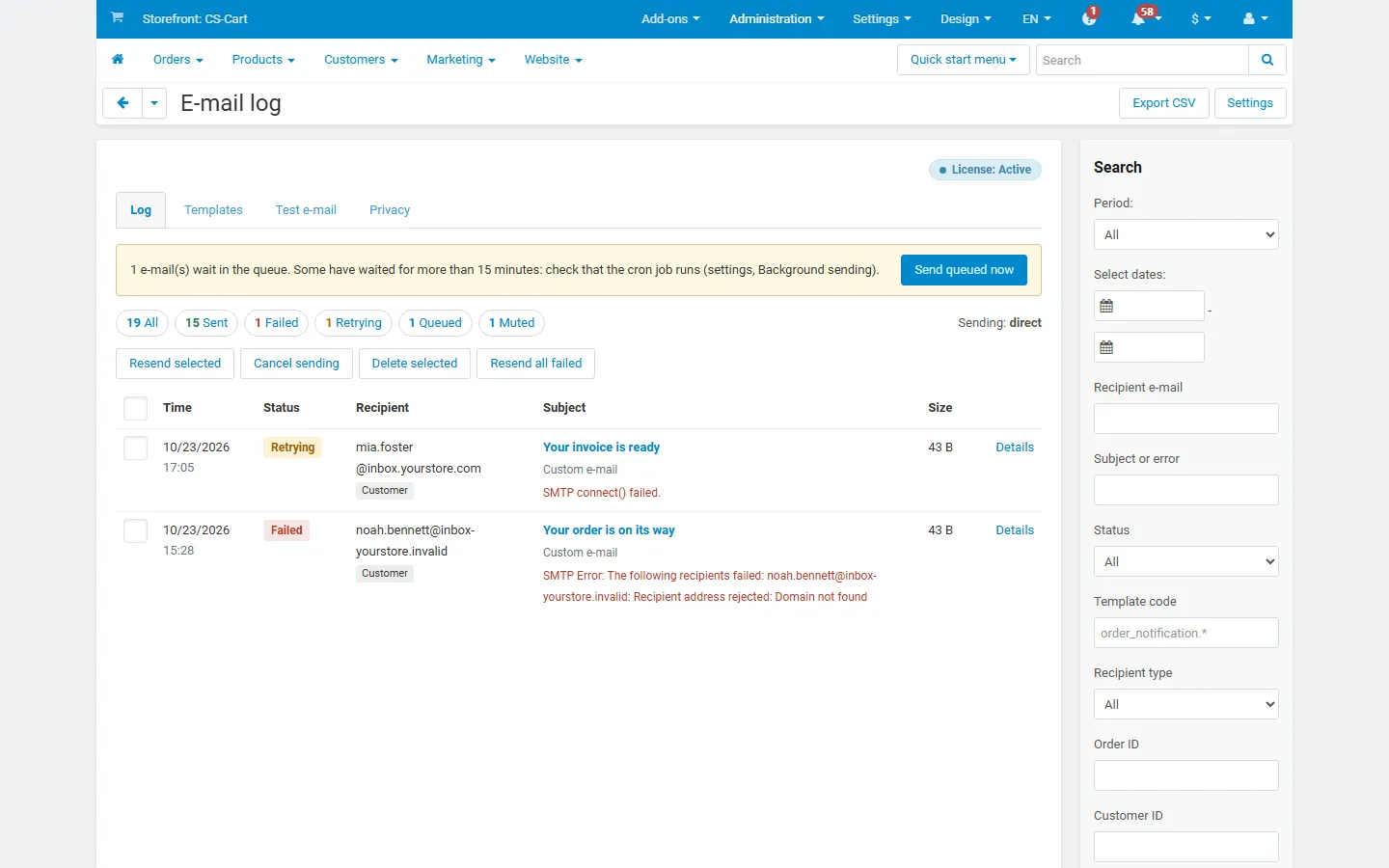
Log filtered to failed and retrying e-mails.
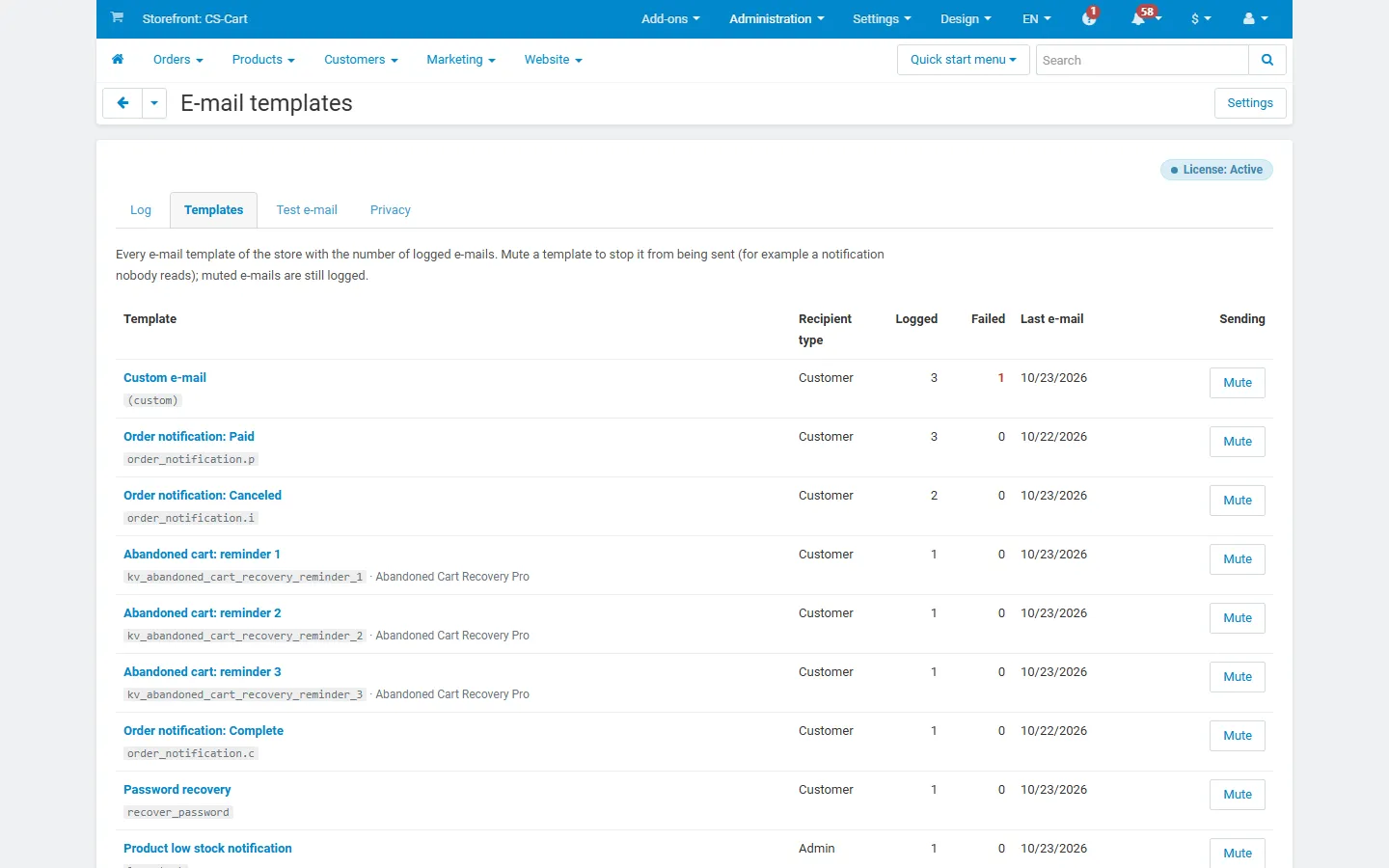
Templates: logged and failed counts per template, mute switch.
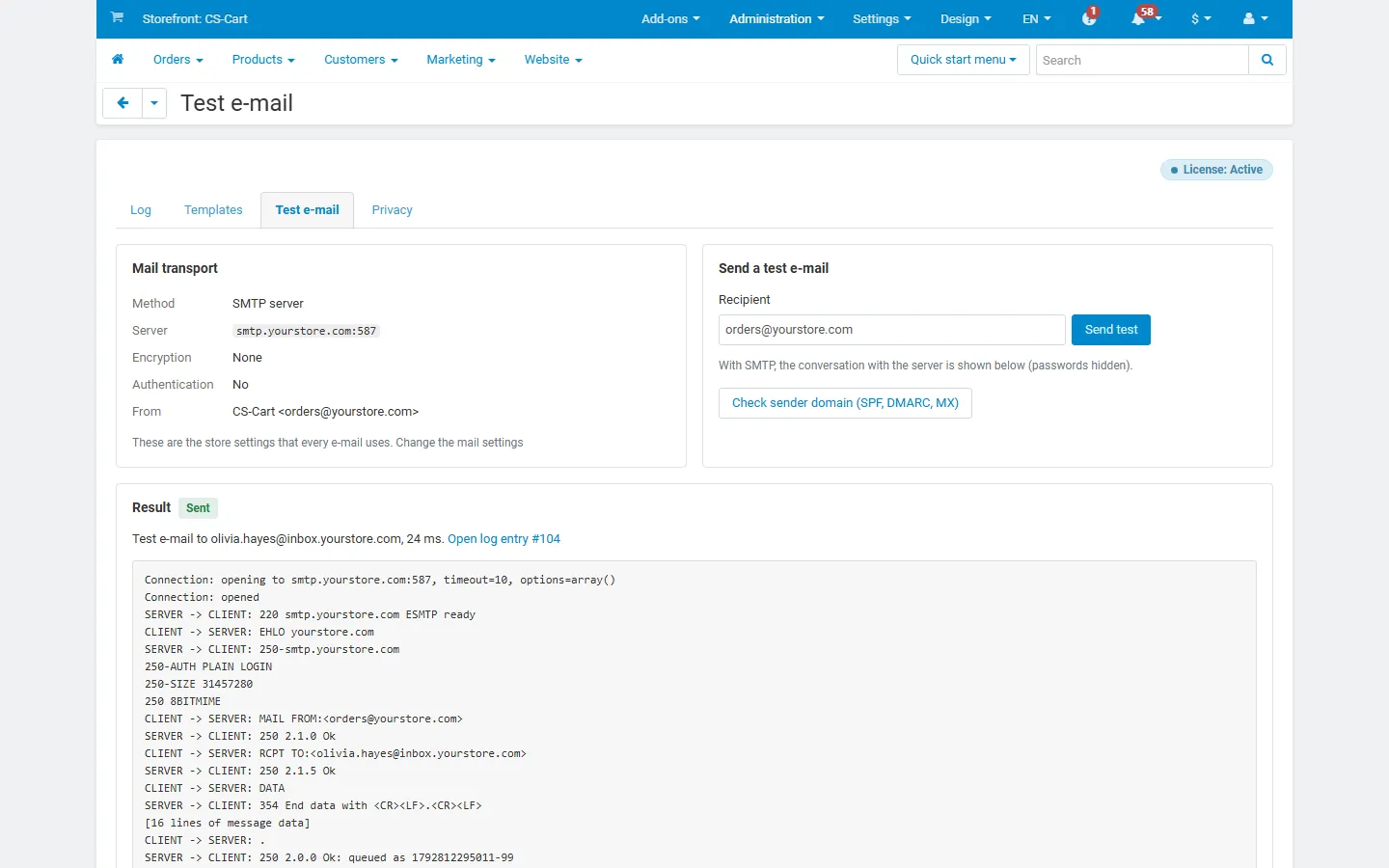
Test e-mail: transport summary and SMTP conversation with credentials hidden.
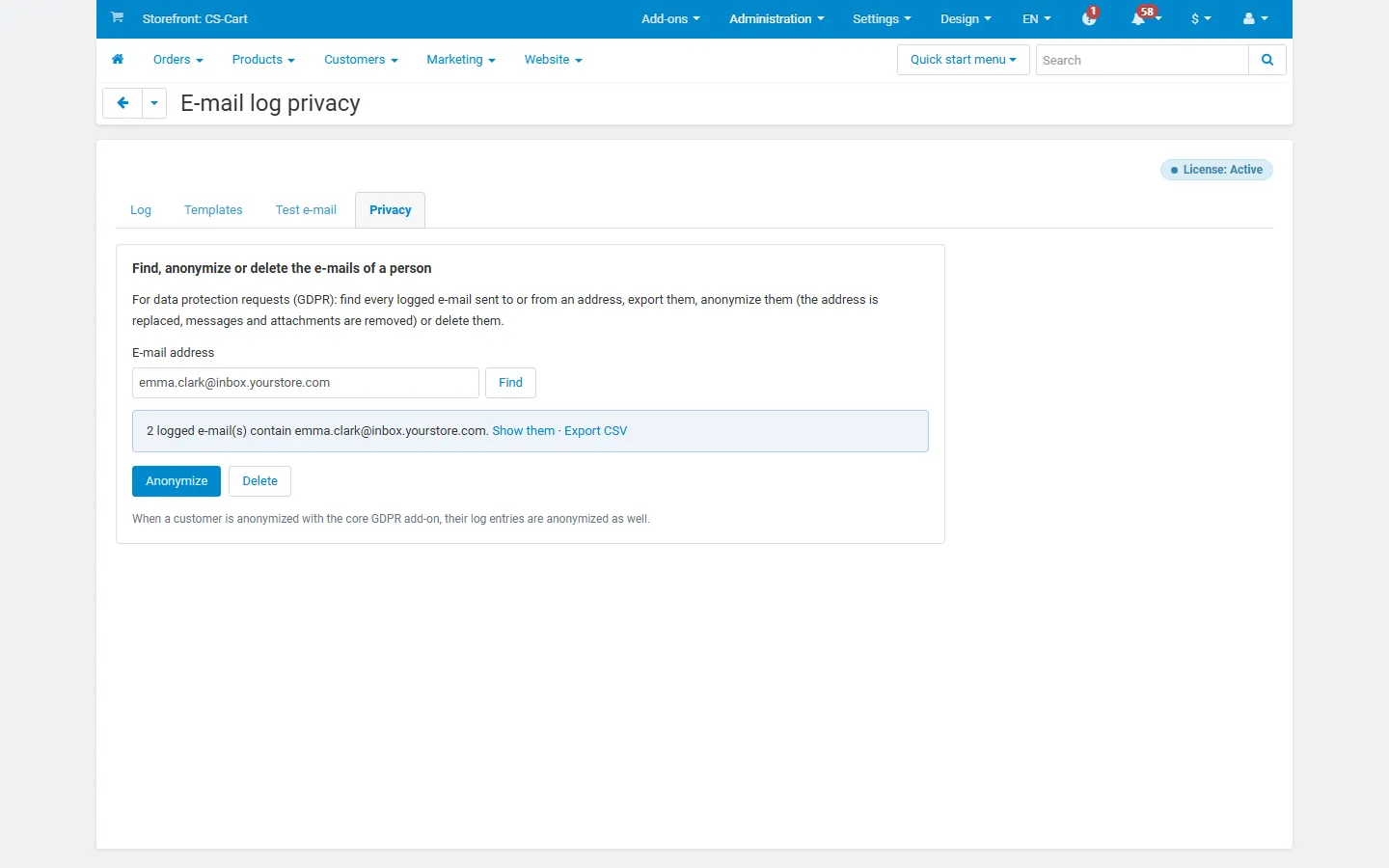
Privacy: find, export, anonymize or delete the e-mails of an address.
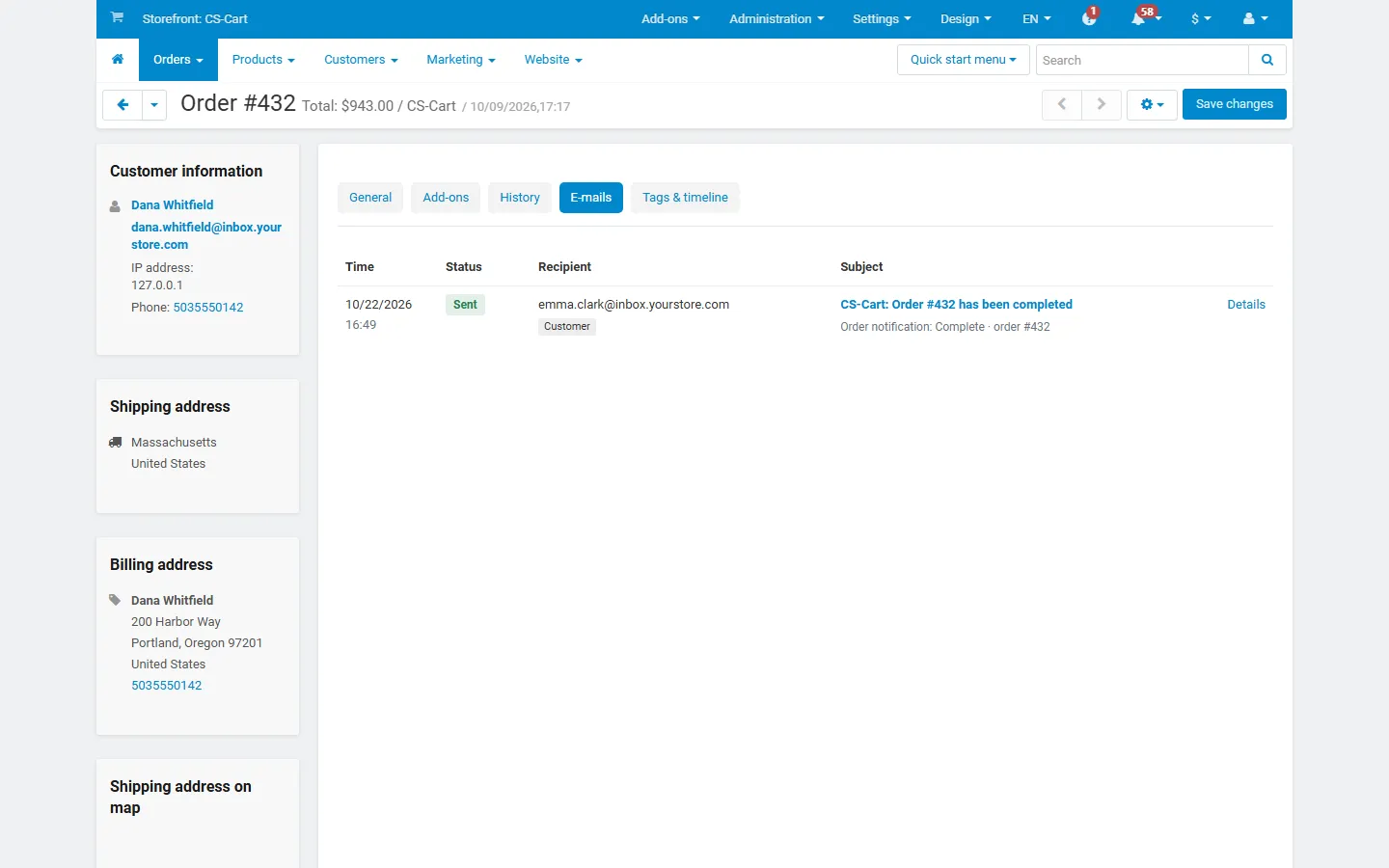
E-mails tab on the order page.
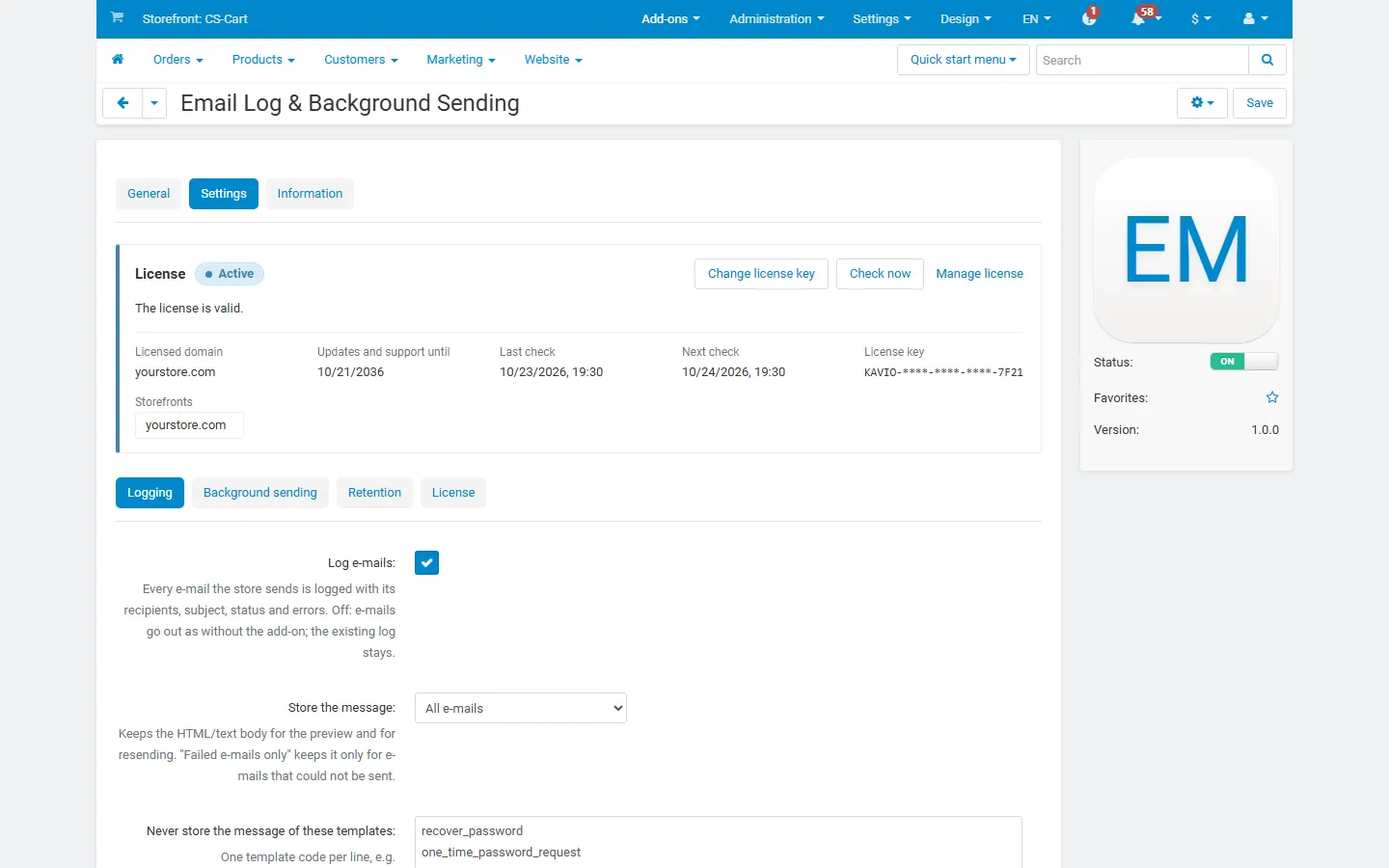
Add-on page with the license card and the logging settings.
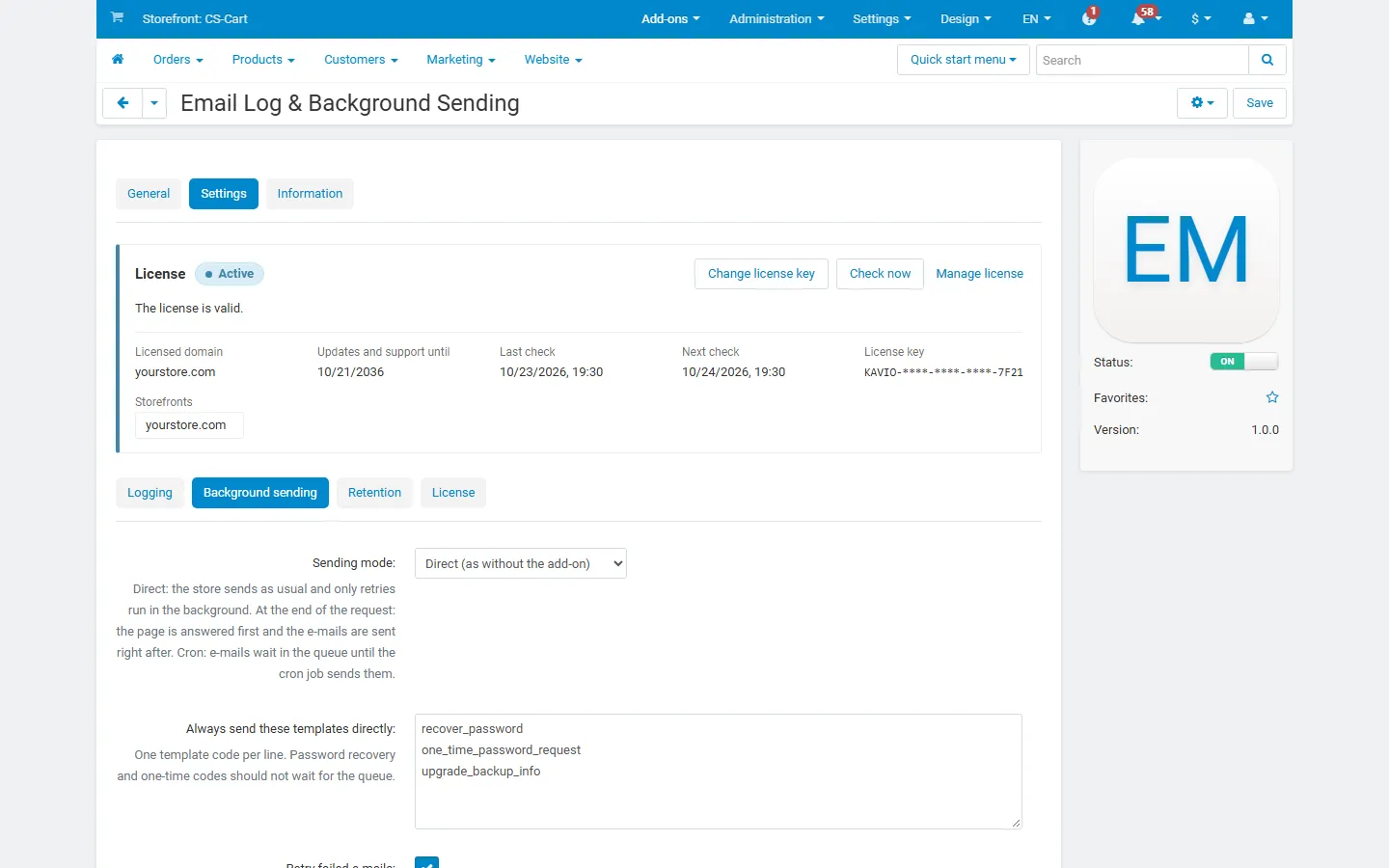
Settings, Background sending: sending mode, immediate templates, retries.
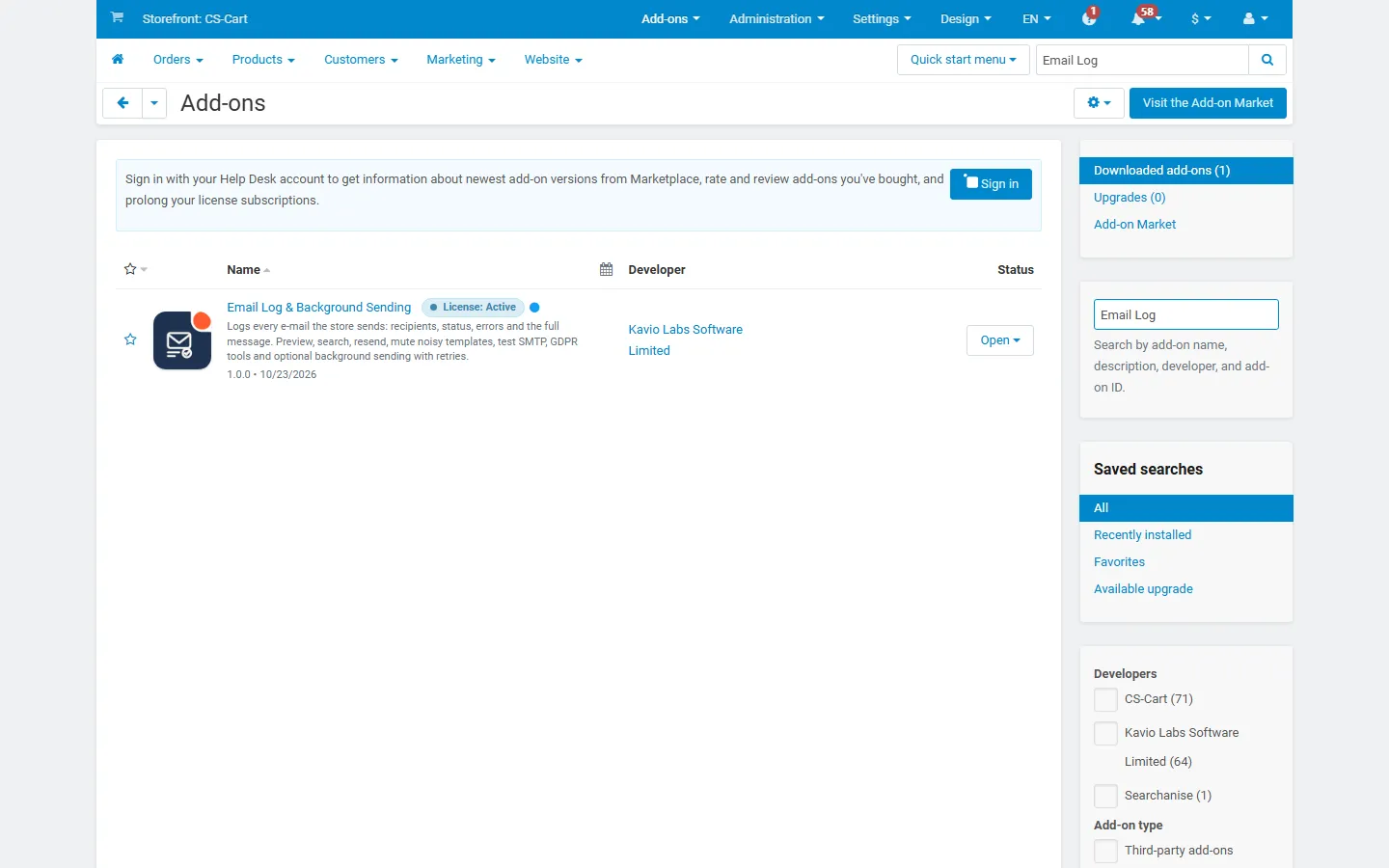
Add-ons list with the add-on active (placeholder icon until integration).
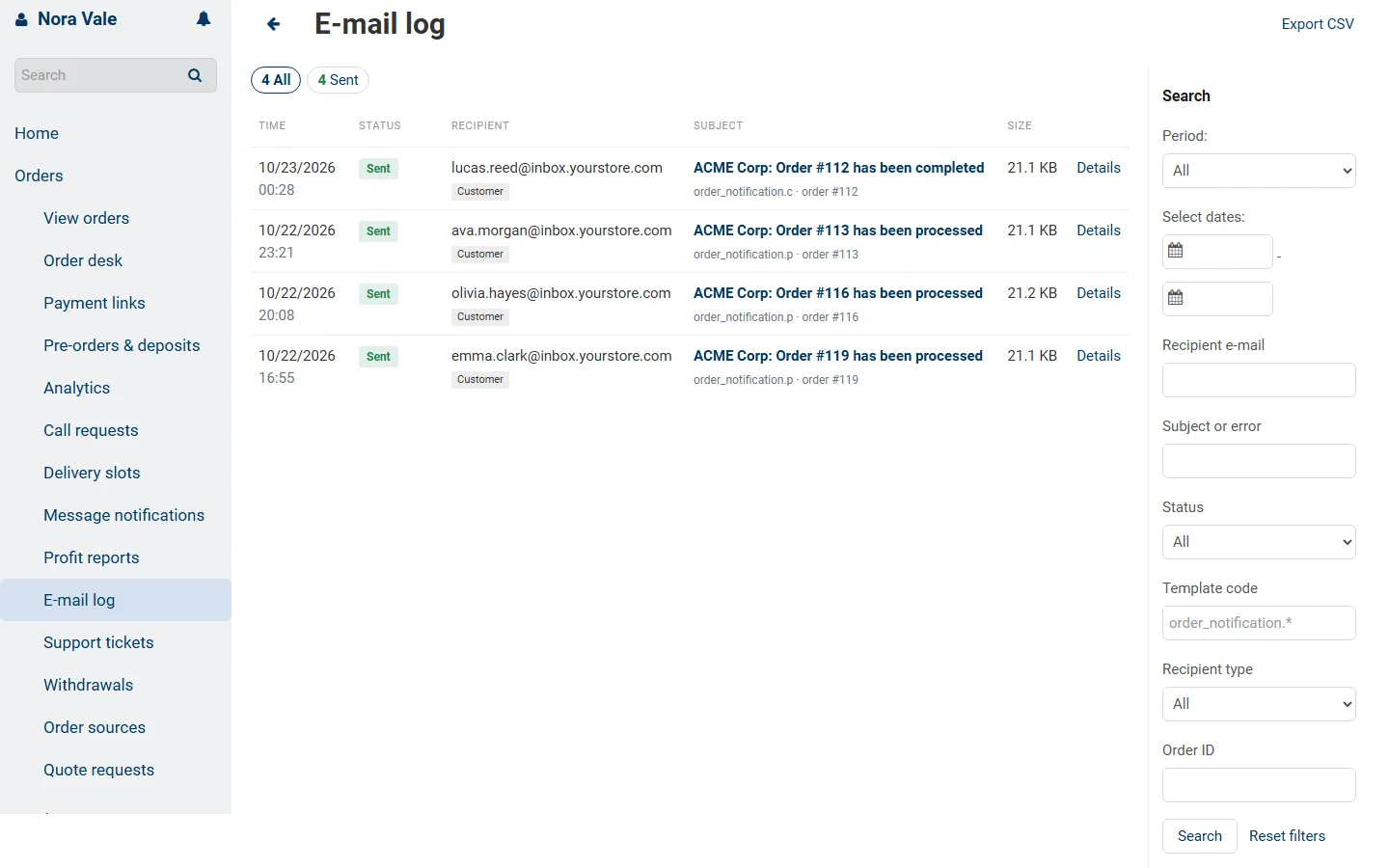
Vendor panel (Multi-Vendor): the e-mails of the vendor’s own orders, read-only.