

Configuration
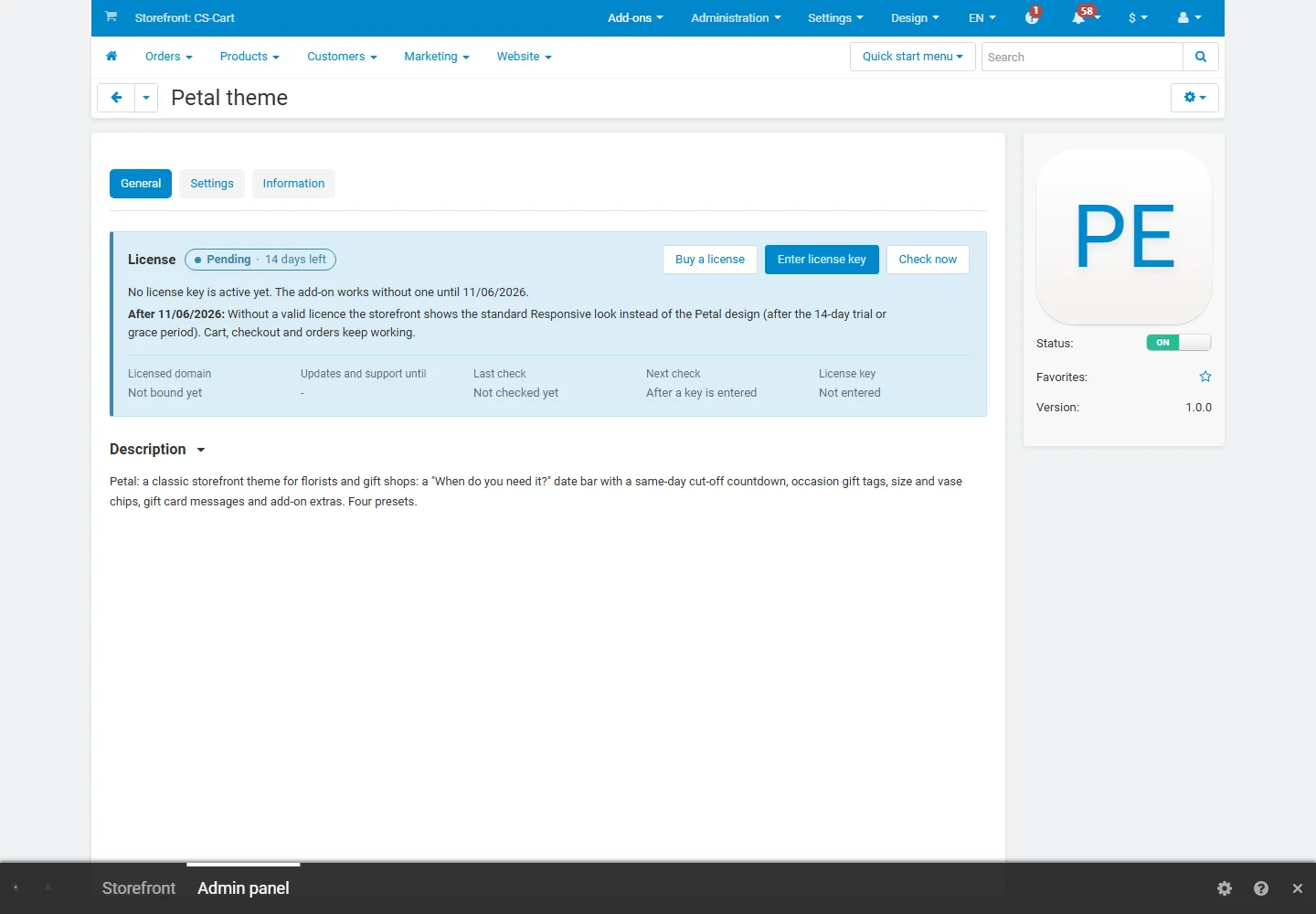
Open Add-ons → Manage add-ons → Petal theme → Settings.
| Setting | Default | Description |
|---|---|---|
| Sticky header | On | Keeps the header at the top while shoppers scroll; on phones only the logo, search and basket stay. The date bar hides while the header is stuck. |
| Mobile bottom bar | On | Home, Shop, Search, Account and Basket at the bottom of the screen on phones. |
| “More” menu for long top menus | On | Categories that do not fit into the menu band move into a “More” dropdown, so the band never wraps. |
| Product card style | Theme default | Theme default (the florist cards of the active style) or Outlined, Plate, Minimal. |
| Show the second image on hover | On | Product cards show the next product image (in the demo: the same flowers in a vase) when the pointer is over a card. |
| Product page layout | Classic | Classic = gallery and details side by side; Large gallery = wide images with the details column following on scroll. |
| Subtle animations | On | Sections fade in, gift tags straighten on hover, the hero slides fade. Visitors who prefer reduced motion never see animations, and the hero does not advance on its own for them. |
| Install the demo content when the theme is activated | On | When a storefront switches to this theme, the next admin page adds the Stem & Sundry demo store and points the homepage blocks of the theme layout at it. Runs once per storefront (re-activating or upgrading adds nothing). Your own products, categories and pages are never changed. Turn it off before activating the theme to start with an empty design. |
| Setting | Default | Description |
|---|---|---|
| Same-day cut-off | 14:00 | Store time (Settings → Appearance → Time zone) until which orders can still be delivered the same day. The top bar and the product page count down to it; after it they say when the next delivery is, and the Today button is greyed out. Off hides the countdown (same-day products then count as deliverable on any open day). With the Kavio Delivery Date & Time Slots add-on, its cut-off for today is used when it has one. |
| Delivery days | Every day | Every day, Monday to Saturday or Monday to Friday. Closed days are greyed out in the date buttons and skipped in the arrival lines and the countdown. |
| Delivery date chips and arrival lines | On | The “When do you need it?” date bar, the date buttons in the product page delivery panel, the arrival line on product cards and the “Only show what arrives in time” switch (see Usage). Off: the bar and the lines are hidden; the stamps and the countdown stay. |
Block settings (Website → Themes → Layouts, the block’s gear button):
| Block | Setting | Description |
|---|---|---|
| Hero slider (Petal theme) | Seconds per slide | How long each slide stays before the next one (only for visitors who allow animations). |
| Product grid (Petal theme) | Columns, “View all” link | 4 or 5 cards per row on computers (a swipe row on phones) and an optional link next to the title. Blocks with the CSS class kv-tabs next to each other become one tabbed section. |
| “Make it a gift” band (Petal theme) | “View all” link | The block name is the headline; the first three products of the block become the extras on the card; the link is the button under the steps. |
| “Add a little extra” row (Petal theme) | (products block) | Up to four small products with add buttons; on product pages it moves into the details column under the gift card. |
| Occasion gift tags (Petal theme) | (categories block) | One gift tag per category of the filling, with the category image and the number of products. |
| Florist cards (Petal theme) | (vendors block, Multi-Vendor) | Logo, name, city, rating and product count of each shop. |
Static texts (the top bar, the date bar text, the promise strip, the rating summary, the category tile and the footer
brand column) are HTML blocks in Website → Themes → Layouts; edit them there. The delivery-area note and the gift
card texts on product pages are language variables of the add-on (Settings → Languages, search for
kv_theme_petal).
Colours and fonts: Website → Themes → Theme editor (per style).
License
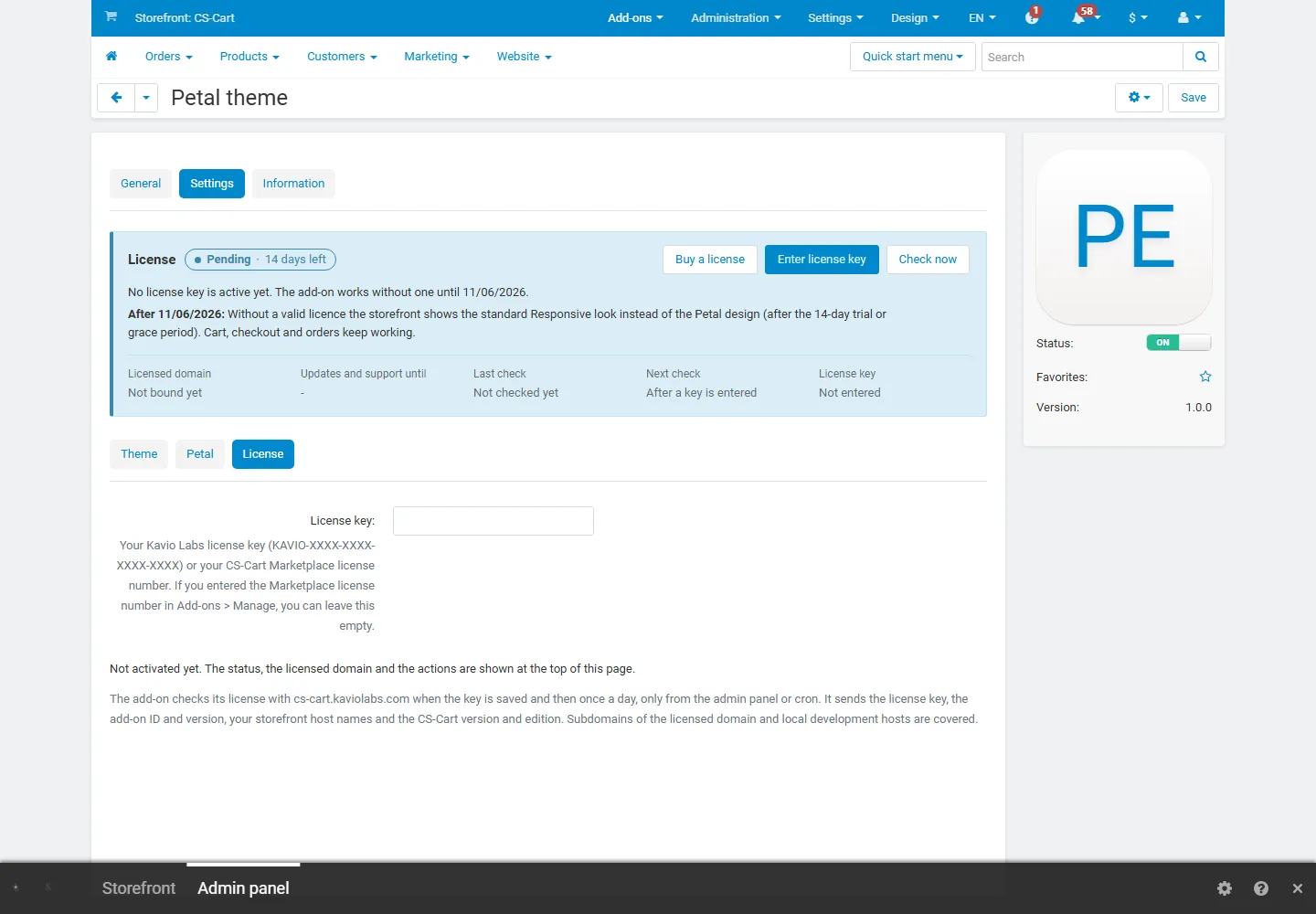
Section titled “License”The licence status is shown in a License card at the top of the add-on page, above the tabs. The License tab holds the key itself. The key is stored once for the whole installation.
| Setting | Description |
|---|---|
| License key | Your Kavio Labs licence key (KAVIO-XXXX-XXXX-XXXX-XXXX, from My licenses on cs-cart.kaviolabs.com) or your CS-Cart Marketplace license number. If you entered the Marketplace number in Add-ons → Manage add-ons, leave this empty. |
| License status | Points to the License card and explains what the check sends. |
What the licence covers. The base domain you entered at purchase and every subdomain of it. Local development
hosts (localhost, private IP addresses, *.localhost, *.test, *.local, *.invalid) are always allowed. A store
on a different base domain needs its own licence.
When it checks. When you save the key and then once a day, only in the admin panel or from cron, never while customers browse the storefront:
php /path/to/store/admin.php --dispatch=kv_theme_petal_license.checkWhat is sent. Only this, to https://cs-cart.kaviolabs.com: the licence key, the add-on ID and version, the host
names of your storefronts, your CS-Cart version and edition, and a random one-time value. No customer, order or
personal data. The answer is digitally signed.
What happens without a valid licence. A new installation works for 14 days without a key. If the licence server cannot be reached, the theme keeps working for 14 days after the first failed check. After that, or with an invalid, revoked or other-domain licence, the Petal design is switched off: the storefront shows the standard Responsive look (standard stylesheet and menu, the Petal homepage sections hidden; the colours of the active style stay). Cart, checkout, orders and customer accounts keep working; visitors see no message. The design is also switched off while the add-on is disabled or uninstalled.
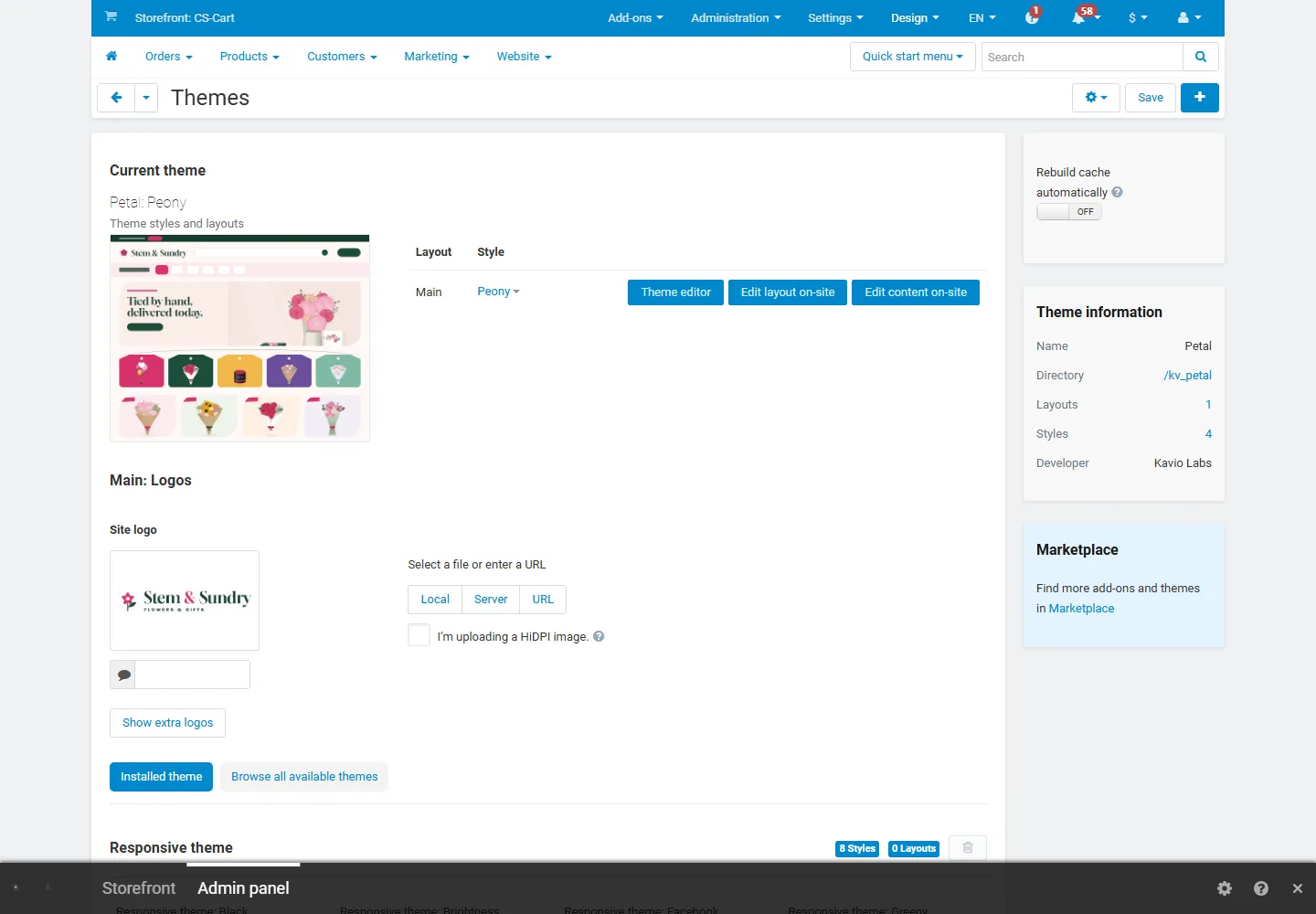
While a storefront uses Petal and the design is switched off, every admin page shows a notice that names the theme, the reason and how to fix it, and Website → Themes shows the same text above the current theme.
| Status (card) | Colour | Storefront |
|---|---|---|
| Valid | Green | Petal design. |
| Development host | Blue | Petal design. |
| Pending · N days left | Blue | Petal design for 14 days after installation. |
| Grace period · N days left | Amber | Petal design for 14 days after the first failed check. |
| Not activated, Invalid key, Revoked, Domain mismatch, Not verified | Red | Standard Responsive look; the store keeps working. |
When your updates period ends, the theme keeps working; only updates and support stop. Licence information appears in the admin panel only, for administrators who may manage add-ons; vendors and customers never see it.