

Ecommerce Tracking Pro screenshots
Real screenshots from our CS-Cart and Multi-Vendor test stores with the add-on installed and the English interface.
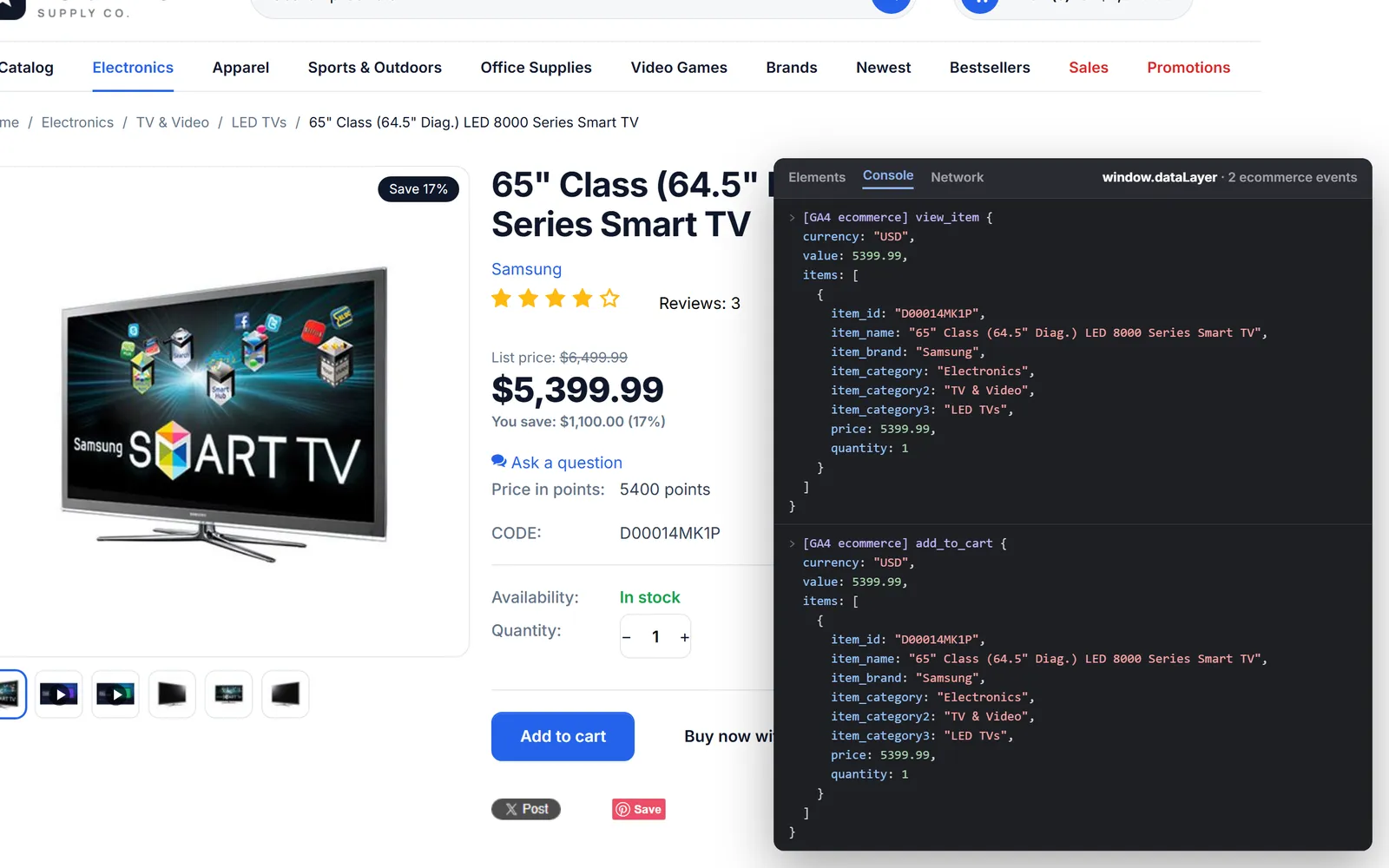
Debug view (illustration of the real data, overlay drawn for the screenshot): Product page with the dataLayer inspection overlay: view_item and add_to_cart with currency, value and full item data (brand, category path, SKU).
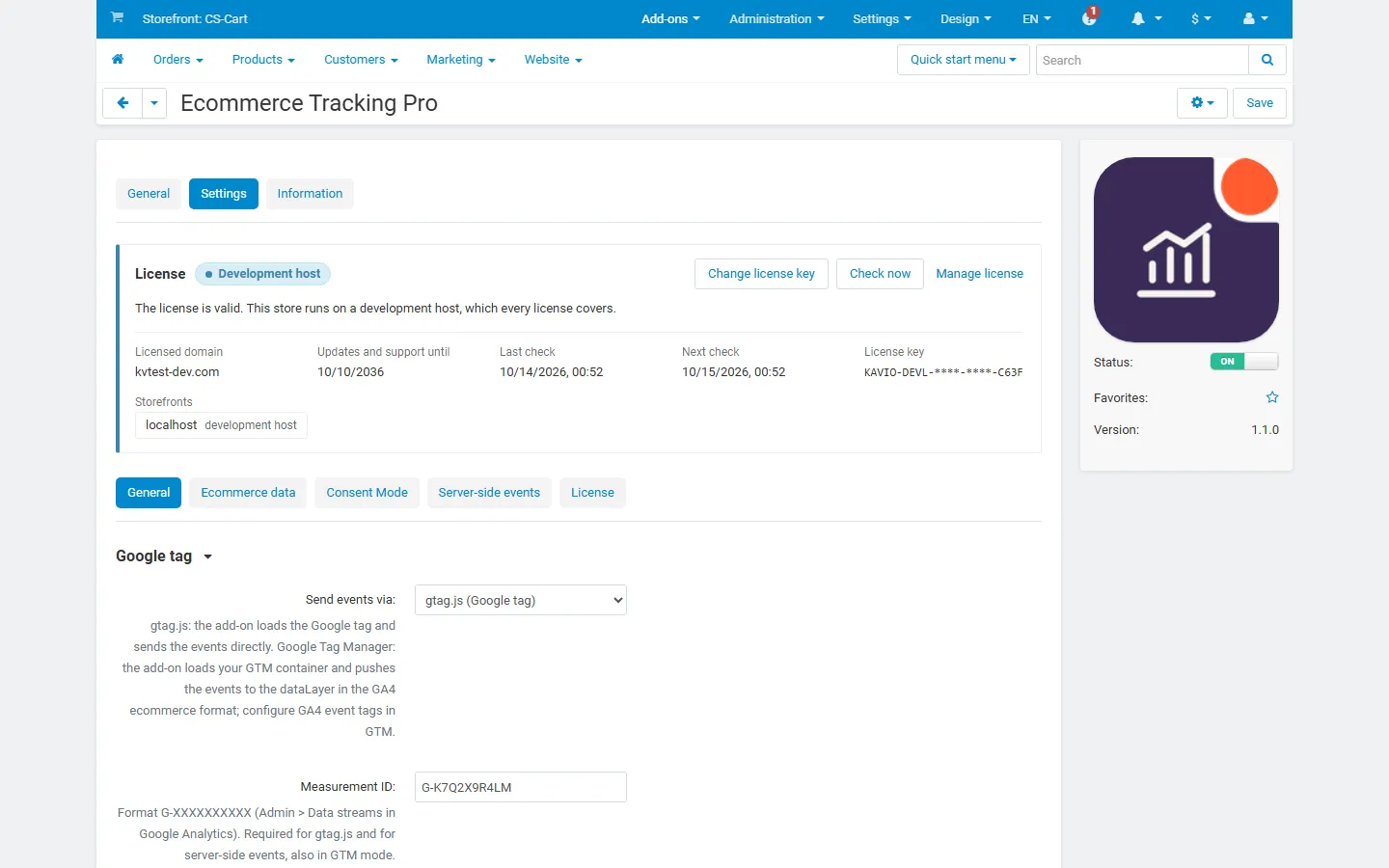
Settings, General tab: gtag.js or Google Tag Manager, Measurement ID, GTM container ID, load the tag on the storefront.
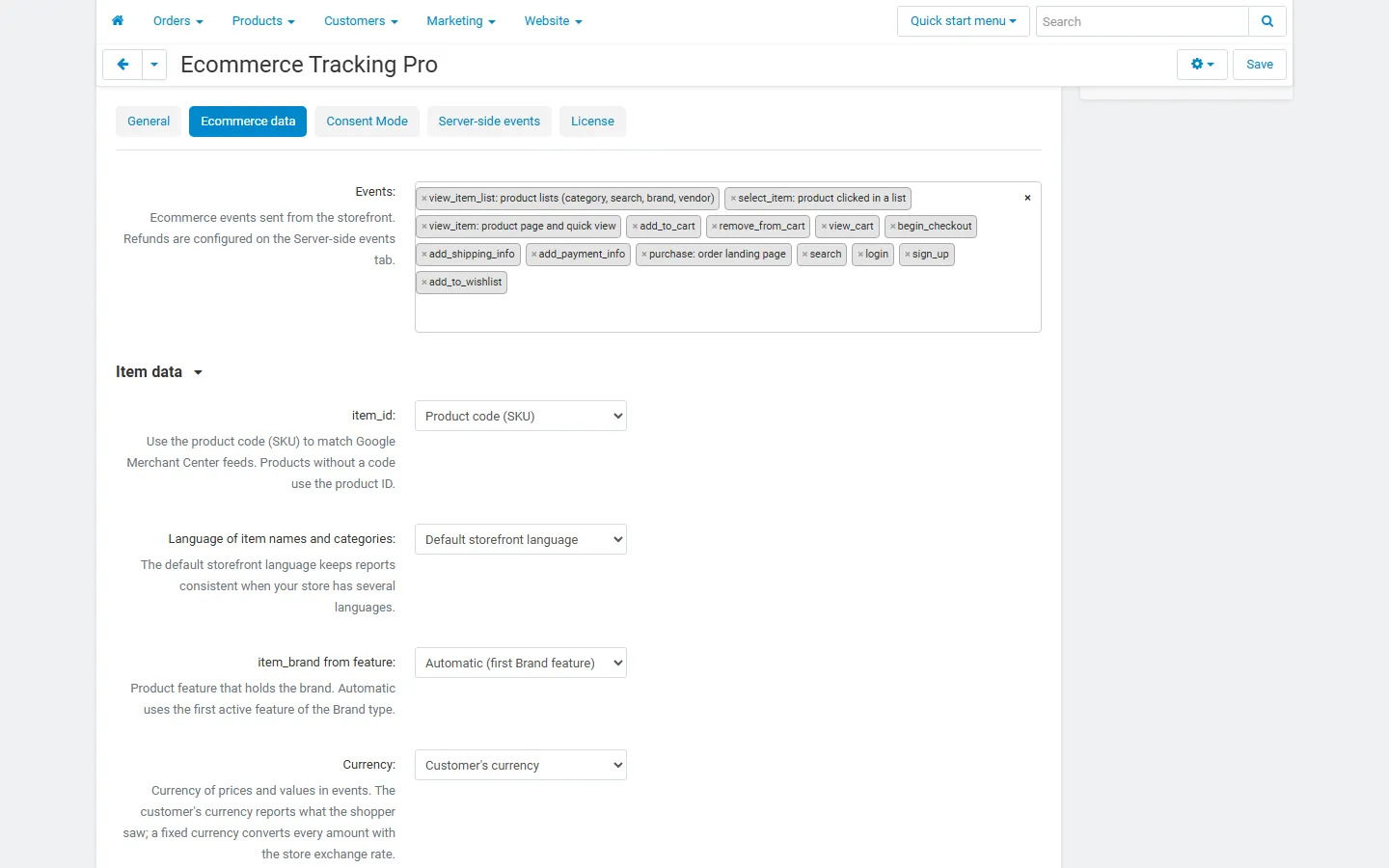
Settings, Ecommerce data tab: the 14 GA4 events to send, item_id source, item language, brand feature.
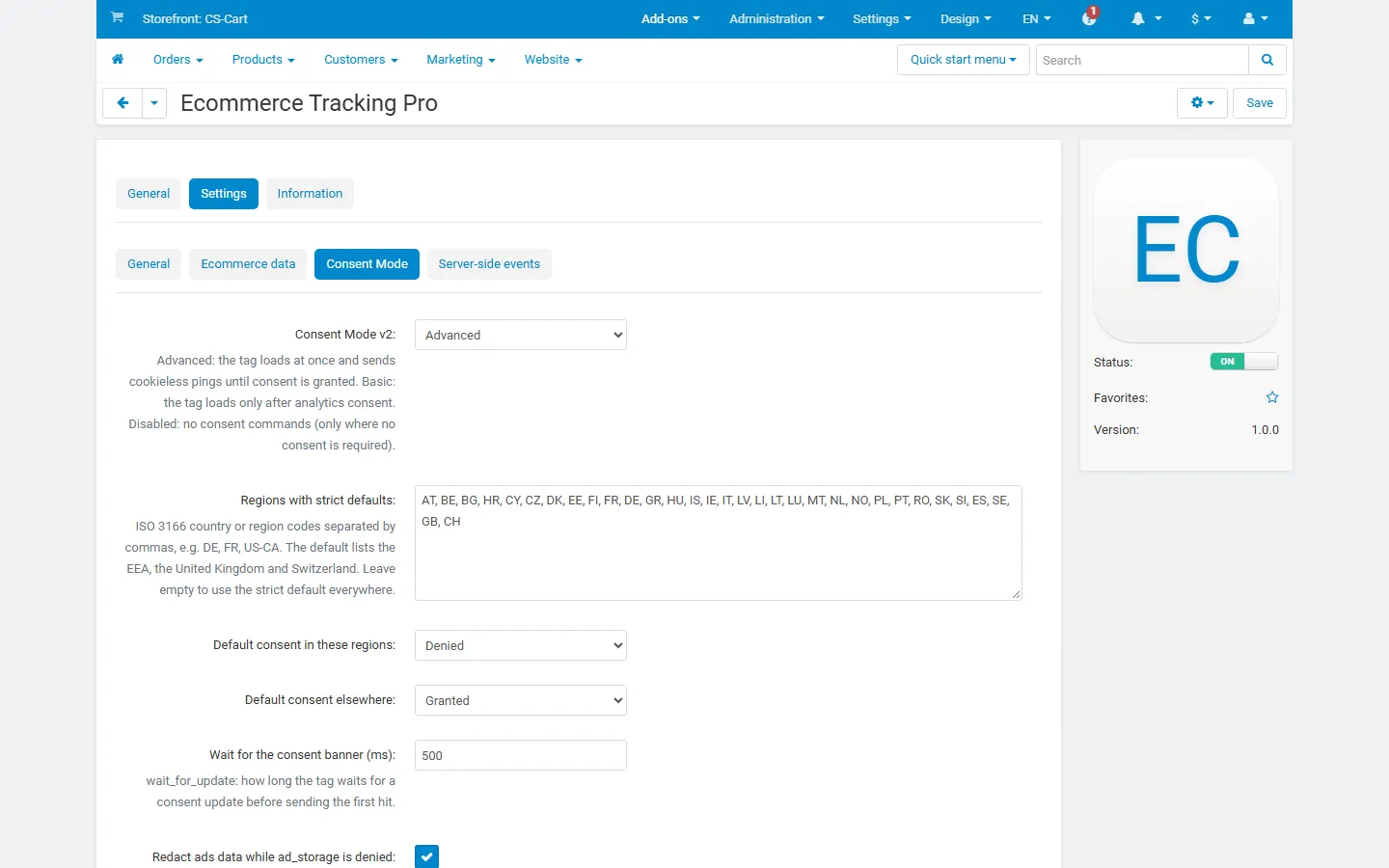
Settings, Consent Mode tab: Consent Mode v2 (advanced/basic), regions with strict defaults, default consent states, wait_for_update, ads data redaction.
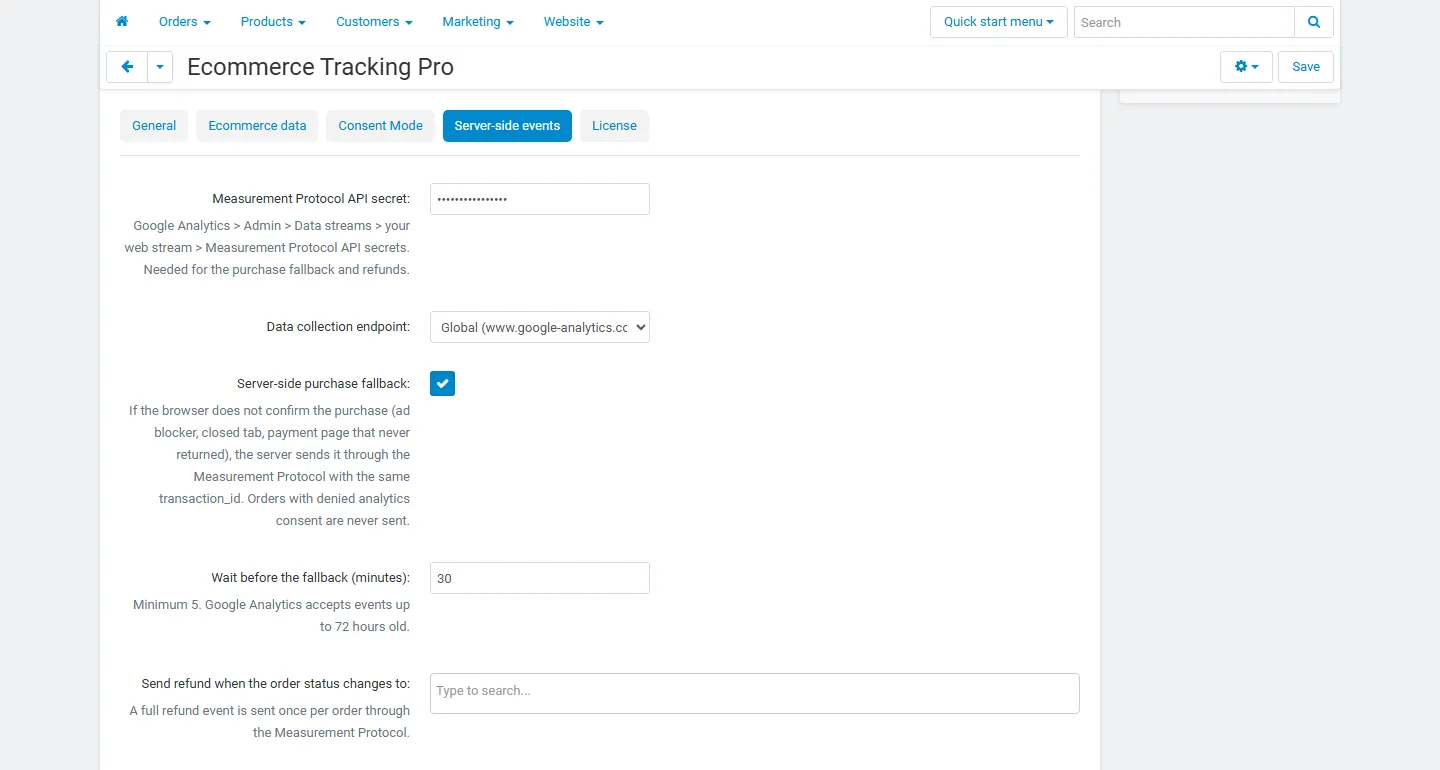
Settings, Server-side events tab: Measurement Protocol API secret, endpoint, server-side purchase fallback, delay and refund statuses.
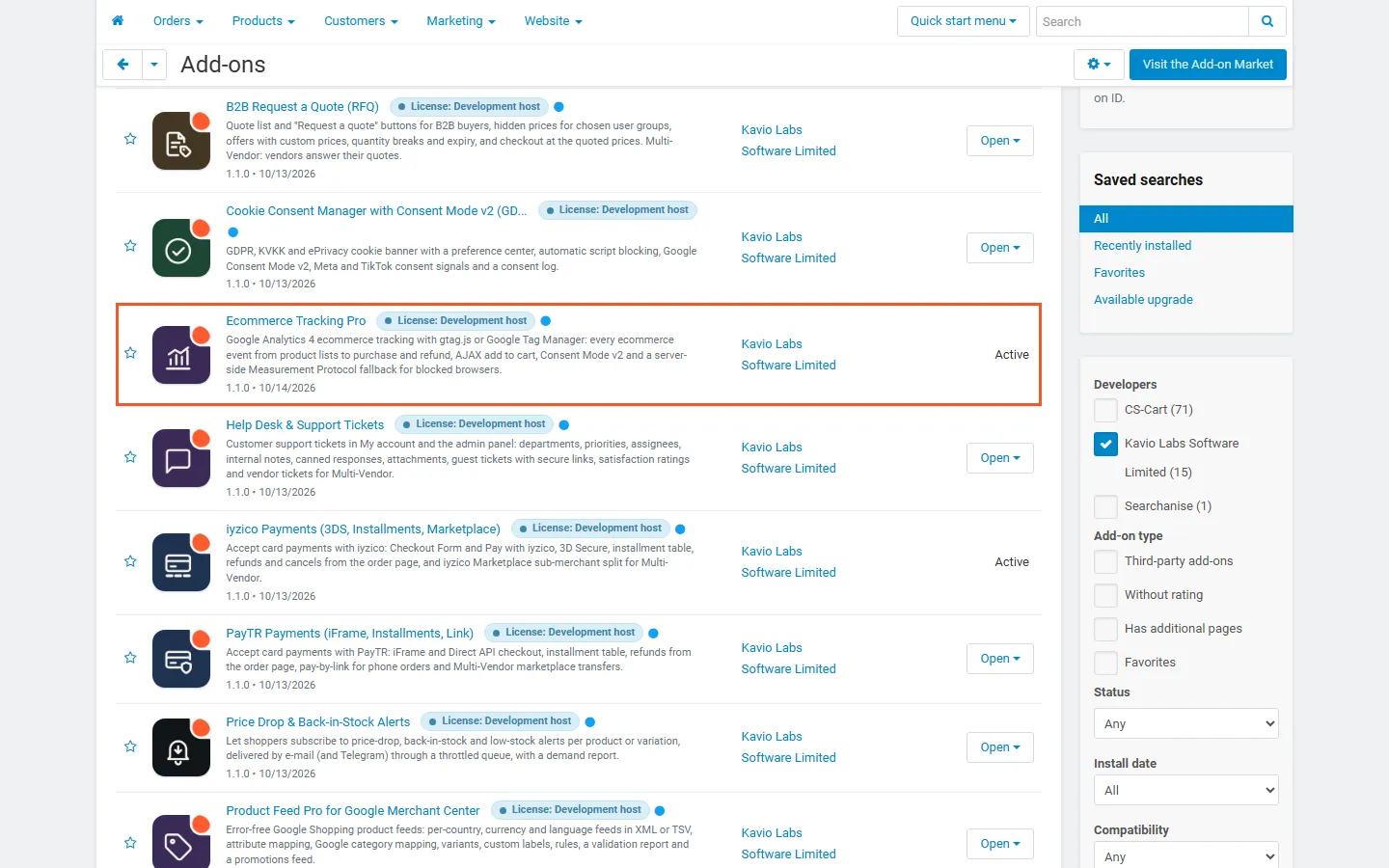
Admin, Downloaded add-ons filtered to Kavio Labs, with Ecommerce Tracking Pro highlighted and active.
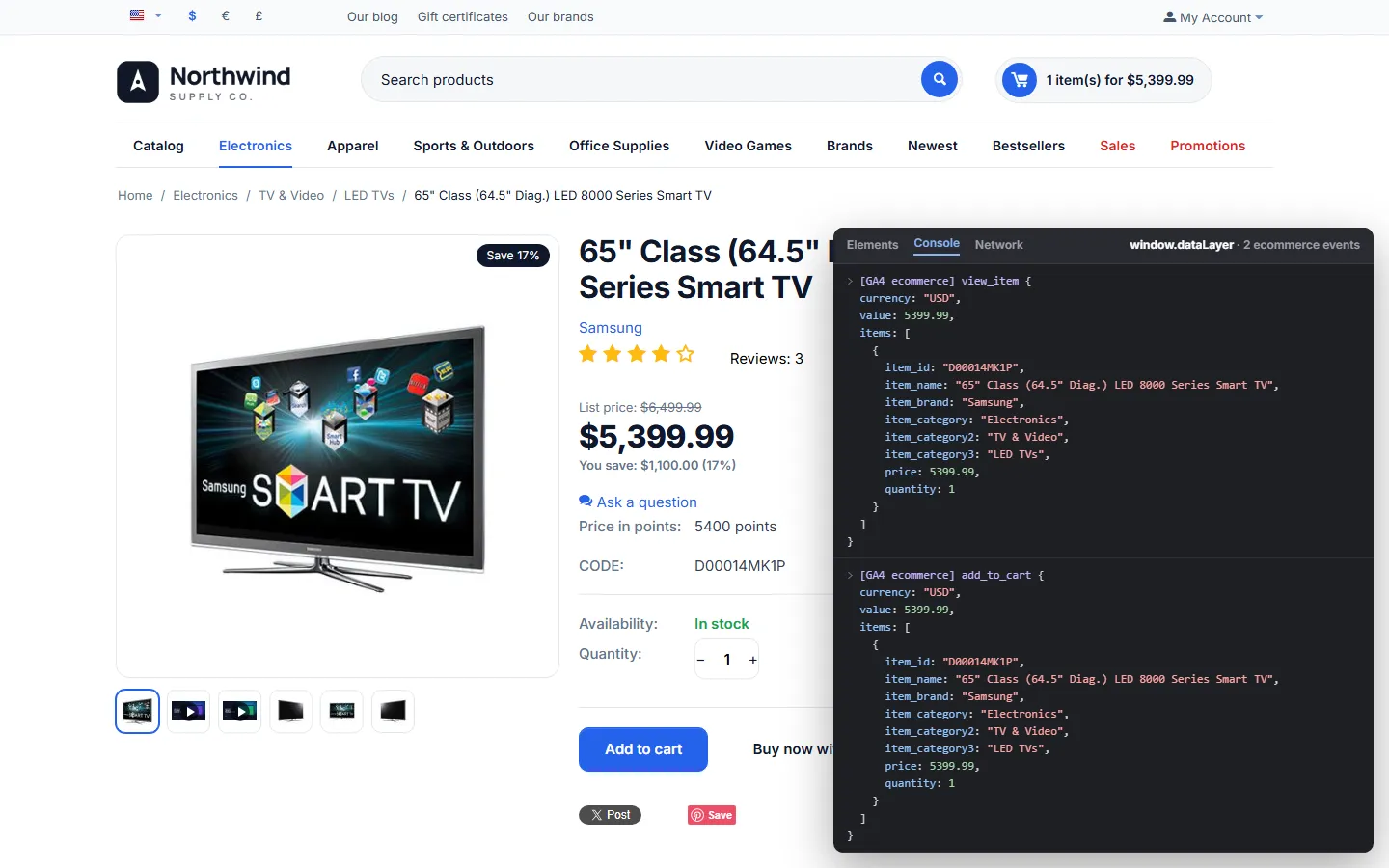
Debug view (illustration of the real data, overlay drawn for the screenshot): Full product page after Add to cart with the dataLayer overlay listing view_item and add_to_cart.
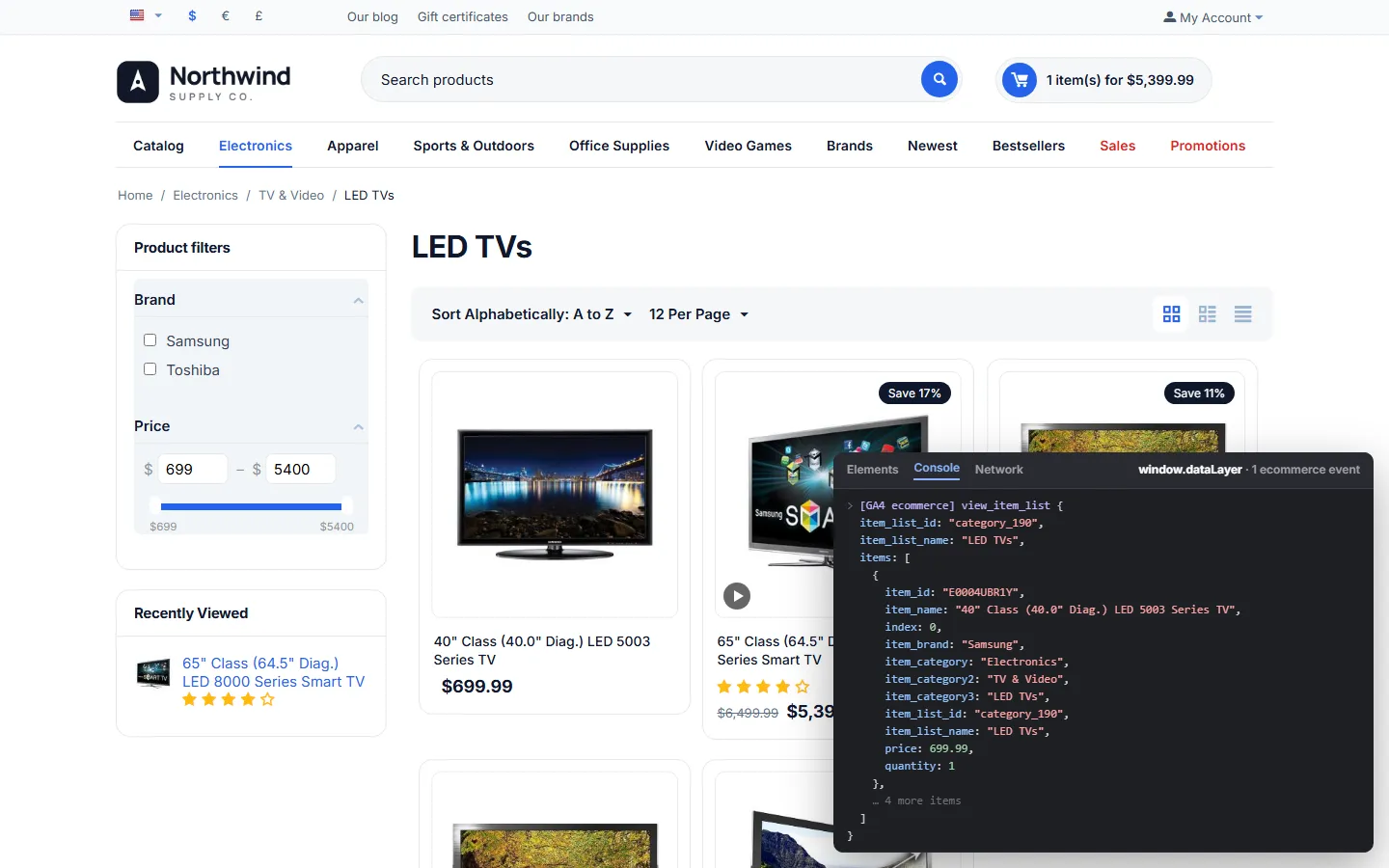
Debug view (illustration of the real data, overlay drawn for the screenshot): Full category page with the overlay listing view_item_list.
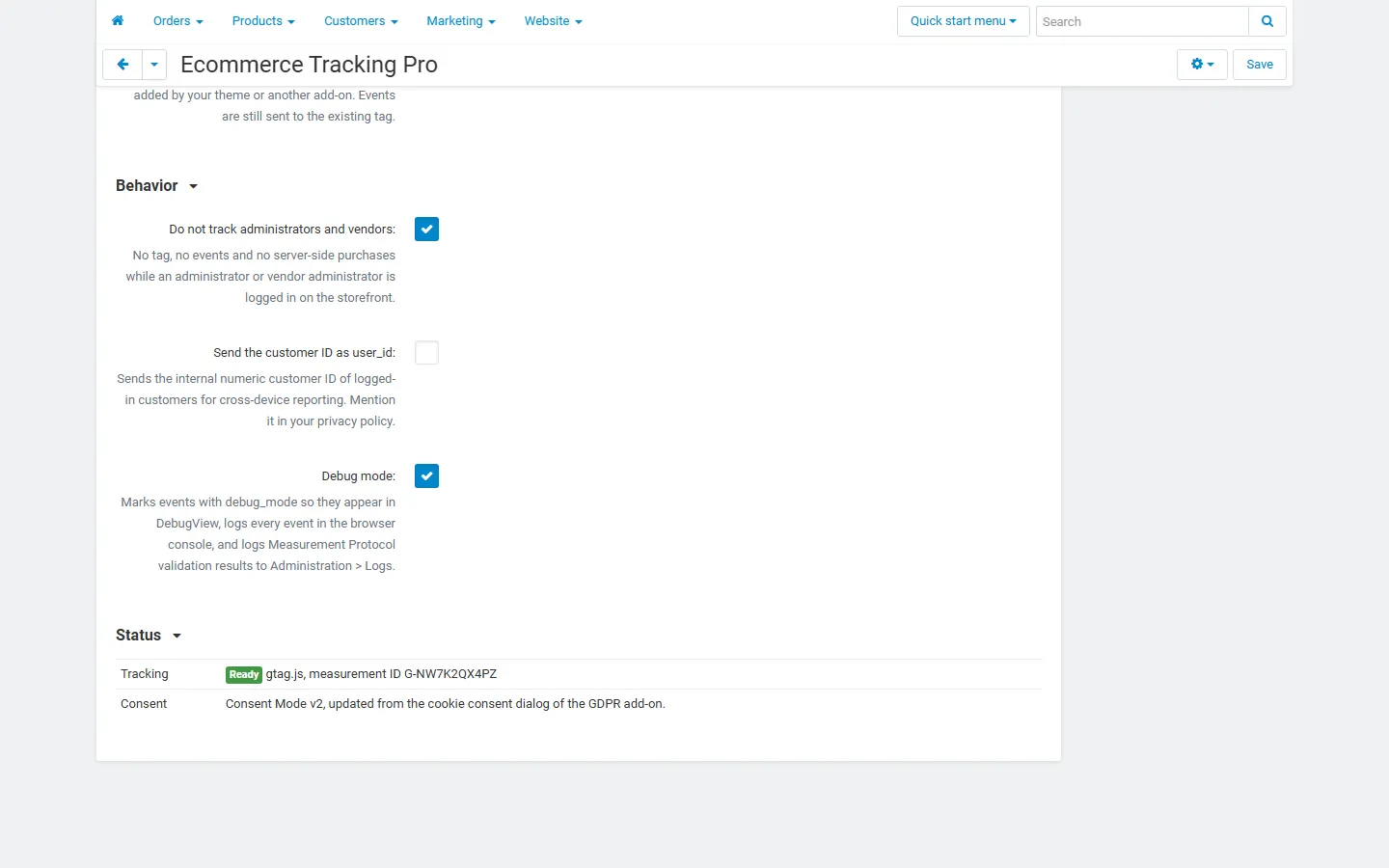
General tab, Behavior and Status: “Ready” with the tracking mode and Measurement ID, consent source (GDPR add-on cookie dialog).
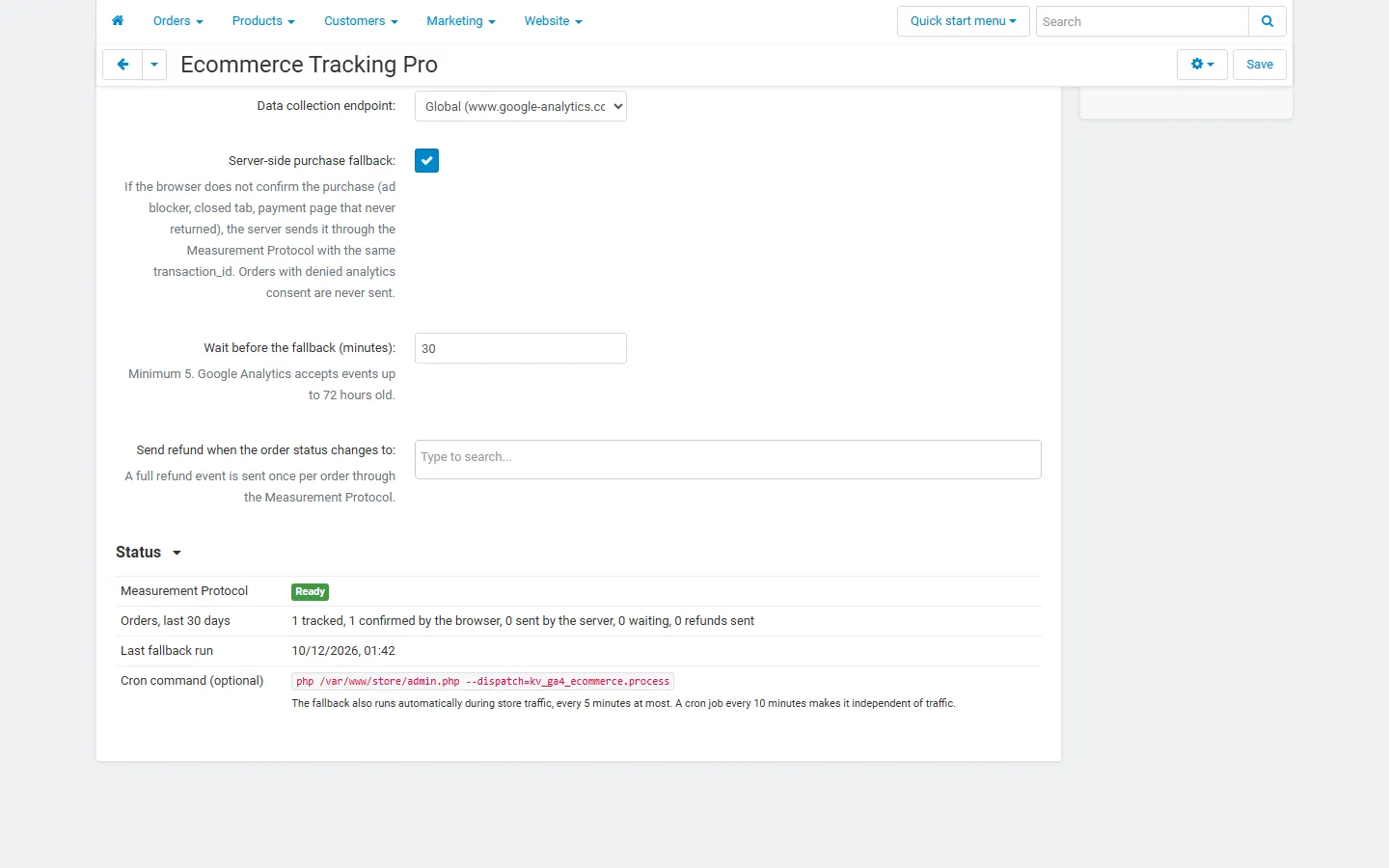
Server-side events Status: Measurement Protocol “Ready”, 30-day order counters, last fallback run and the optional cron command.