

Login Security: 2FA & Passkeys
Add-on ID: kv_login_security_2fa · Edition: CS-Cart & Multi-Vendor · Latest version: 1.0.0 · Compatible with: CS-Cart & Multi-Vendor 4.17.2 – 4.21.x, PHP 7.4 – 8.3 · Changelog: view
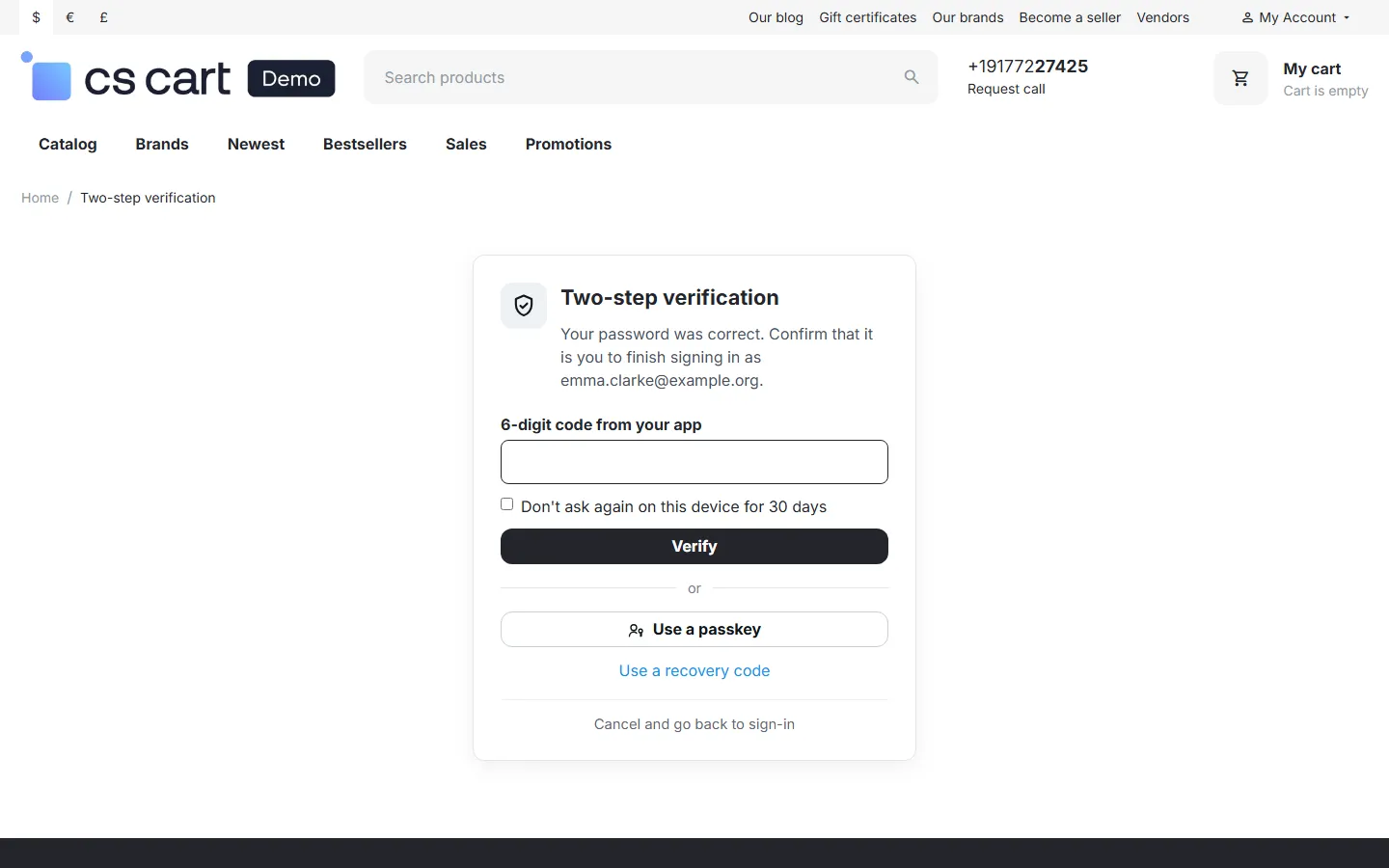
Login Security adds a second sign-in step to your store. After the password, administrators, vendors and customers confirm with a 6-digit code from an authenticator app or with a passkey (Face ID, Touch ID, Windows Hello, Android screen lock or a security key). A leaked or guessed password is no longer enough to take over an account. Passkeys can also replace the password altogether: one tap on Sign in with a passkey and the customer is in. CS-Cart itself has no second sign-in step, and this add-on works with every way your customers sign in: password, e-mail one-time password, social sign-in and phone codes.
- Policies per user type: make two-step sign-in required for administrators (the default), optional or off; the same for vendor administrators and customers. Required users set it up right after their password at the next sign-in, so nobody is locked out.
- Authenticator apps (TOTP): Google Authenticator, Microsoft Authenticator, 1Password, Authy and any app with 6-digit codes. A QR code is drawn on your own server; the secret never leaves it and is stored encrypted.
- Passkeys (WebAuthn): as a second step or as a passwordless sign-in on the storefront and in the admin and vendor panel. Synced passkeys (iCloud Keychain, Google Password Manager) and security keys work.
- Recovery codes: 10 single-use codes for a lost phone, shown once and stored only as keyed hashes.
- Trusted devices: “Don’t ask again on this device for 30 days”, with one click to sign out of all of them. Off for administrators unless you allow it.
- Brute-force protection: after 5 wrong codes the second step is locked for 15 minutes and the account owner gets an e-mail. The password is always needed first, so a lock never shuts anyone out for good.
- Security e-mails: new sign-in method, removed method, recovery code used, lock, reset by an administrator.
- Admin overview: who uses two-step sign-in, per user type; reset or unlock a user; a security log of every second step, failure, lock and change.
- Safe recovery for store owners: recovery codes, a reset by another administrator, and a server-side emergency switch. The root administrator can only be reset by themselves.
Documentation
Section titled “Documentation”| Page | Contents |
|---|---|
| Installation | Requirements, installing, upgrading, uninstalling |
| Configuration | Policies, methods, protection settings, license |
| Usage | Setting up methods, signing in, passkeys, recovery, the admin pages, Multi-Vendor and Ultimate |
| Developer notes | Standards and security, sign-in flow, data model, endpoints, hooks, file map |
| FAQ | Common questions |
Compatibility
Section titled “Compatibility”| CS-Cart / Multi-Vendor | 4.17.2 – 4.21.x (Ultimate and Multi-Vendor editions) |
| PHP | 7.2.5 – 8.3 (whatever your CS-Cart version supports) with OpenSSL (a CS-Cart requirement); no other extension or library |
| Themes | Responsive and themes based on it (Bright, Nova and others); admin panel of 4.17 – 4.21 |
| Full page cache (4.21) | Supported: the passkey button is the same for every visitor, the second-step pages are never cached |
| Other sign-in add-ons | Built-in Social login, e-mail one-time password, Social Login Pro and Phone OTP Login by Kavio Labs: their sign-ins get the second step too |
| Passkeys | Any browser with WebAuthn (all current browsers); HTTPS on a real domain (or localhost for testing) |