

Social Login Pro screenshots
Real screenshots from our CS-Cart and Multi-Vendor test stores with the add-on installed and the English interface.
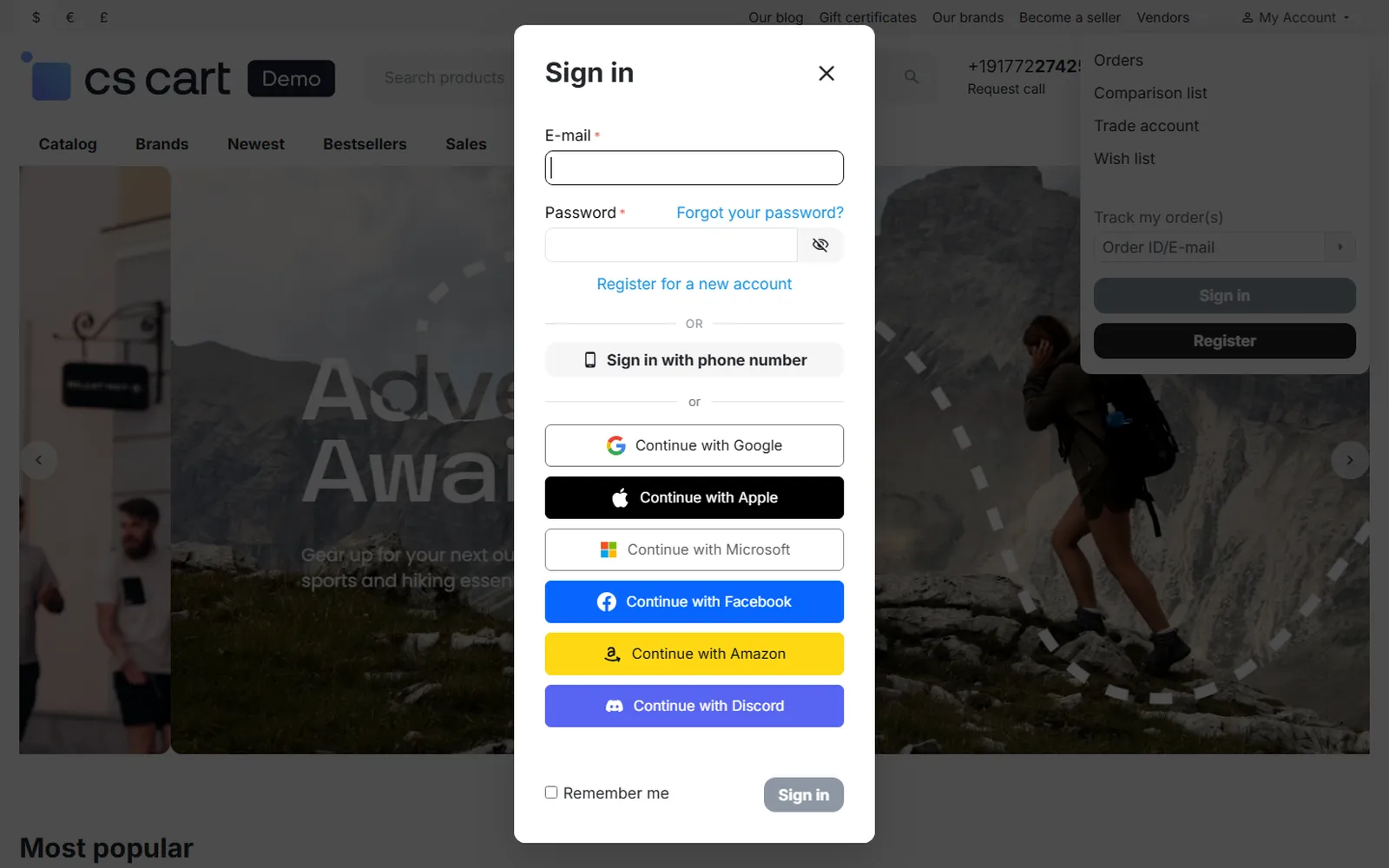
Sign-in pop-up with the brand-styled provider buttons.
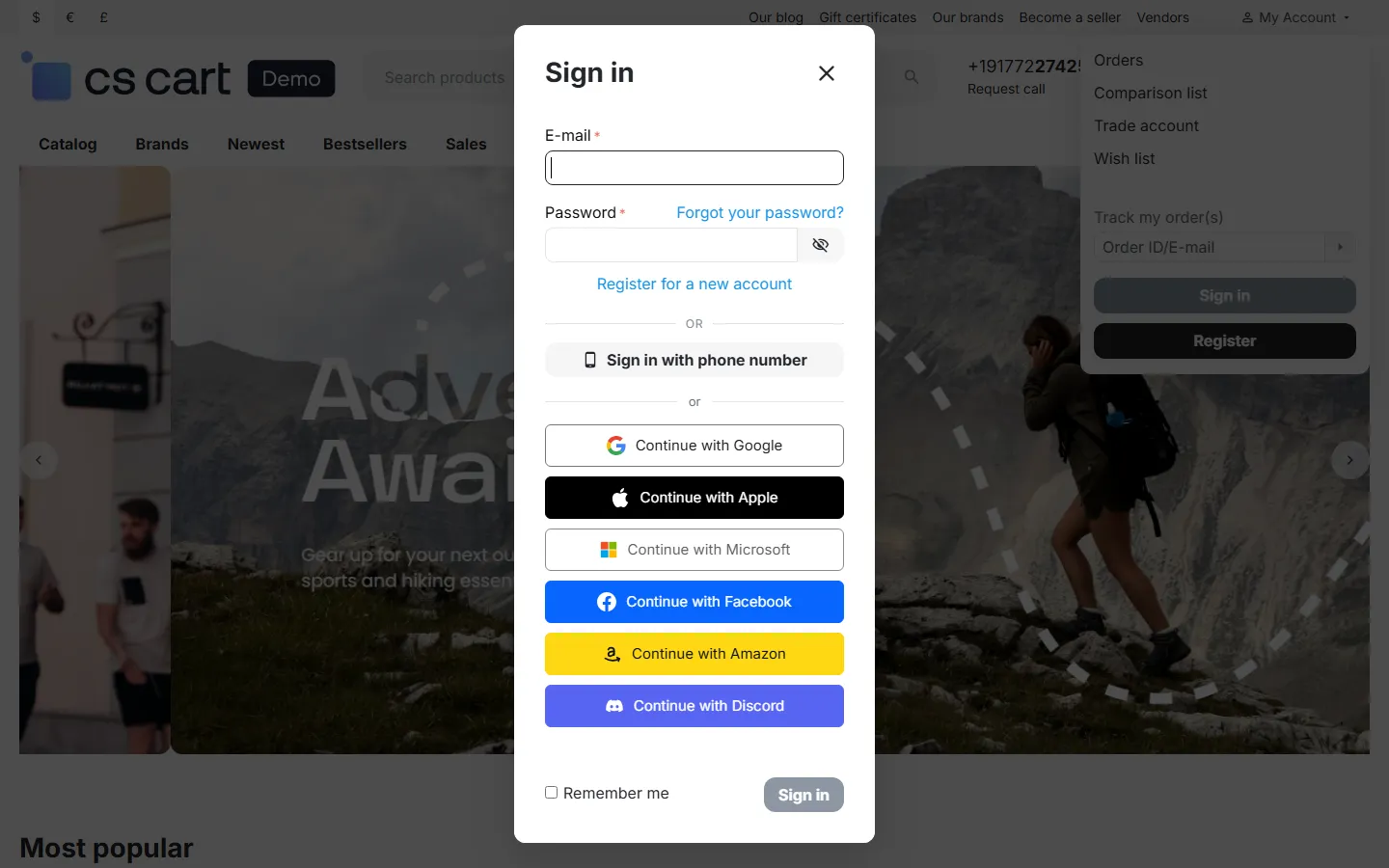
Sign-in pop-up: Continue with Google, Apple, Microsoft, Facebook, Amazon, Discord below the form.
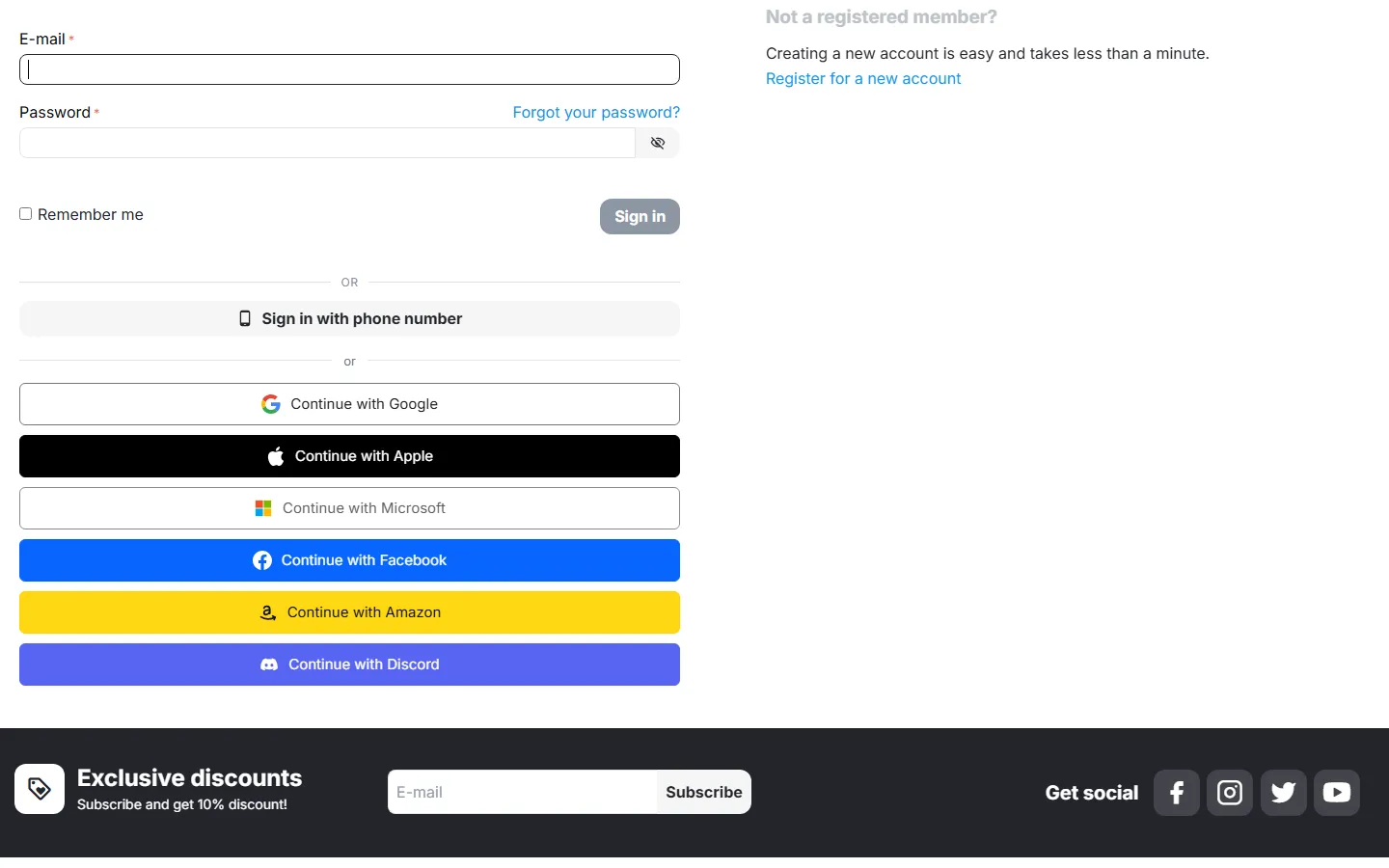
Sign-in page with the “or” divider and the buttons.
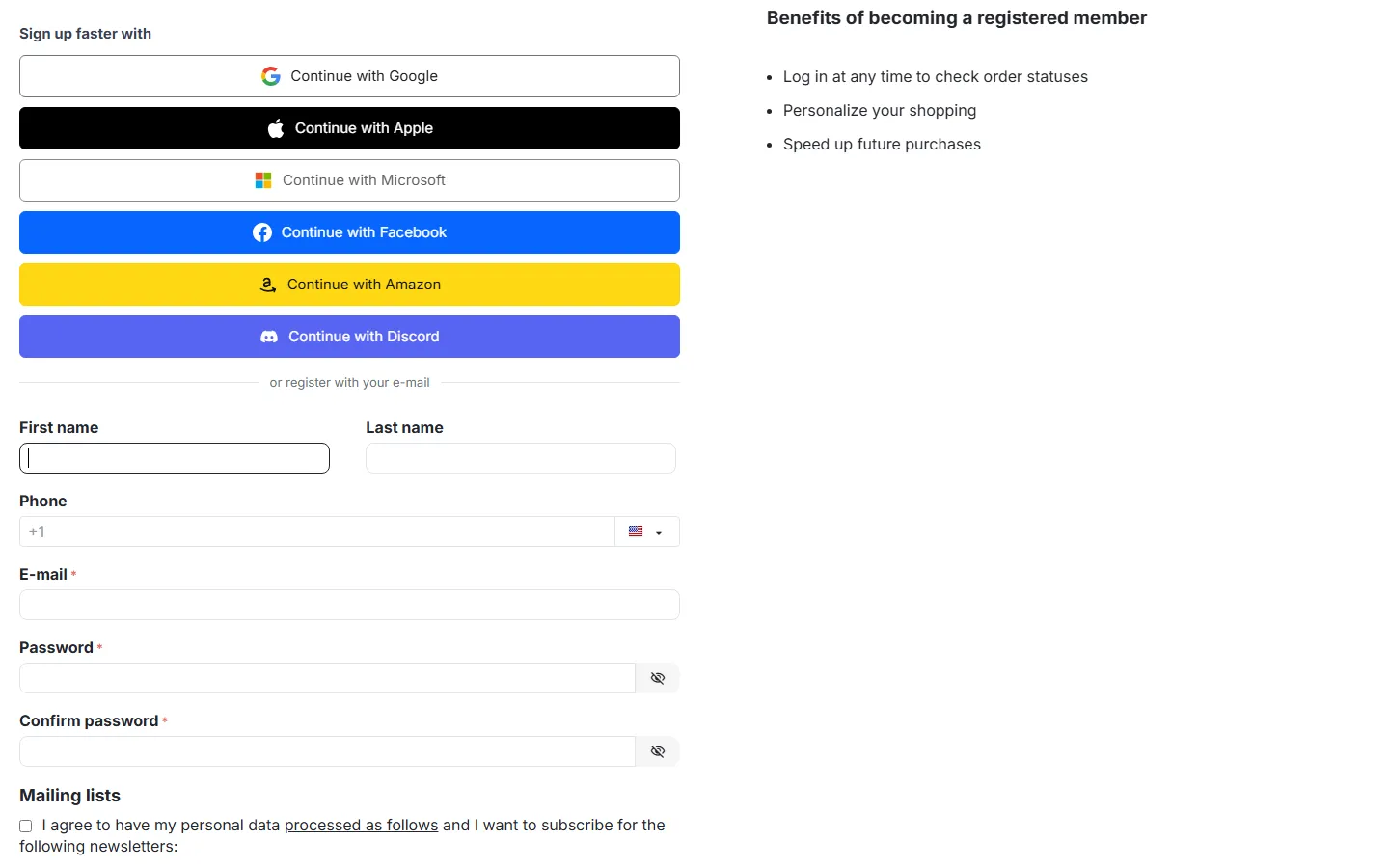
Registration page: “Sign up faster with” row above the form.
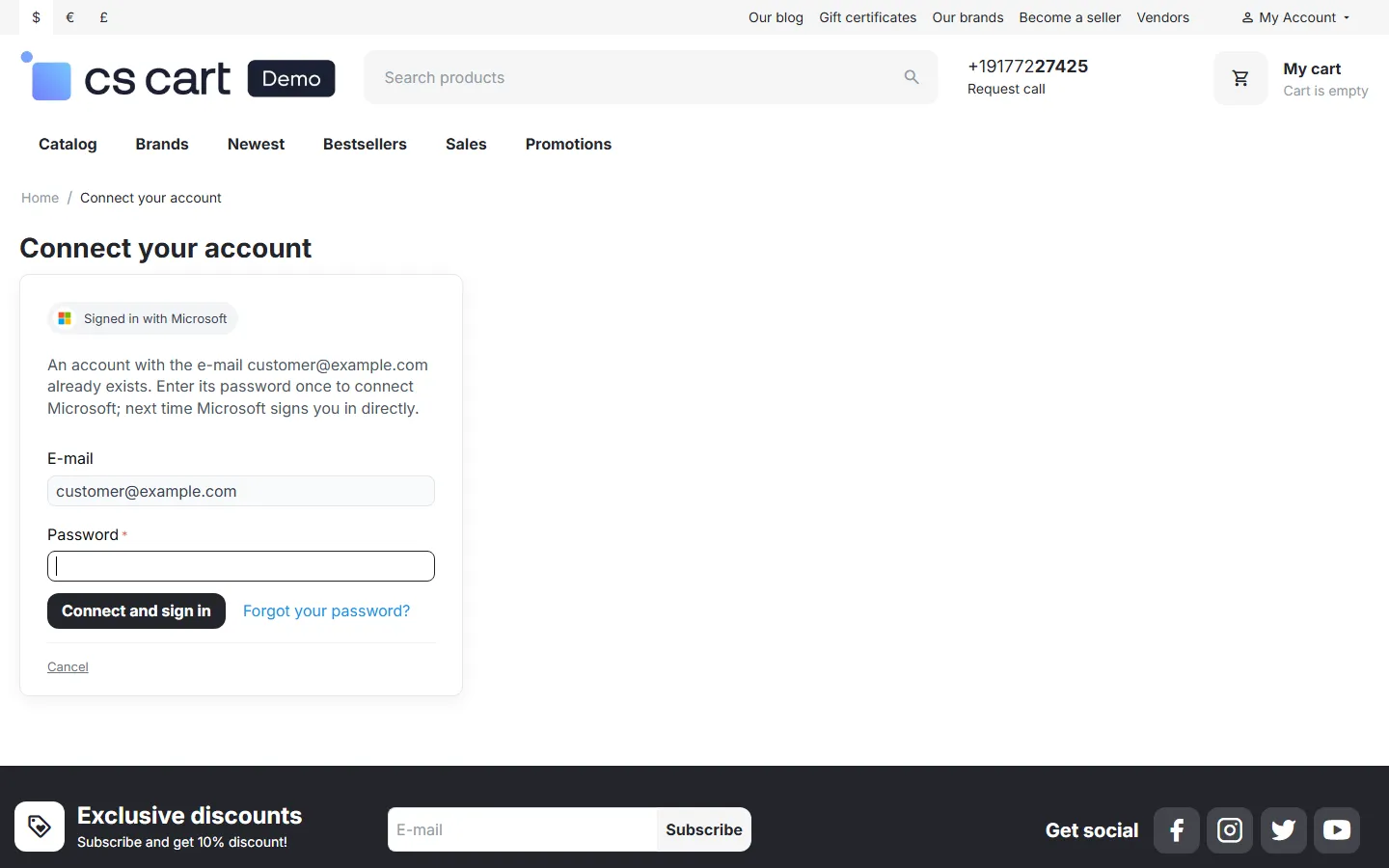
Connect your account: the e-mail belongs to an existing customer, the password is asked once.
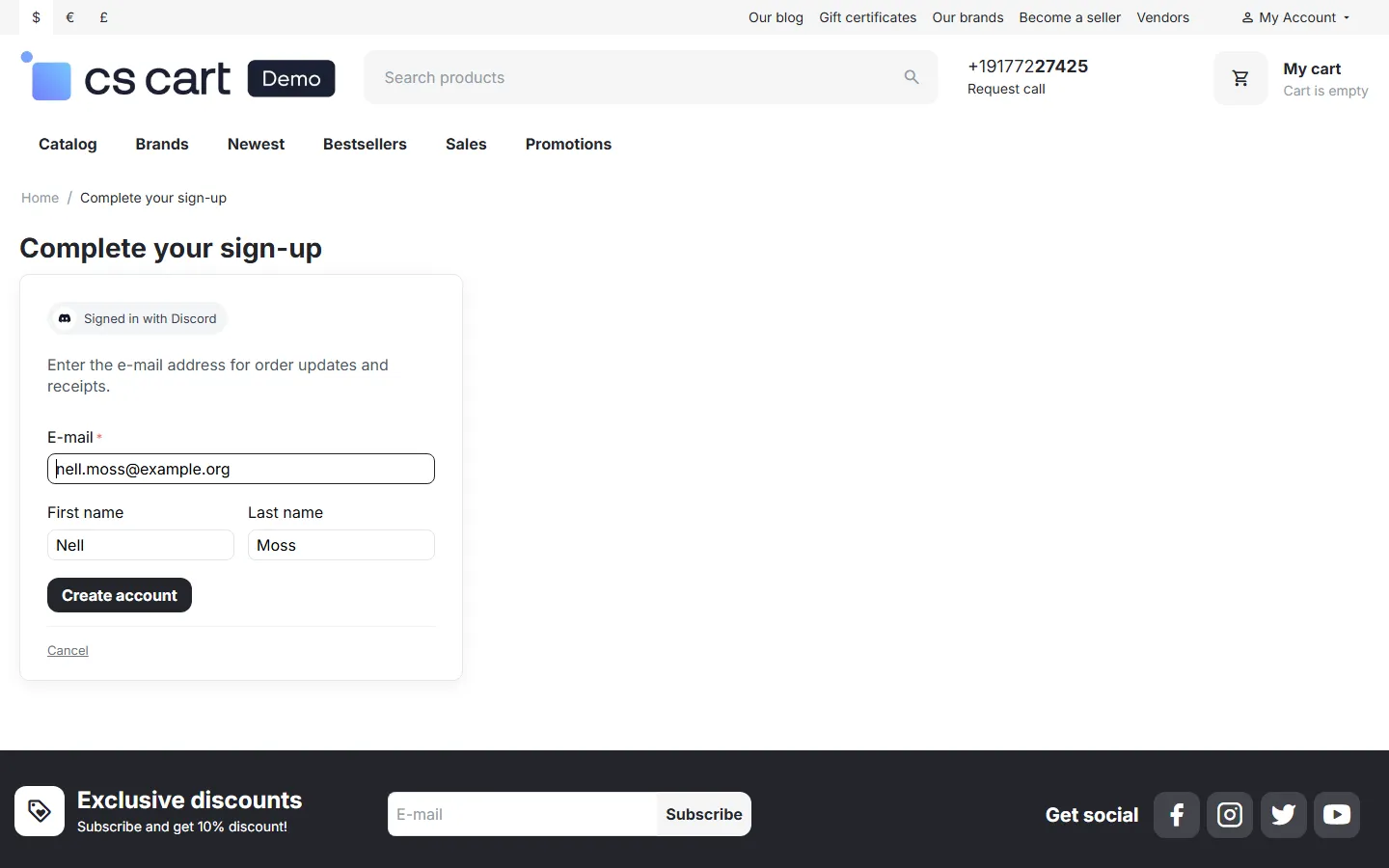
Complete your sign-up: provider without a confirmed e-mail (Discord).
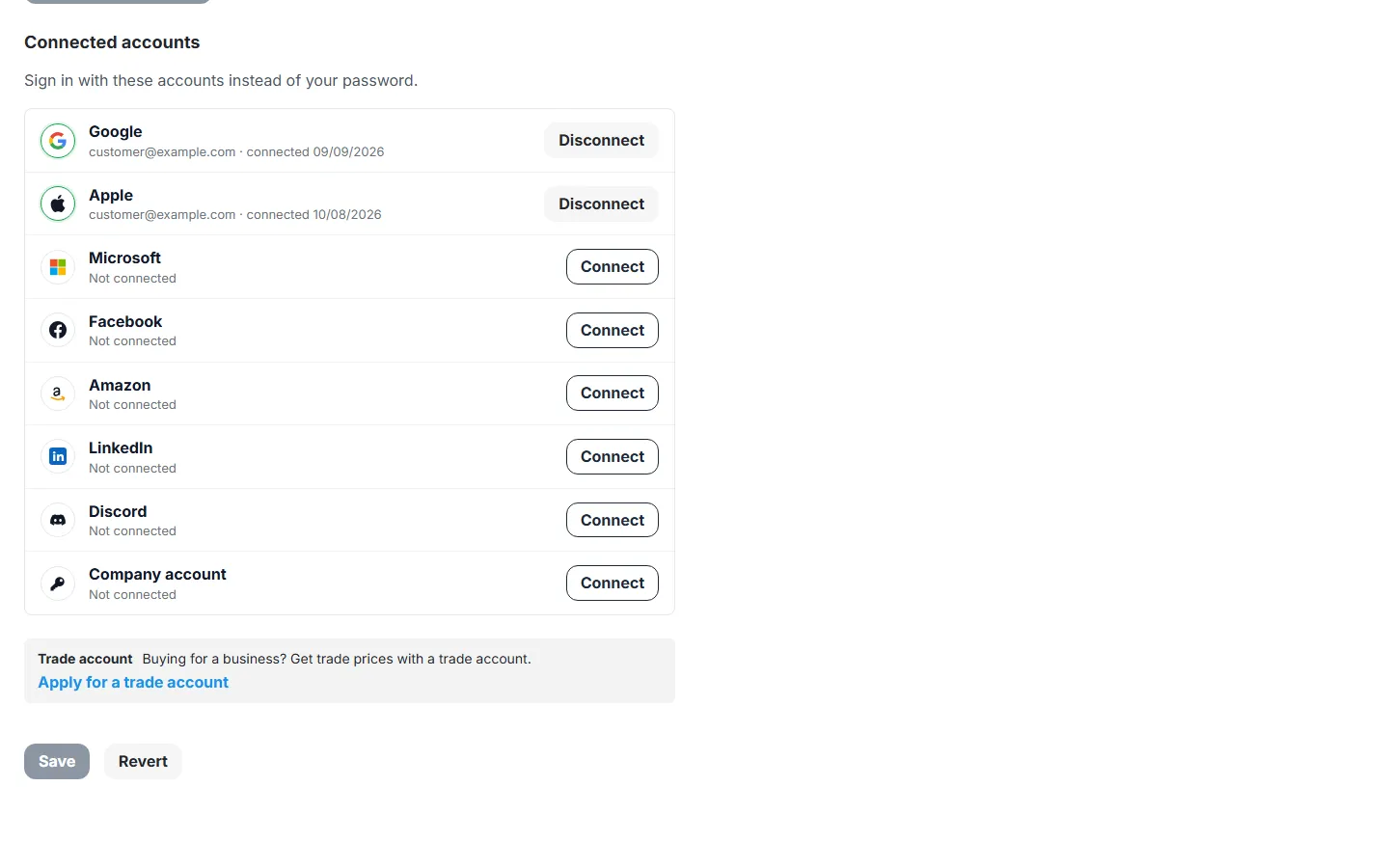
Customer profile: Connected accounts with Disconnect and Connect.
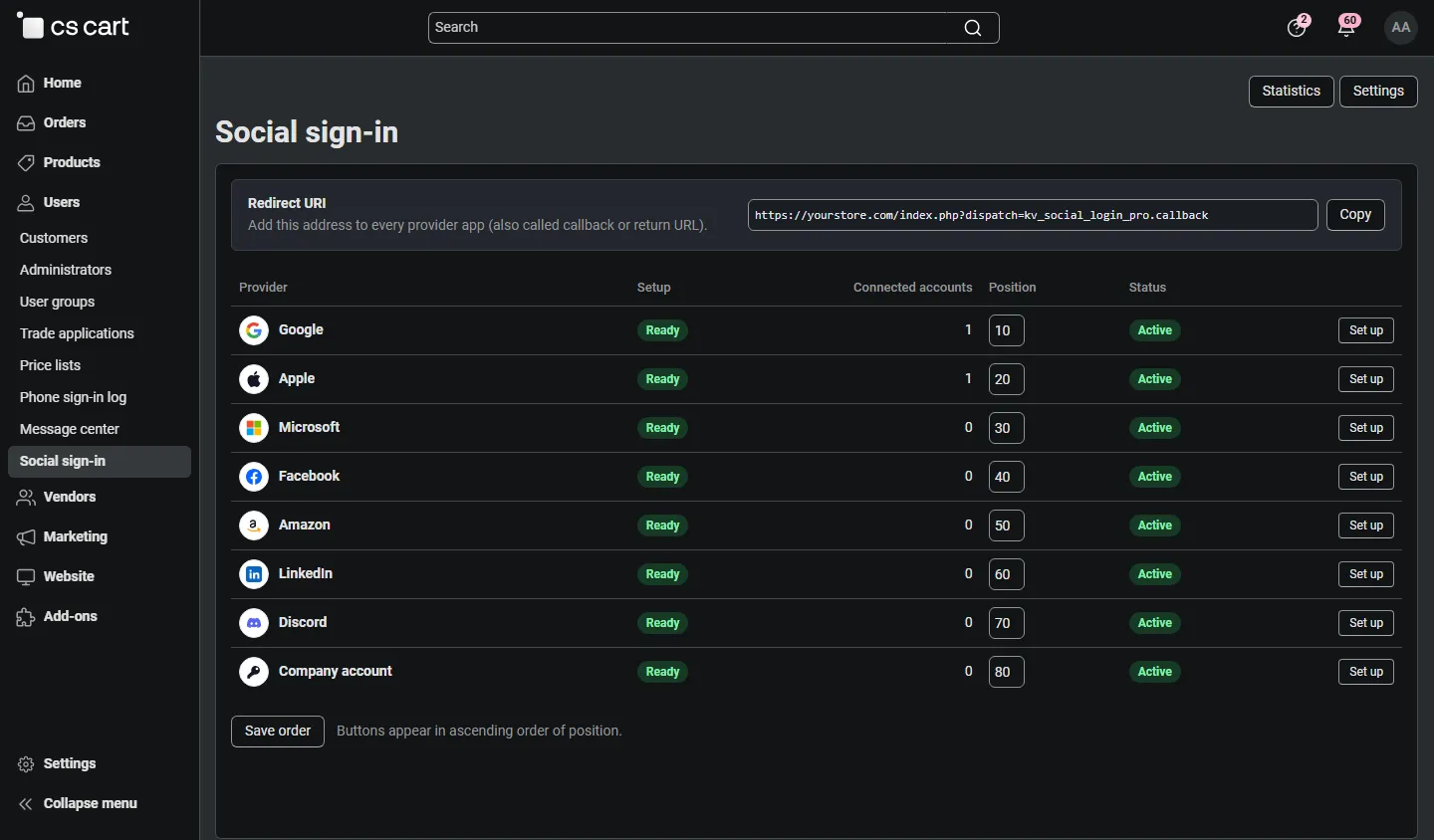
Admin: Social sign-in providers, redirect URI with Copy, setup state, connected accounts, order.
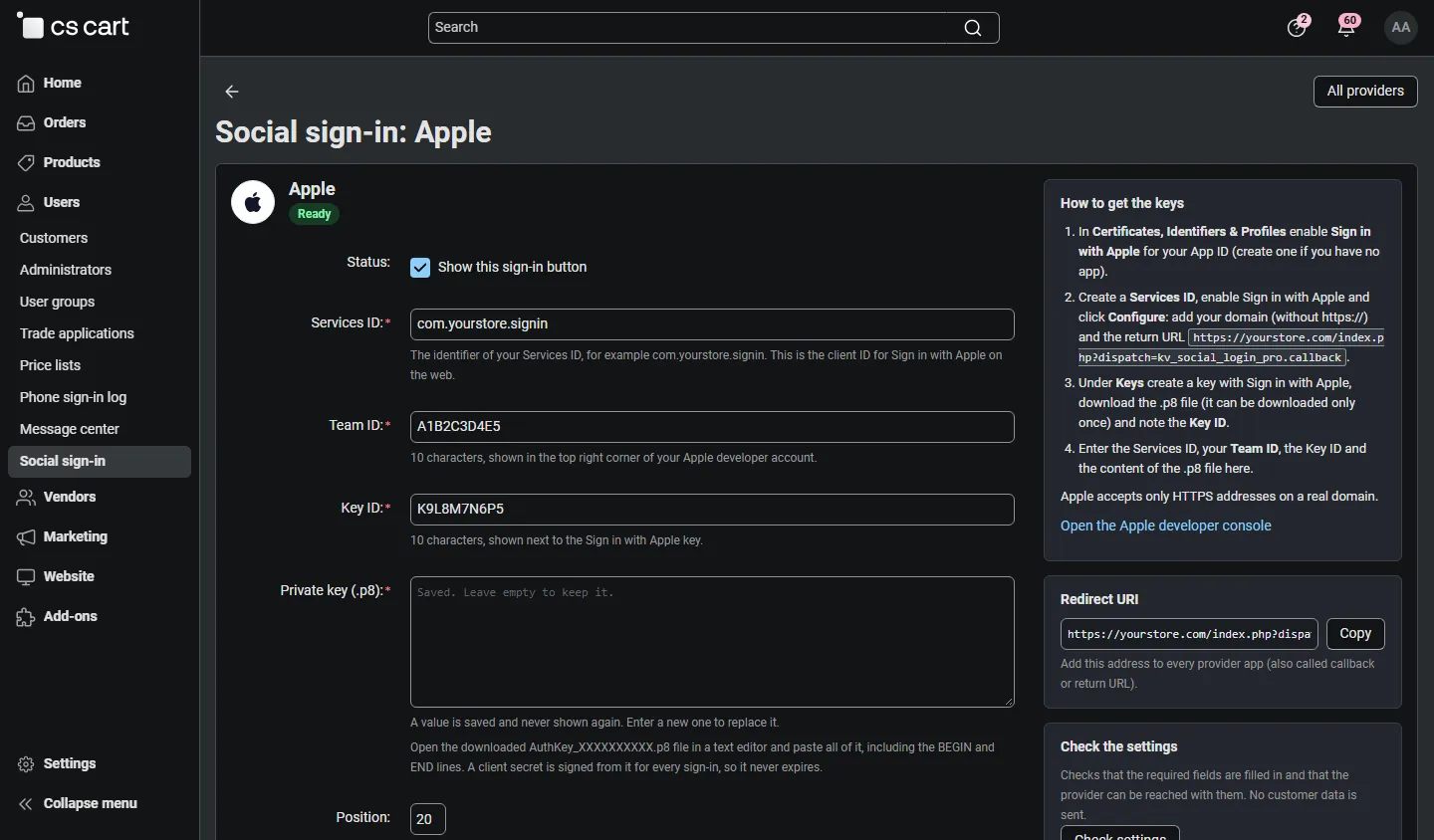
Admin: Sign in with Apple settings (Services ID, Team ID, Key ID, .p8 key) with the setup steps and Check settings.
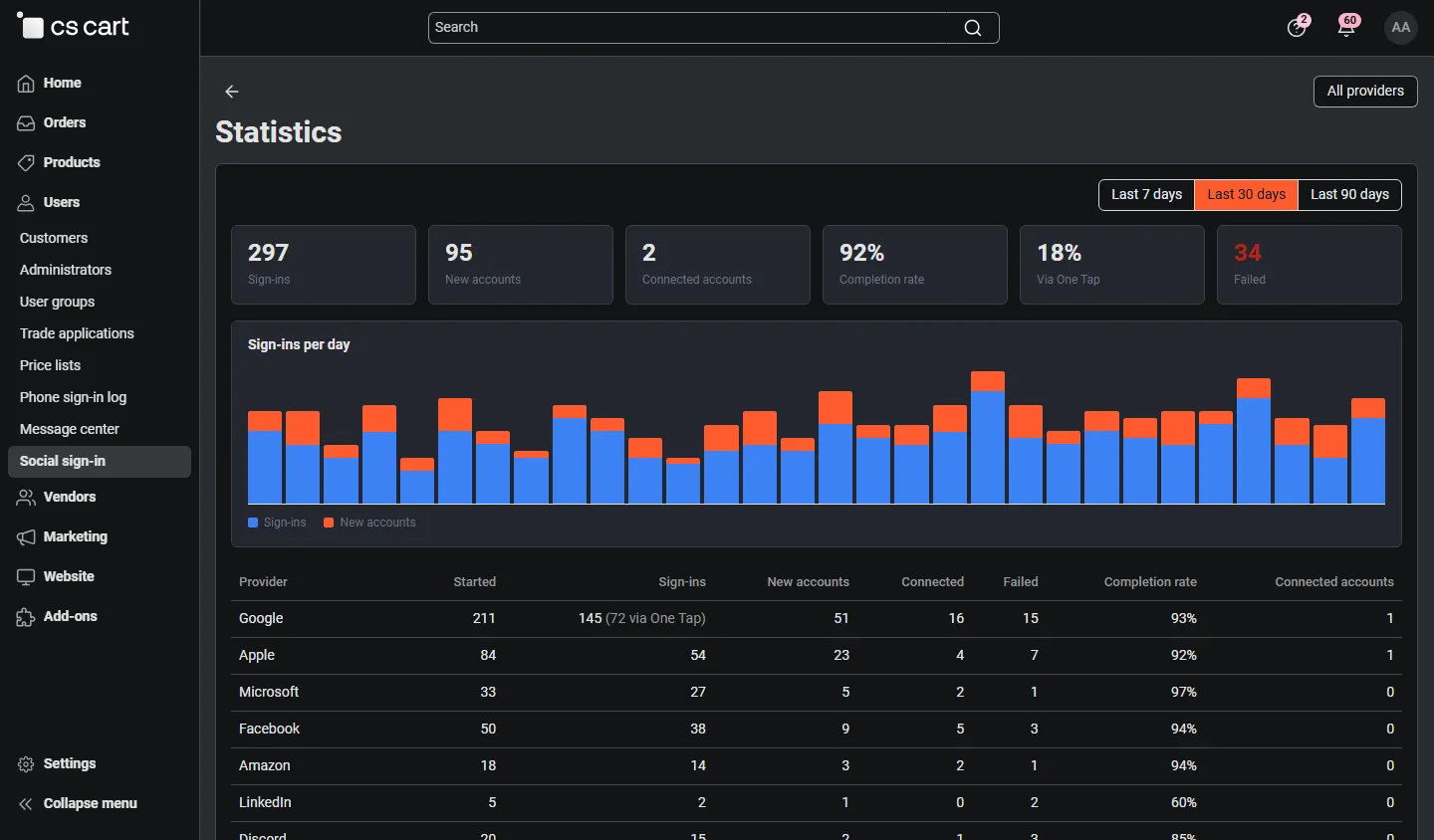
Admin: statistics (sign-ins, new accounts, completion rate, One Tap share, per day and per provider).
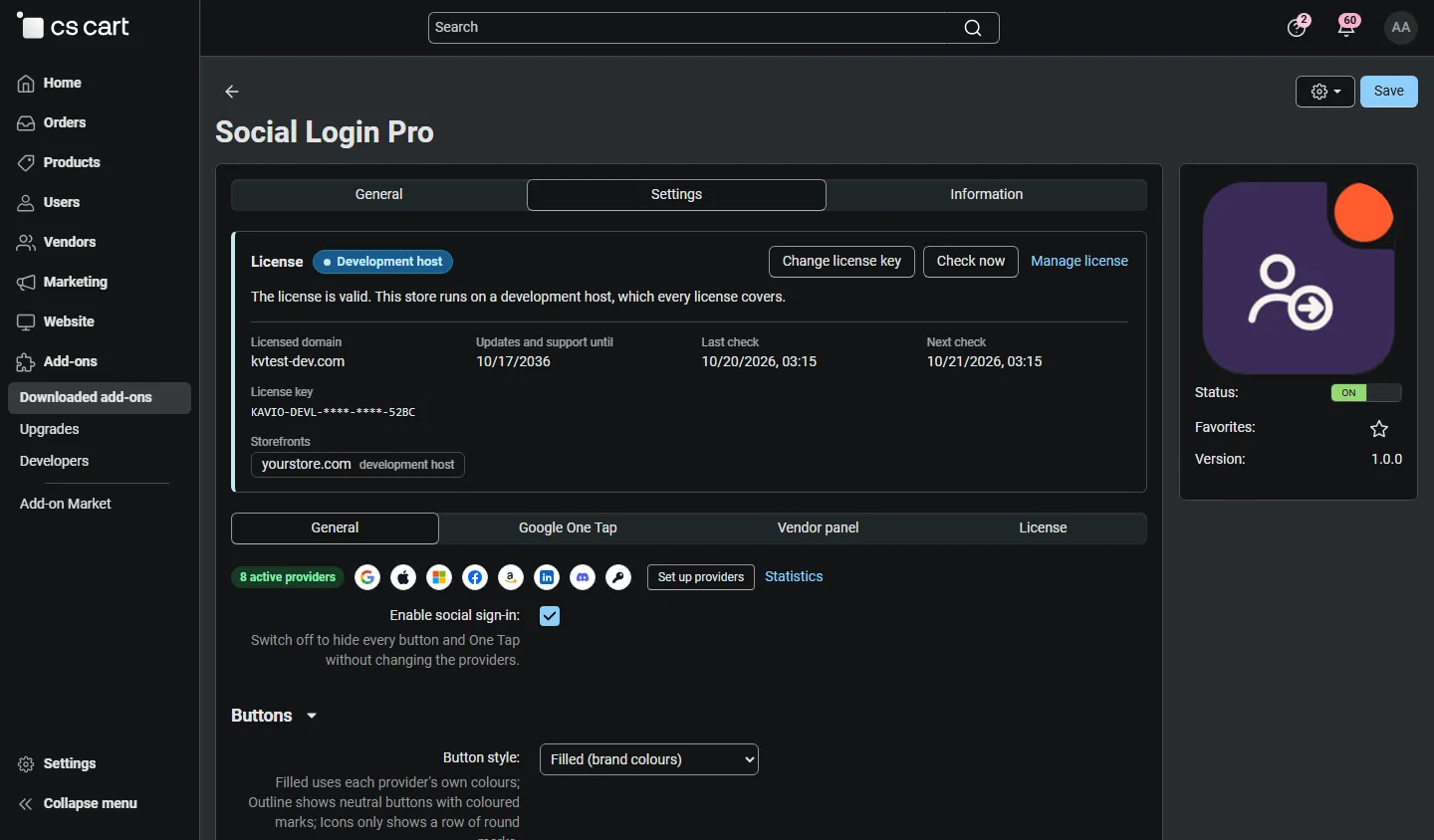
Add-on settings, General: overview of the active providers, button and account options.
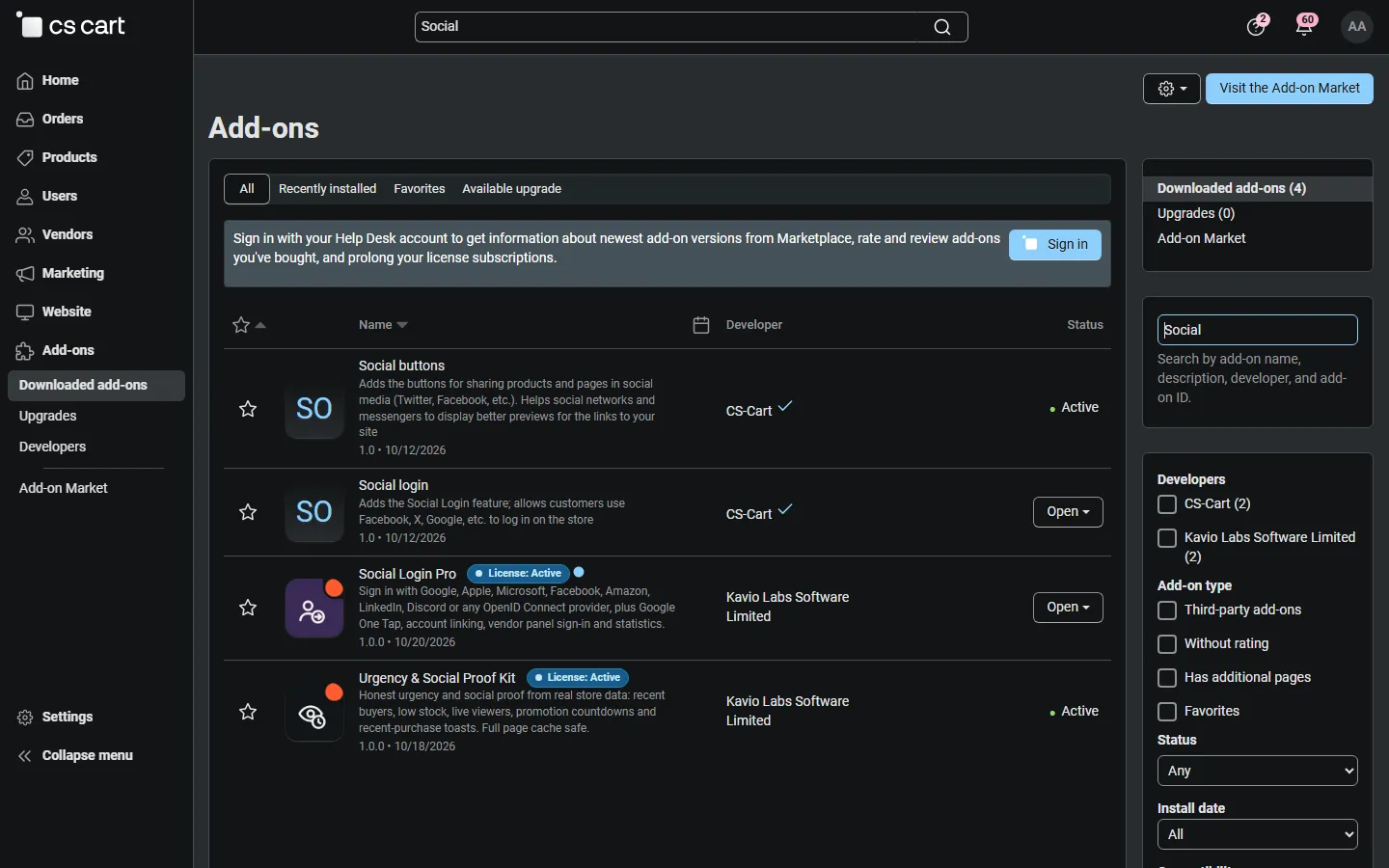
Admin, Downloaded add-ons searched for “Social”: the add-on next to the built-in Social login.
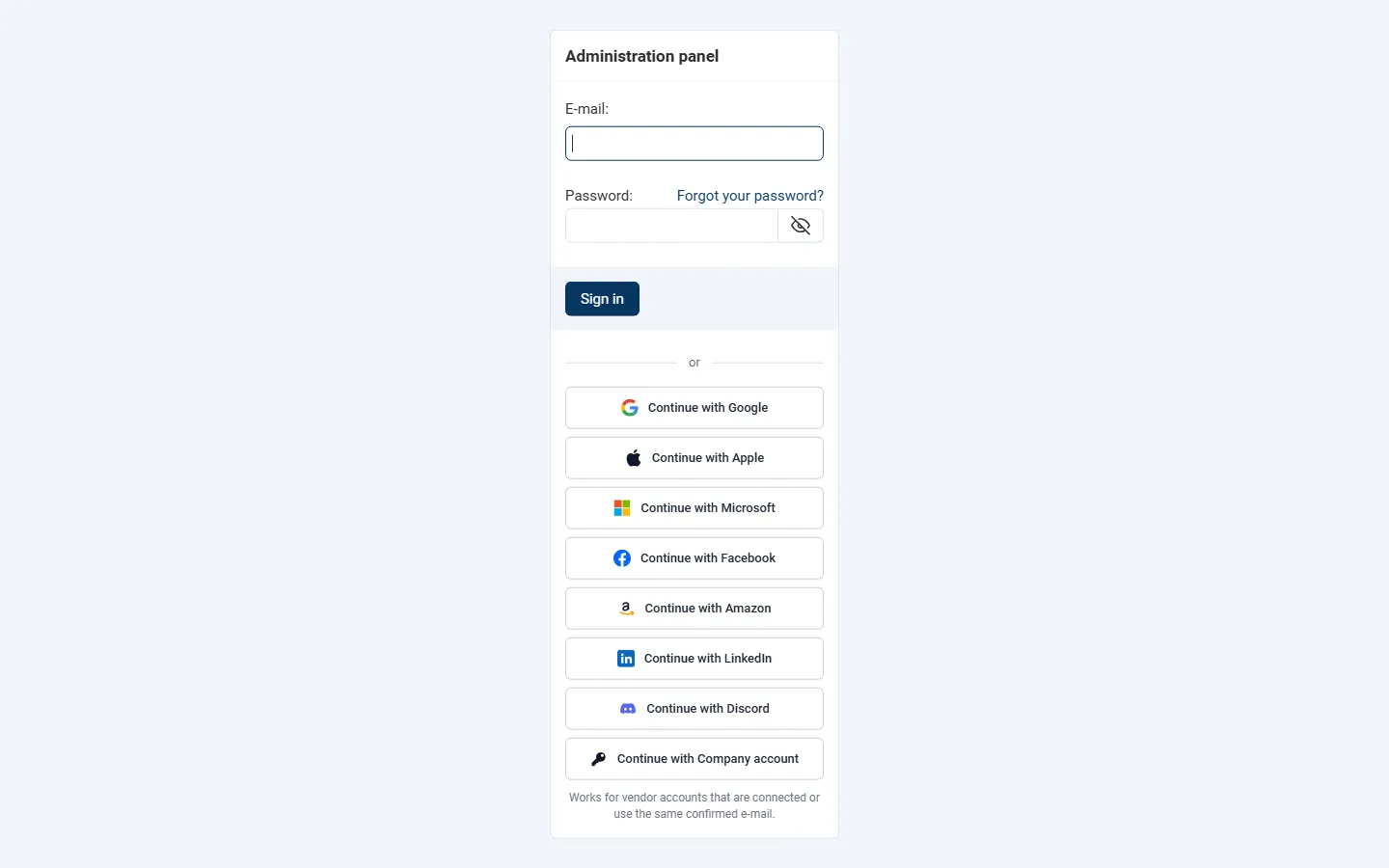
Vendor panel sign-in with the provider buttons (Multi-Vendor).
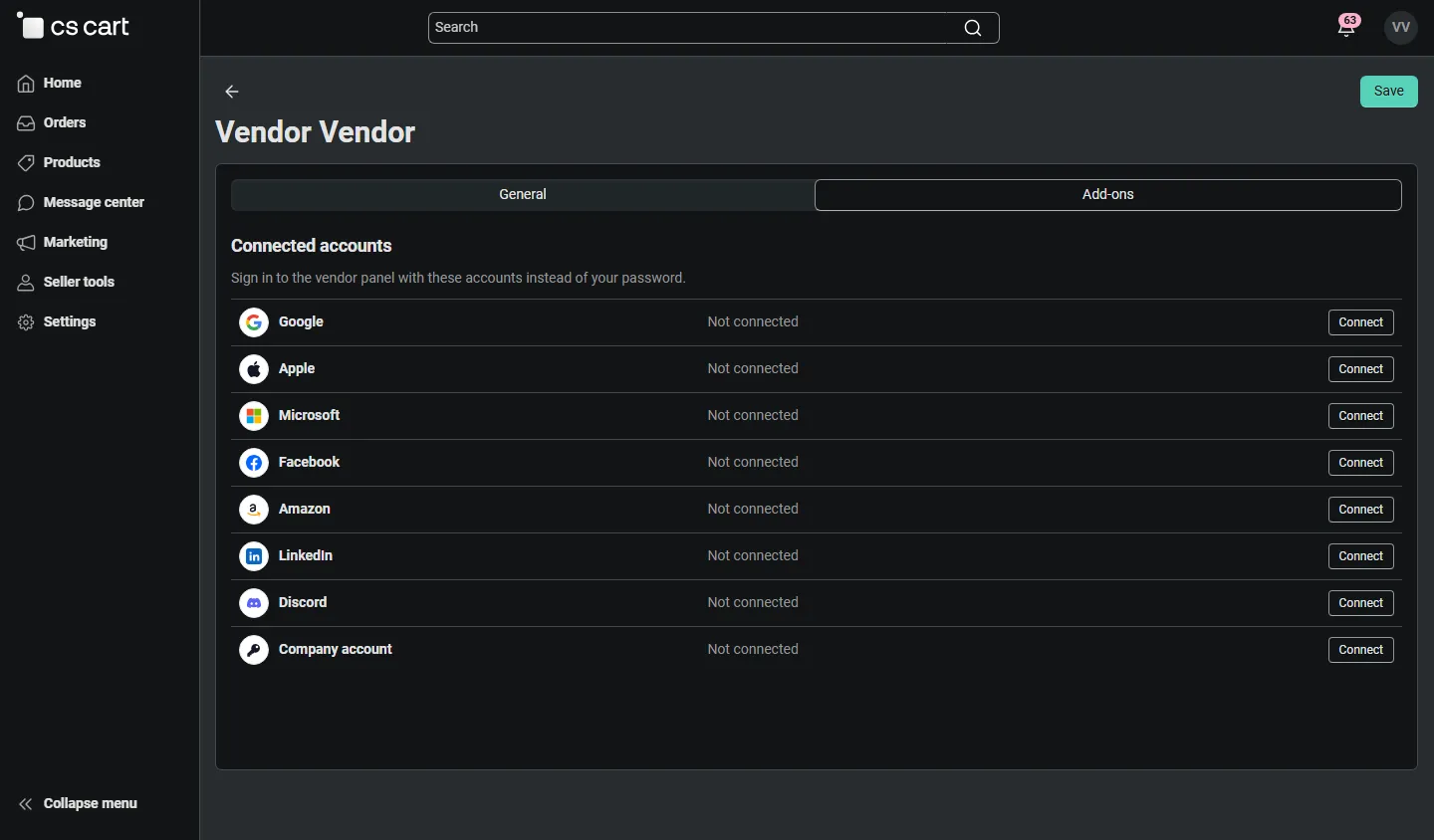
Vendor profile, Add-ons tab: connected accounts for the vendor panel.

Admin: Microsoft settings with the tenant option and the optional-claims tip.
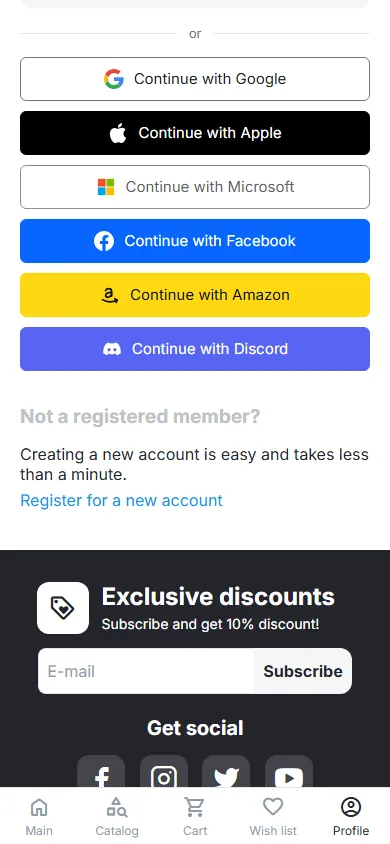
Mobile (390 px): sign-in buttons.
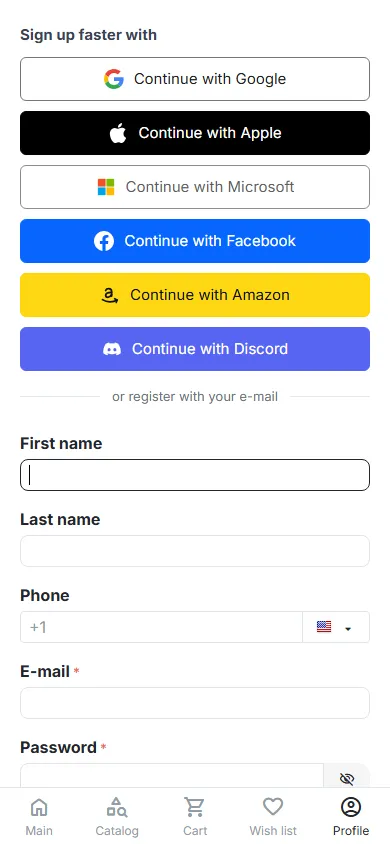
Mobile (390 px): registration page with the sign-up buttons.
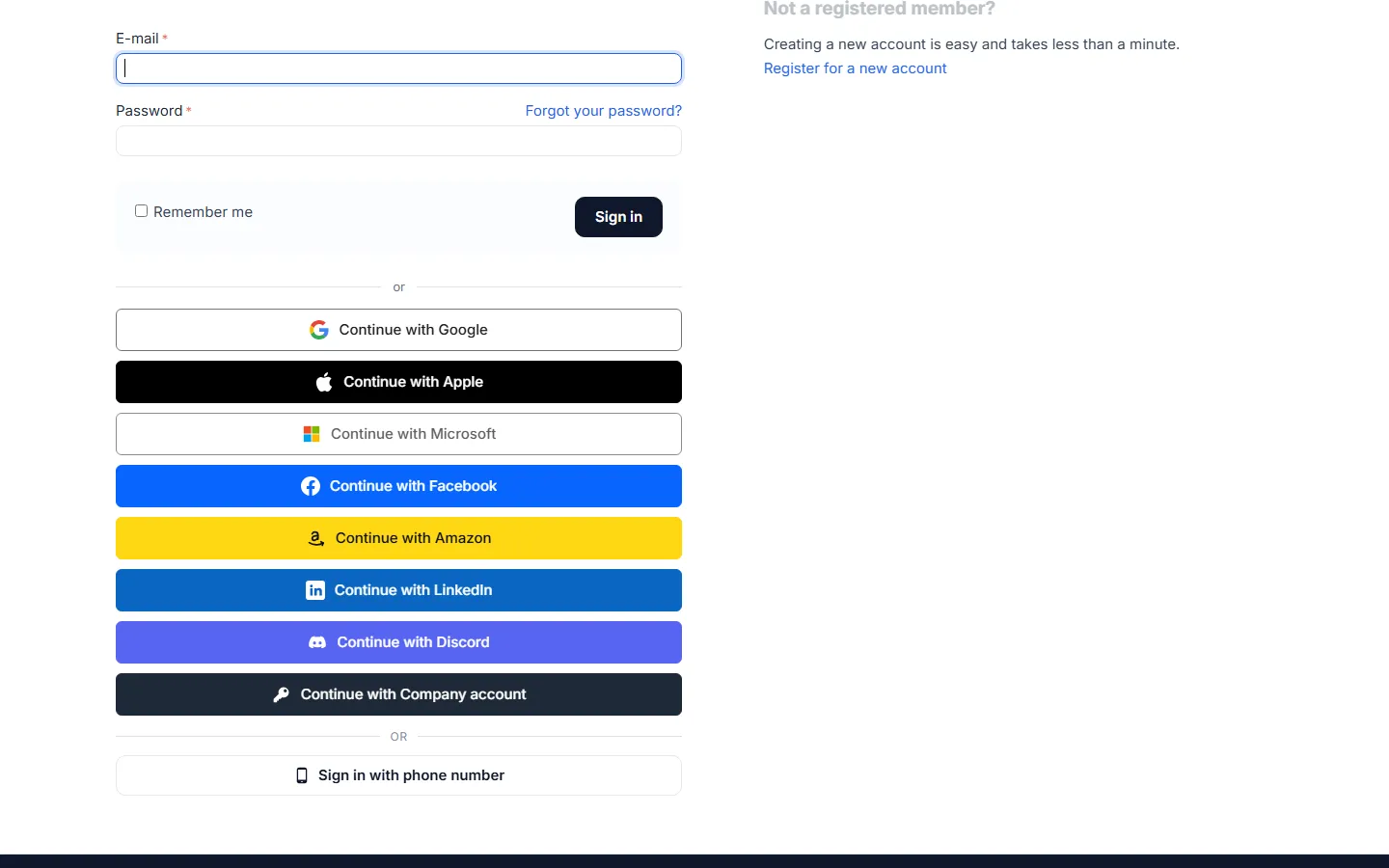
CS-Cart 4.17.2: sign-in page with the buttons.