

Vendor Vacation Mode screenshots
Real screenshots from our CS-Cart and Multi-Vendor test stores with the add-on installed and the English interface.
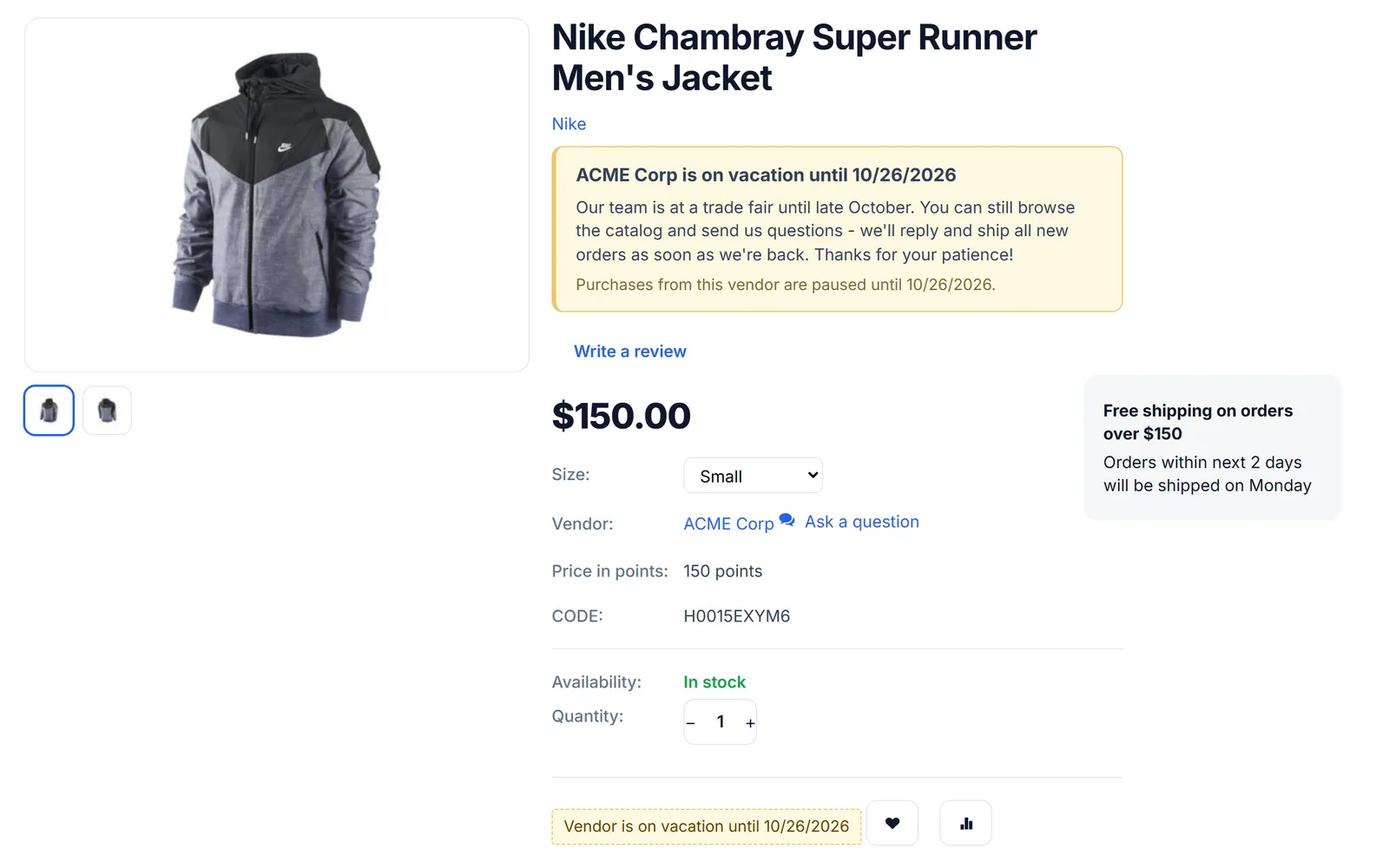
Product page: “ACME Corp is on vacation until 10/26/2026” banner with the vendor’s message under the title; Add to cart replaced by “Vendor is on vacation until…”.
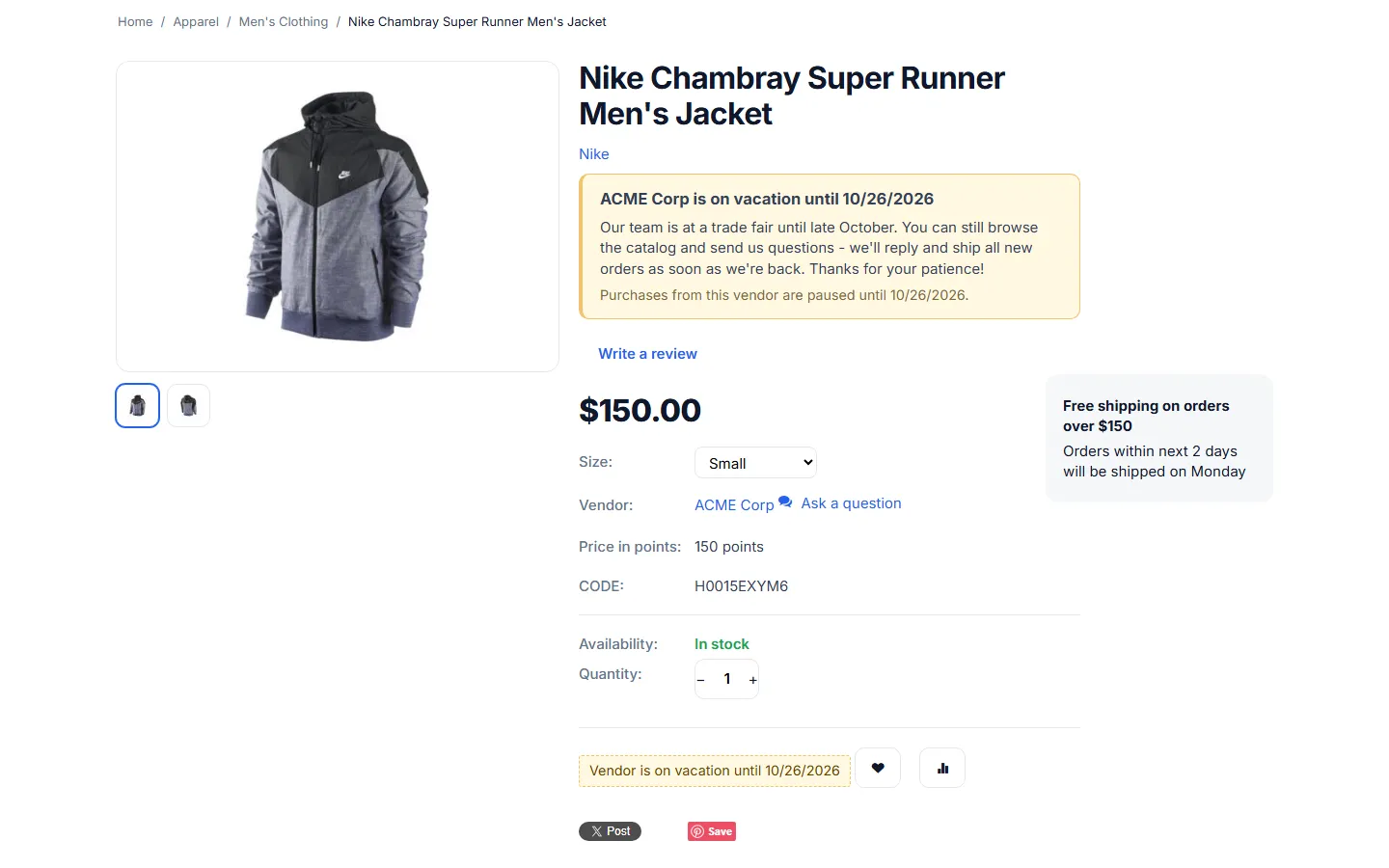
Full product page of a vacationing vendor: banner under the title and the replaced Add to cart button.
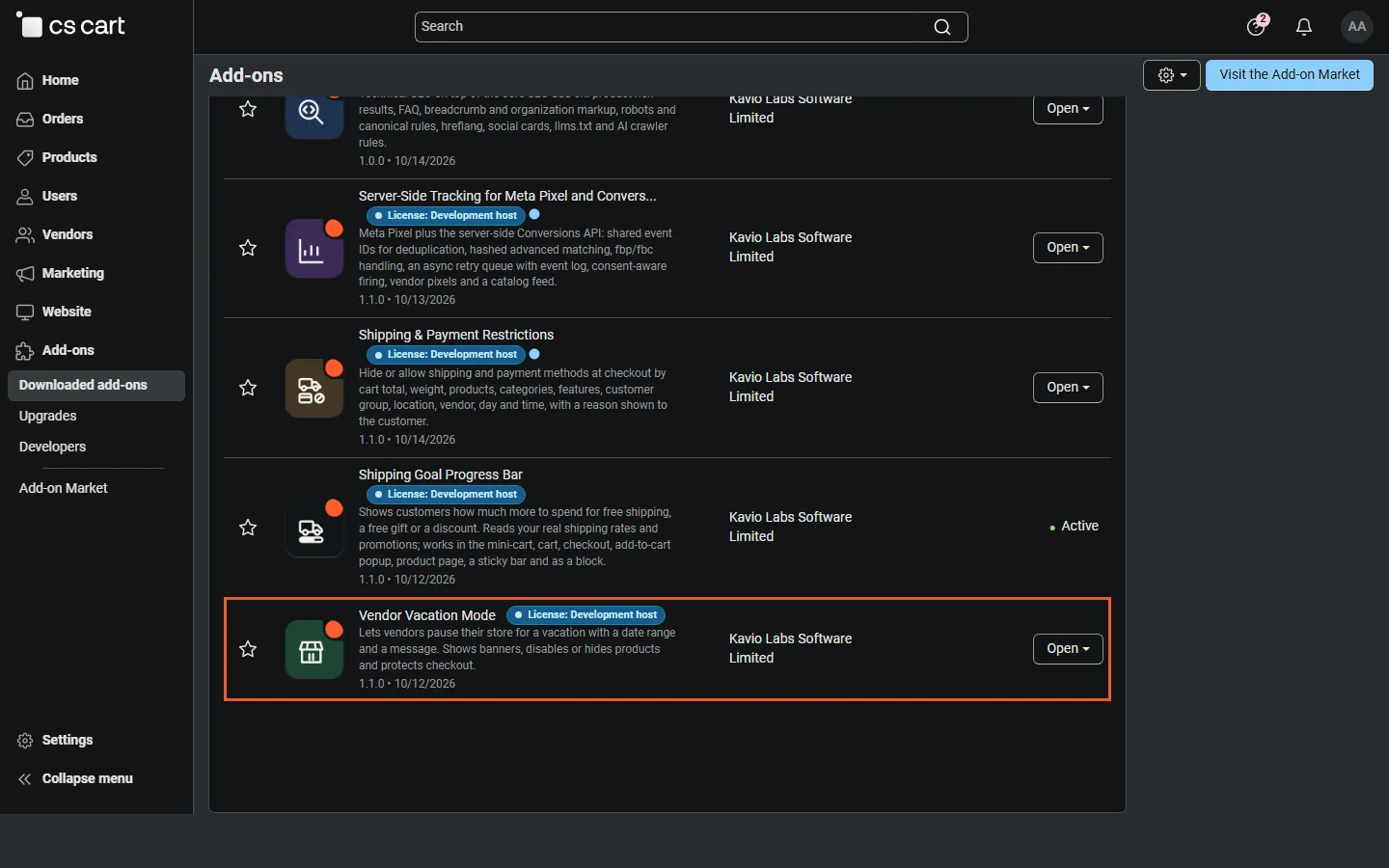
Admin, Downloaded add-ons filtered to Kavio Labs (Multi-Vendor), with Vendor Vacation Mode highlighted.
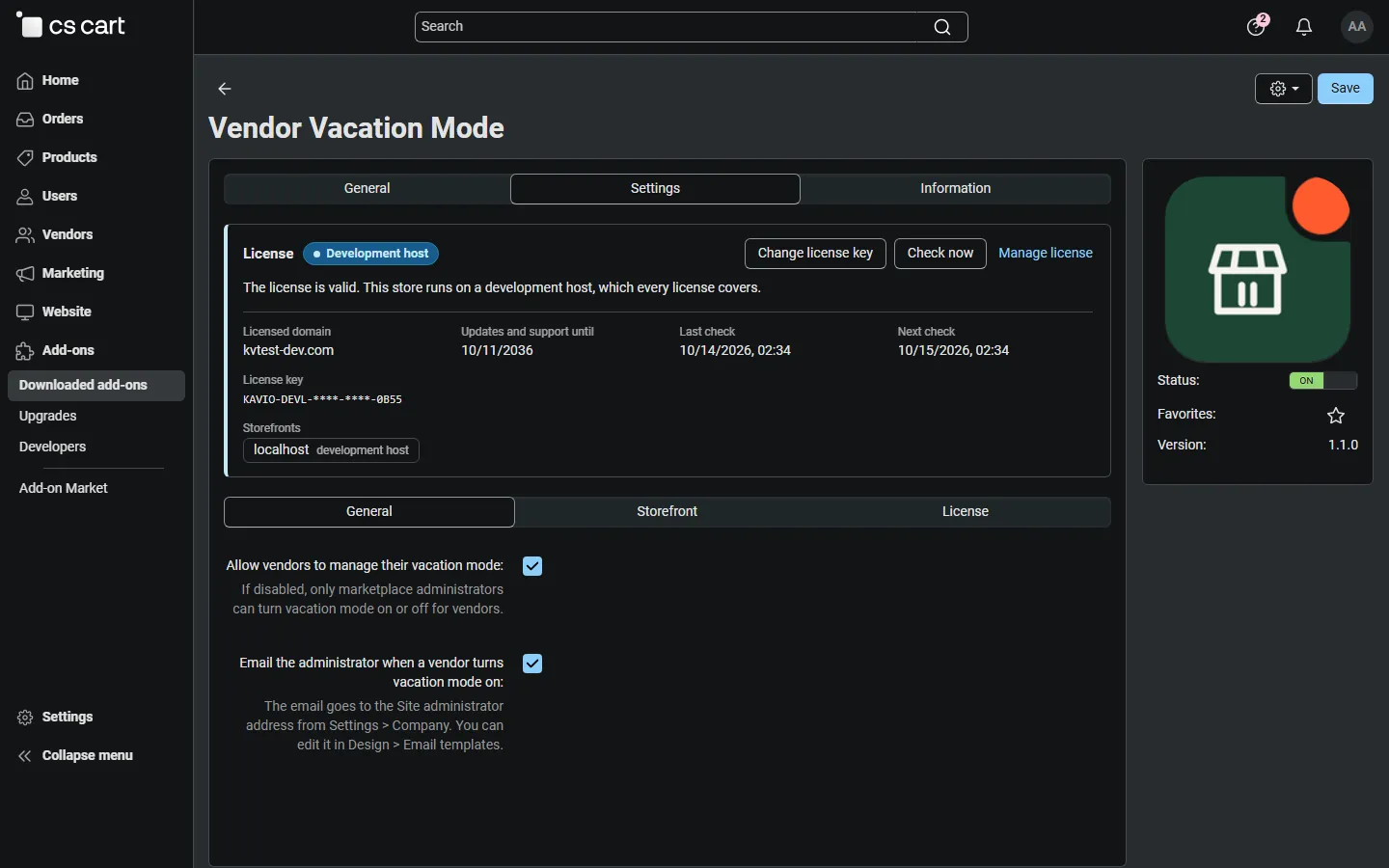
Add-on settings, General tab: let vendors manage their own vacation and email the administrator when a vendor goes on vacation.
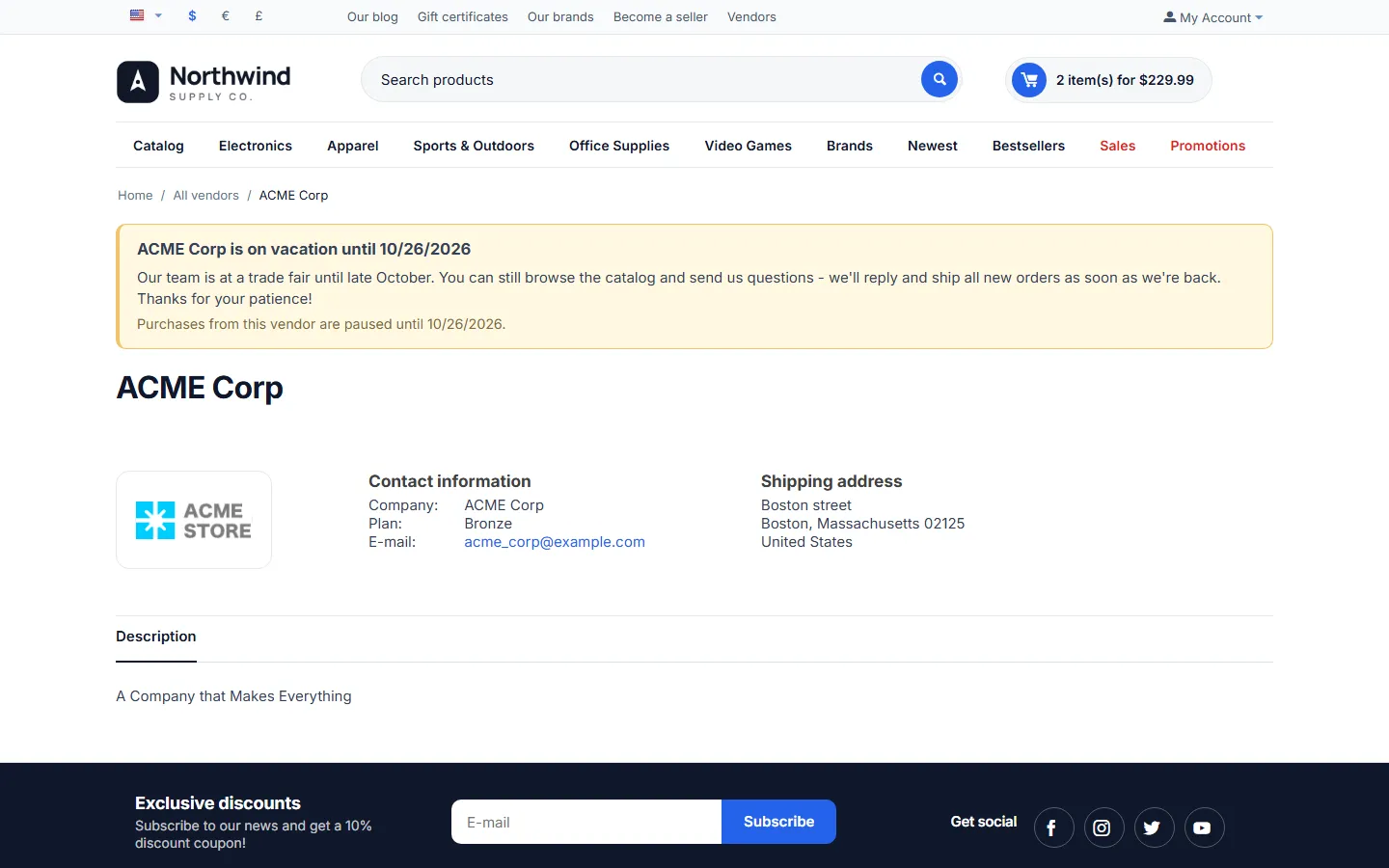
Vendor information page with the vacation banner above the vendor details.
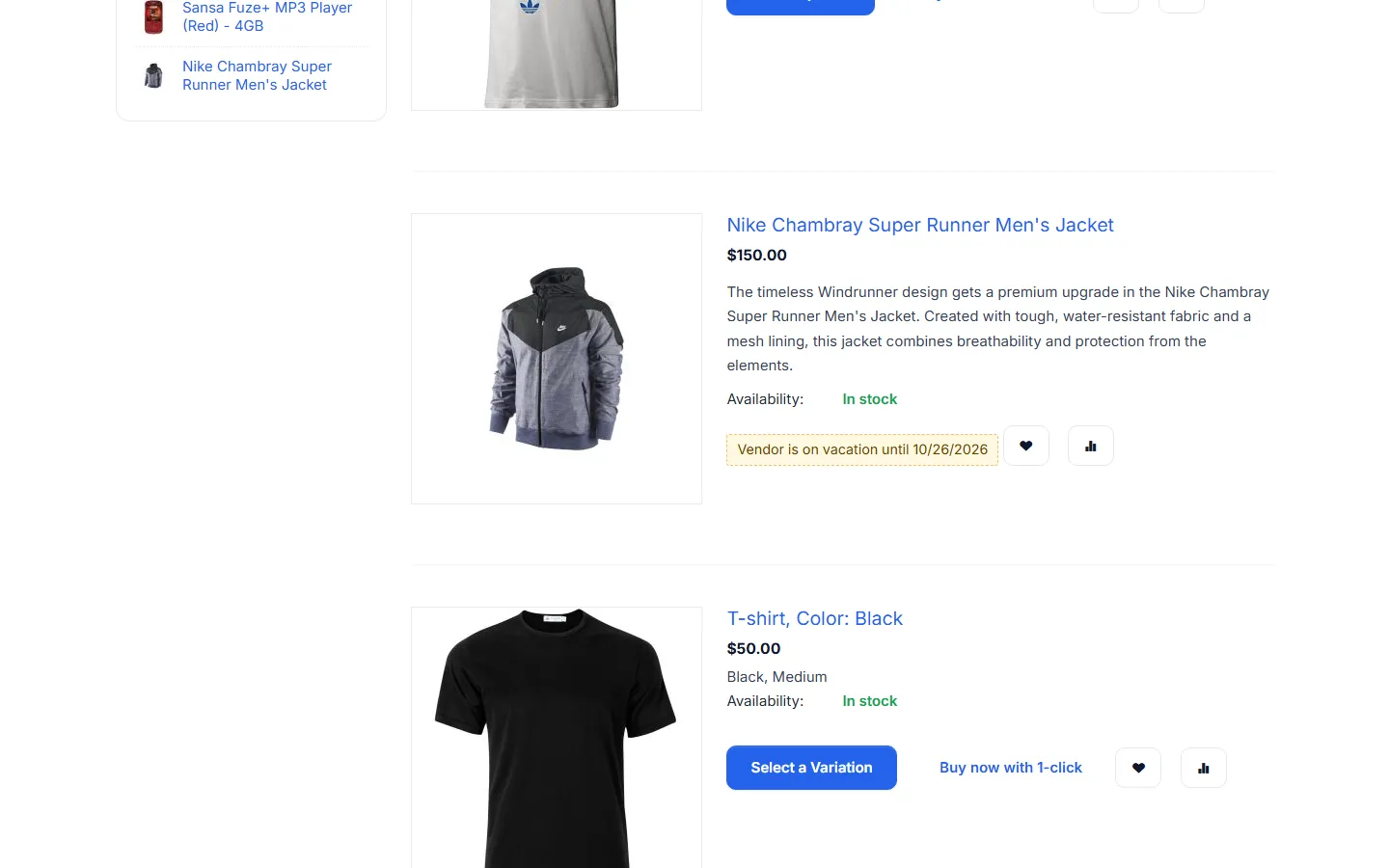
Product list: the vacationing vendor’s product shows “Vendor is on vacation until 10/26/2026” instead of Add to cart.
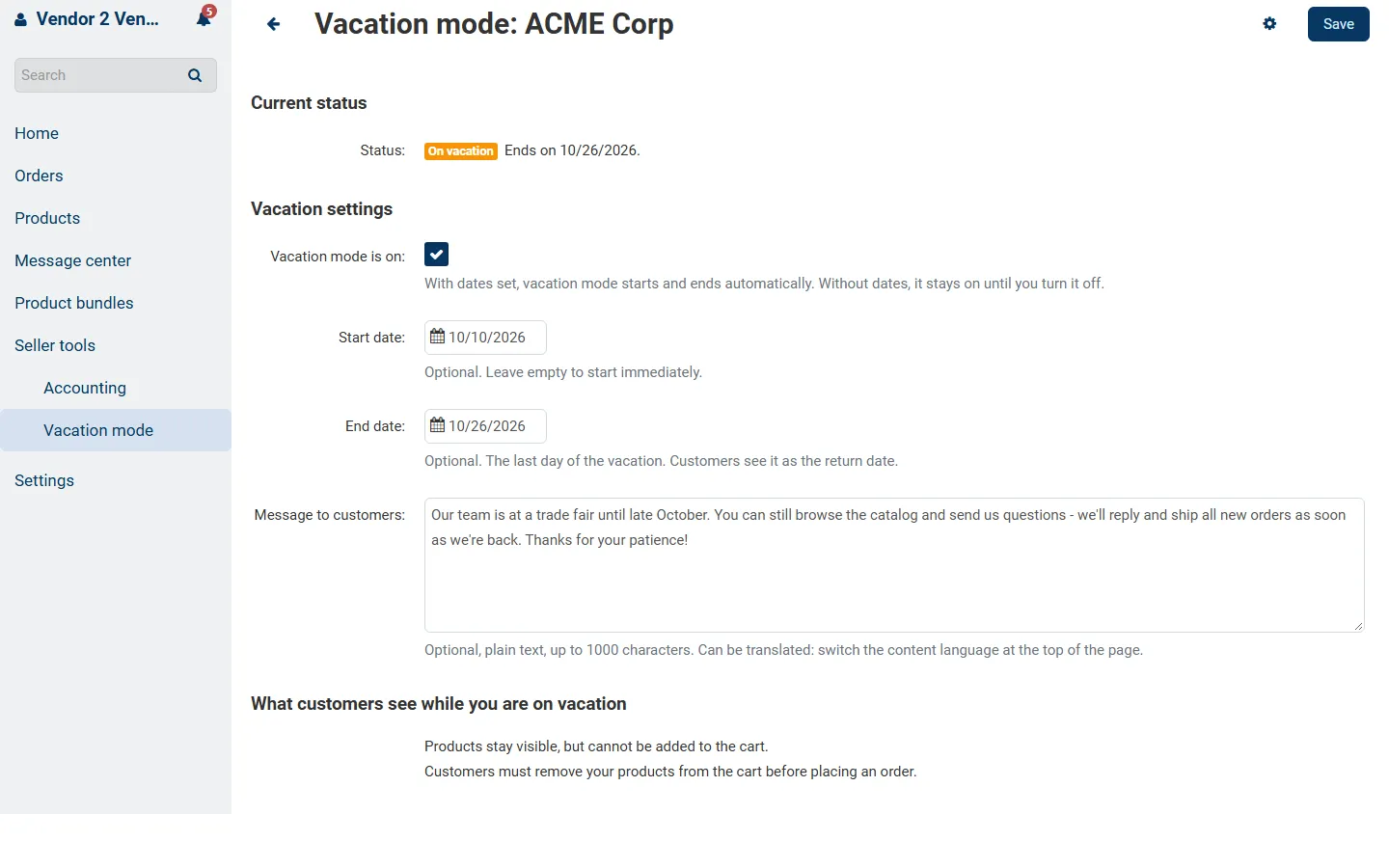
Vendor panel, Seller tools > Vacation mode: status “On vacation”, start/end dates, message and what customers see.
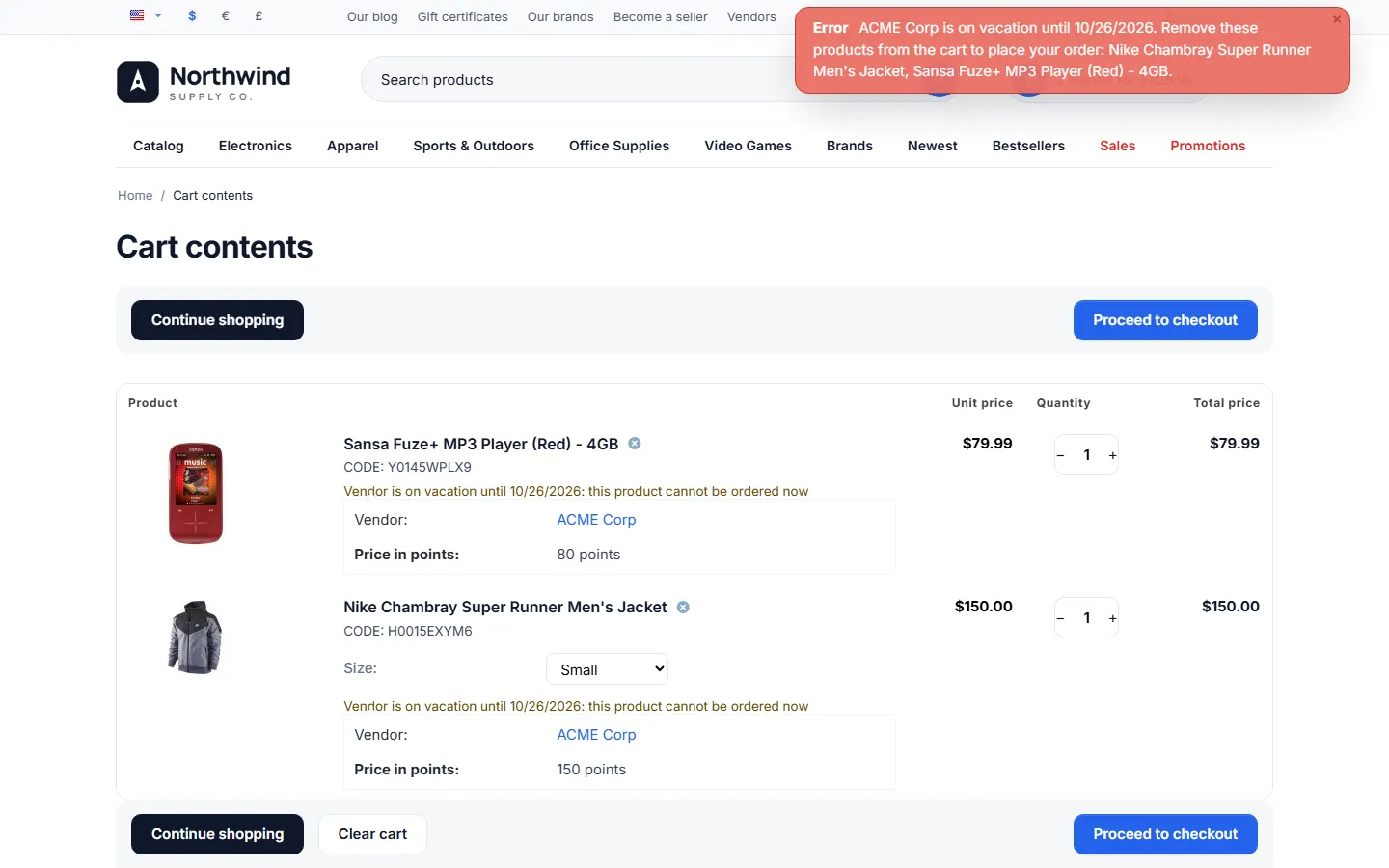
Cart after “Proceed to checkout”: error asking to remove the vendor’s products, plus a per-item “cannot be ordered now” note.
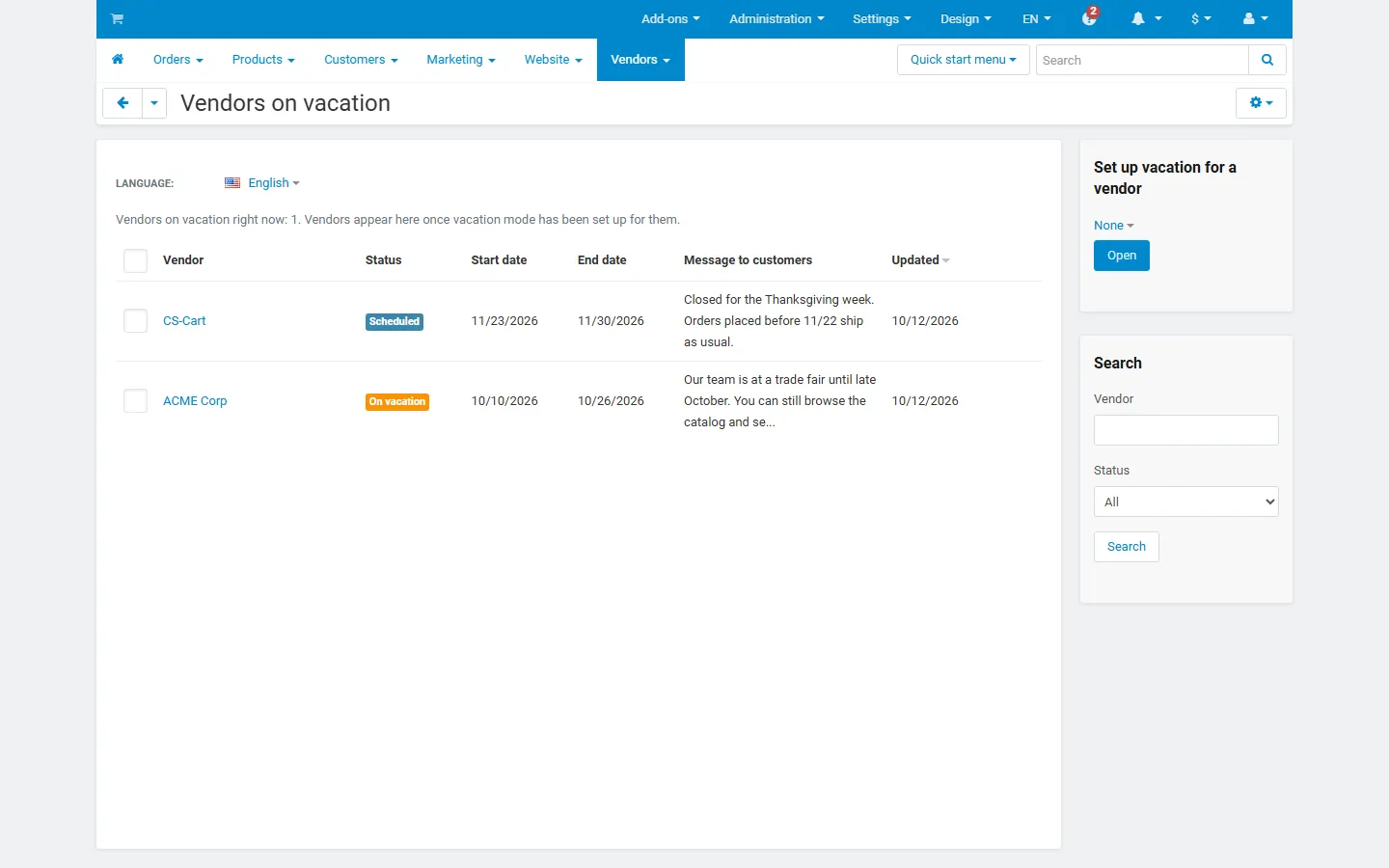
Admin, Vendors > Vendors on vacation: one vendor “On vacation” and one “Scheduled”, with dates, message and the set-up/search sidebar.