

Login Security: 2FA & Passkeys screenshots
Real screenshots from our CS-Cart and Multi-Vendor test stores with the add-on installed and the English interface.
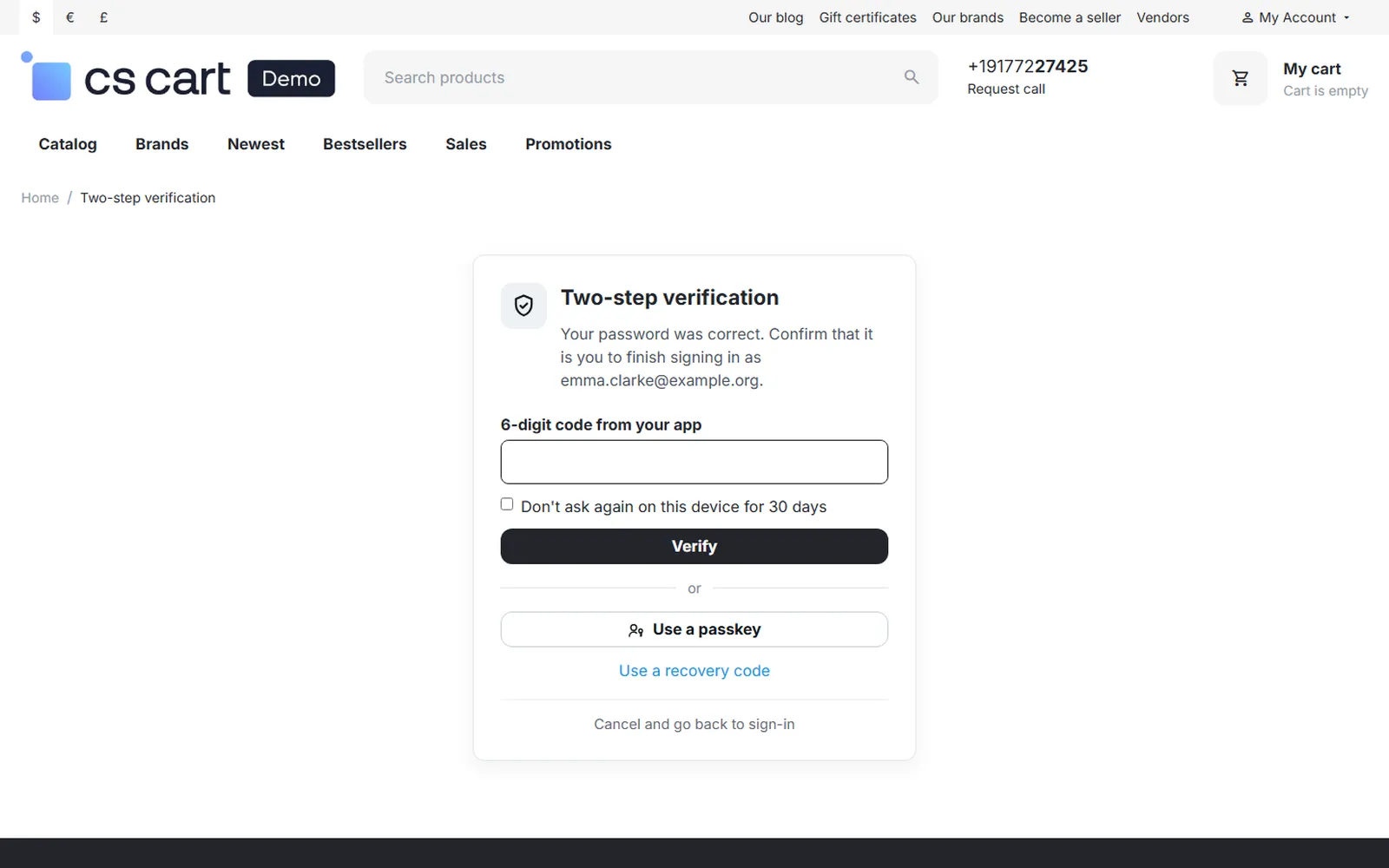
Storefront second step: code from the app, passkey or recovery code.
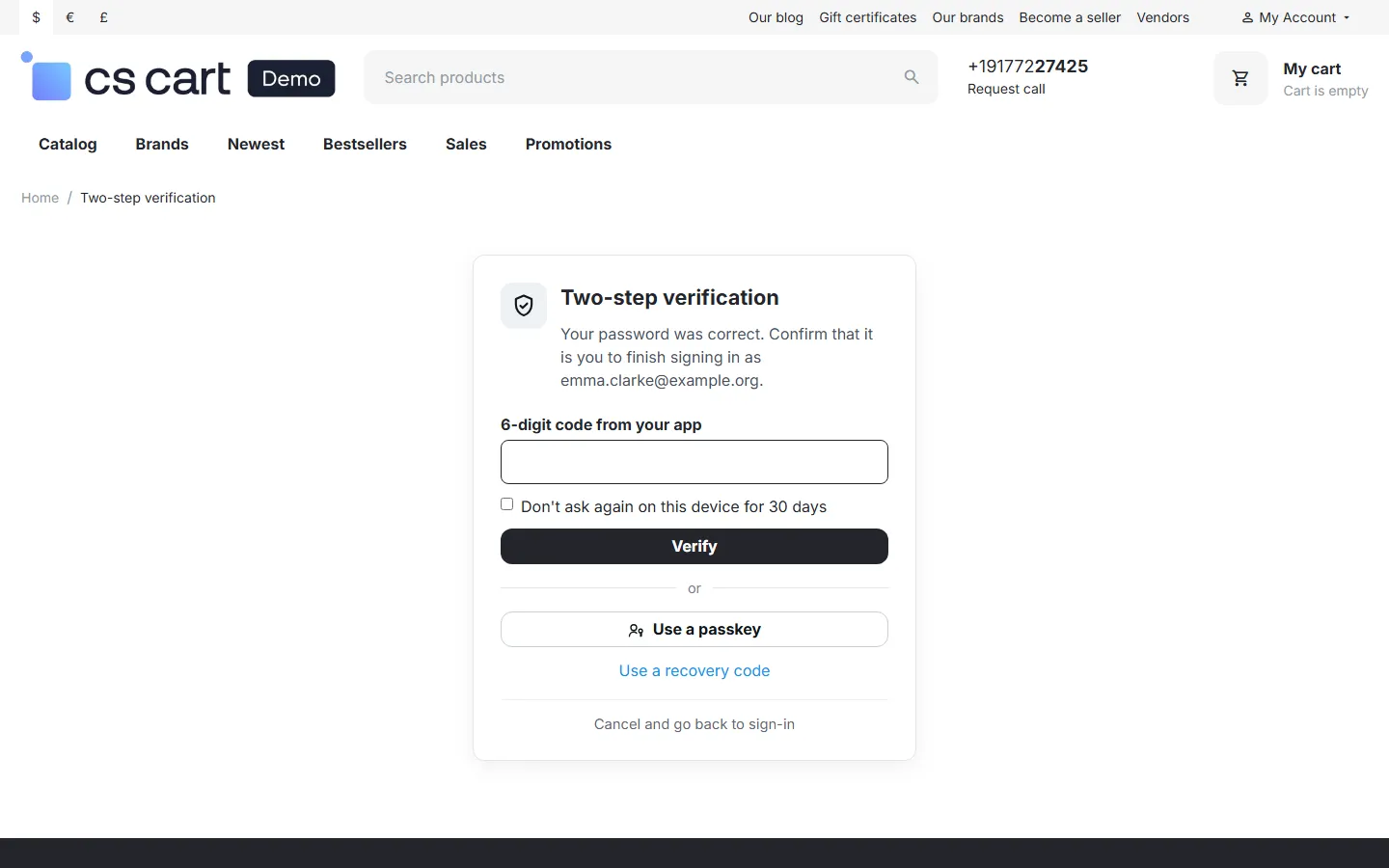
Storefront: Two-step verification after the password, with “Don’t ask again on this device”.
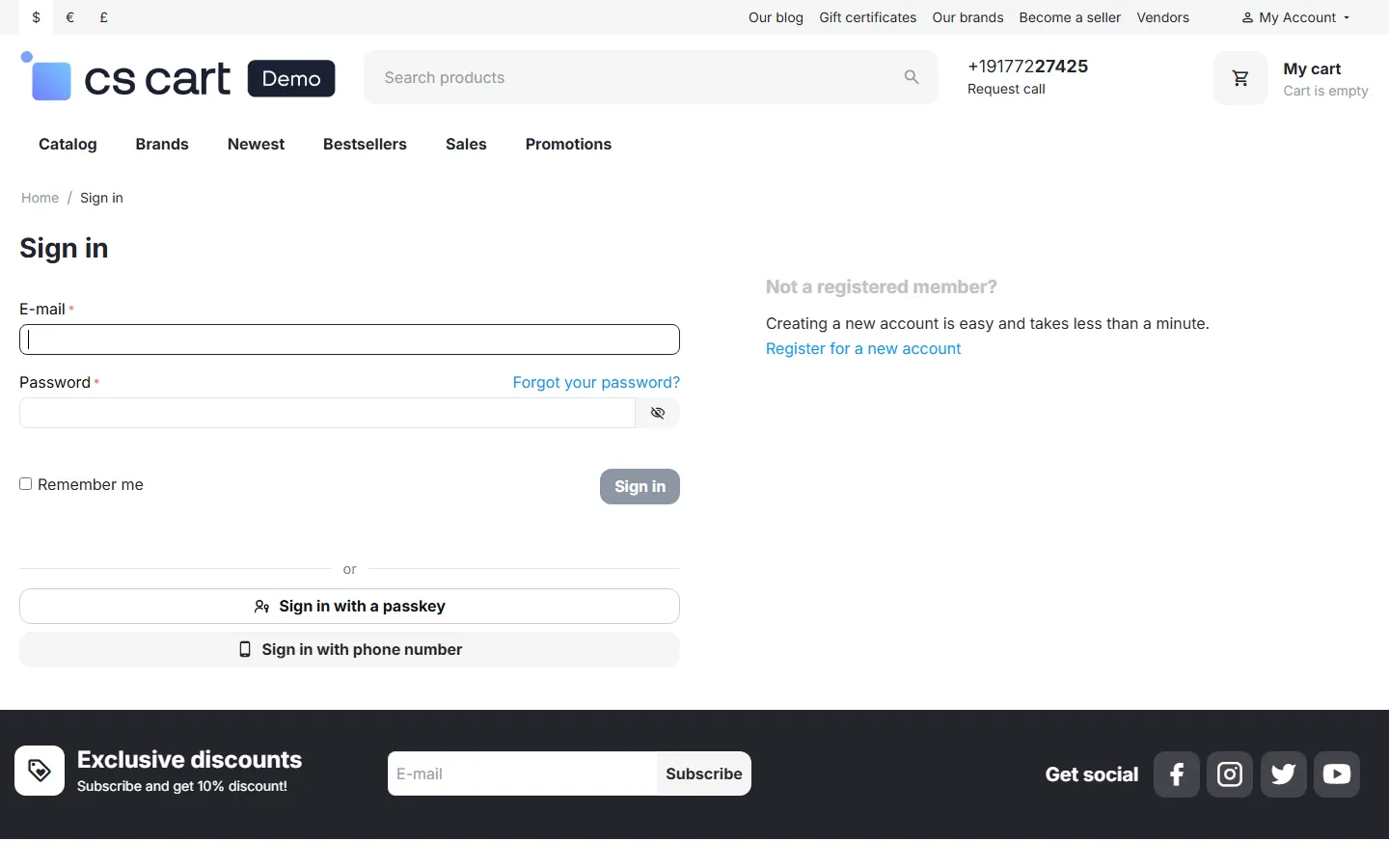
Sign-in page with “Sign in with a passkey” next to the phone sign-in.
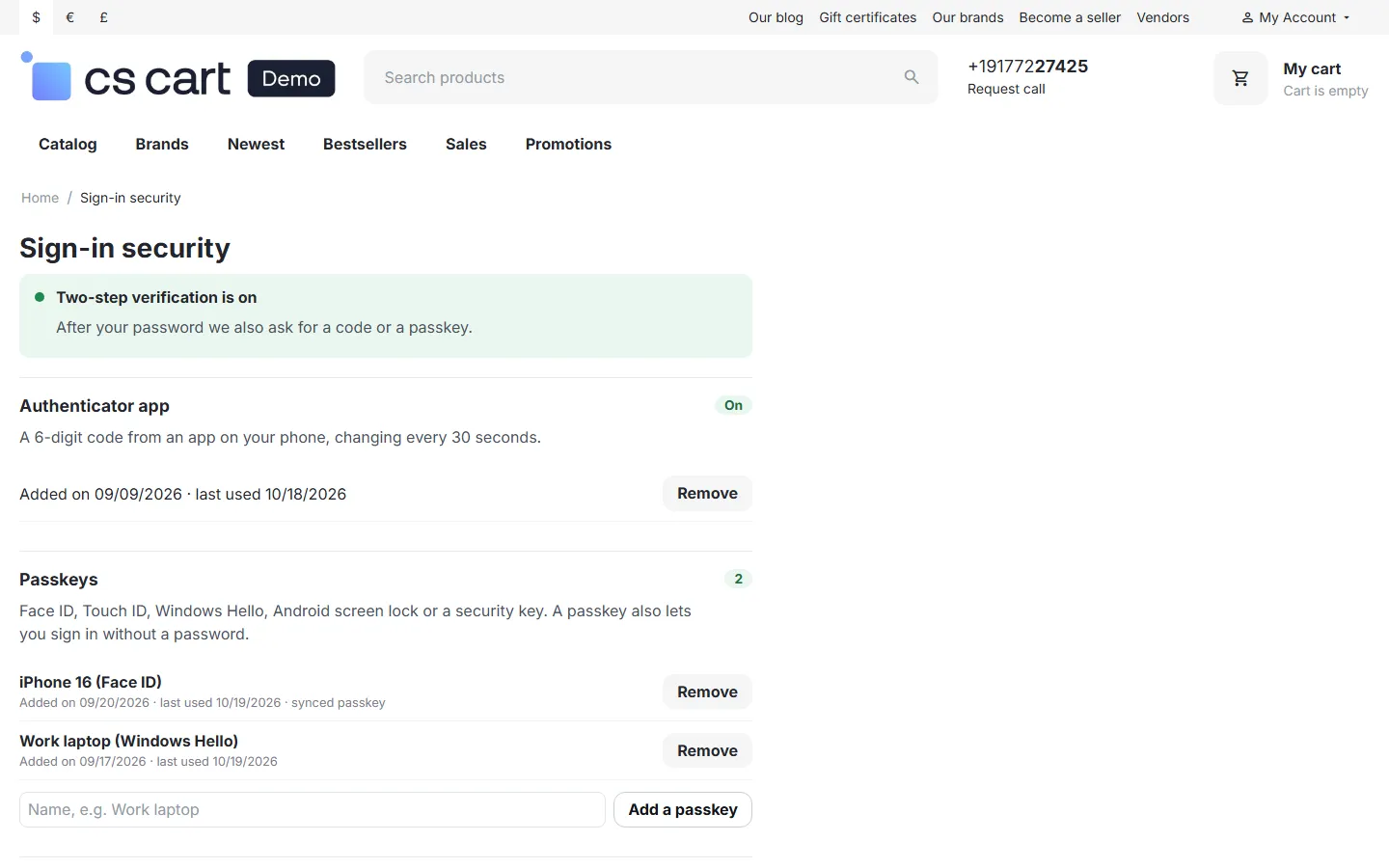
Customer Sign-in security page: authenticator app, two passkeys, recovery codes, trusted devices.
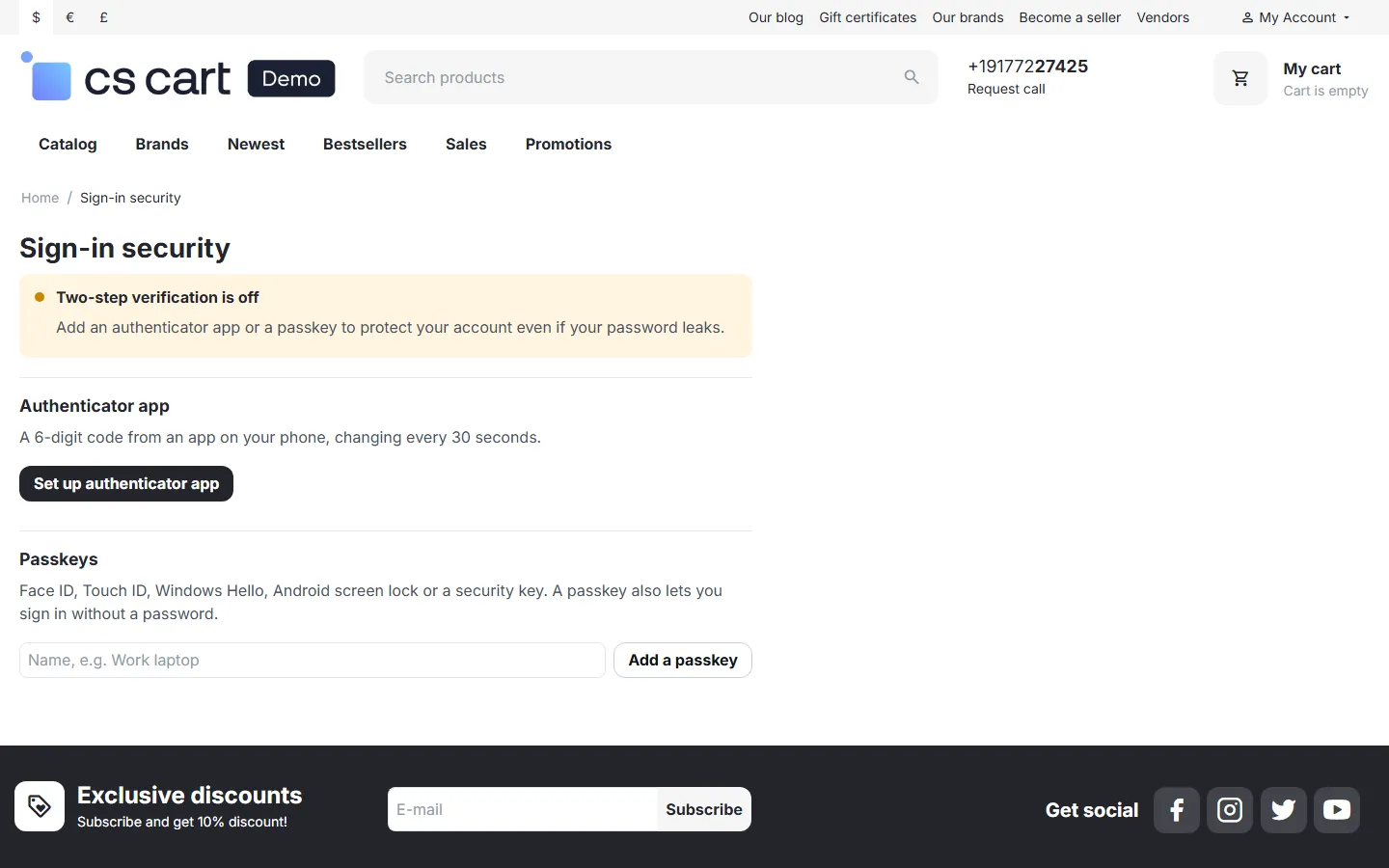
Authenticator setup: steps, QR code drawn on the server, manual key.
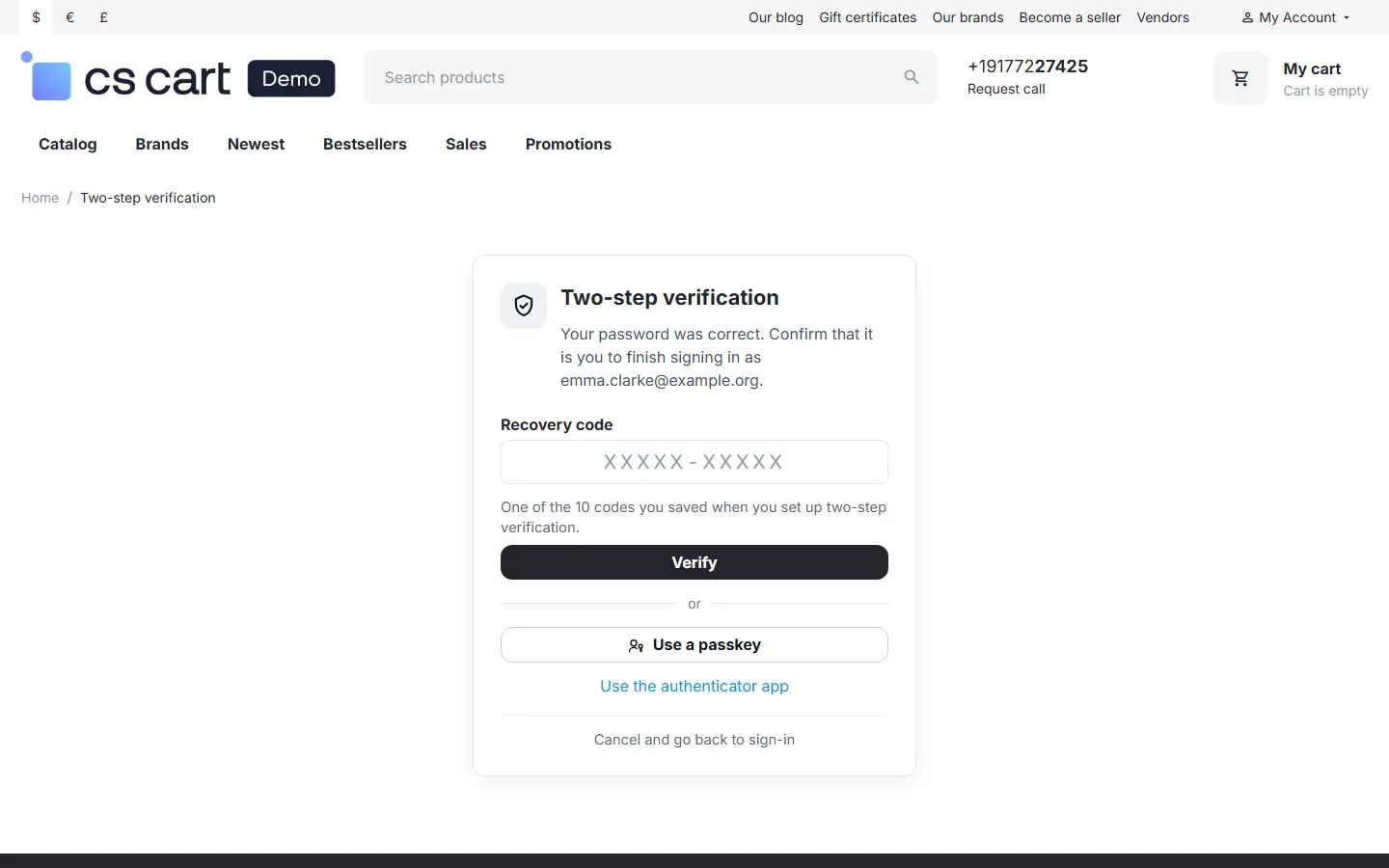
Second step with a recovery code.
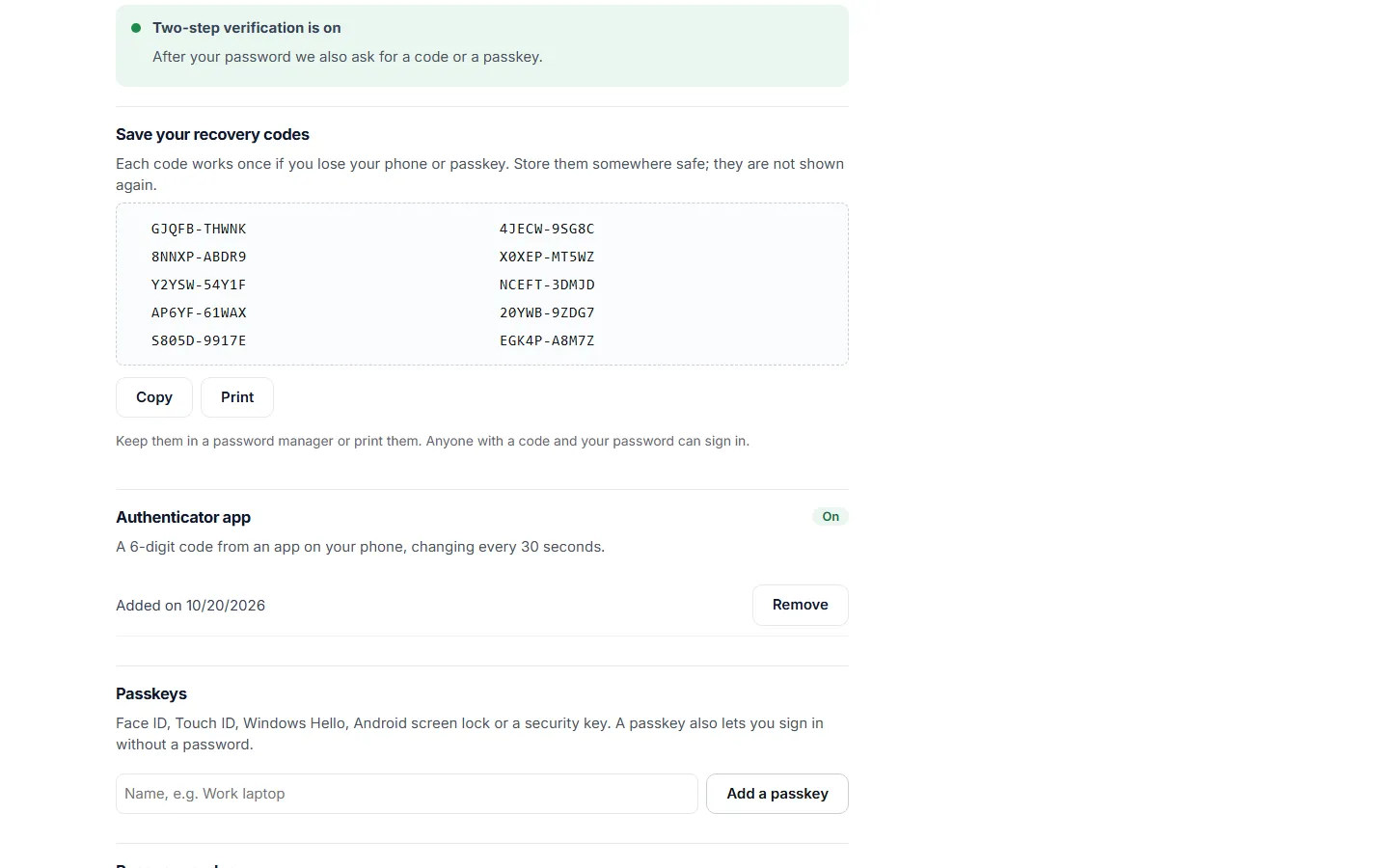
Ten recovery codes shown once after the setup, with Copy and Print.
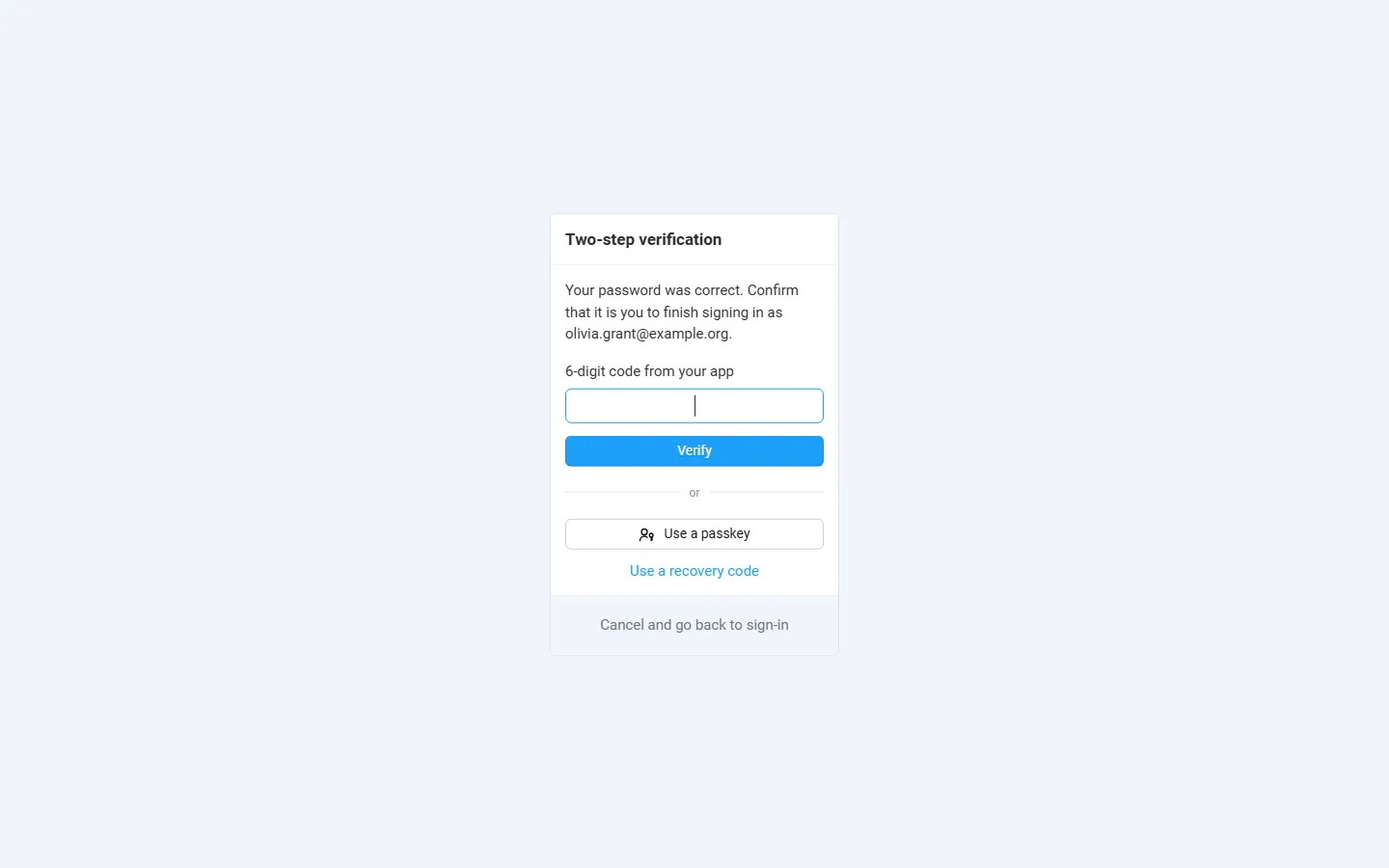
Admin panel second step in the sign-in layout.
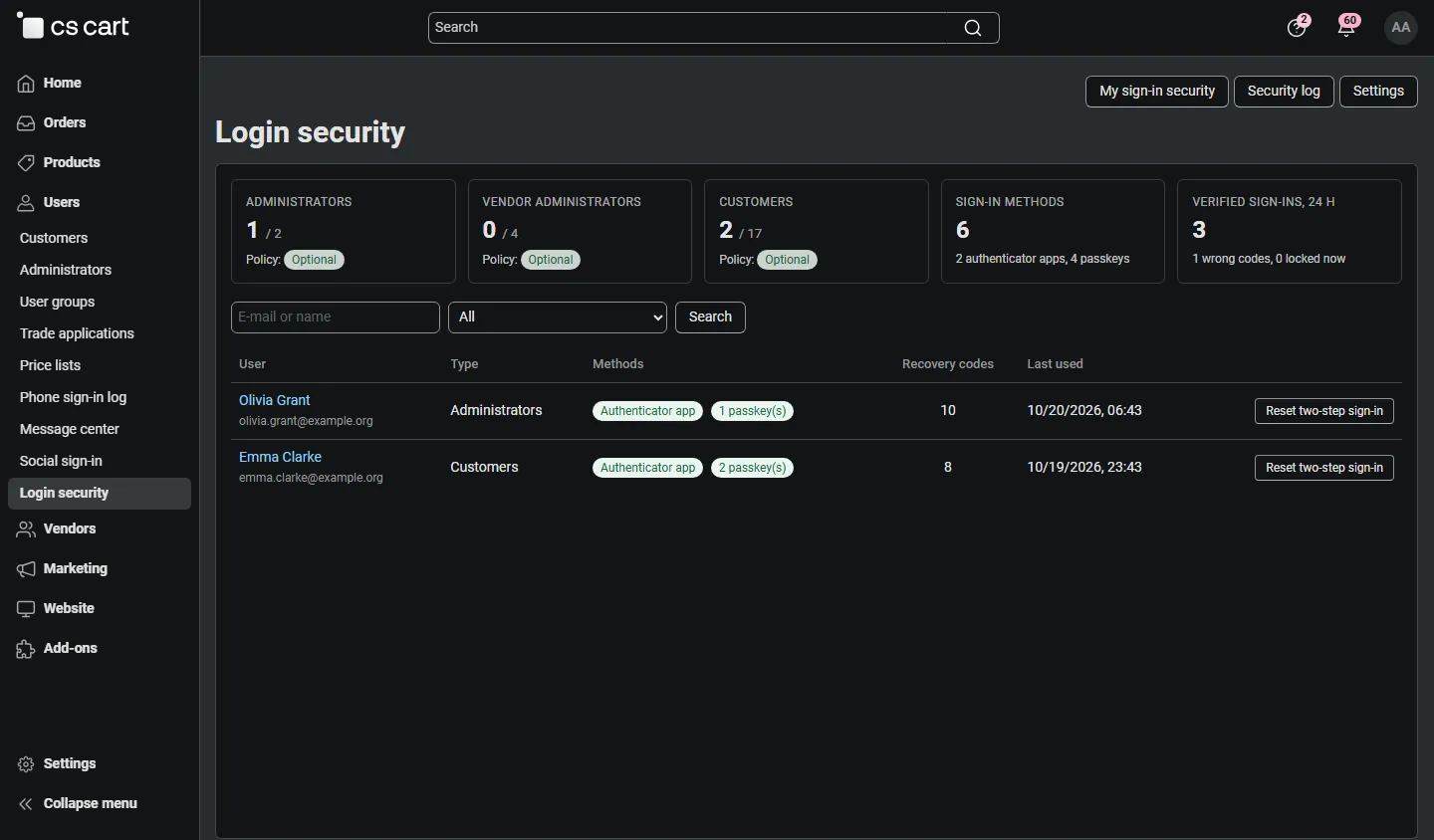
Admin: Login security overview per role, users with methods, reset.
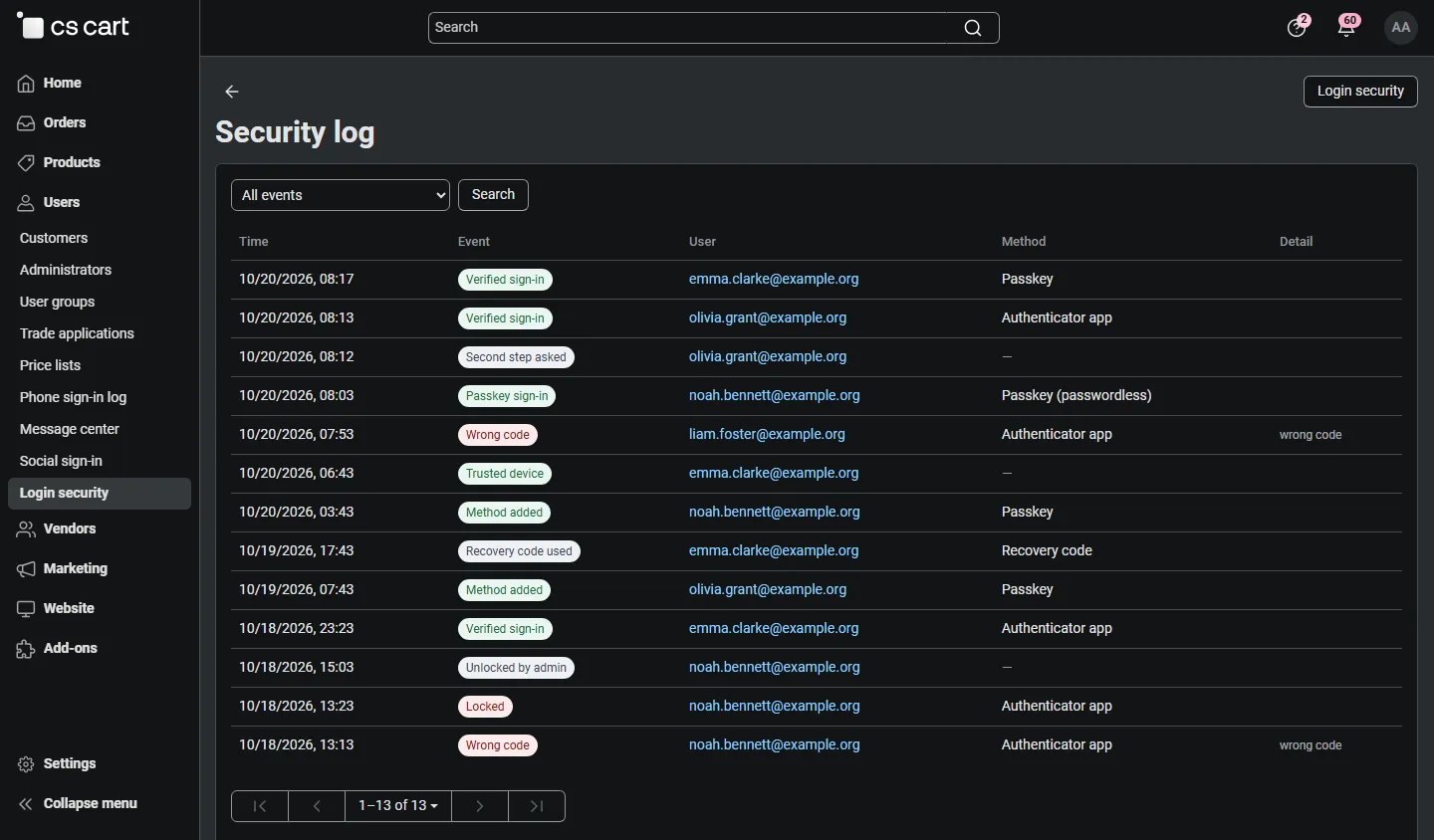
Admin: security log (verified sign-ins, wrong codes, locks, passkeys, changes).
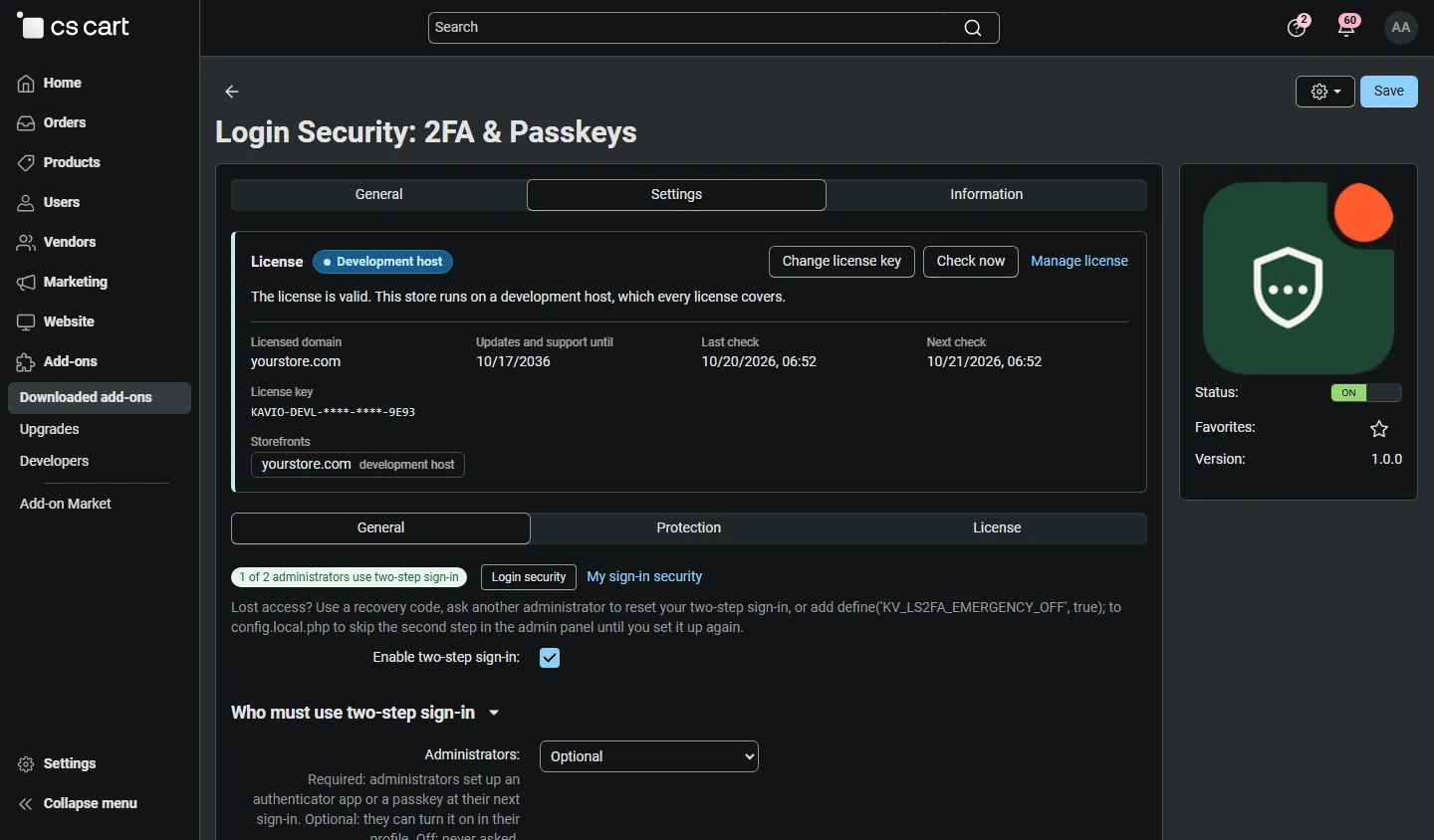
Add-on settings, General: policies per role and methods.
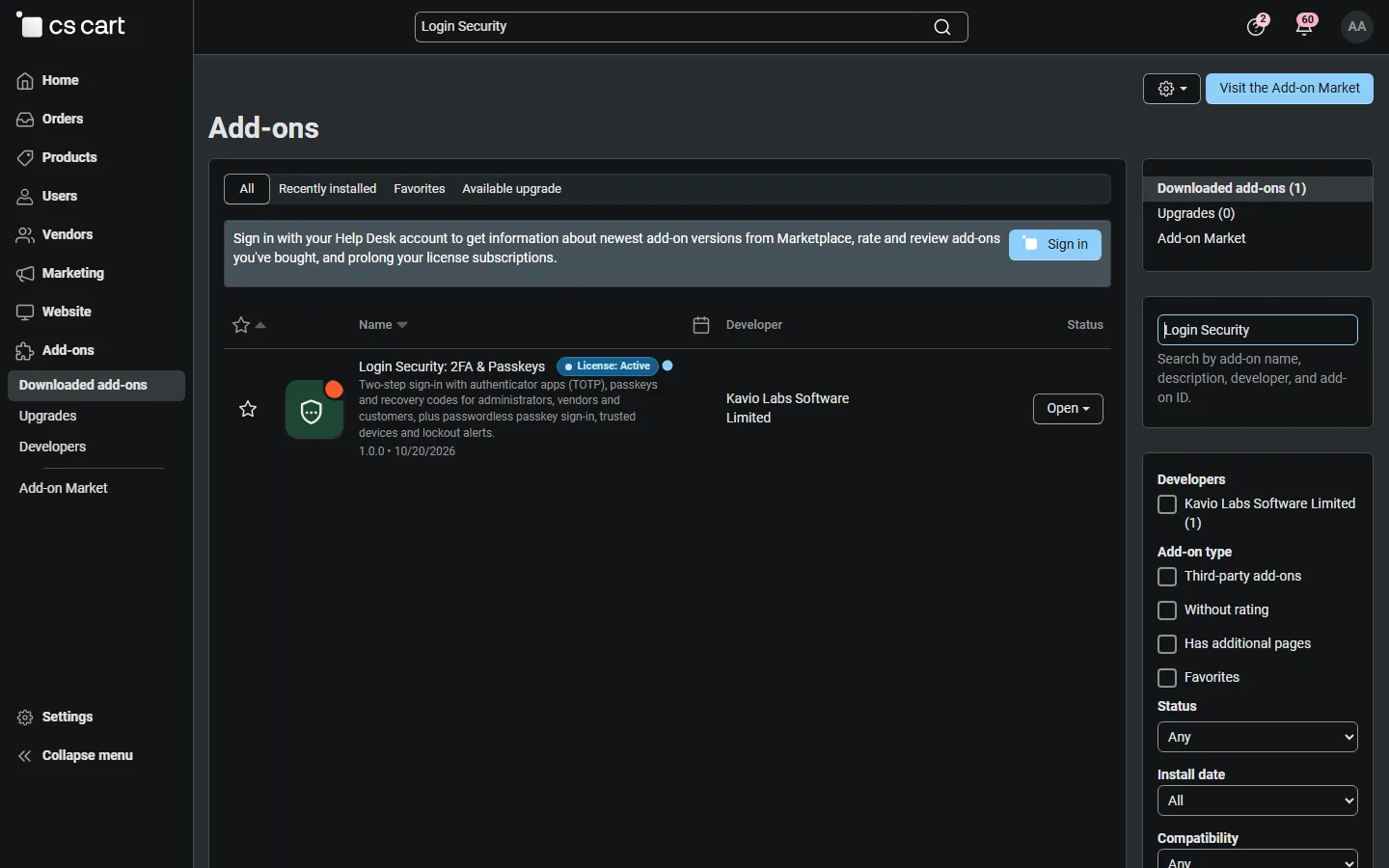
Admin, Downloaded add-ons searched for “Login Security”.
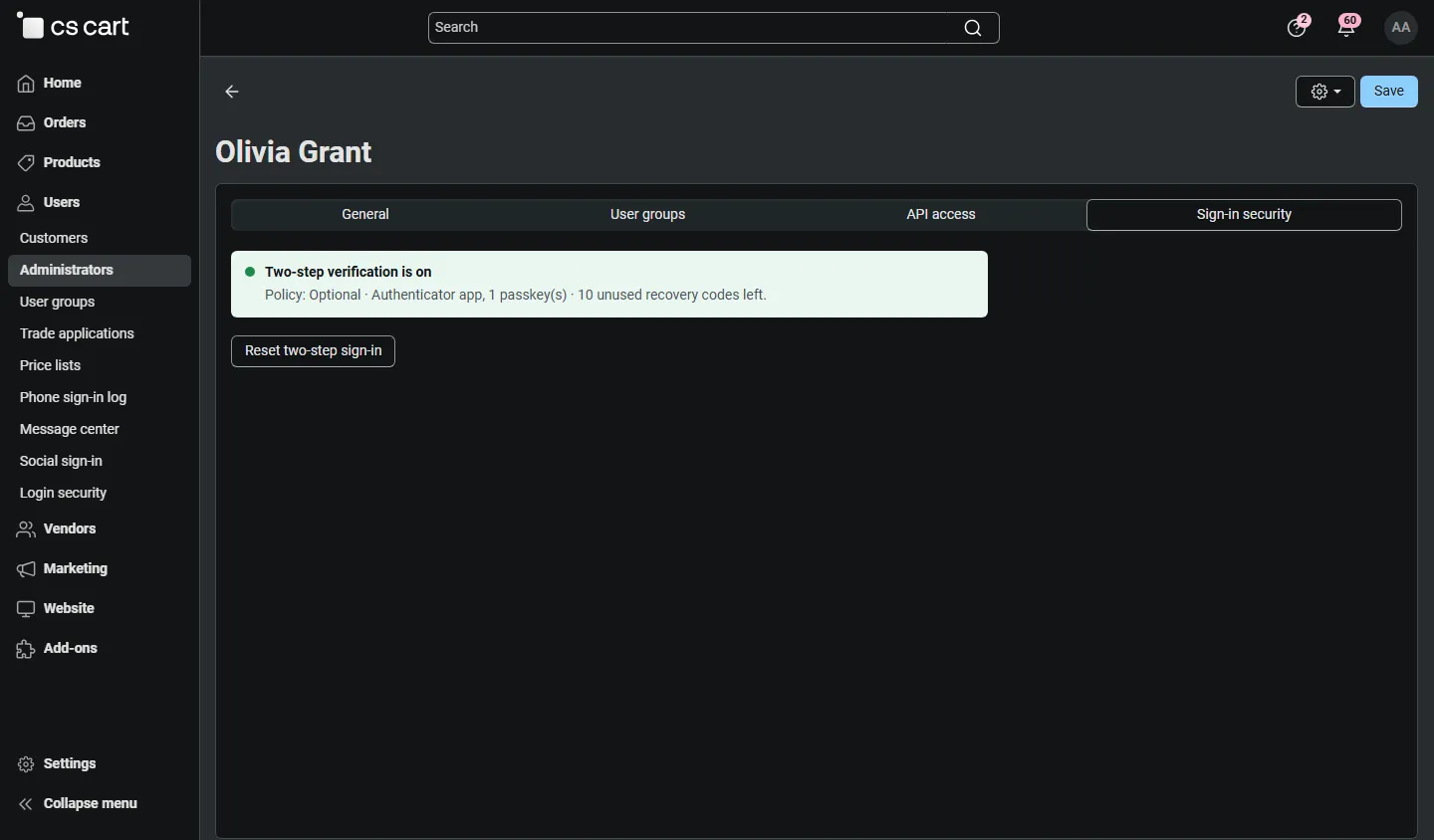
Administrator profile, Sign-in security tab with status and reset.
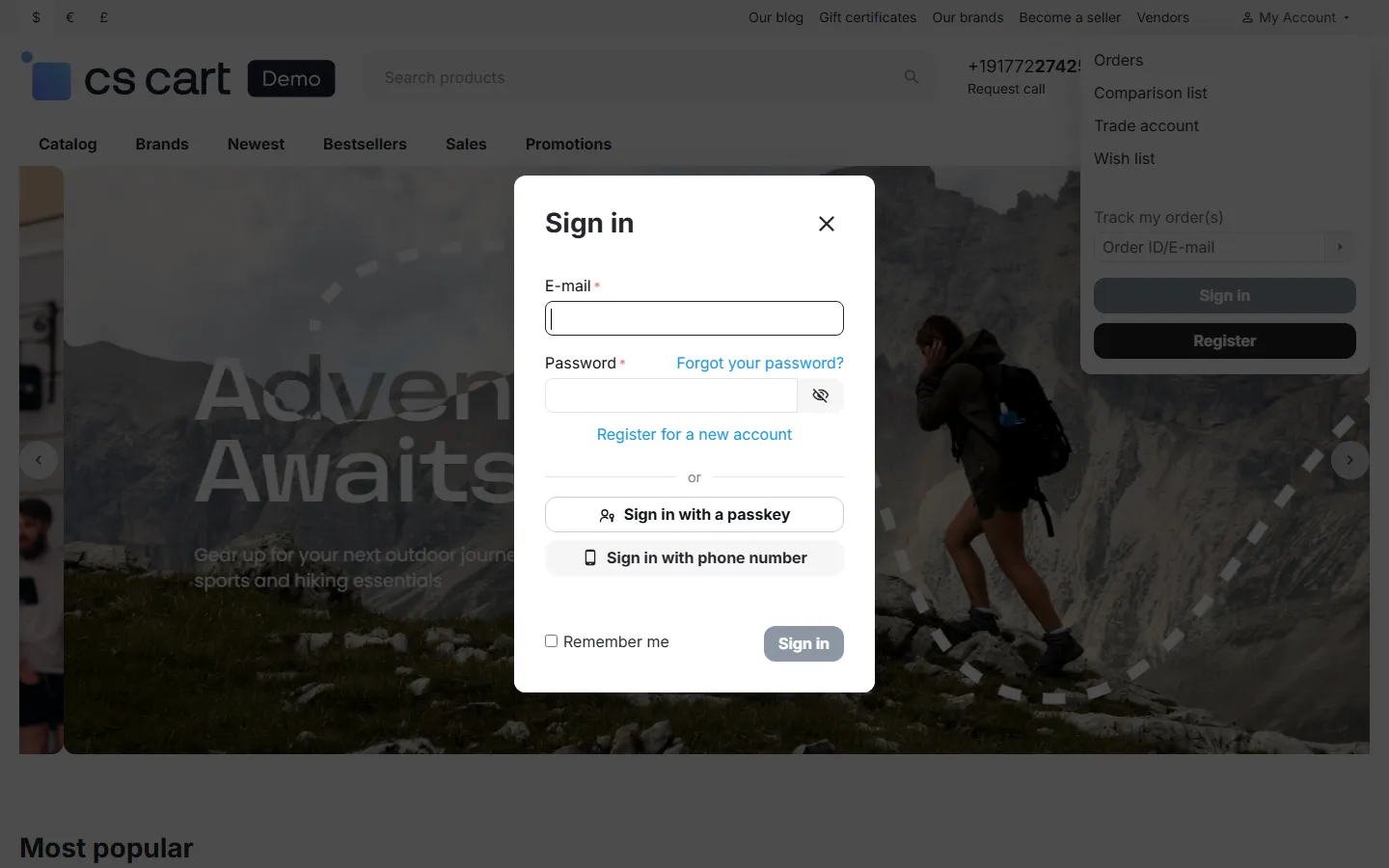
Sign-in pop-up with the passkey button.
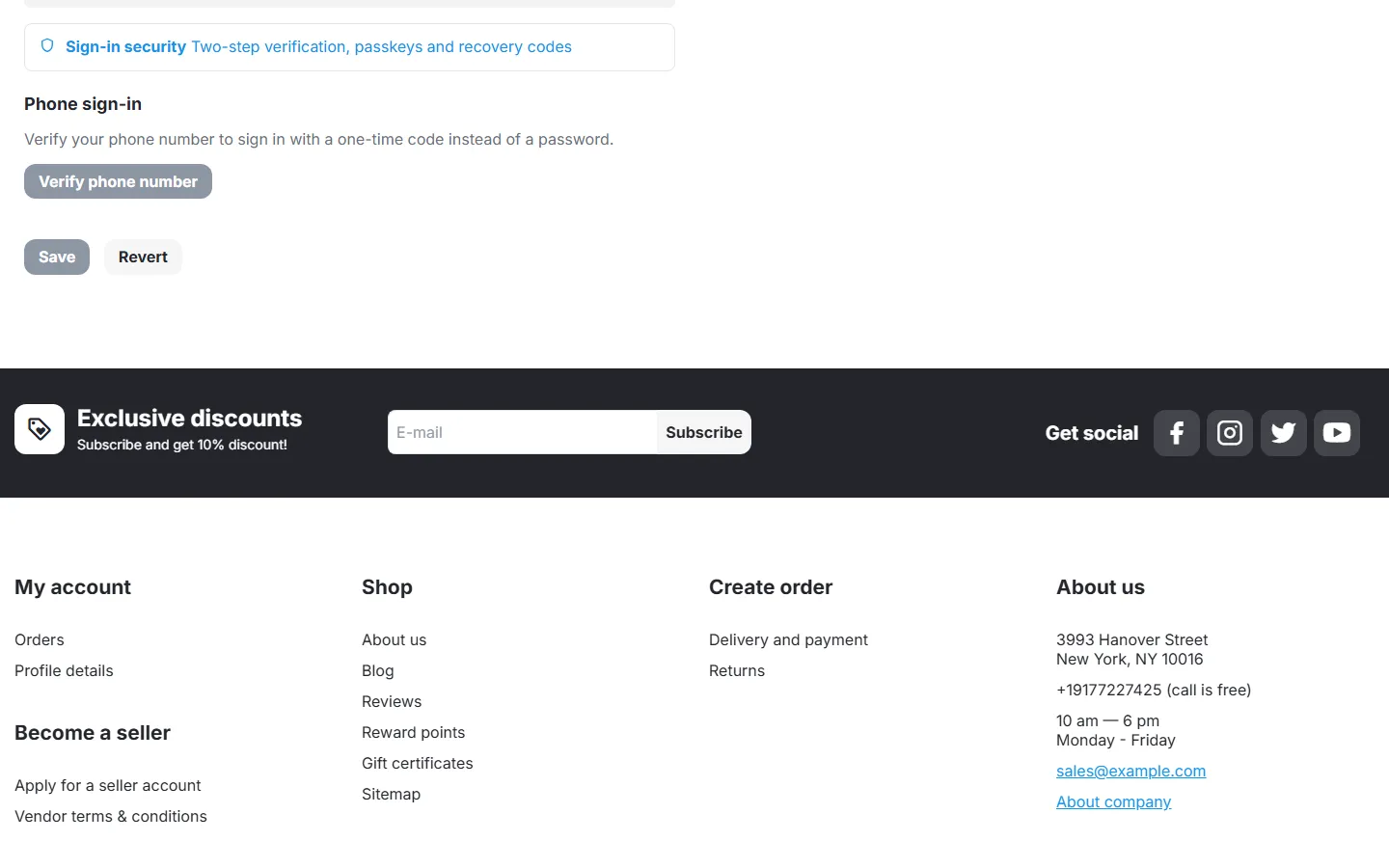
Customer profile: link to the Sign-in security page.
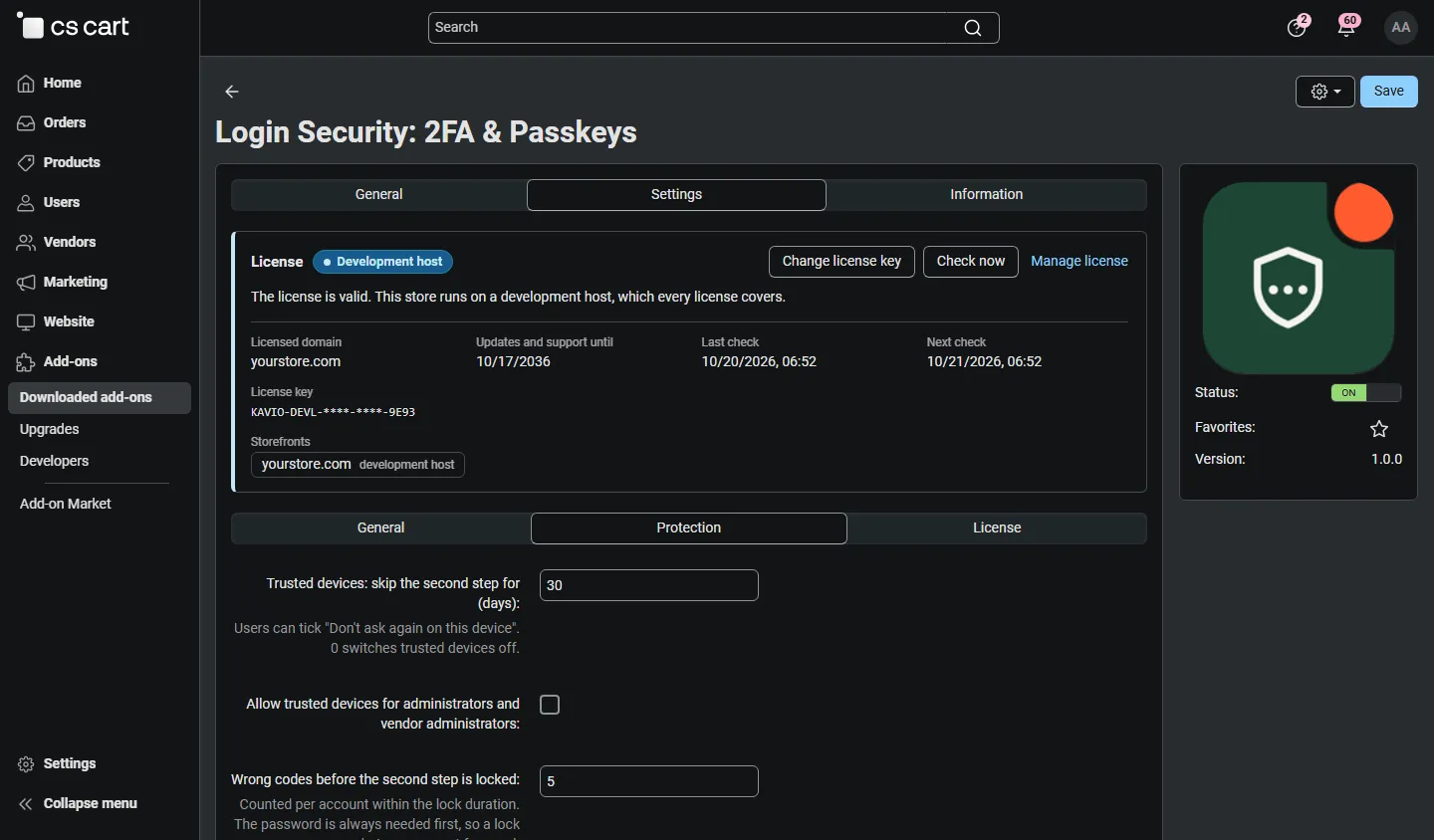
Add-on settings, Protection: trusted devices, lock, passkey verification, e-mails, log.
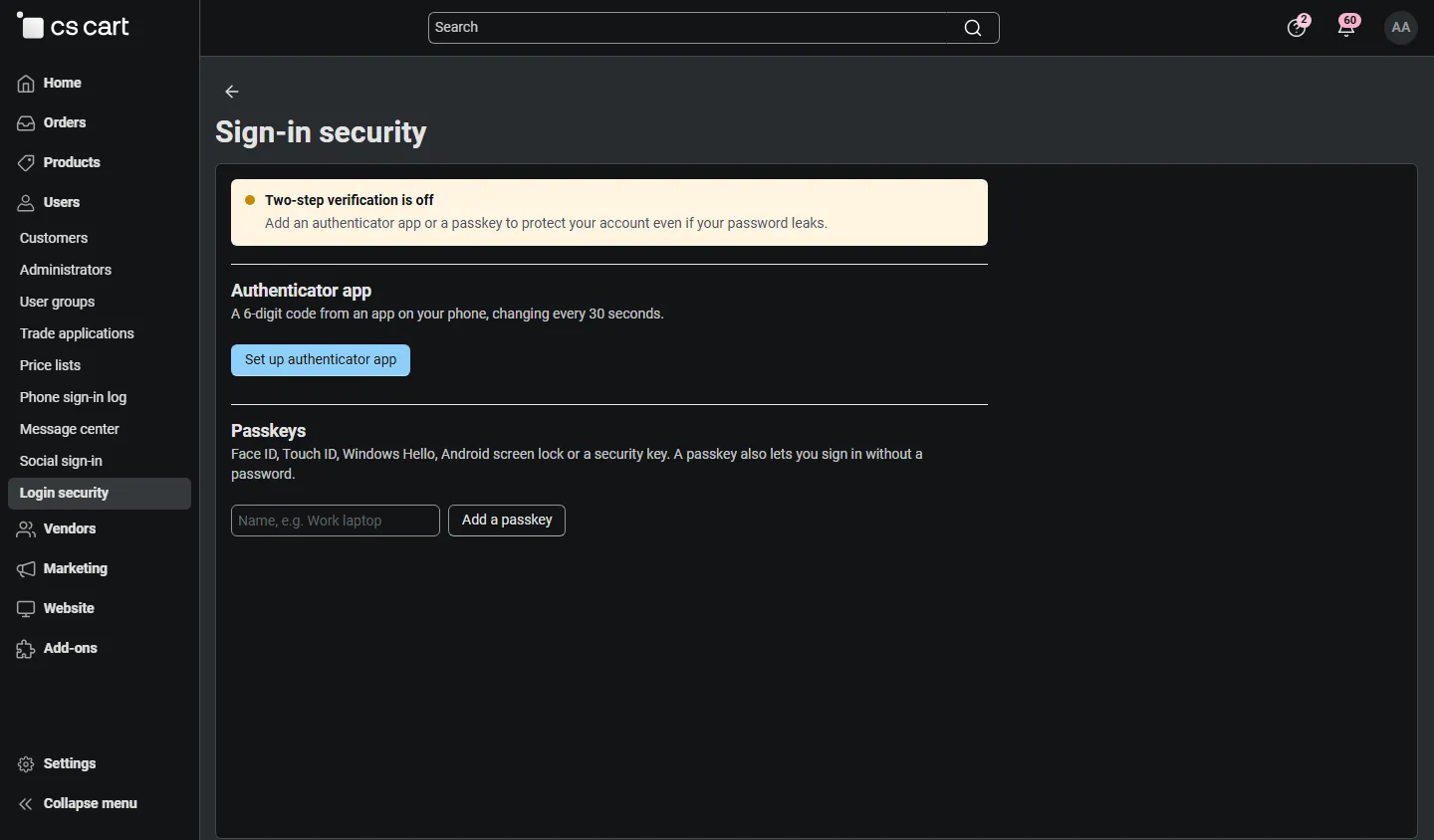
Admin: own sign-in security page.
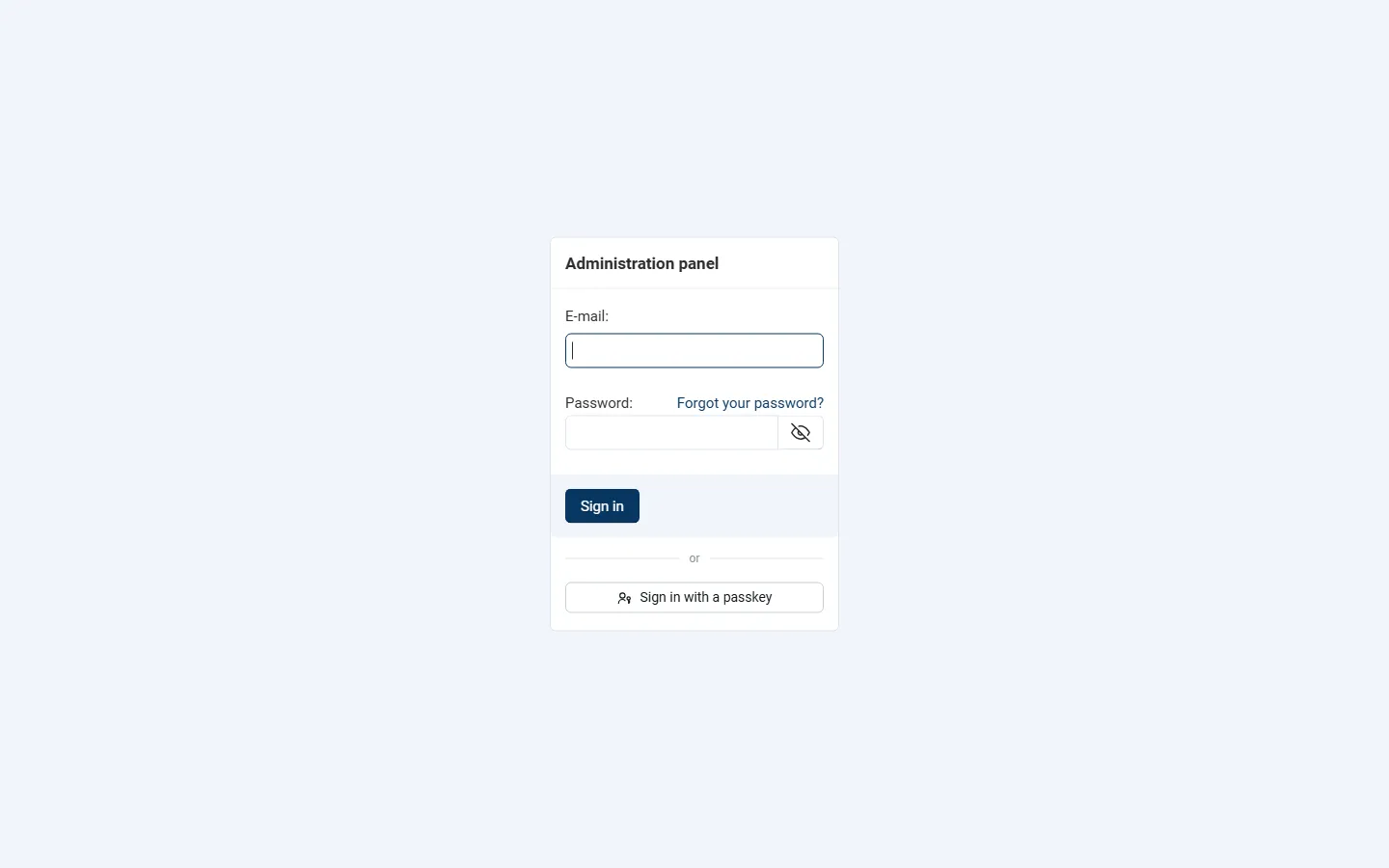
Vendor panel sign-in with “Sign in with a passkey” (Multi-Vendor).
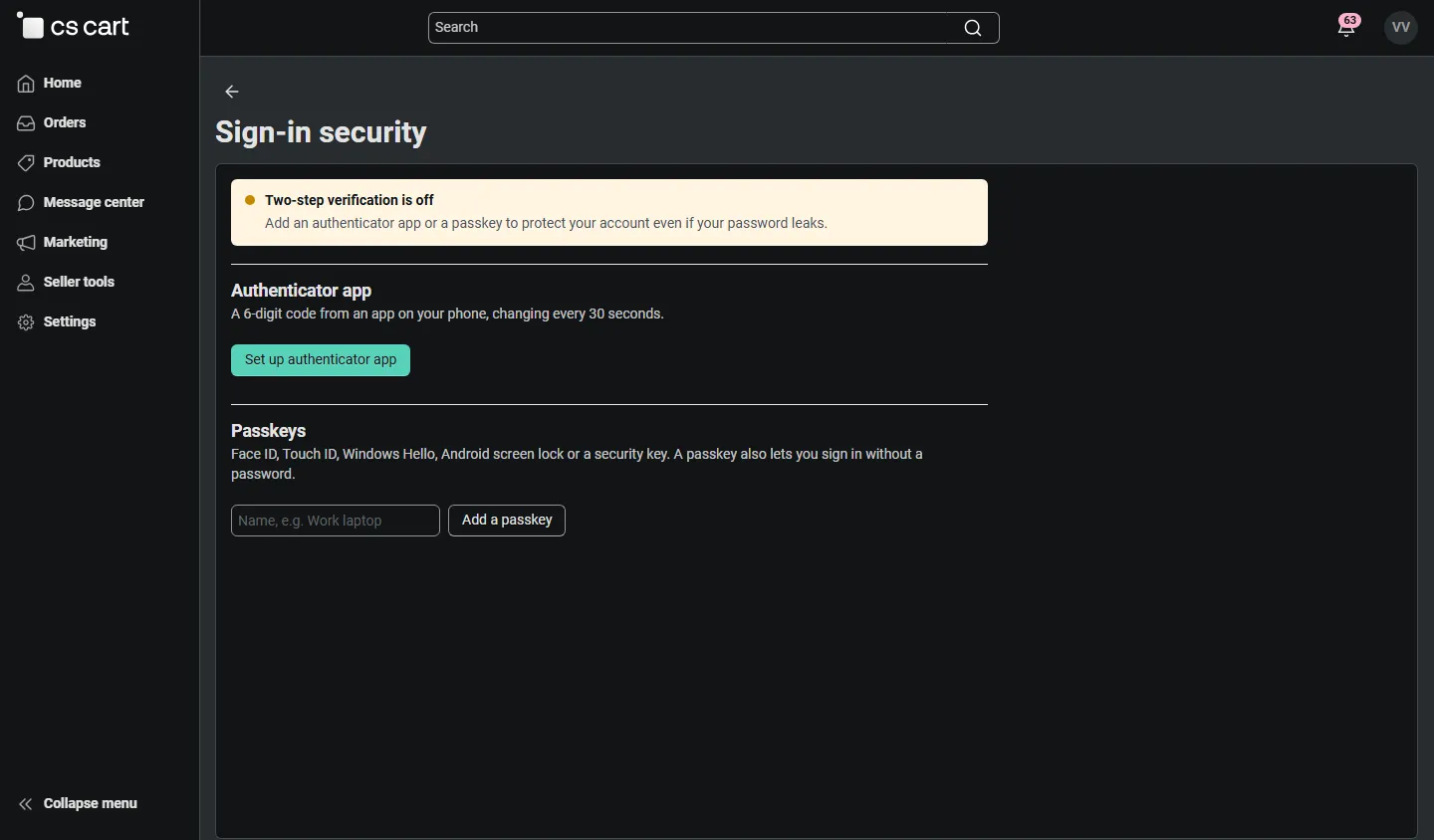
Vendor panel: own sign-in security page.
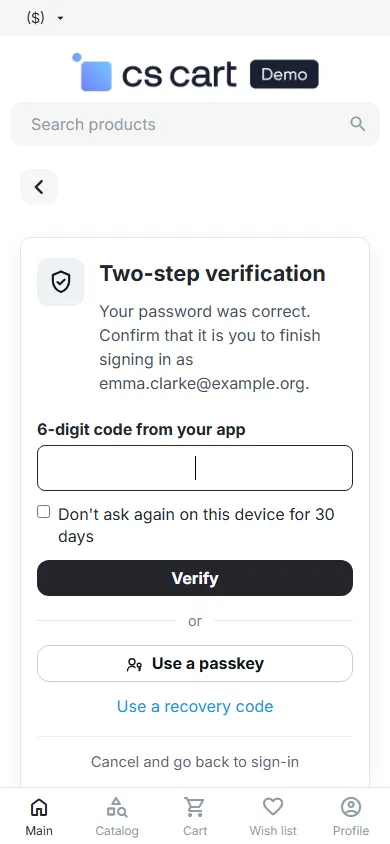
Mobile (390 px): second step.
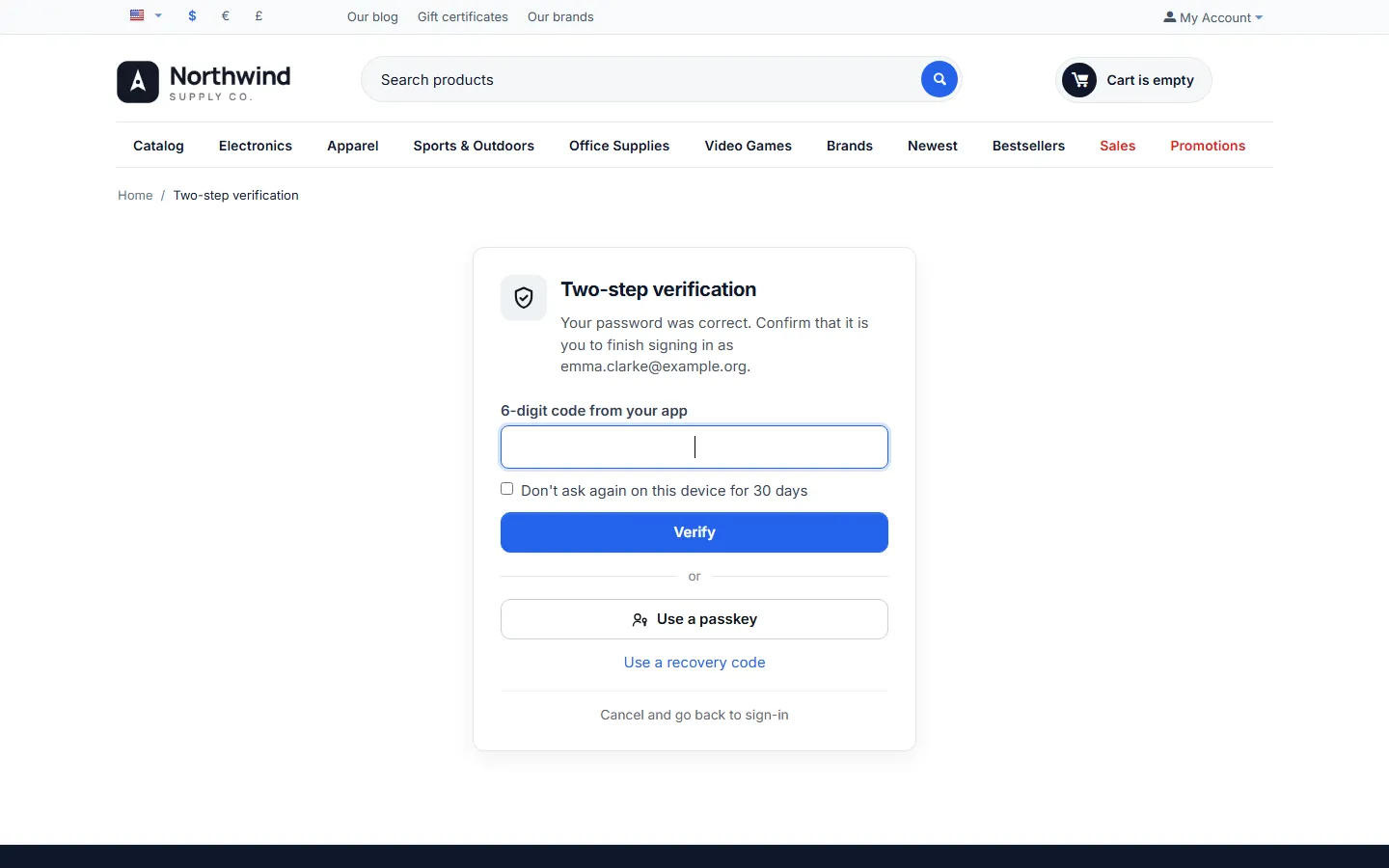
CS-Cart 4.17.2: second step on the storefront.