

Bookings & Reservations screenshots
Real screenshots from our CS-Cart and Multi-Vendor test stores with the add-on installed and the English interface.
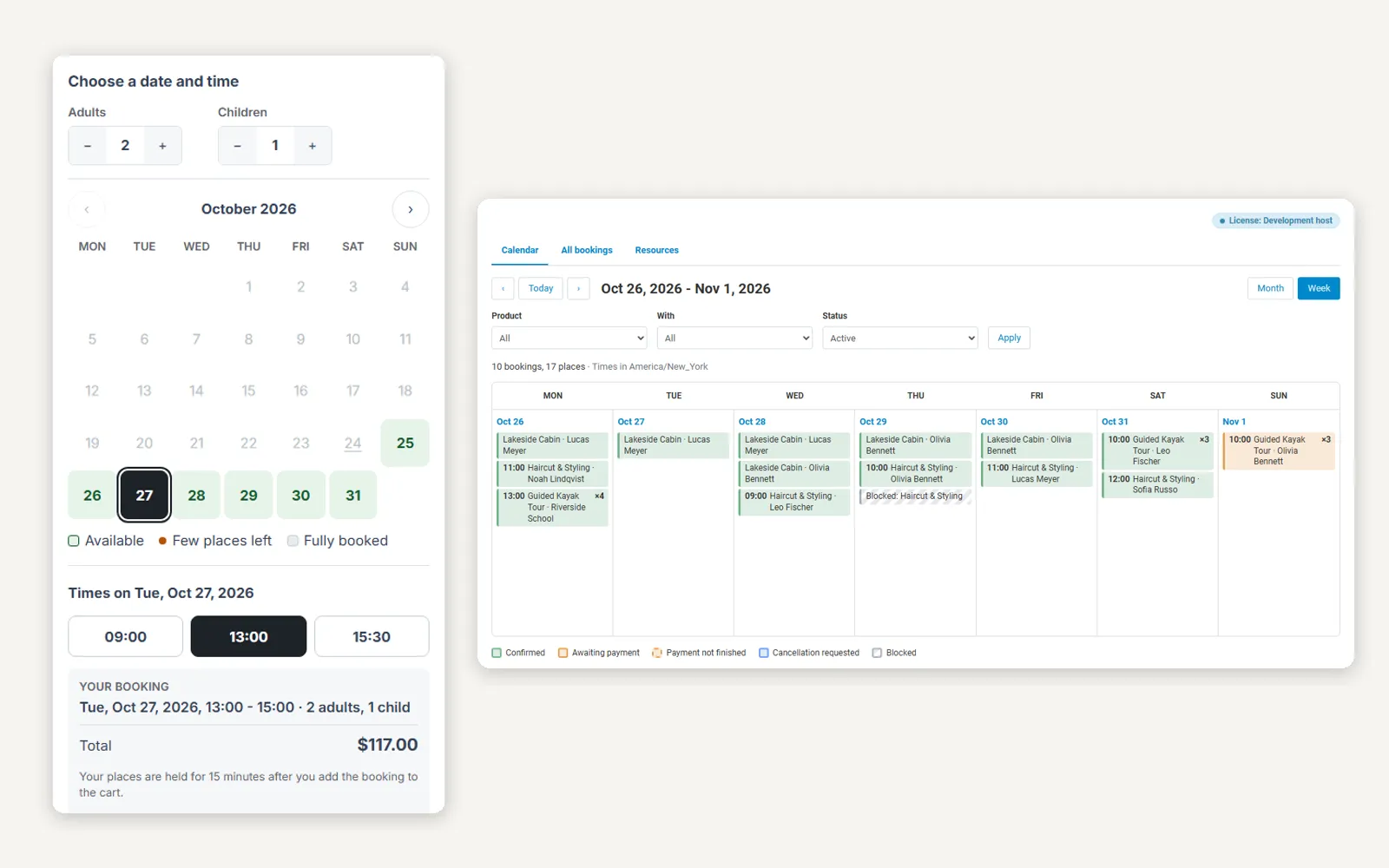
Product page: guests, a day and a time chosen, total and “Book now”.
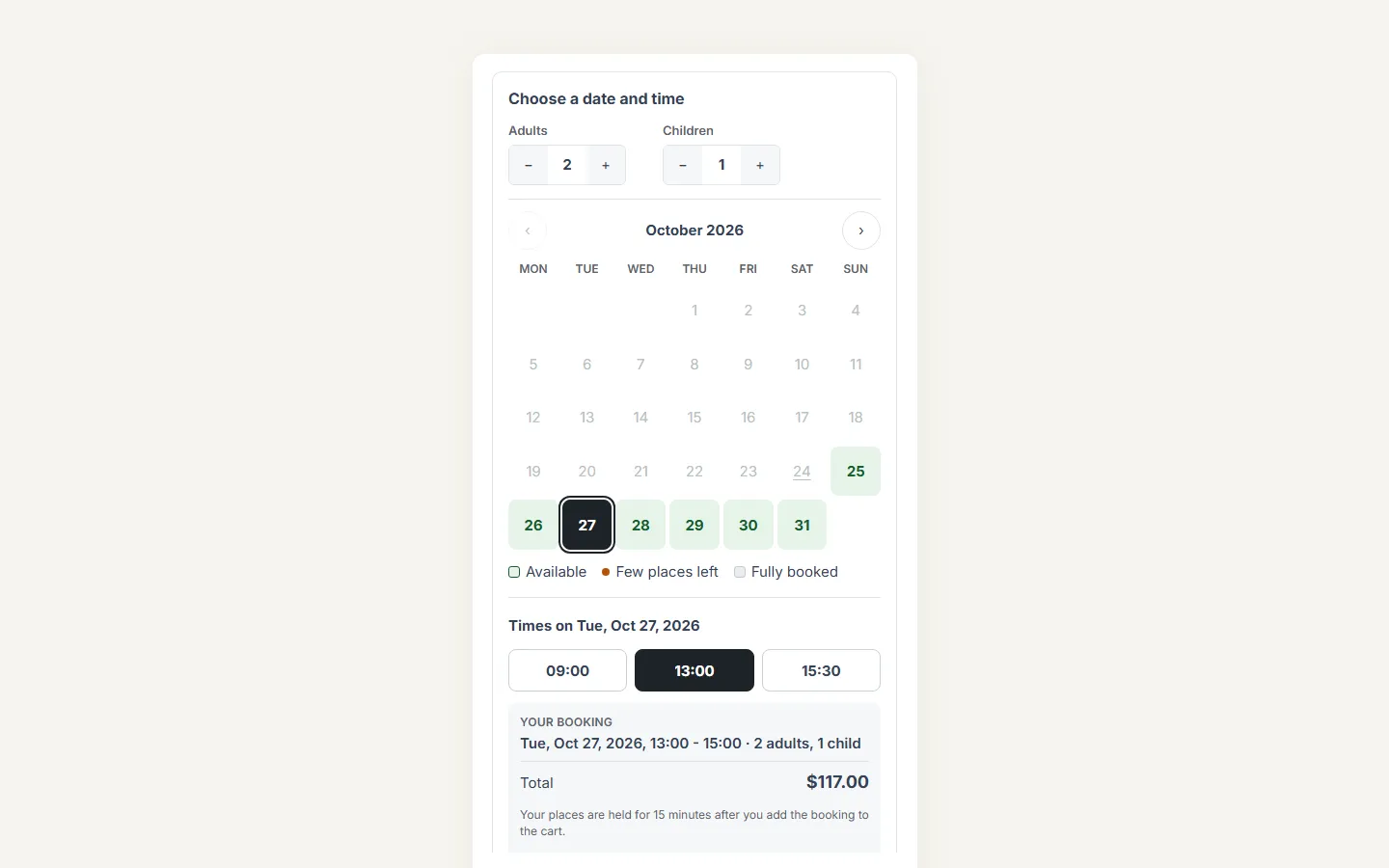
Time slots: calendar with free days, times with places left, booking summary.
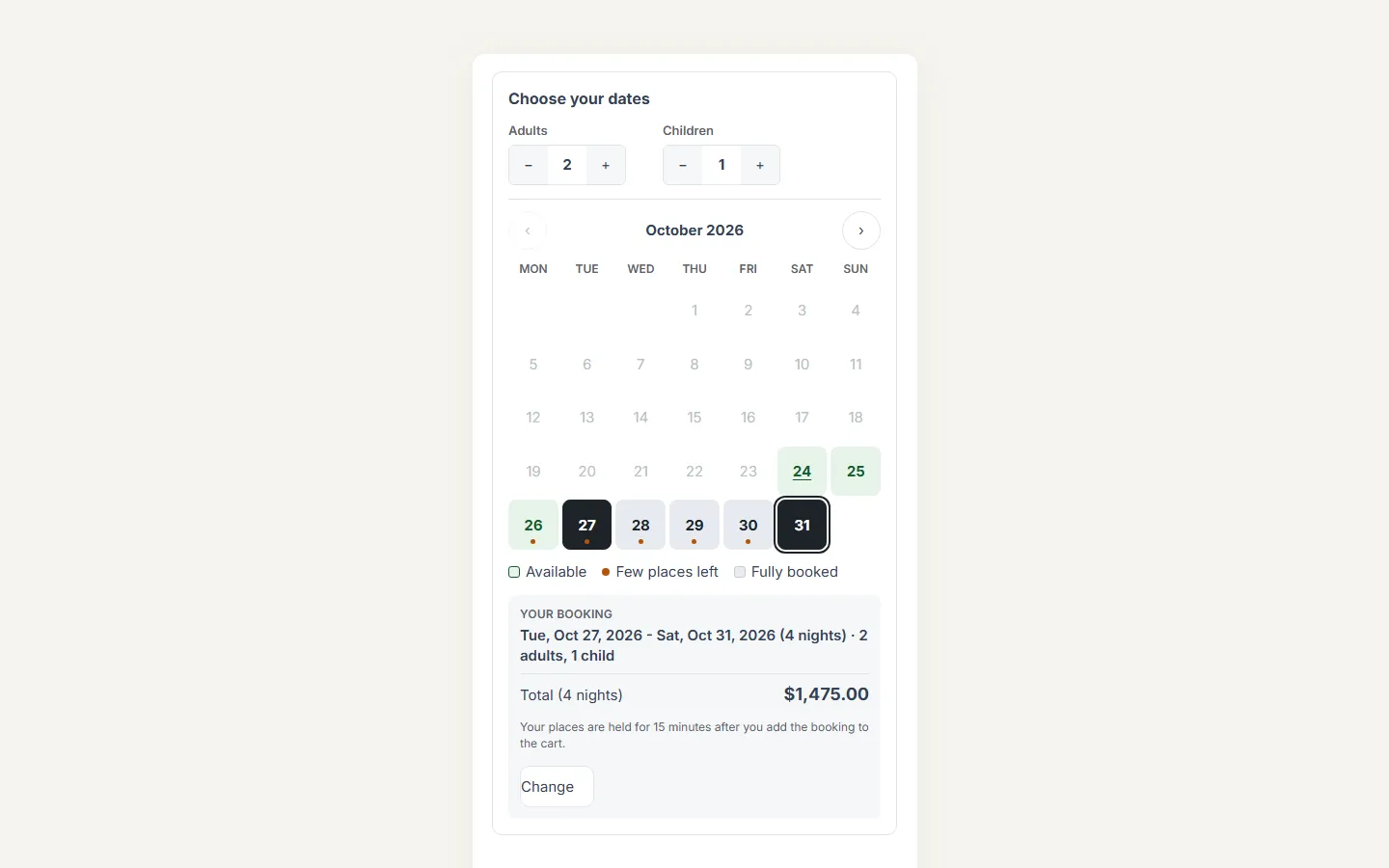
Date range: check-in and check-out, guests, total for the nights.
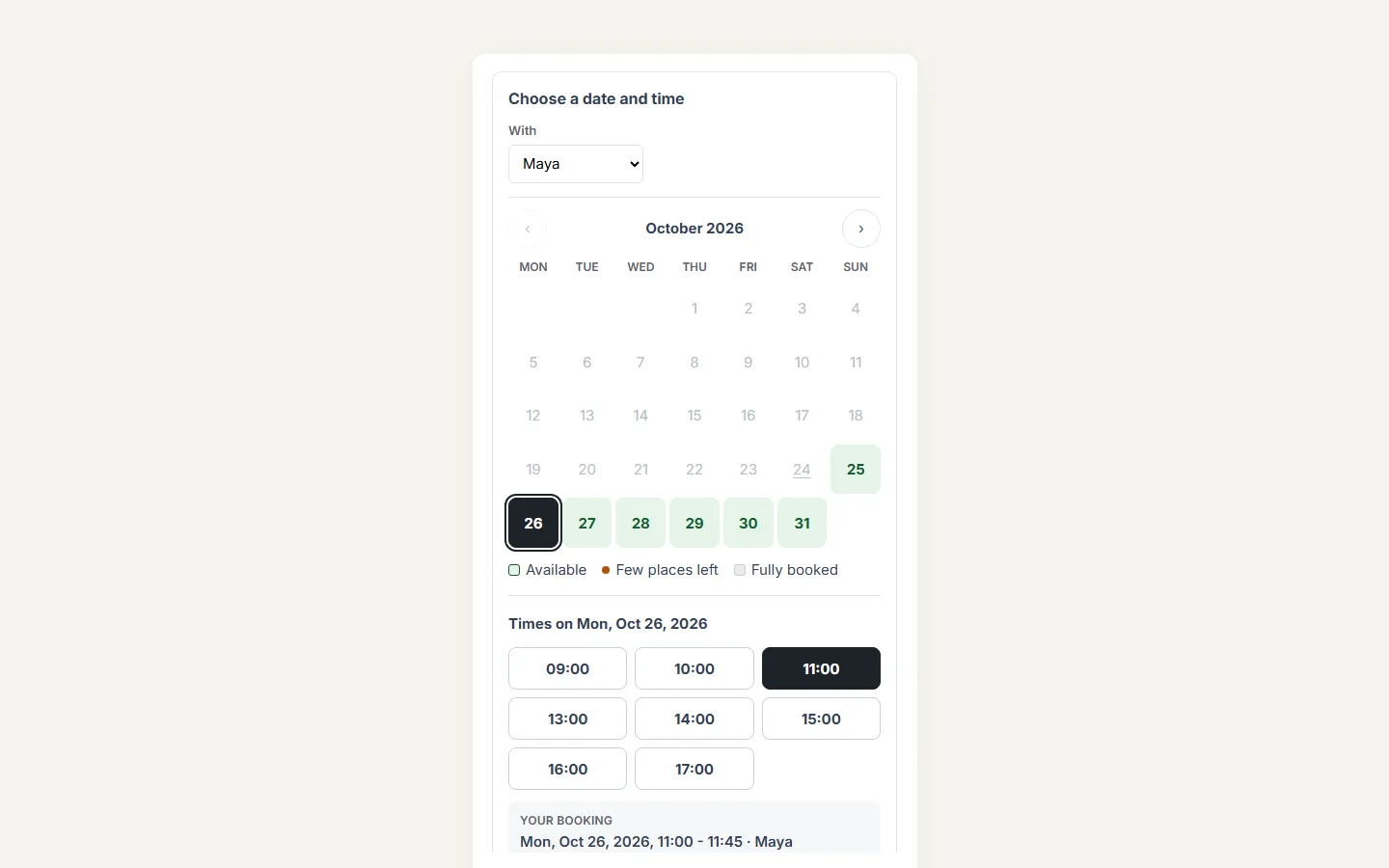
Resources: “With Maya” selector and her free times.
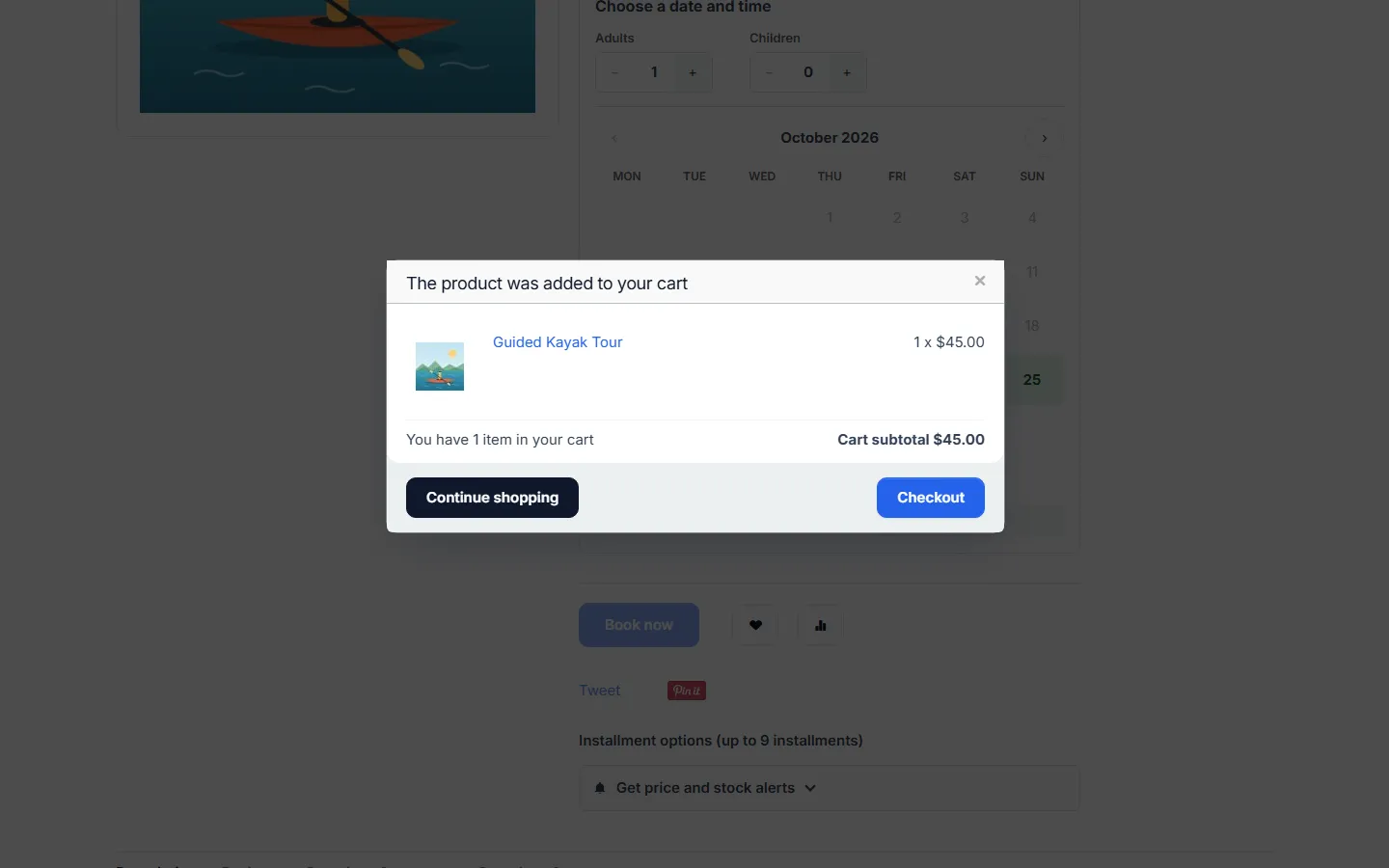
Booking added to the cart.
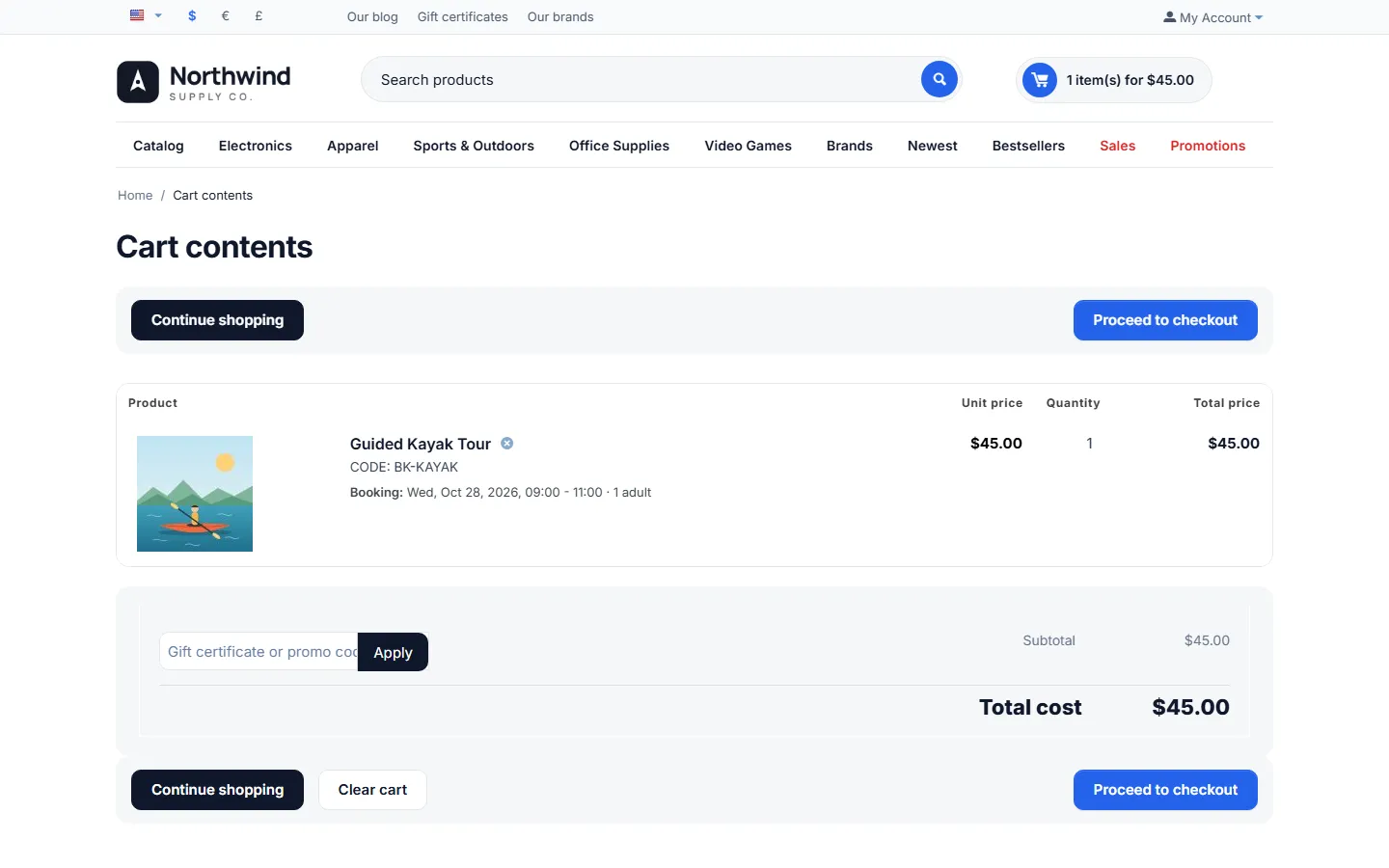
Cart: the booking under the product, quantity fixed to 1.
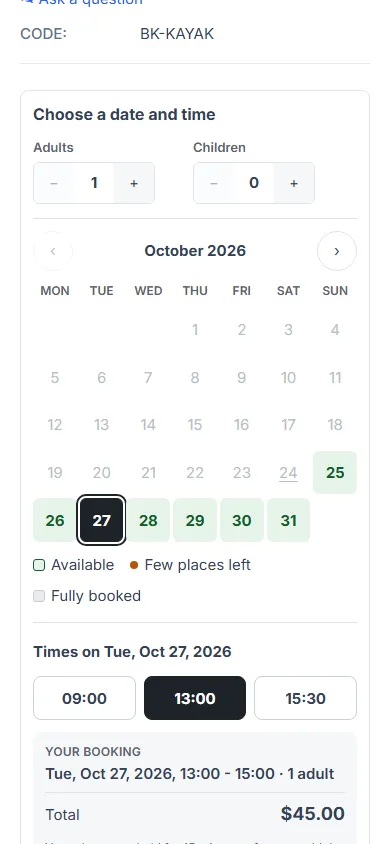
Phone (390 px): the picker.
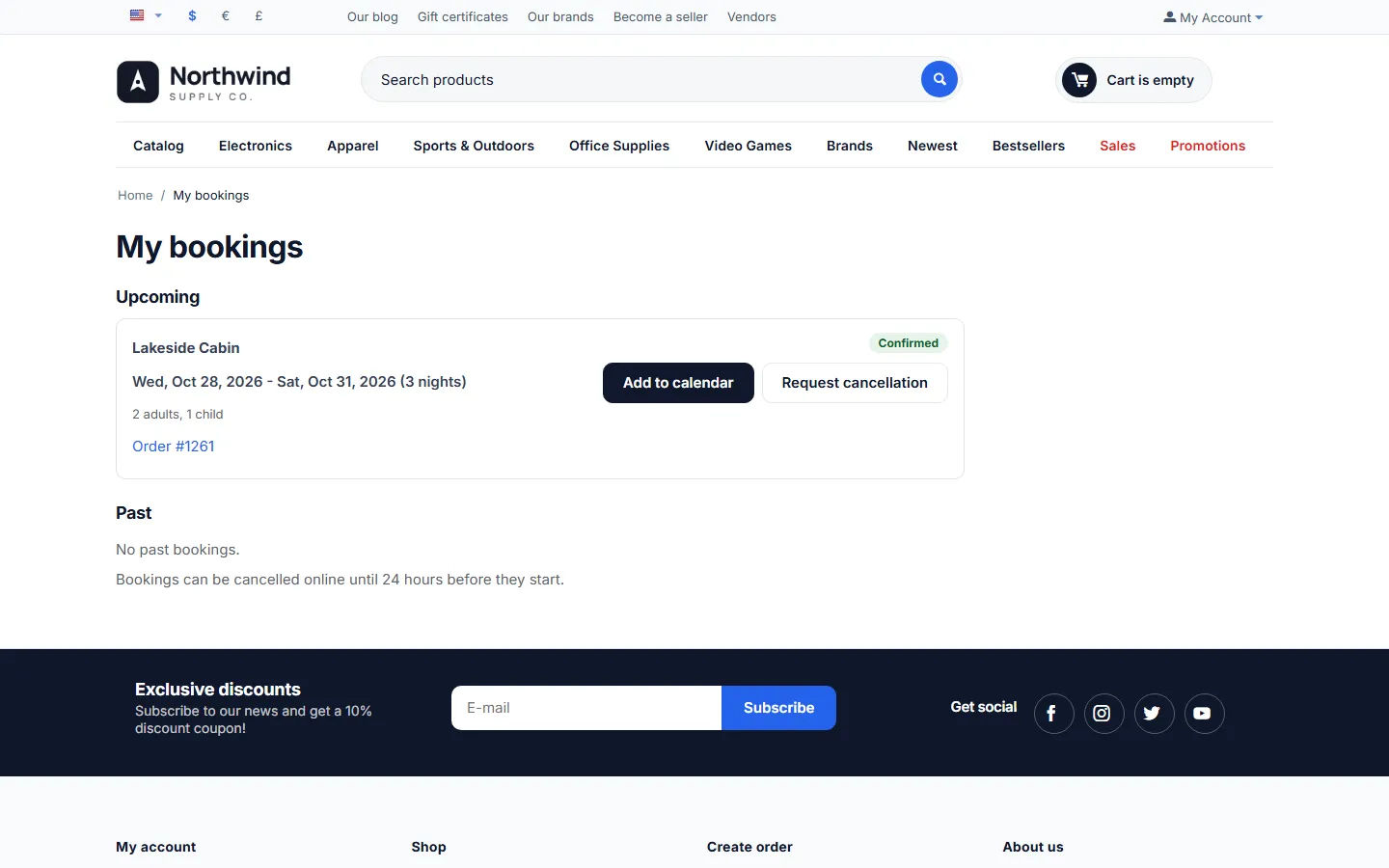
My bookings: status, Add to calendar, Request cancellation.
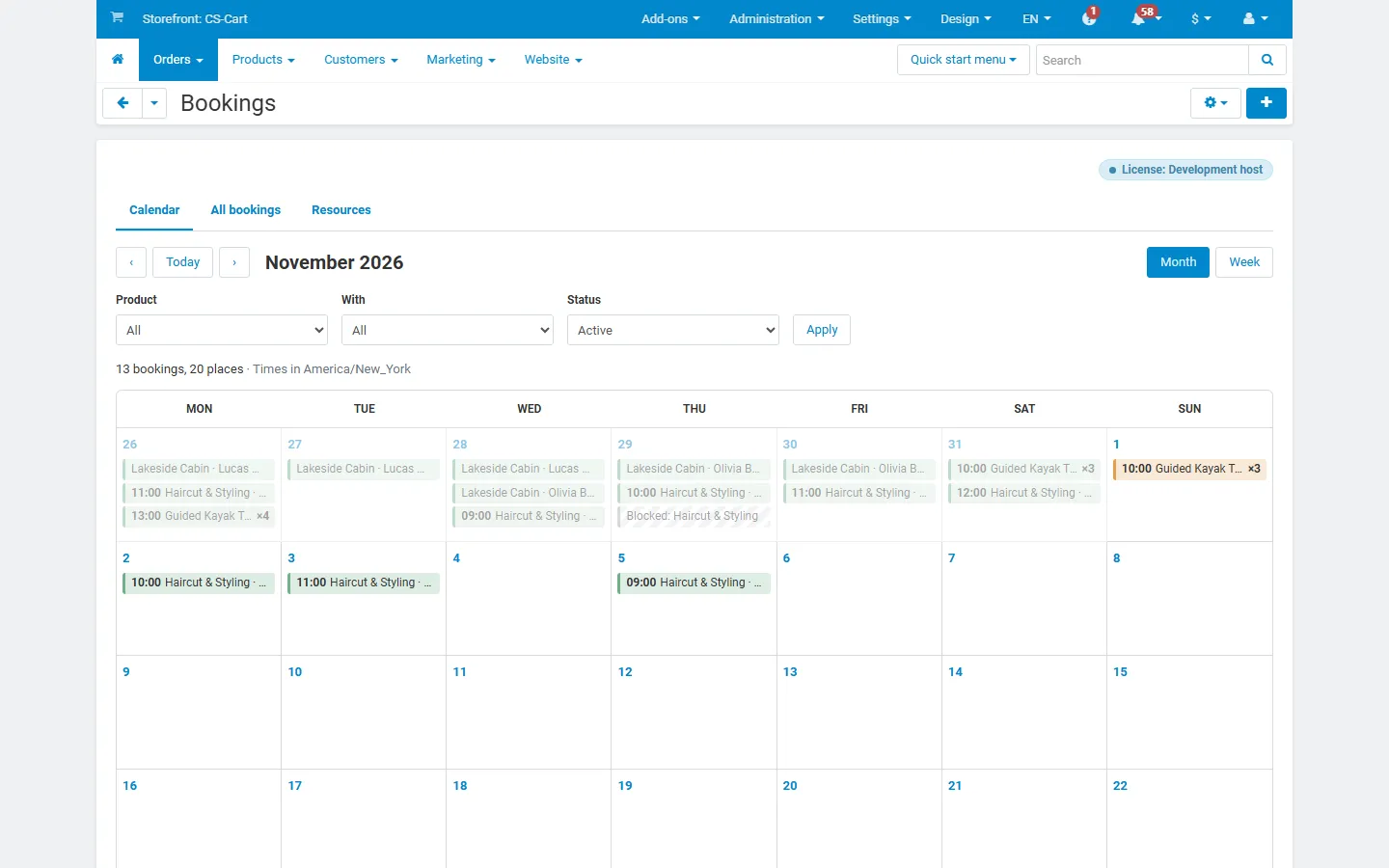
Orders > Bookings: month calendar colored by status.
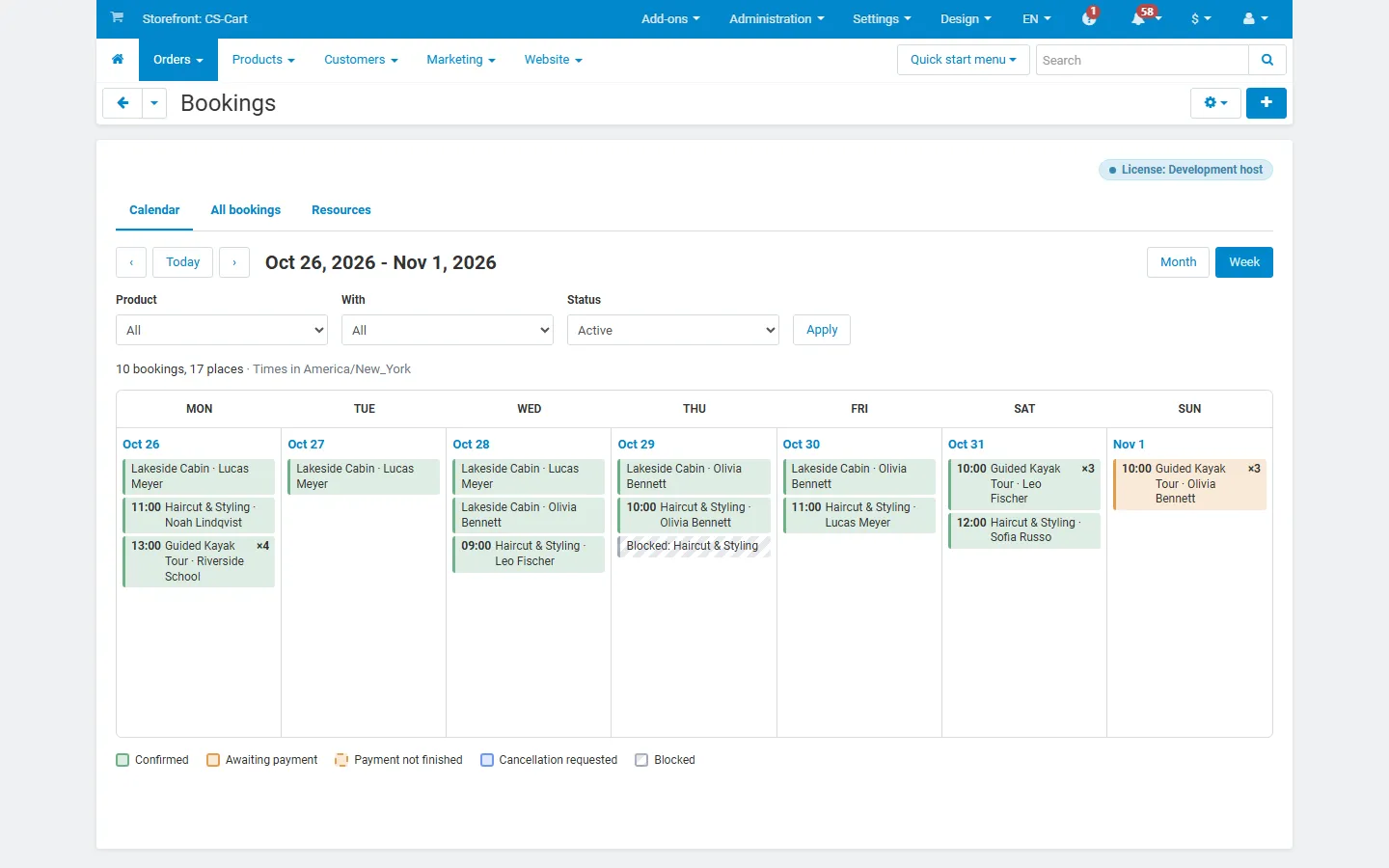
Week view.
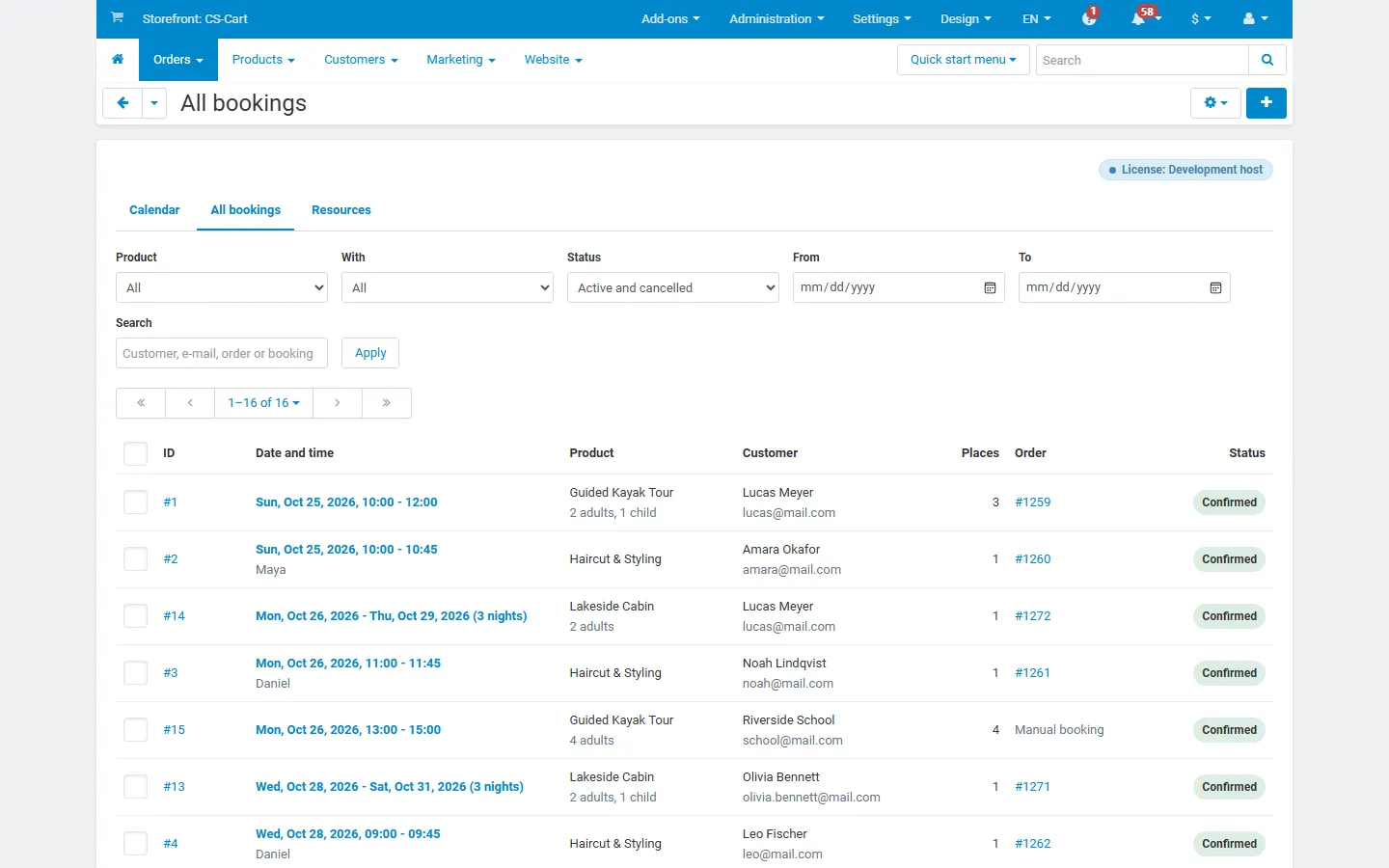
All bookings: filters, customers, places, orders, status.
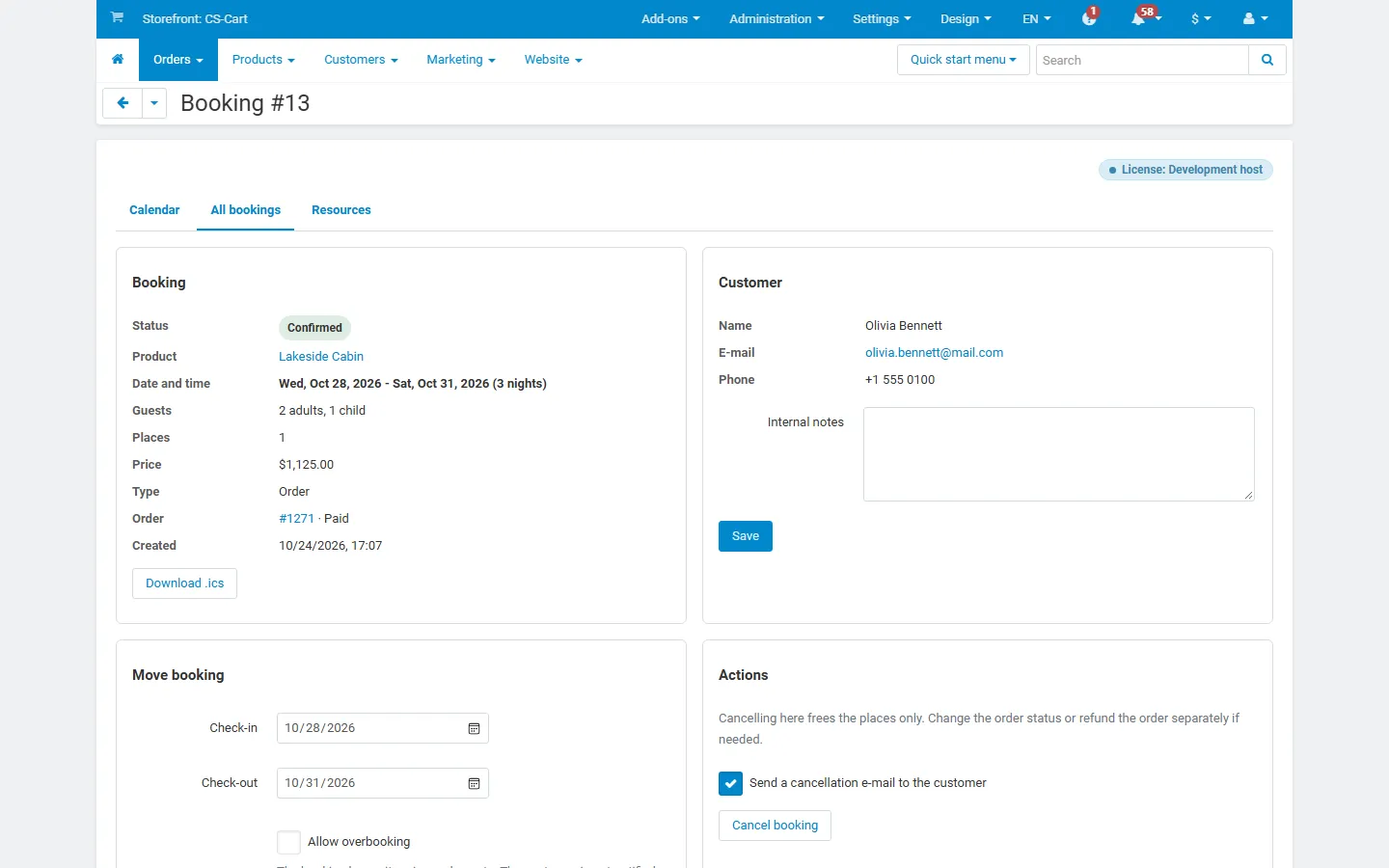
Booking page: details, customer, move booking, cancel.
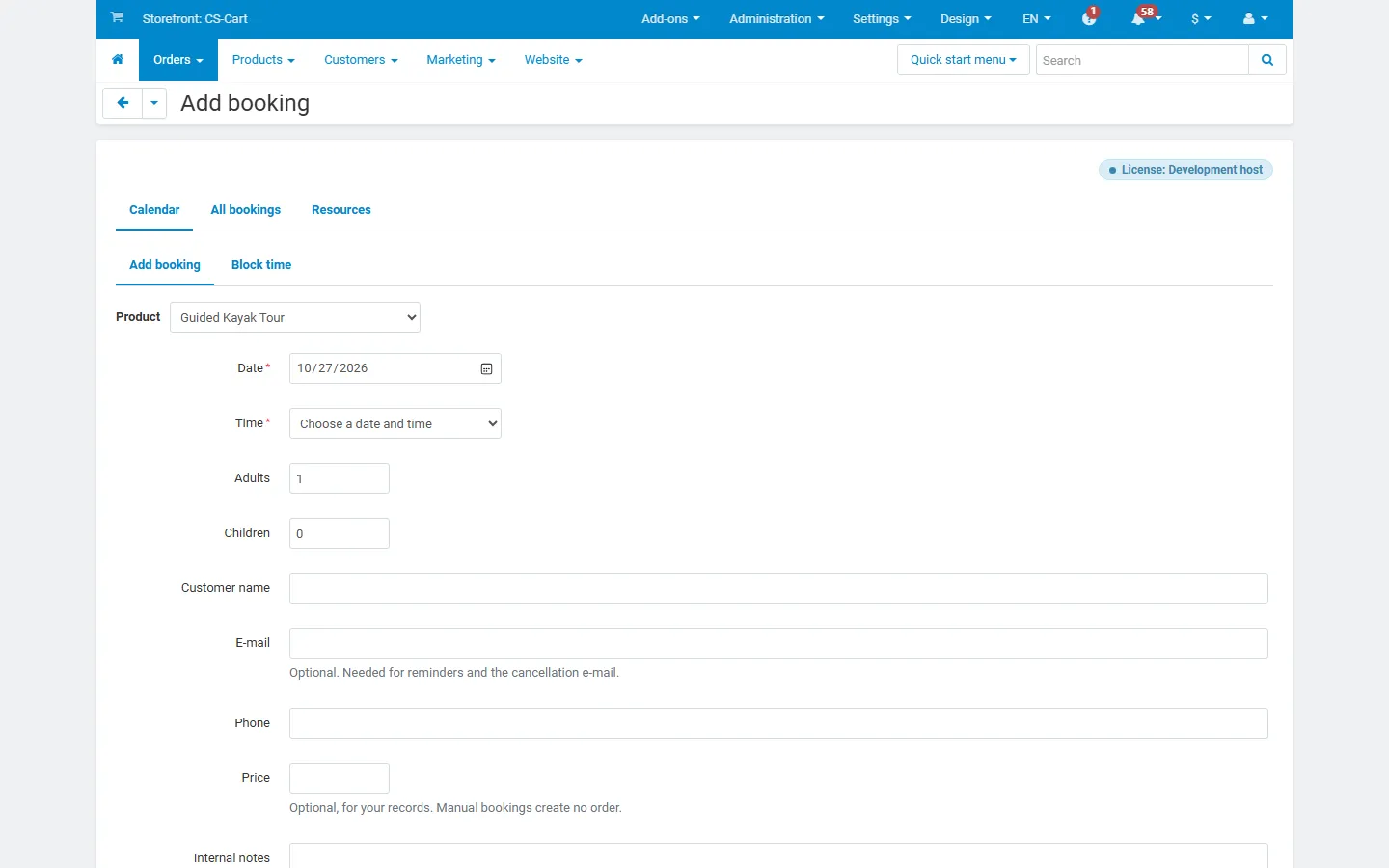
Add booking for a phone or walk-in customer.
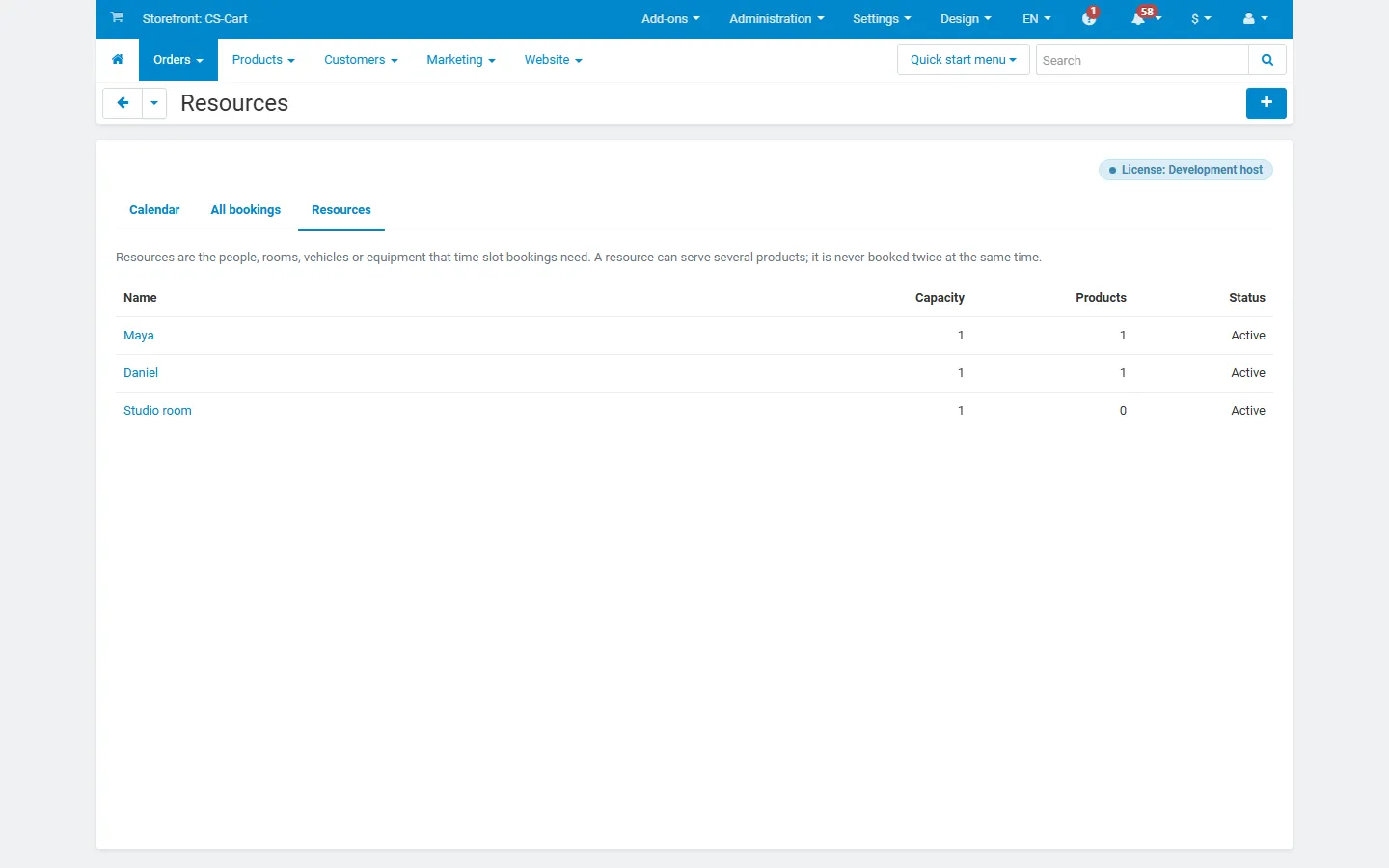
Resources (staff, rooms) with capacity and products.
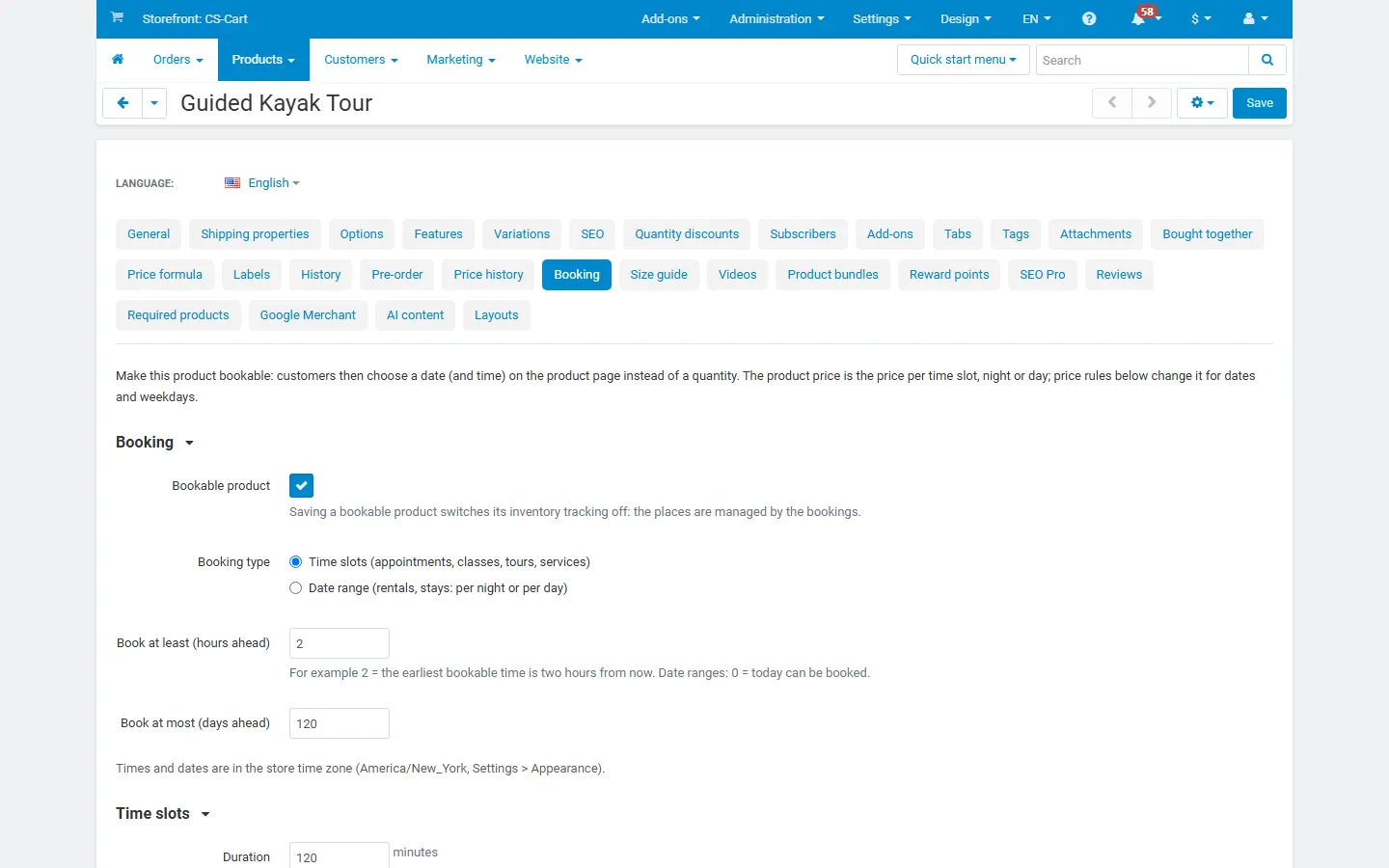
Product editor, Booking tab: time slots, hours, resources.
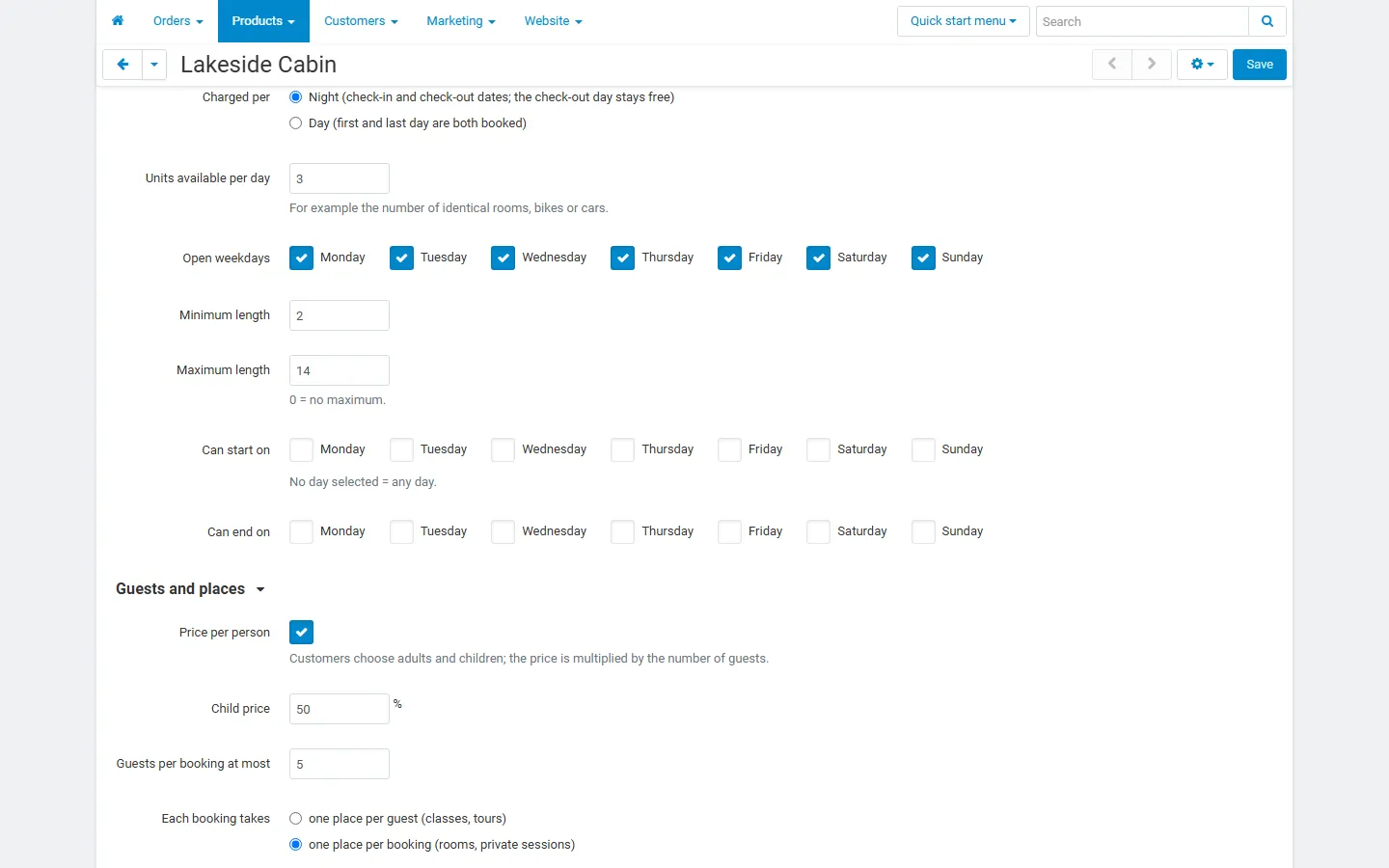
Booking tab for date ranges: nights, units, lengths, check-in days.
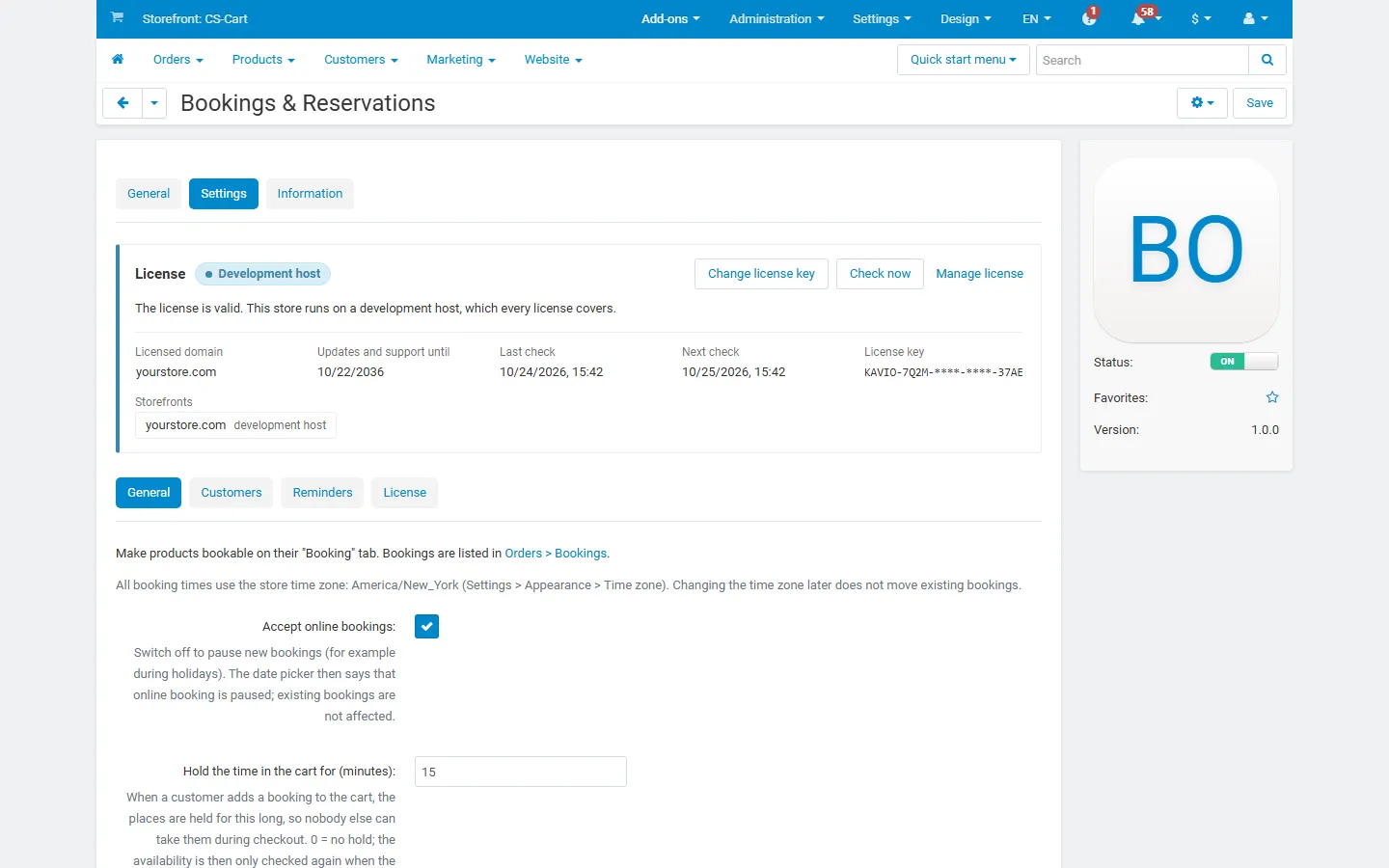
Add-on page with the license card and the general settings.
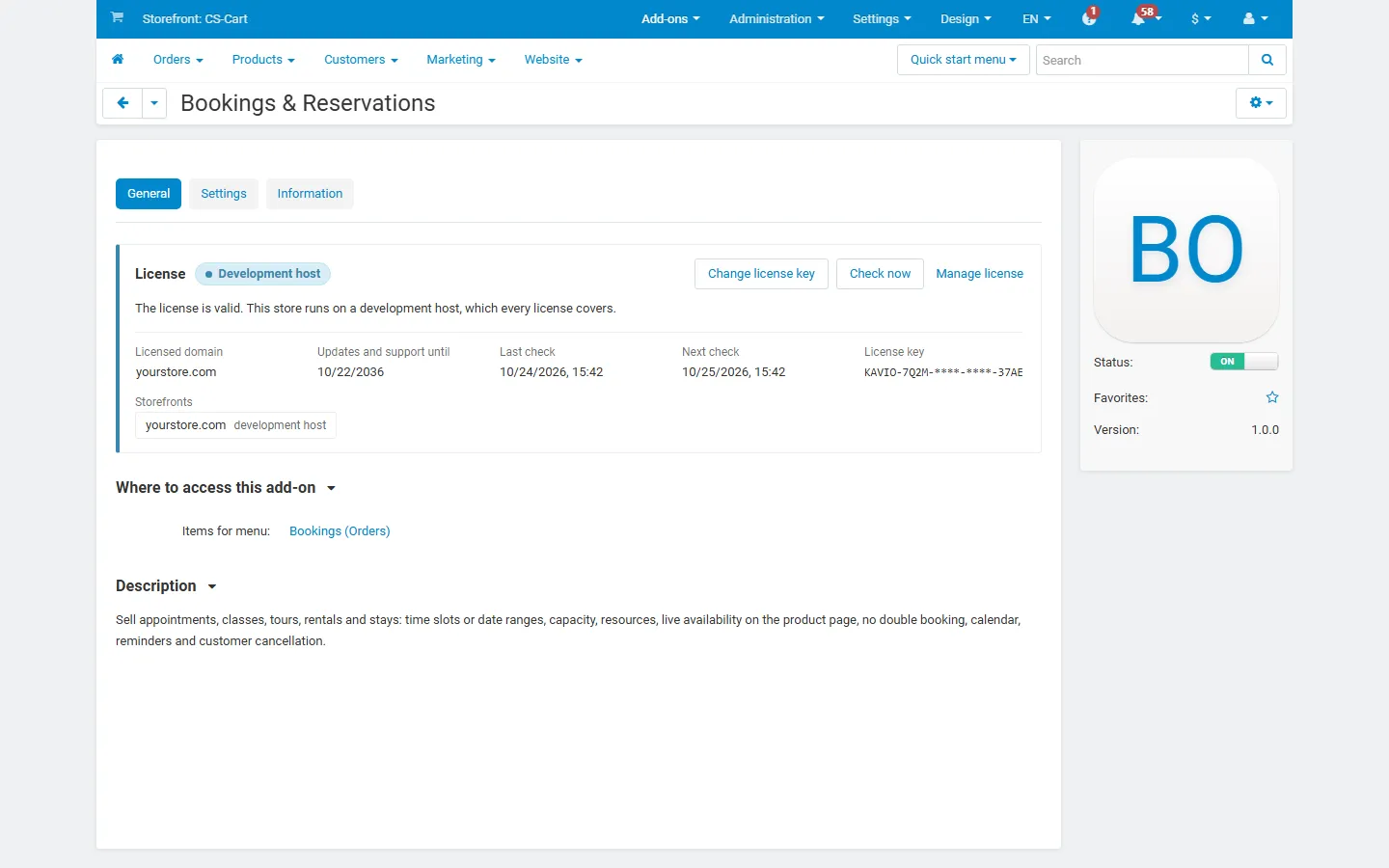
License card on the add-on page.
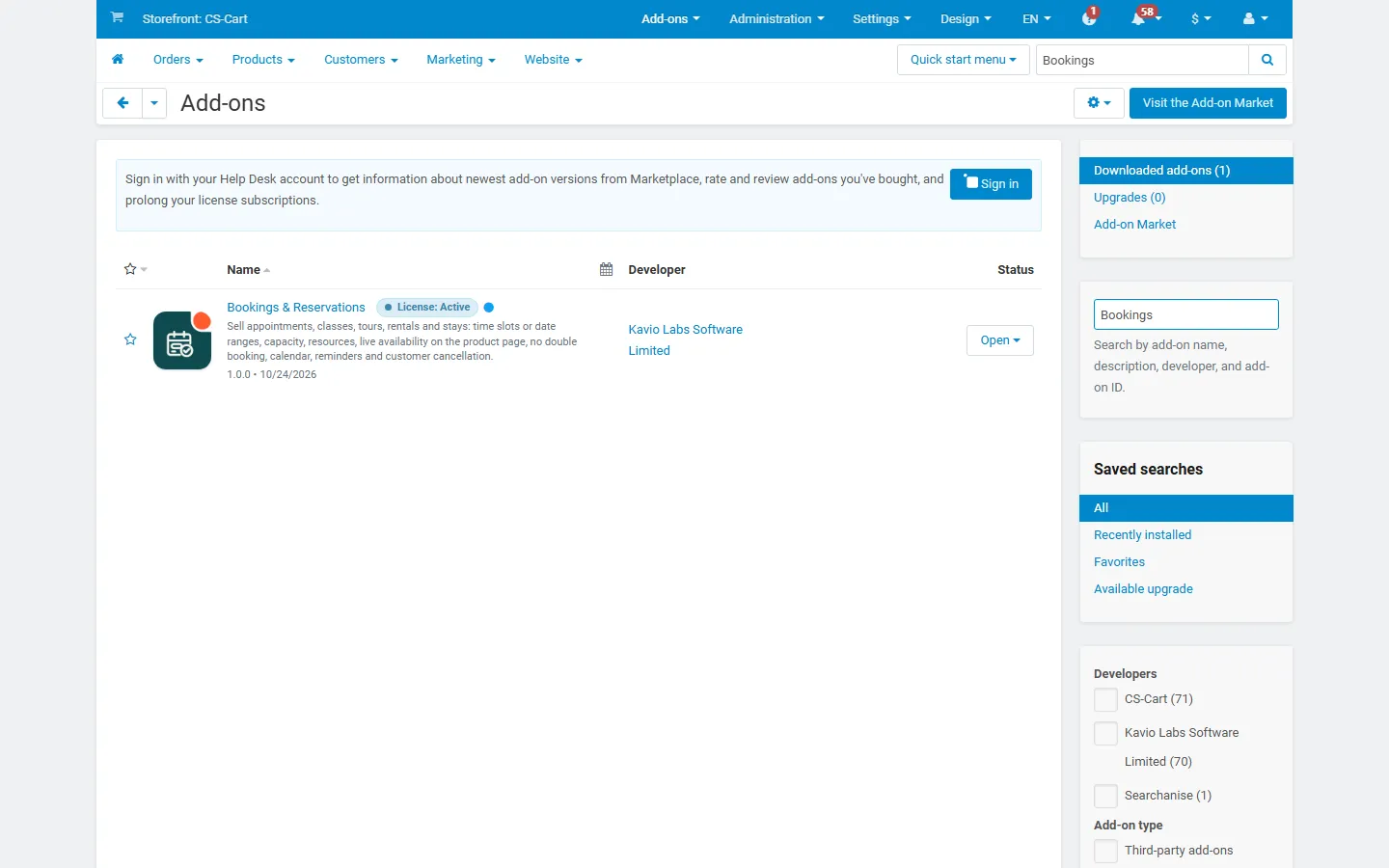
Add-ons list with the add-on active (placeholder icon until integration).