

Make an Offer screenshots
Real screenshots from our CS-Cart and Multi-Vendor test stores with the add-on installed and the English interface.
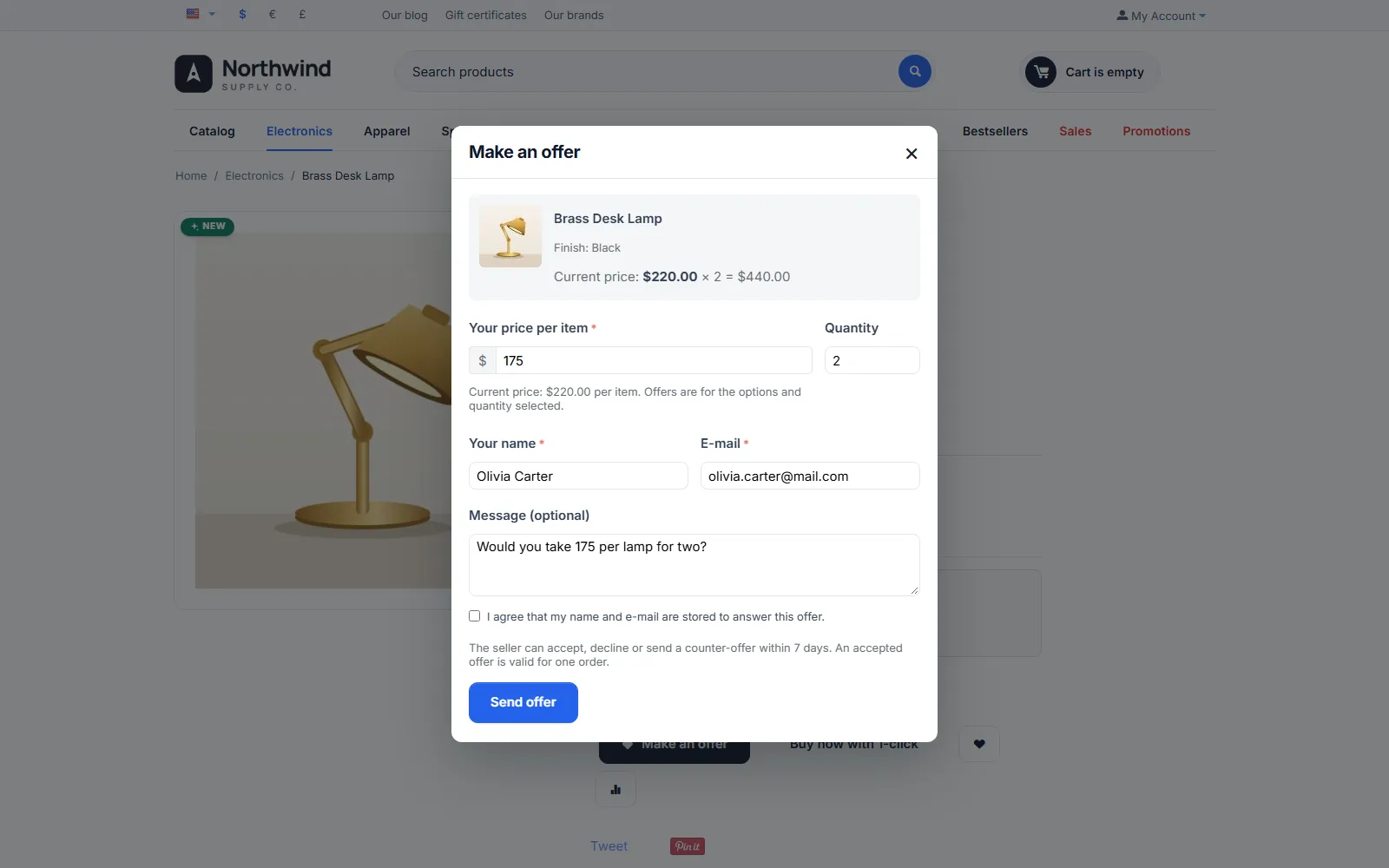
Make an offer dialog for Black x2 with price and message.
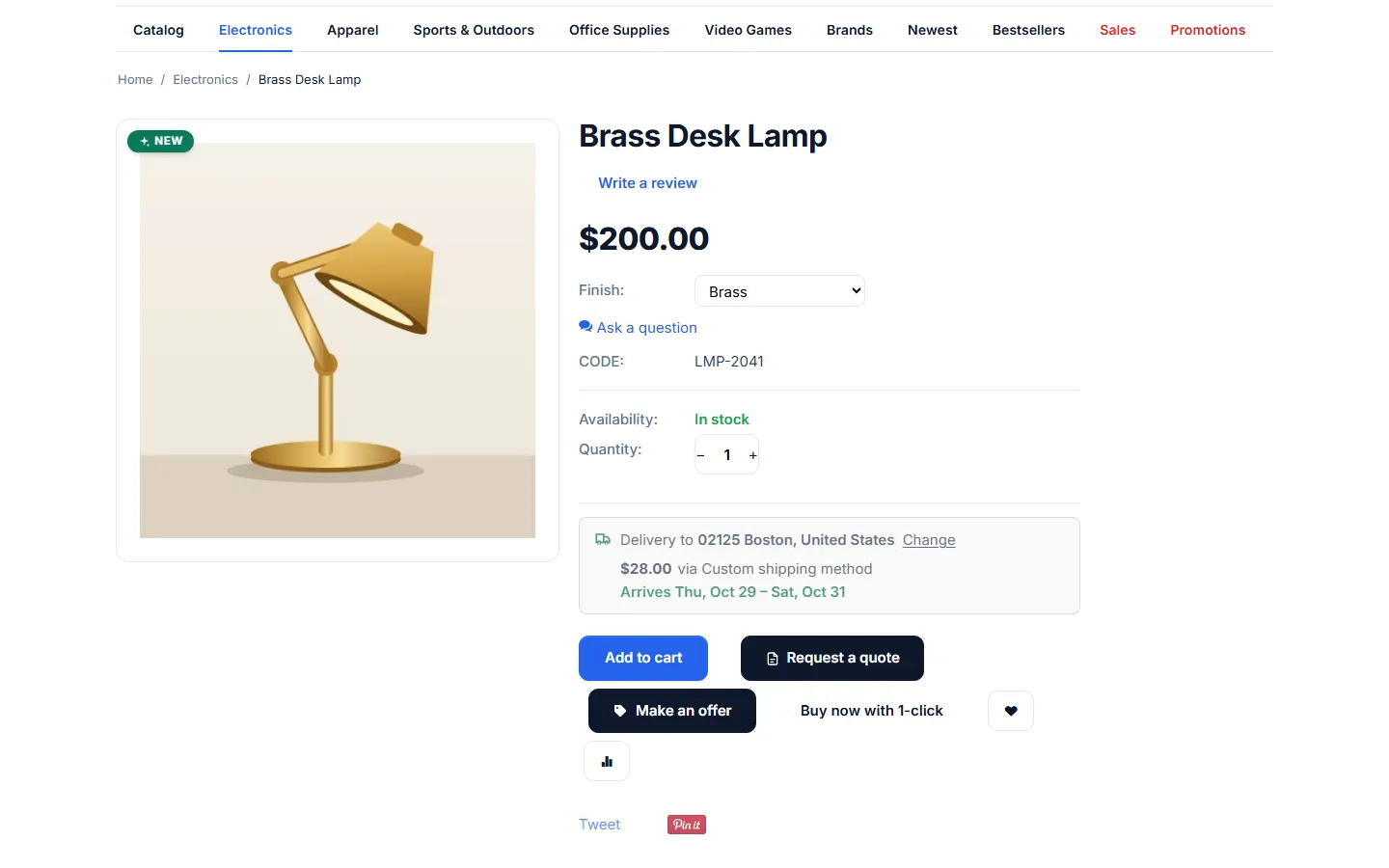
Product page: Make an offer next to Add to cart.
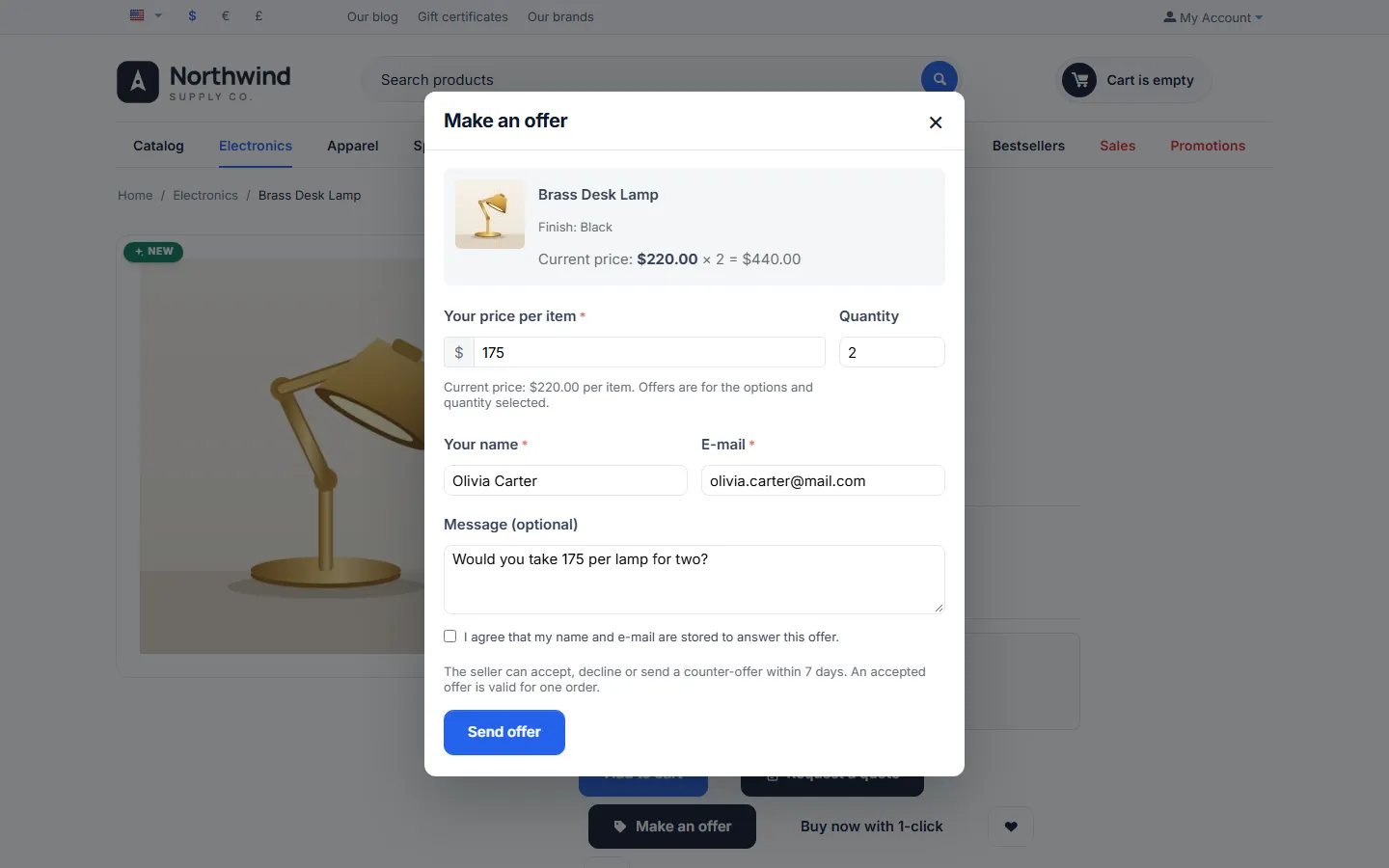
Offer dialog: current price for the options and quantity, guest fields and consent.
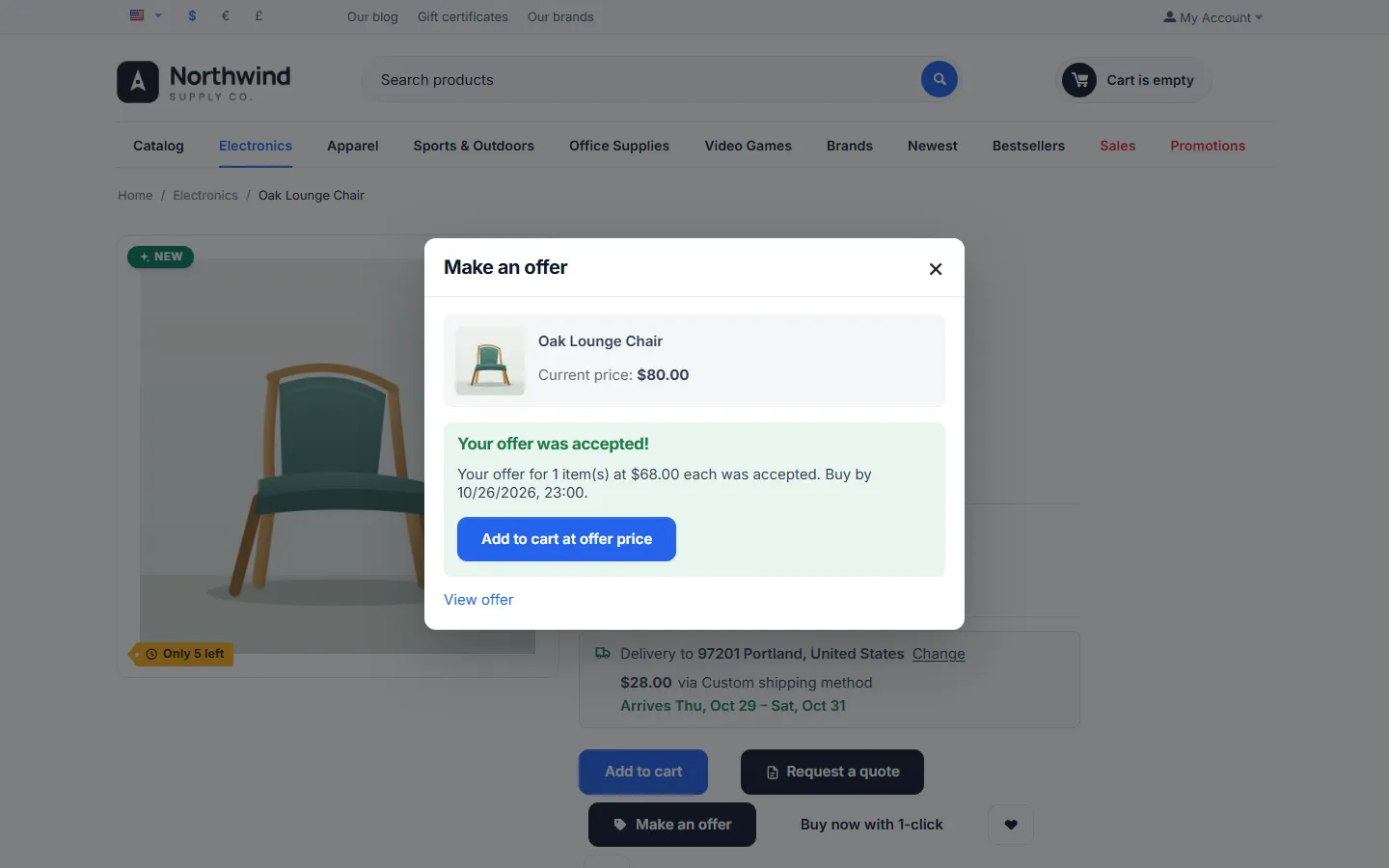
Dialog for an accepted offer: Add to cart at offer price with the deadline.
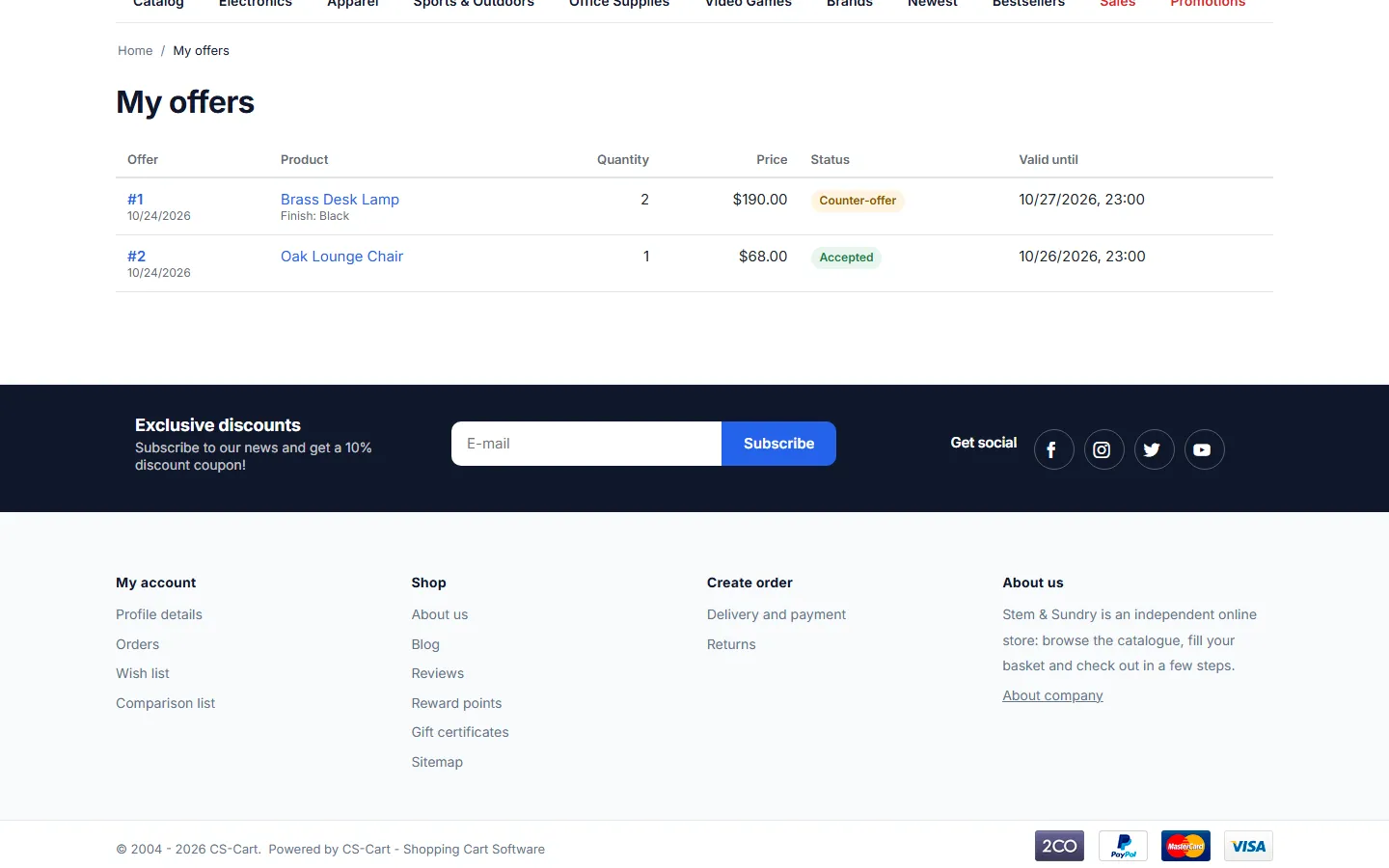
My offers: status, price and deadline.
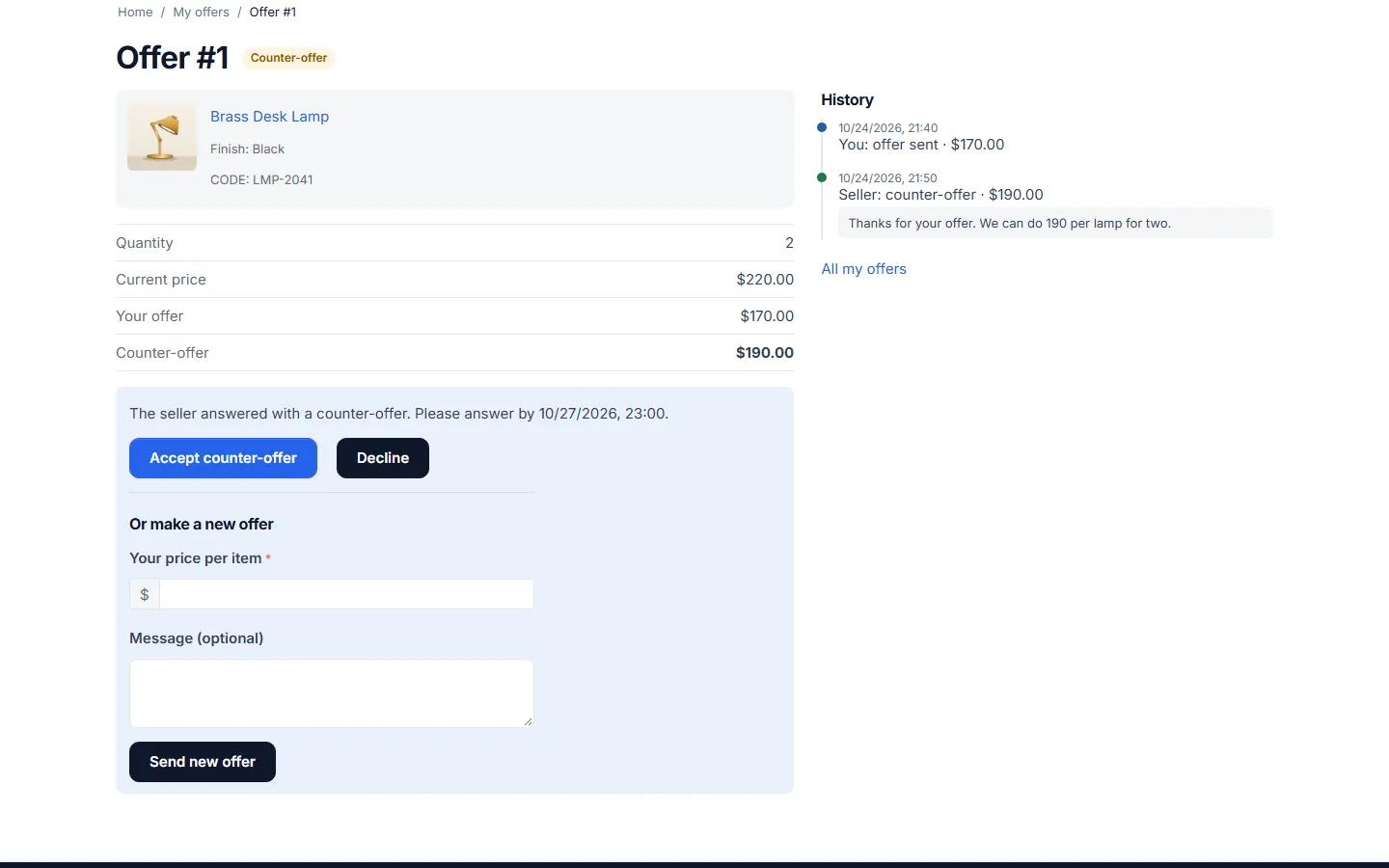
Counter-offer: accept, decline or make a new offer.
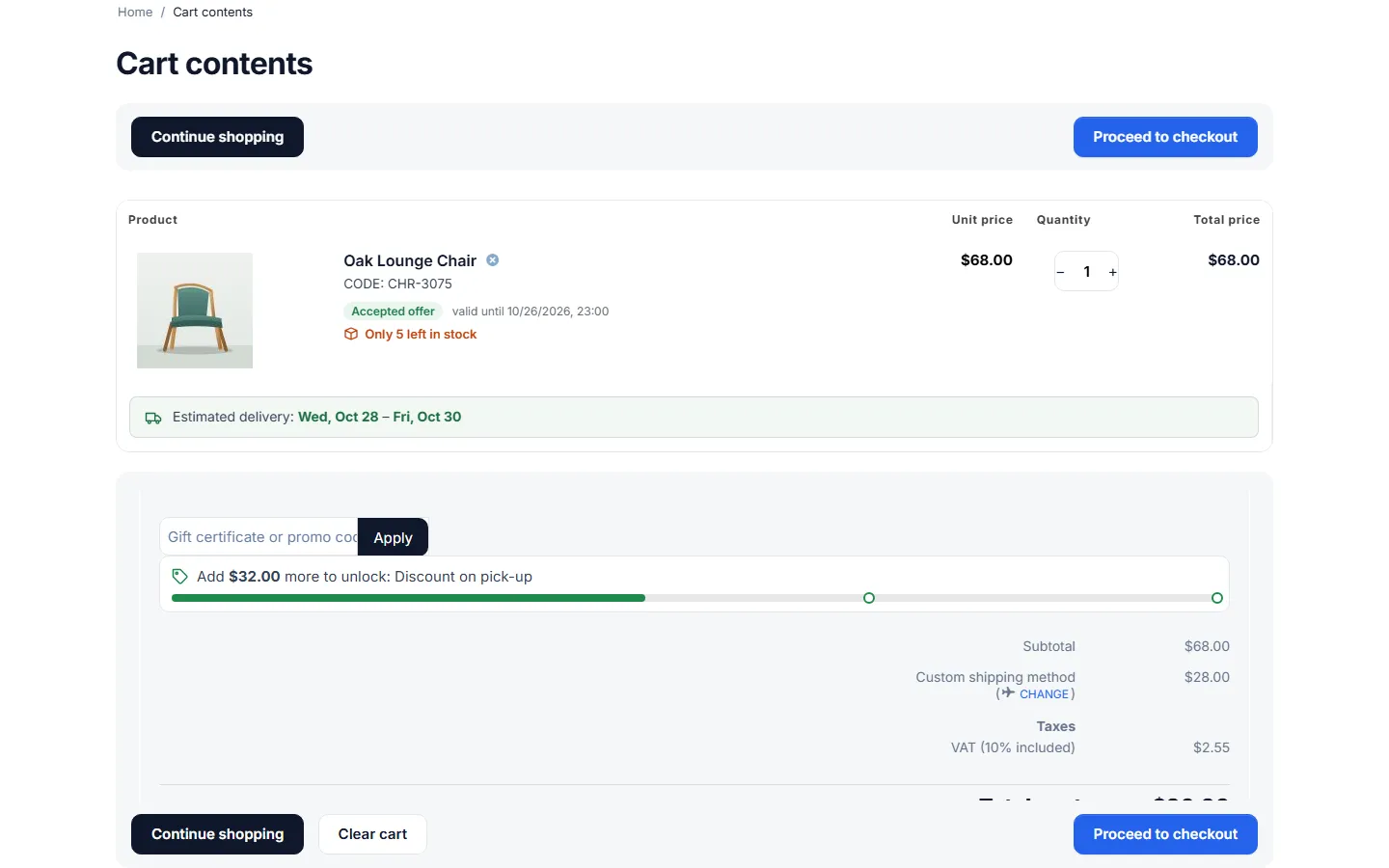
Cart with the accepted offer badge and the agreed price.
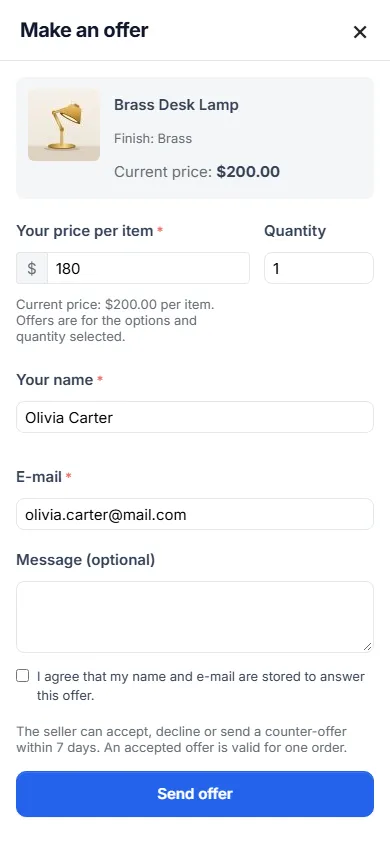
Phone (390 px): full-screen offer dialog.
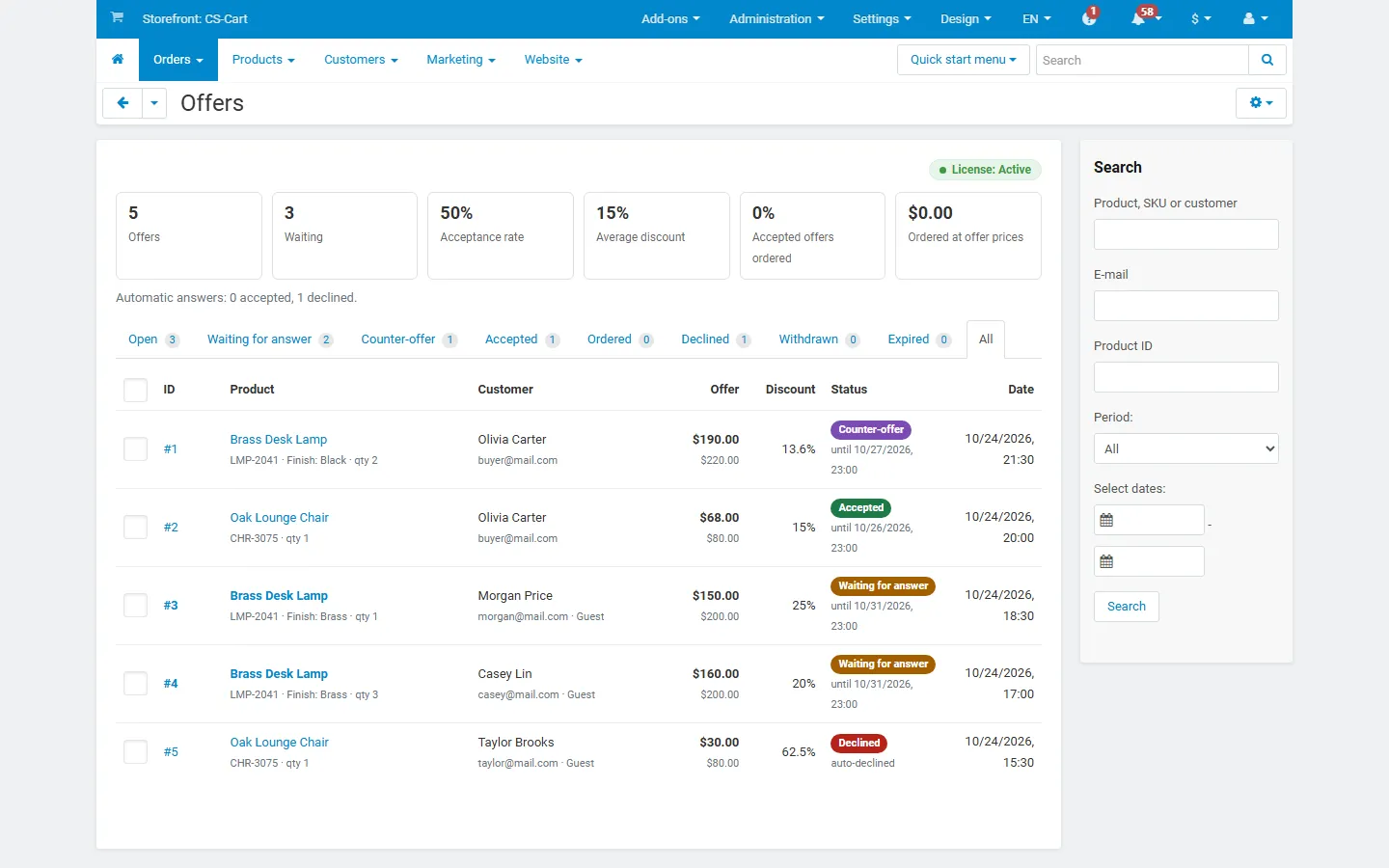
Orders > Offers: statistics, status tabs, filters.
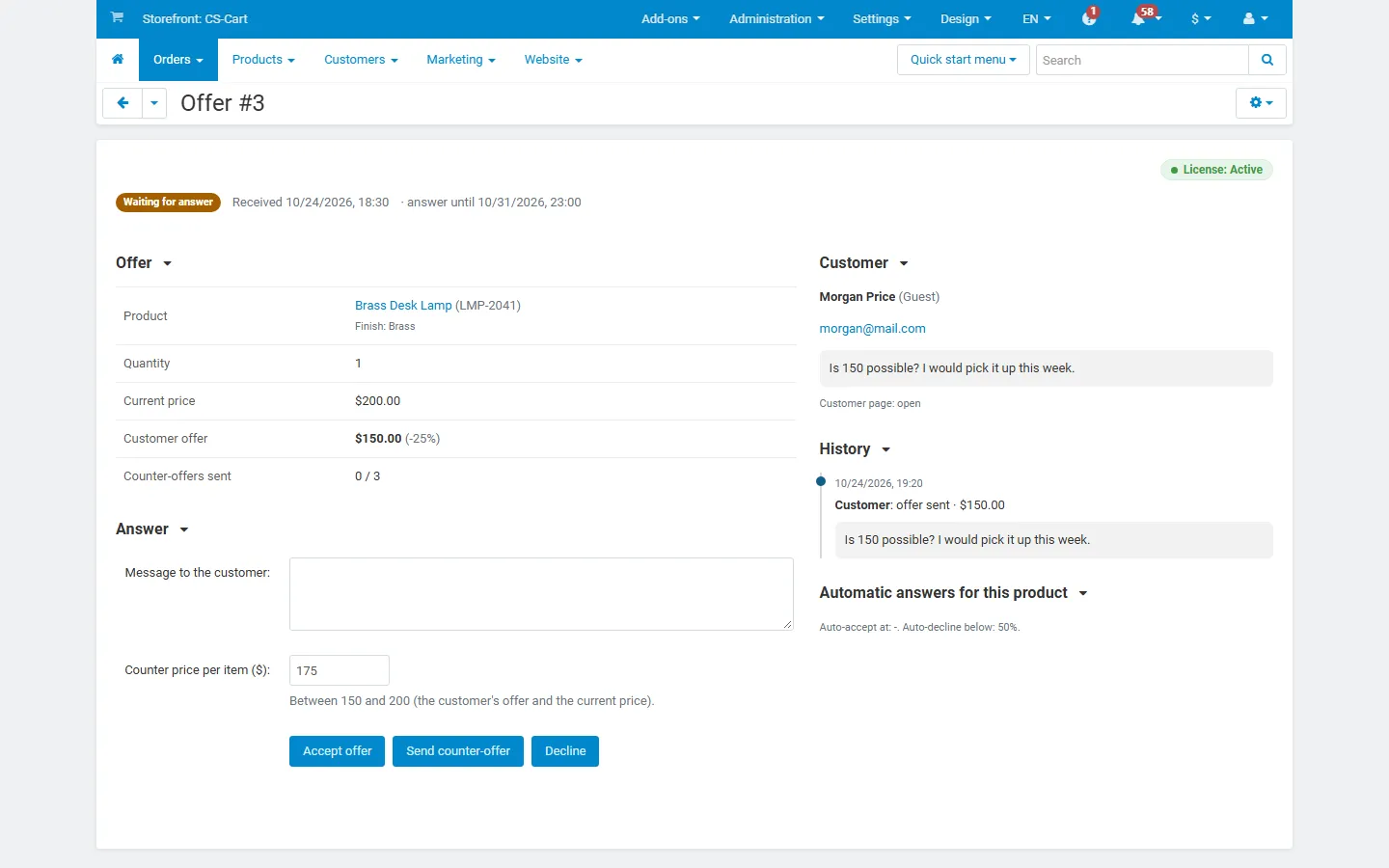
Answering an offer: accept, counter-offer with a suggested price, decline.
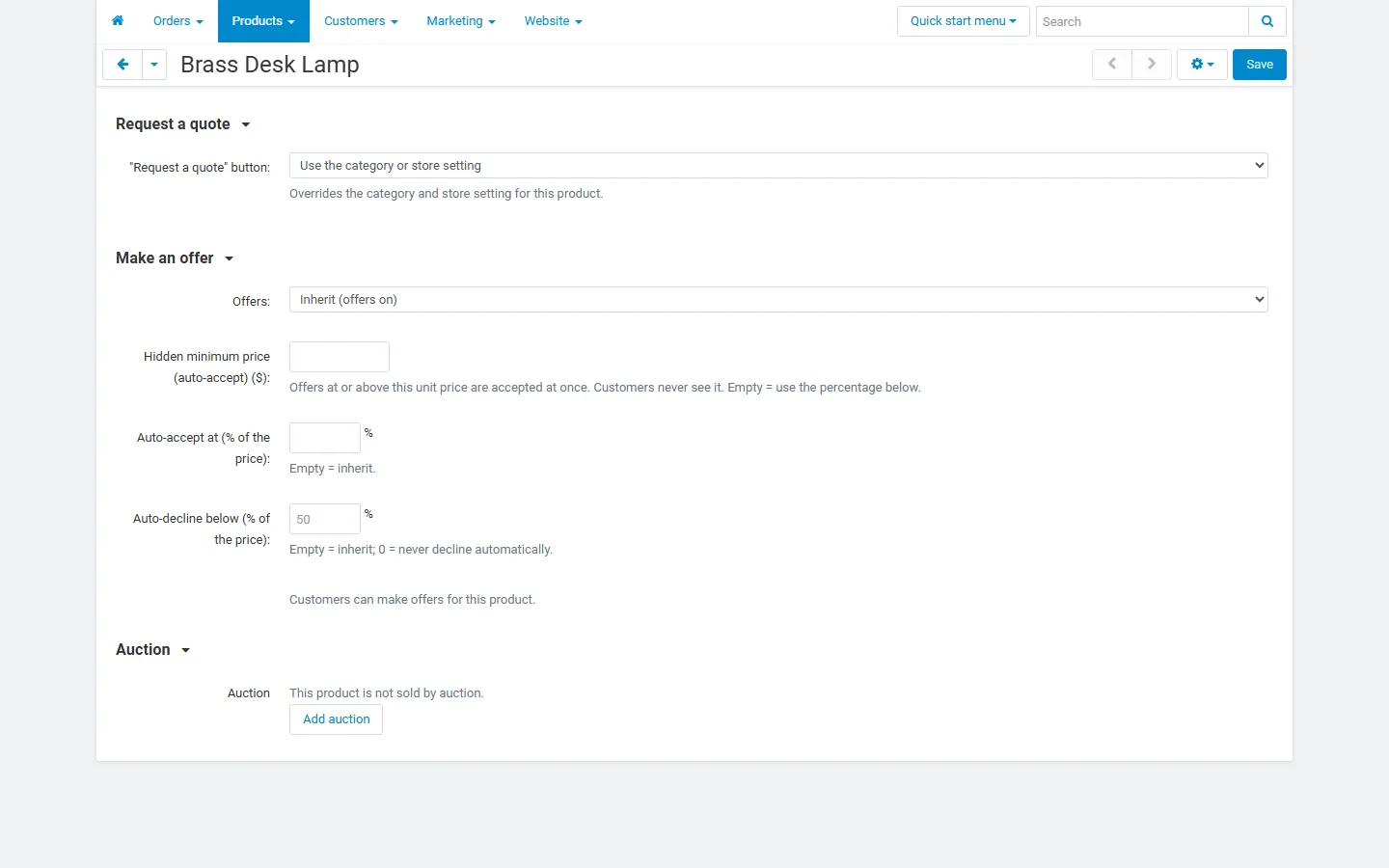
Product editor, Add-ons tab: offer rule with hidden minimum price.
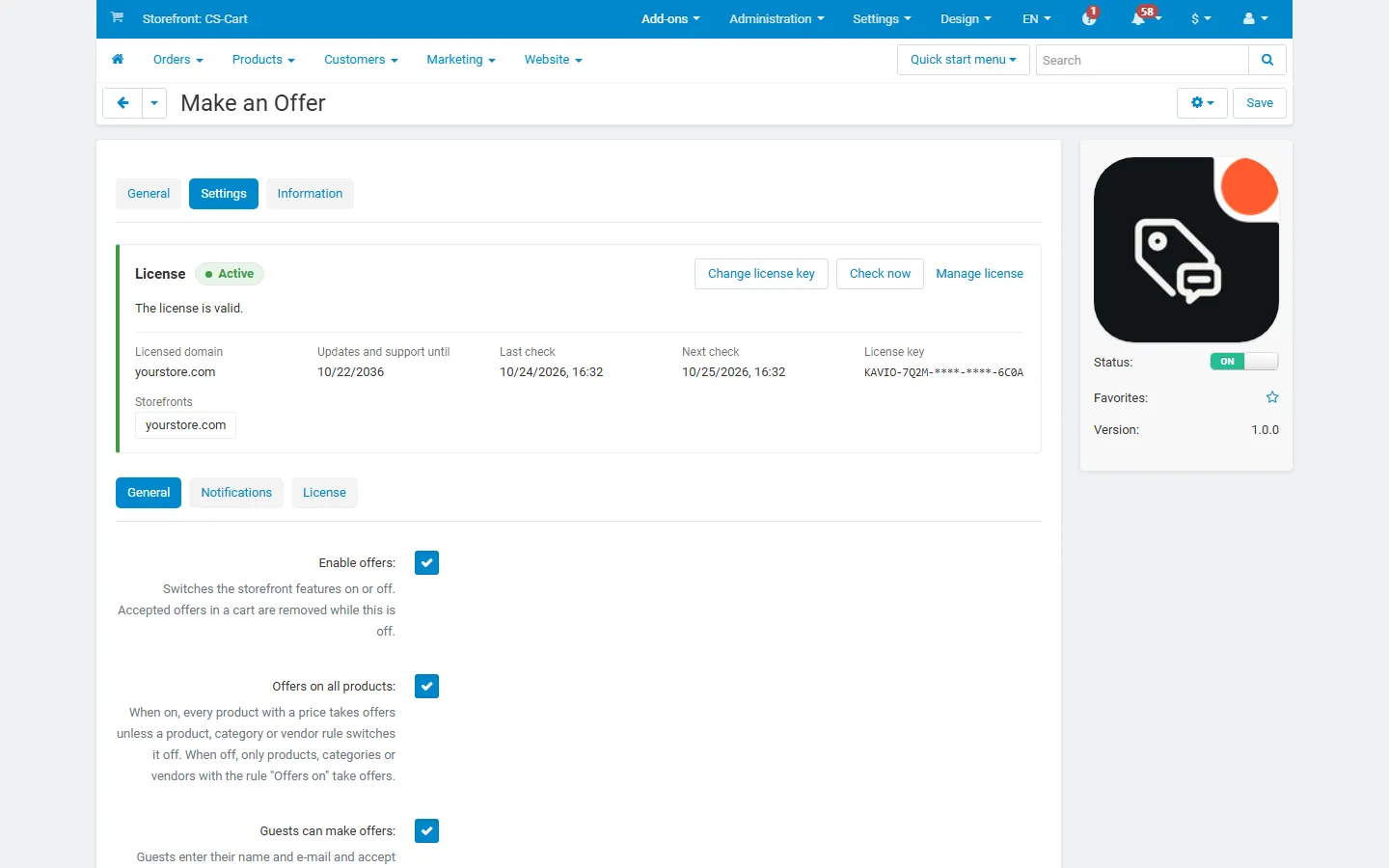
Add-on settings: automatic answers, negotiation, limits.
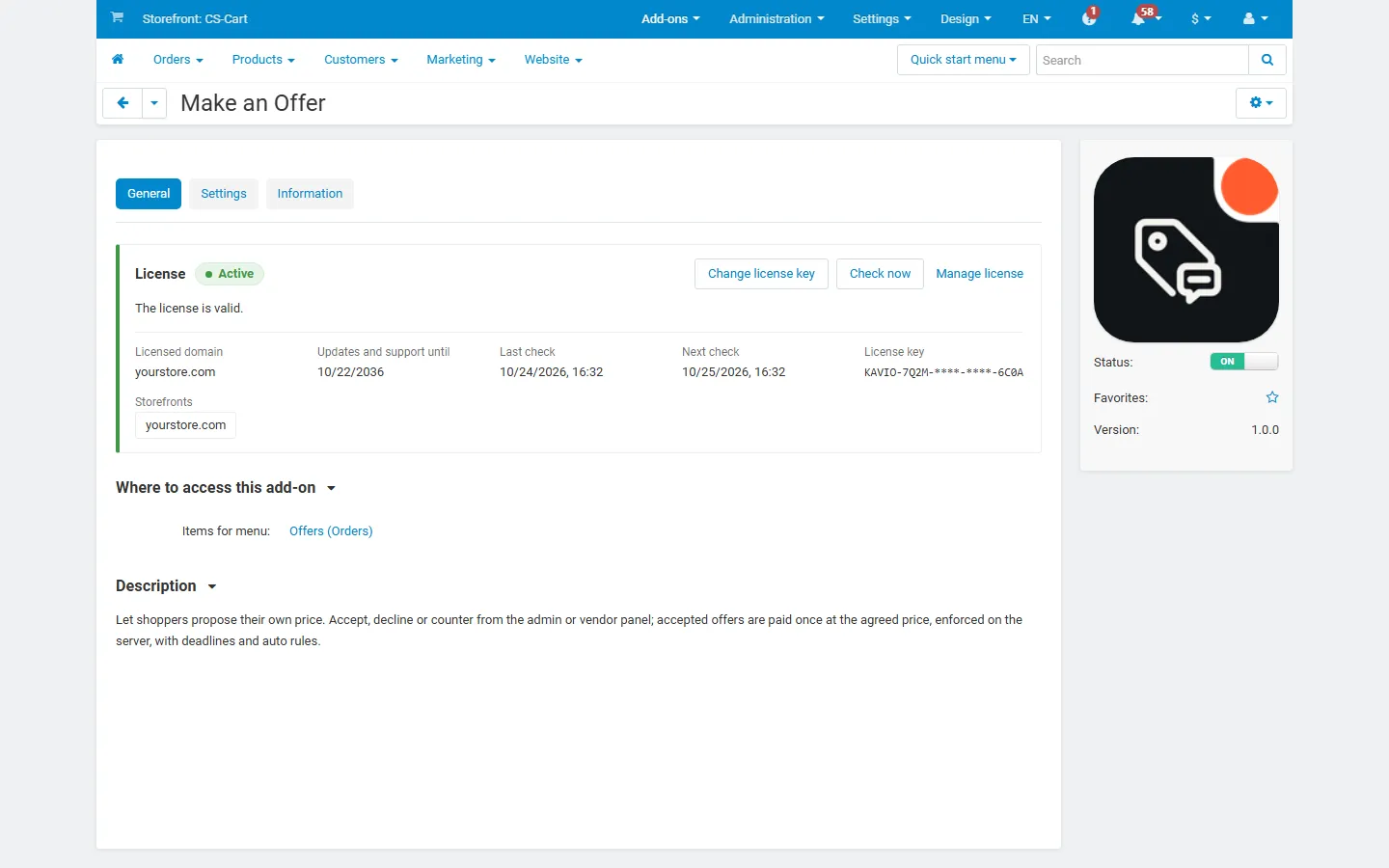
License card on the add-on page.
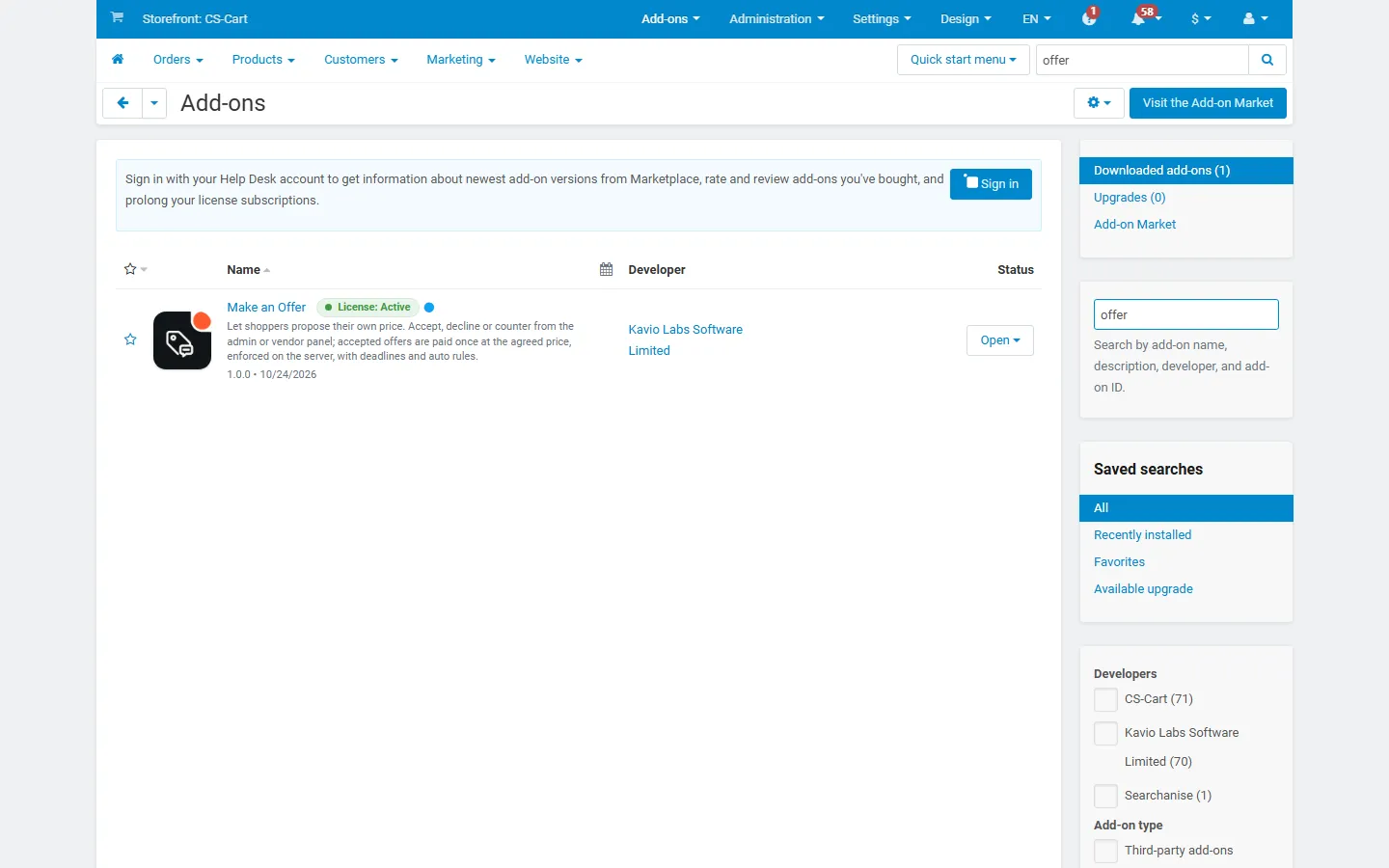
Add-ons list with the add-on active (placeholder icon until integration).
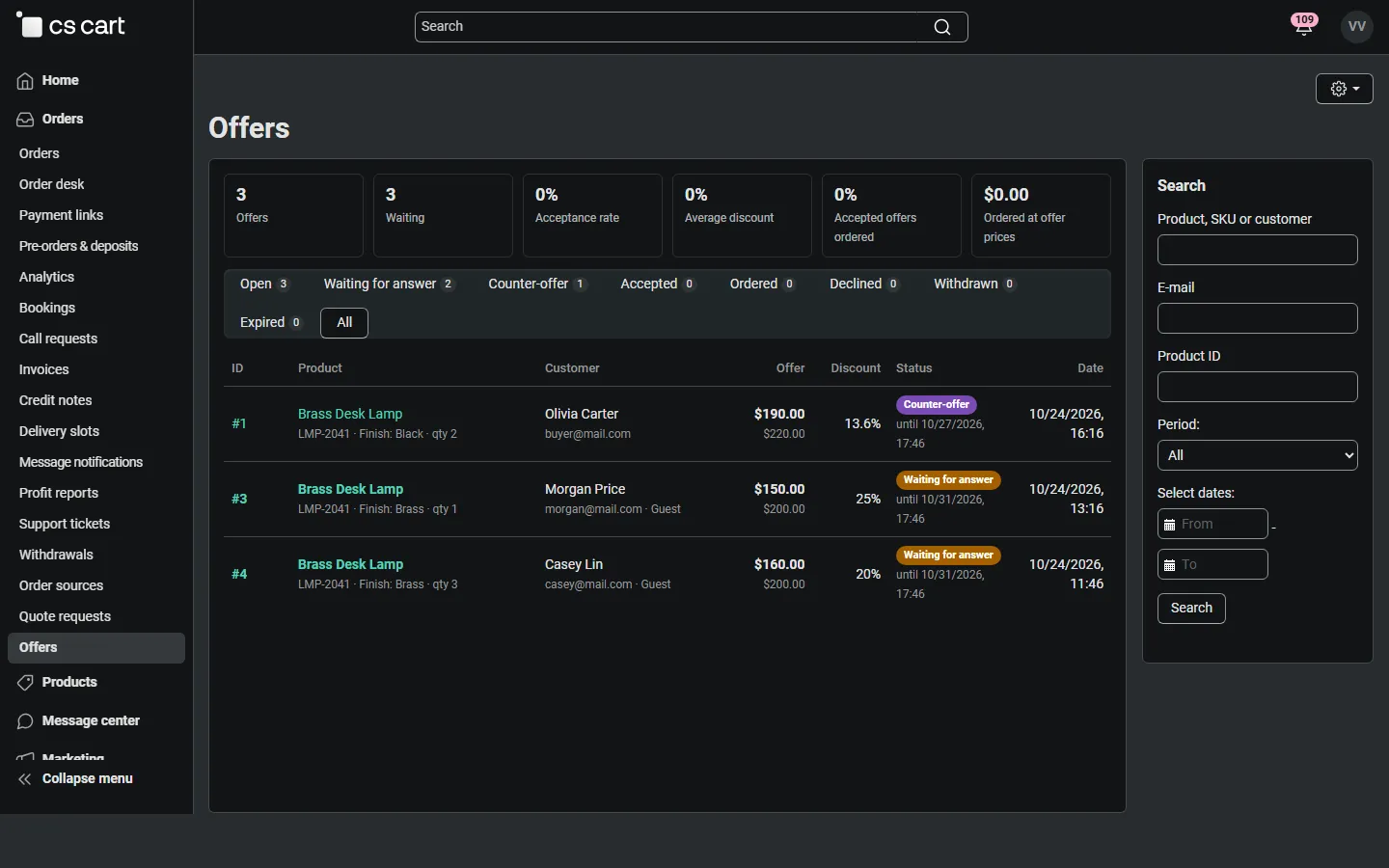
Vendor panel (mv421): offers on the vendor’s own products only.
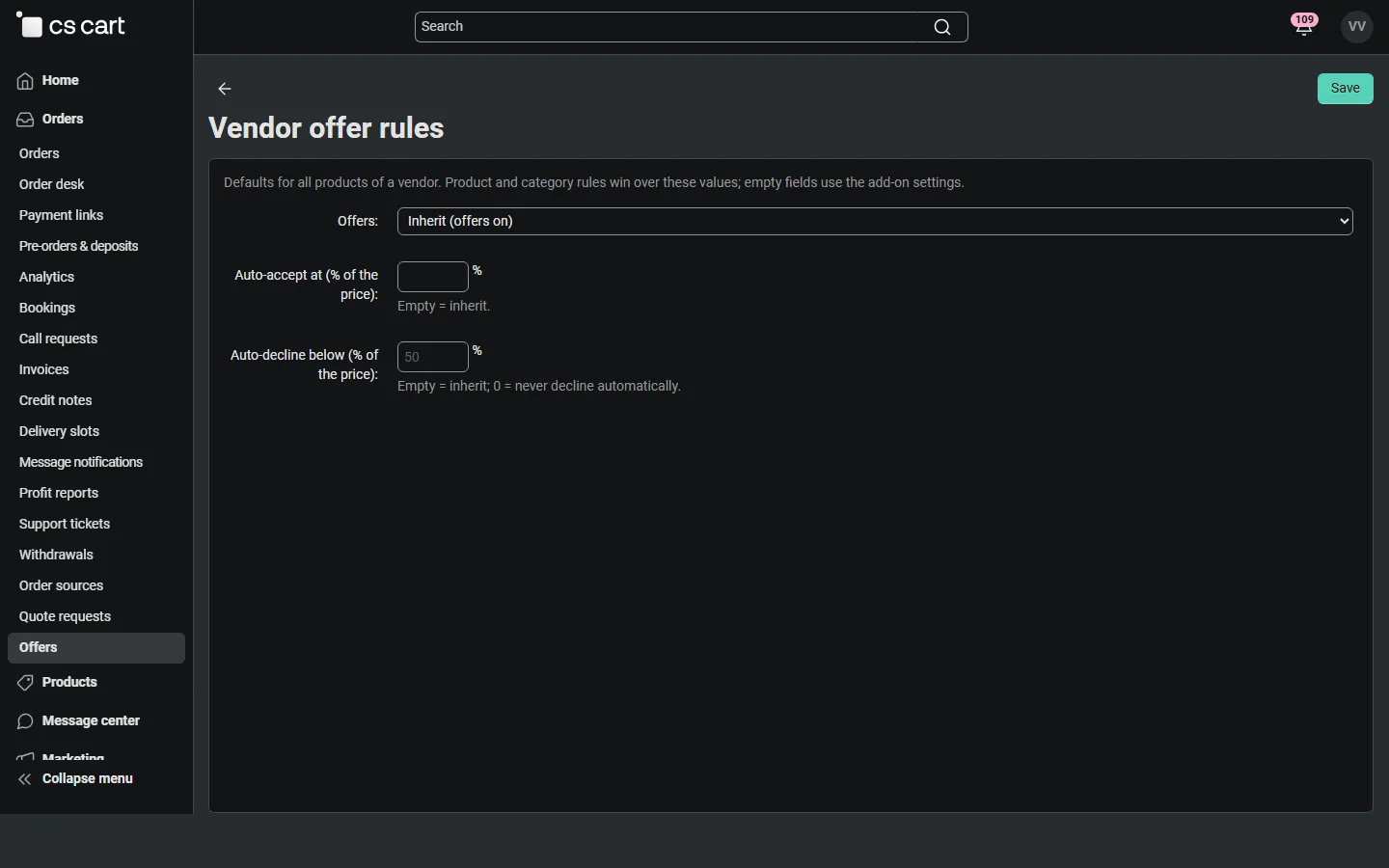
Vendor panel (mv421): vendor offer rules.